Auto Repair Invoice Form Template
Create consistent, complete repair invoices that capture labor, parts, and authorization in one process.



Auto repair shops that build invoices manually or from memory at the end of the job often find discrepancies between what was discussed, what was done, and what gets billed. Customers dispute charges they don't recognize. The shop misses billable items. Getting paid takes longer than the repair itself.
A structured repair invoice form walks service advisors through each element of the invoice: customer and vehicle information, services performed, parts used with part numbers and prices, labor hours and rates, and any additional charges. Capturing this information digitally at the point of completion rather than reconstructing it later produces more accurate invoices. Customer authorization for additional work can be collected through the same form or a linked consent step, creating a clear paper trail.
Customize the form for your shop's service categories and labor rates, connect it to your accounting or invoicing tool, and use submissions to generate invoices automatically through a document generation integration.
It's a form used by auto repair shops to record the services performed, parts used, labor hours, and total charges for a vehicle repair job. It serves as the basis for the customer invoice and as the shop's service record for the vehicle.
Building invoices from memory or casual notes at the end of a job creates billing errors and disputes. A structured form captures every billable element at the point of completion, reducing missed charges and giving customers a clear, itemized breakdown that builds trust.
A complete repair invoice form should capture customer, vehicle, and service information. Key fields include:
- Customer name and contact information
- Vehicle make, model, year, and VIN
- Mileage at service
- Each service performed with description and labor hours
- Parts used with part number, description, and unit price
- Labor rate and total labor charges
- Tax, shop fees, and total amount due
Add a section to the form for additional work authorization, where the service advisor documents what was discovered during the repair, the estimated cost of the additional work, and the customer's decision. This creates a record of what was discussed and agreed to before the additional work was performed.
Connect Typeform to a document generation tool like Documint, Pandadoc, or Invoice Ninja through Zapier. Each completed form submission triggers the generation of a formatted invoice document that's automatically emailed to the customer and stored in your system. This removes manual invoice creation from the post-repair workflow entirely.
Get inspired by relevant templates and categories
3200+ Templates, 300+ Integrations
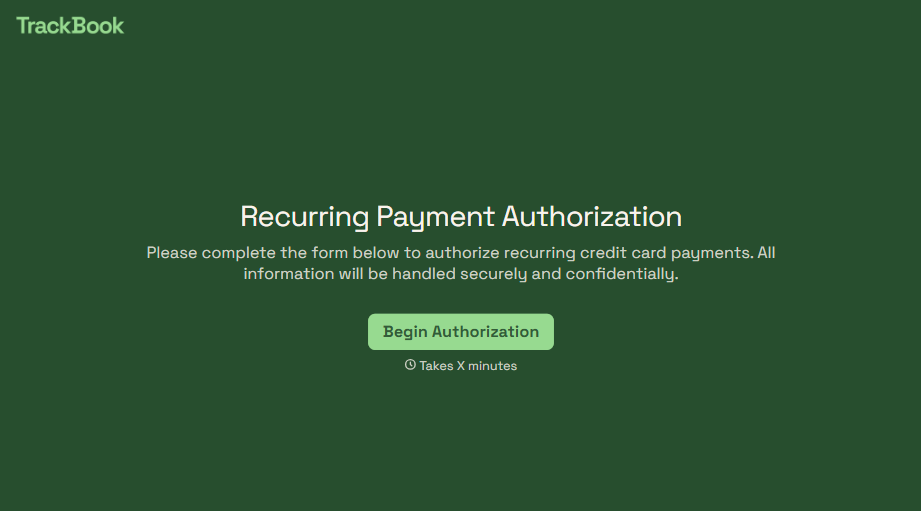
Recurring Credit Card Authorization Form
An authorization that just says "I agree to be charged monthly" doesn't survive a chargeback dispute. The bank's going to ask, charged for what, how much, and how often, and vague language doesn't answer any of that. Spell out the amount, the frequency, and the cancellation terms in writing, before the first charge goes through.
View template
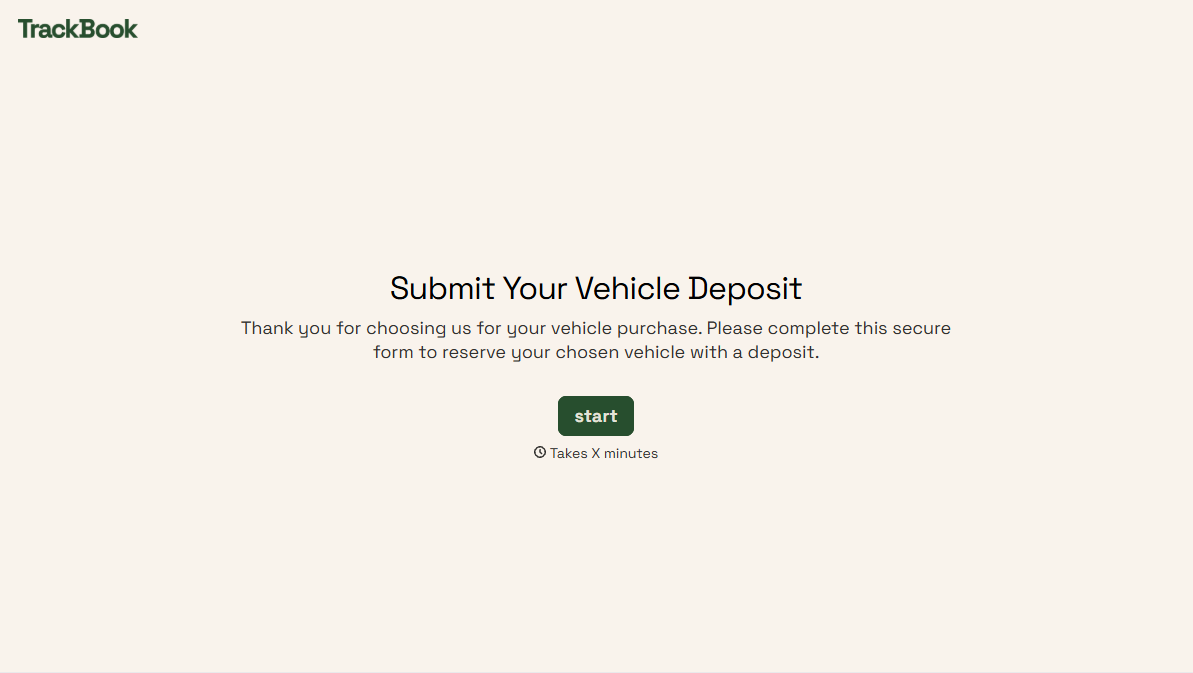

With Typeform, you can customize everything
Change text, colors, and even logos to match the look and feel of your brand. Then embed forms smoothly onto web and email.
Make forms feel effortless to fill out. Pace questions, call people by their name, and adapt the flow based on the data they share.
Stay efficient by connecting forms to your workflow. Typeform integrates with 300+ tools including Slack, Zapier, and HubSpot.


