Brokers Open Feedback Form
The agents touring your listing know exactly who their buyers are. Collect their honest pricing and buyer fit feedback before they leave.



Verbal feedback from broker's open events is vague, inconsistent, and gone by the time you're back at the office. Without structured agent input, pricing decisions and listing improvements are based on guesswork rather than professional market perspective. Typeform's brokers open feedback form template gives listing agents a consistent way to collect structured input from every attending agent.
The form captures price opinion, condition notes, target buyer profile, and likelihood of showing the property, all in one submission. The one-question-at-a-time format keeps agents moving quickly, so feedback gets submitted before they leave the event. Conditional logic digs deeper based on each agent's responses. An agent who flags the price sees a follow-up asking for their recommended list price, making every response actionable.
Customize the form to include your listing's address, specific features you want feedback on, and your brokerage's branding. Post a QR code at the event, email it to registered attendees, or send it as a link on arrival. Responses log in Google Sheets or Airtable via Zapier, giving you consolidated pricing feedback and agent impressions in one view. Take the guesswork out of pricing conversations with data from the agents who know the market best.
A broker's open feedback form is a structured digital questionnaire that collects professional impressions from real estate agents attending a listing preview event. It captures price opinions, condition notes, target buyer assessments, and likelihood of showing the property to active clients in a single submission. Think of it as the professional market pulse your listing needs before it goes to the public.
Verbal feedback at broker's open events is easy to dismiss, hard to remember, and impossible to aggregate across multiple agents. A structured form captures consistent, documented input from every attendee, so your pricing and marketing decisions reflect professional market consensus. It also gives sellers concrete evidence to consider when discussing price reductions or listing improvements.
Screen for the right information from the start:
- Attending agent's name, brokerage, and contact details
- Overall impression of the property (excellent/good/fair/poor)
- Price opinion (appropriately priced/overpriced/underpriced)
- Recommended list price if agent flagged as overpriced
- Condition and presentation notes
- Target buyer profile (first-time buyer, investor, upsizer, etc.)
- Likelihood of showing to current clients
- Suggested improvements before public open
Print the form's QR code and display it at the entrance so agents can scan and respond while the property is fresh. Send a follow-up link to the agent sign-in list within a few hours for anyone who didn't respond on-site. Keeping the form short and mobile-friendly is the best way to maximize completion before agents move on to their next appointment.
Export responses to Google Sheets or Airtable and review price opinions as a group — if more than half of attending agents flag the listing as overpriced, that's a stronger case for a price adjustment than any single opinion. Use condition and presentation notes to prioritize improvements before the public open. Share the aggregated feedback summary with your seller so pricing and staging conversations are grounded in professional agent input, not just your recommendation.
Get inspired by relevant templates and categories
3200+ Templates, 300+ Integrations
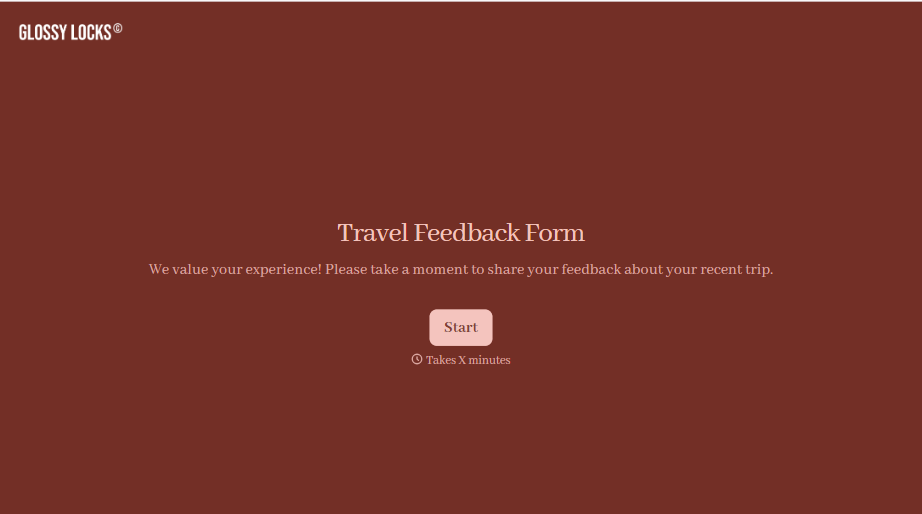
Travel Feedback Form
A quick "so, how was the trip?" when someone's back in the office doesn't tell your travel team which hotel to stop booking or which flight change actually caused the headache. Collect what your team actually needs, trip details, what worked, and what didn't, once the traveler's had a minute to think about it.
View template
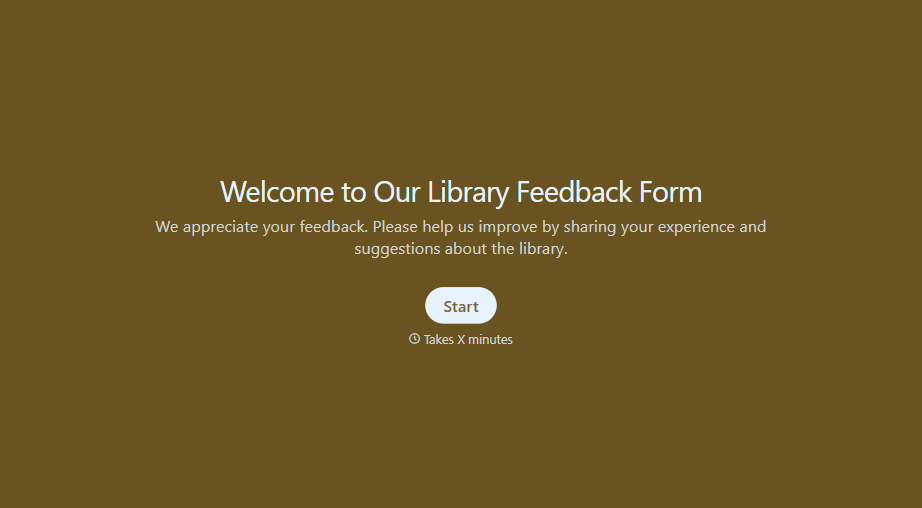
Library Feedback Form
A comment card dropped in a suggestion box isn't a channel your staff can act on quickly, especially when nobody can tell if it's about a broken chair or a request for more audiobooks. Collect the specific feedback, which branch and department it concerns, and a way to follow up before the card gets buried under next week's stack.
View template

Travel Agency Feedback Form
A generic satisfaction survey emailed three weeks after a trip isn't the kind of feedback an agency can act on, especially once the specifics of a rough hotel transfer have faded. Collect feedback on the specific parts of a trip while it's still fresh, so a complaint that needs immediate follow-up doesn't sit behind a stack of routine responses.
View template
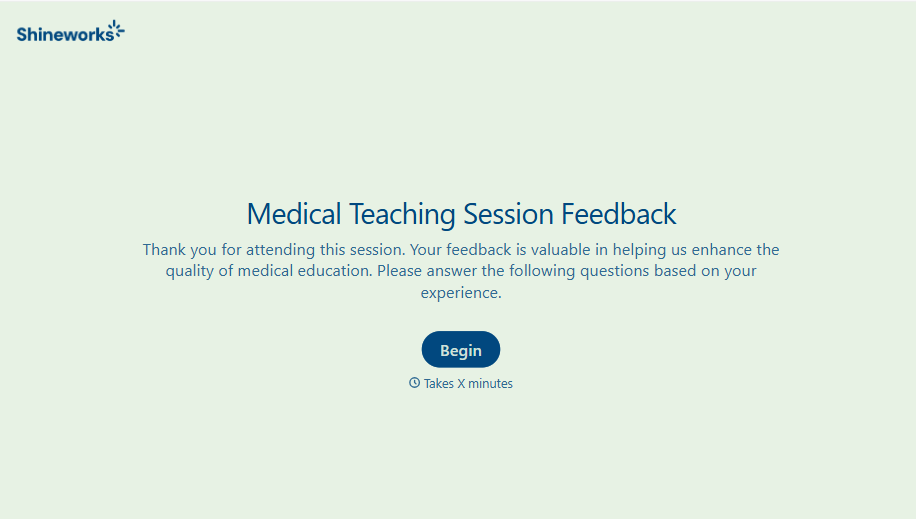
Medical Teaching Feedback Form
An evaluation handed out on the last day of a rotation, filled out in the hallway before everyone scatters, isn't the kind of feedback that helps a program improve teaching quality. Collect specific, timely feedback on teaching encounters before it fades into a generic "good rotation" comment.
View template
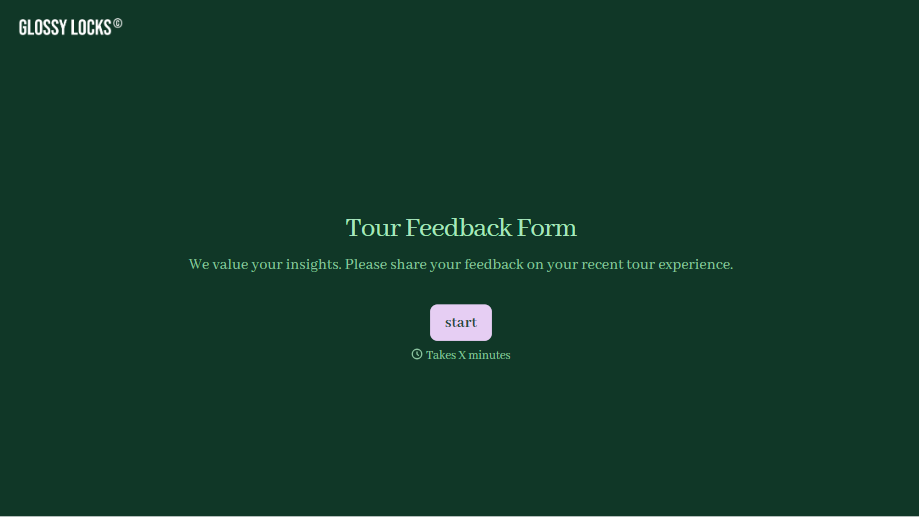
Tour Feedback Form
"How was it?" asked by the guide standing right there at the end of the tour gets a polite "great, thanks" whether the tour actually was great or not. Collect what your team actually needs, which tour and guide, and honest feedback, after the group's already walked away.
View template

With Typeform, you can customize everything
Change text, colors, and even logos to match the look and feel of your brand. Then embed forms smoothly onto web and email.
Make forms feel effortless to fill out. Pace questions, call people by their name, and adapt the flow based on the data they share.
Stay efficient by connecting forms to your workflow. Typeform integrates with 300+ tools including Slack, Zapier, and HubSpot.


