Virtual Event Feedback Survey
First impressions can make or break a virtual event. Find out what attendees thought of the content, speakers, and platform, before that impression fades.



Virtual events strip away the cues you'd pick up in a physical room. You can't see who's confused, bored, or quietly clicking away to their inbox. An event can miss the mark entirely while the attendance count still looks great. Typeform's virtual event feedback survey template gives organizers a clear way to hear what worked and what didn't.
The survey captures the whole experience: content quality, speakers, the platform, engagement, and whether the event was worth their time. Typeform asks attendees one question at a time, so they give real feedback instead of rushing a long form. Conditional logic adapts the survey based on each attendee's answers. Someone who dropped off early explains which aspect confused them, while an engaged attendee names the session that stood out.
Customize the questions to fit your event format, whether a webinar, a summit, or a workshop. Send it the moment the event ends, embed it on the thank-you page, or email it the next day. Every response flows into Google Sheets or Airtable via Zapier, so you see exactly which speakers and topics fell flat. You plan your next event around what attendees actually enjoy and value, not what you hope they’ll like.
A virtual event feedback survey measures how attendees experienced your online event. It captures reactions to content, speakers, the platform, engagement, and overall value. Organizers that run virtual event feedback surveys consistently improve each event and keep attendees coming back.
Gauging a virtual audience is far harder than a live one, so you can repeat what failed without knowing. Attendance quietly falls with each session, and word spreads that your events aren't worth the calendar slot. A virtual event feedback survey fills in what you couldn't read live, so every event gets better based on real data.
Cover the whole event experience:
- How useful and relevant the content was
- The quality and delivery of the speakers
- How smooth the platform and tech felt
- Whether attendees stayed engaged throughout
- Whether the event was worth their time
Send it the moment the event ends, while the sessions are still fresh in mind. Embed it on the closing screen or thank-you page, so attendees respond before they close the tab. Feedback captured in the moment is far more detailed than a survey emailed days later.
Ask attendees to rate each session, so you see exactly which speakers and topics landed. Use conditional logic to follow up on the ones they rated poorly, and learn what fell flat. Session-level feedback tells you what to keep, cut, or rebook for next time.
Get inspired by relevant templates and categories
3200+ Templates, 300+ Integrations
Post-Event Feedback Survey Form
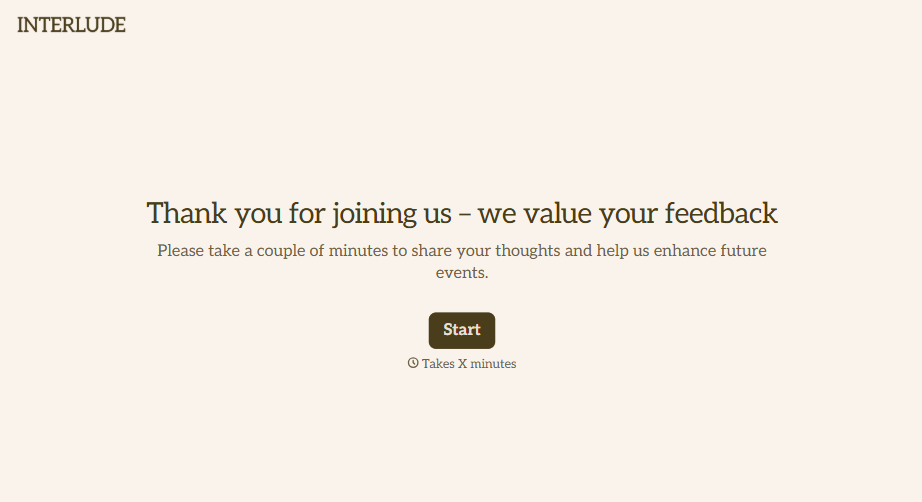
A post-event survey sent three days later, after everyone's back in their normal inbox and the badge is already in a drawer, gets a trickle of responses from whoever happens to open it. Ask while the experience is still fresh, and ask more than "how satisfied were you."
View template
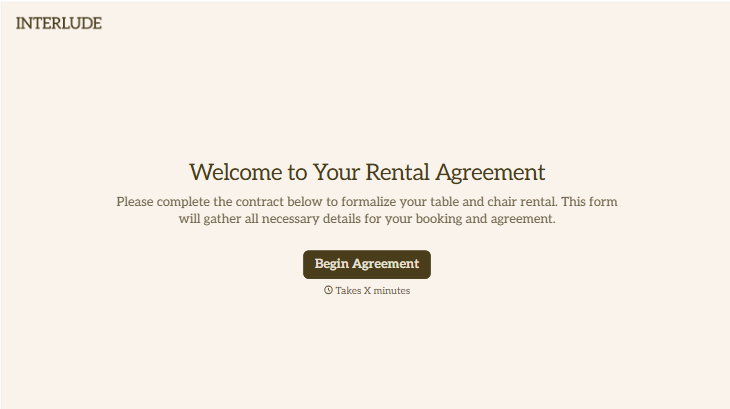
Table and Chair Rental Agreement Form
Move past a handshake and a hastily texted headcount. Document who's responsible for damage, confirm the equipment's warranty is disclaimed the way the law actually requires, and keep a timestamped record of exactly what was rented and returned in what condition.
View template

With Typeform, you can customize everything
Change text, colors, and even logos to match the look and feel of your brand. Then embed forms smoothly onto web and email.
Make forms feel effortless to fill out. Pace questions, call people by their name, and adapt the flow based on the data they share.
Stay efficient by connecting forms to your workflow. Typeform integrates with 300+ tools including Slack, Zapier, and HubSpot.


