Cheerleading Demerit Form Template
Give coaches a consistent way to document team rule violations and follow-up actions. Record what happened, the policy involved, and the cheerleader’s response so expectations and next steps are clear.



A cheerleader arrives late to practice, but the reason hasn’t been discussed. Another misses a team responsibility, and the details are passed between coaches by text. A cheerleading demerit form template brings the record together before the incident becomes harder to reconstruct.
Coaches identify the relevant team rule, describe what they observed, and record any demerits assigned under the team’s policy. Include space for the cheerleader’s explanation and any follow-up conversation. Keep the incident description factual so the record explains the behavior and circumstances.
Your coaching team gets a consistent reference for reviewing incidents. Cheerleaders get a clearer account of the concern and an opportunity to respond. The next conversation can focus on expectations, support, and what needs to happen next.
A cheerleading demerit form template documents a team rule violation and any demerits assigned through an established policy. It records the incident, the rule involved, and the follow-up. Coaches and program coordinators use it to keep disciplinary records consistent and communicate expectations.
Informal notes can leave out important context or make similar incidents difficult to compare. A structured form prompts coaches to record the same essential details each time. It also gives the cheerleader’s explanation a place alongside the coach’s observations.
Align the fields with your team’s published rules and review process:
- Cheerleader’s name and team
- Incident date, time, and location
- Reporting coach or staff member
- Factual description of what happened
- Relevant team rule or policy
- Cheerleader’s explanation or response
- Demerits assigned and the policy basis
- Follow-up actions and review date
- Notification or acknowledgment details, where applicable
Keep records accessible only to the people responsible for handling them.
Use the same published criteria for comparable situations and review the circumstances before assigning demerits. Distinguish direct observations from information reported by someone else. Give the cheerleader an opportunity to respond, and explain how they can request a review if they believe the record is inaccurate.
Yes, where your program’s process calls for it. Provide a clear account of the incident, the action taken, and who to contact with questions. Make clear whether a signature confirms receipt rather than agreement, and include space for a response if appropriate.
Get inspired by relevant templates and categories
3200+ Templates, 300+ Integrations
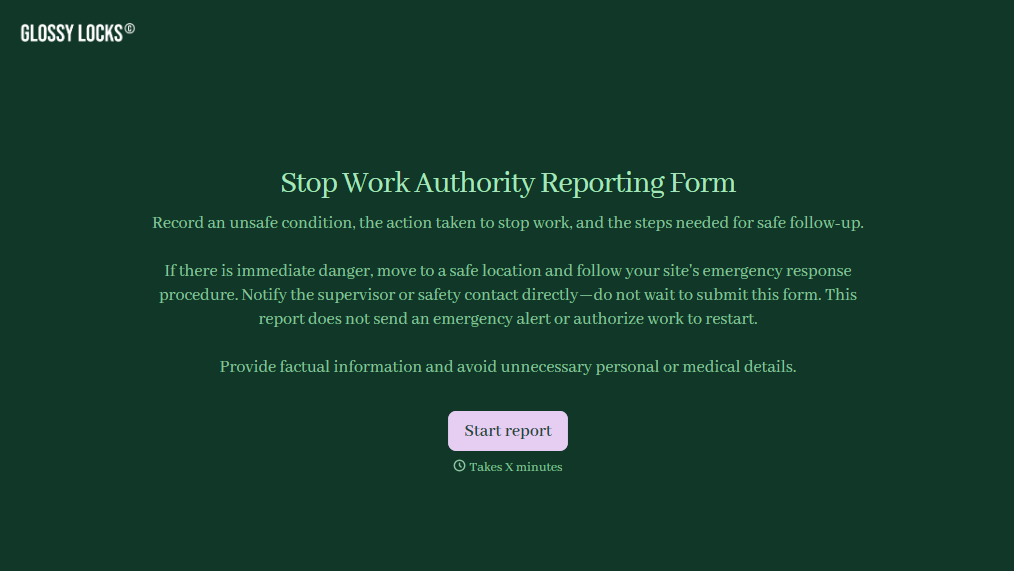
Stop Work Authority Reporting Form
Give employees a straightforward way to report unsafe working conditions and document stop work decisions with a form that collects hazard details, incident locations, and corrective actions. Keep safety reports organized so supervisors can address workplace risks, track resolutions, and support a safer working environment.
View template

Officer Daily Patrol Checklist Form
Give security teams and law enforcement agencies an easy way to document daily patrol activities with a form that collects officer information, inspection results, and incident details. Keep patrol records organized so supervisors can monitor assigned duties, identify safety concerns, and maintain accurate documentation of daily operations.
View template

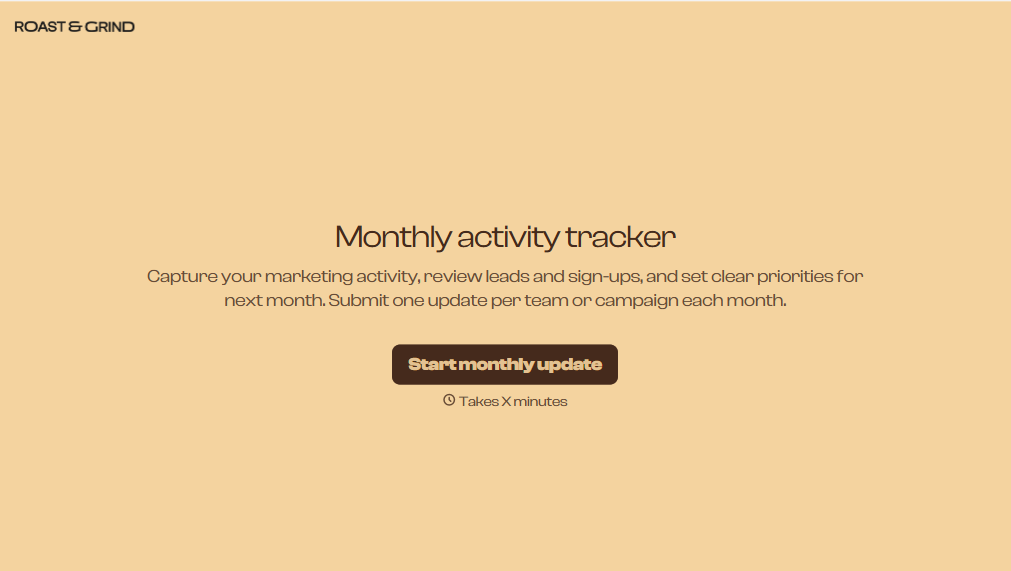
Monthly Activity Tracker Form
Give users a simple way to track monthly activities with a form that collects completed tasks, progress updates, and activity details. Keep all the records organized so individuals and teams can monitor performance, identify patterns, and stay on track with their goals.
View template
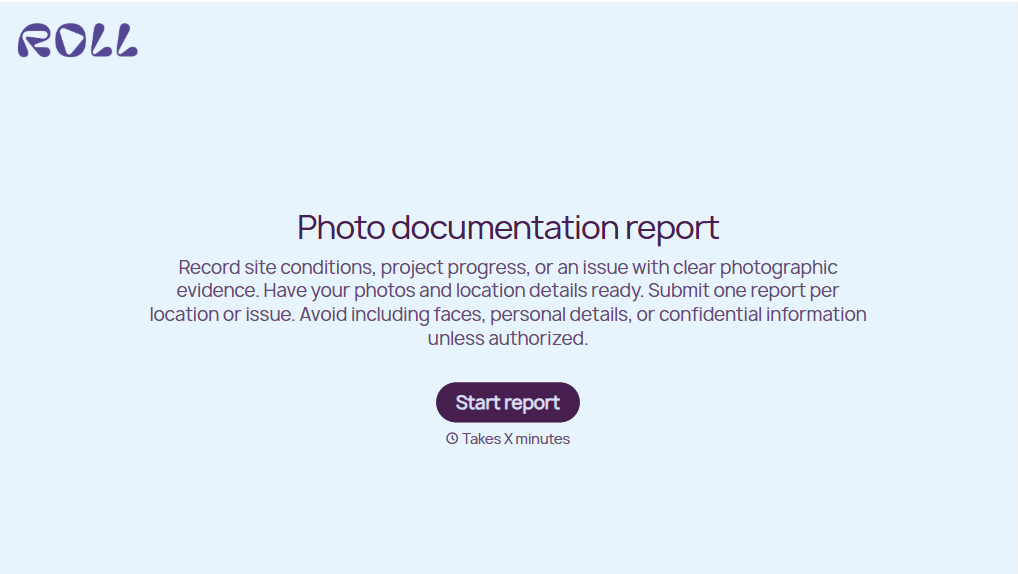
Photo Documentation Report Form
Give teams a straightforward way to document projects, inspections, and incidents with a form that collects photographs, descriptions, and location details. Keep visual records organized so your team can track conditions, verify completed work, and maintain accurate documentation for future reference.
View template
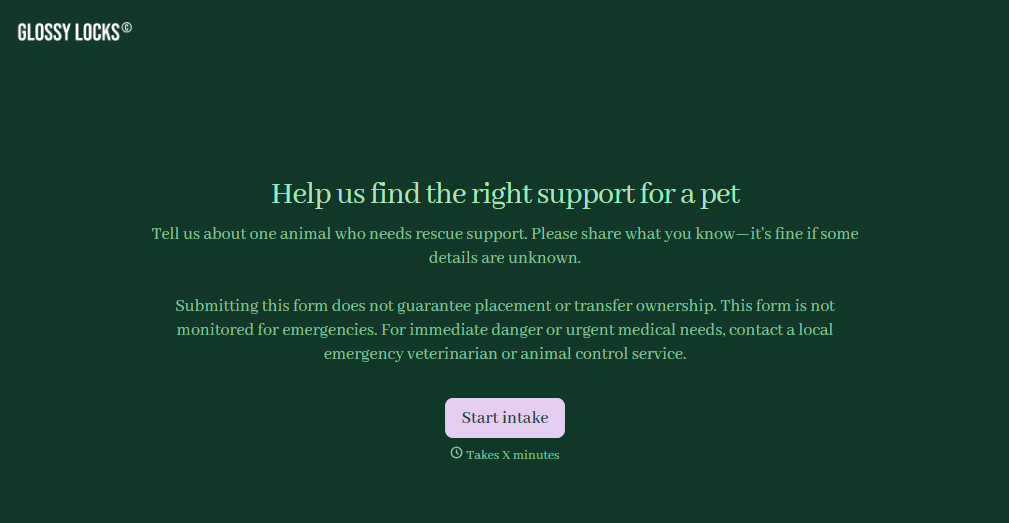
Pet Rescue Intake Form
Give animal rescue organizations a straightforward way to collect information about animals entering their care with a form that gathers pet details, medical history, and behavioral needs. Keep intake records organized so rescue teams can assess each animal's condition, coordinate veterinary care, and prepare for safe placement in foster homes or shelters.
View template
With Typeform, you can customize everything
Change text, colors, and even logos to match the look and feel of your brand. Then embed forms smoothly onto web and email.
Make forms feel effortless to fill out. Pace questions, call people by their name, and adapt the flow based on the data they share.
Stay efficient by connecting forms to your workflow. Typeform integrates with 300+ tools including Slack, Zapier, and HubSpot.


