Client Feedback Form Template
Give your clients a clear channel to tell you what's working and what's not, so you can act before small issues become big problems.



Here's a common trap in client services: you deliver the work, the client says, "looks great," and you move on, never knowing whether "looks great" meant genuine satisfaction or polite tolerance. Without a structured feedback mechanism, you're relying on sporadic emails and gut instinct to gauge the relationship. That works until it doesn't.
This client feedback form template gives clients a dedicated, low-friction way to share their thoughts after projects, milestones, or at regular intervals. The conversational format encourages more detailed responses than a typical survey grid. Conditional logic adjusts follow-up questions based on how they rate different aspects. High ratings prompt "what made this great?" while low ratings ask "what would you change?" Integrate with Slack for instant team alerts or Google Sheets for ongoing tracking.
Tailor the questions to your service model, add your brand elements, and share. Whether you're an agency, consultancy, or freelancer, this template gives you structured insights you can actually use to improve.
A client feedback form is a structured tool for collecting input from clients about their experience working with you. Unlike a broad satisfaction survey, a feedback form often focuses on specific projects, interactions, or time periods. It captures what went well, what didn't, and what the client would like to see in future engagements.
Feedback is the fastest path to improvement, and the strongest signal for retention risk. Clients who feel heard are more likely to stay, refer, and expand their engagement. Systematically collecting feedback also gives you data to improve processes, train team members, and build case studies from genuinely positive experiences.
Keep it focused and actionable:
- How would they rate the quality of work delivered
- Was the project completed within the agreed timeline
- How effective was communication throughout the engagement
- Did the outcome meet or exceed their expectations
- What would they change about the experience
- Any additional comments or suggestions
Acknowledge every response, even if it's positive. For critical feedback, reach out personally within 48 hours to discuss and show you're taking it seriously. For positive feedback, express genuine gratitude and ask if they'd be open to providing a testimonial. The follow-up matters as much as the collection.
Client feedback forms tend to be more specific and project-focused. "How did this engagement go?" Client satisfaction surveys measure the broader relationship — "How satisfied are you overall?" Both are valuable, and many firms use feedback forms after individual projects, alongside periodic satisfaction surveys, for the bigger picture.
Get inspired by relevant templates and categories
3200+ Templates, 300+ Integrations
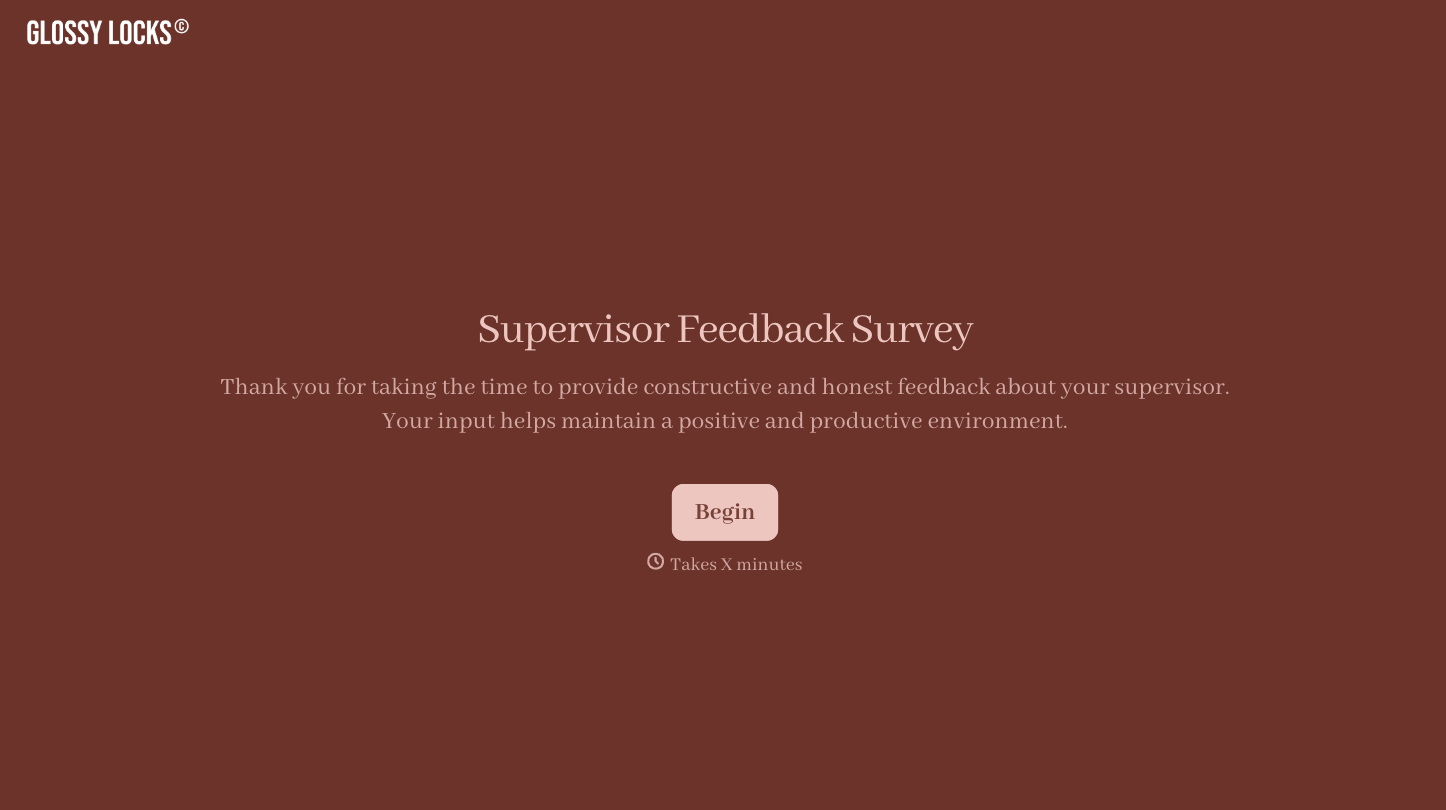
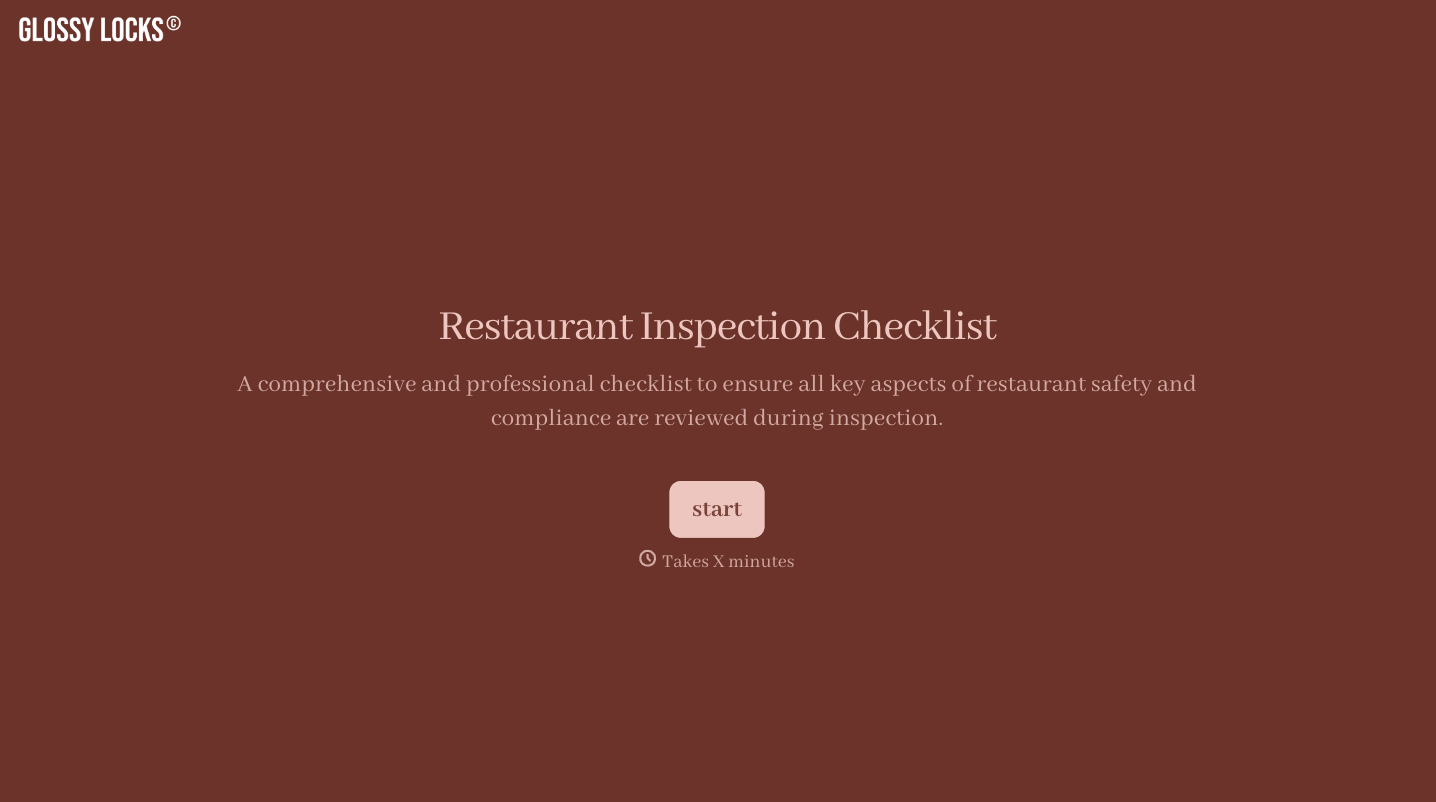
With Typeform, you can customize everything
Change text, colors, and even logos to match the look and feel of your brand. Then embed forms smoothly onto web and email.
Make forms feel effortless to fill out. Pace questions, call people by their name, and adapt the flow based on the data they share.
Stay efficient by connecting forms to your workflow. Typeform integrates with 300+ tools including Slack, Zapier, and HubSpot.


