Application for Credit Form Template
Extend credit confidently with applications that tell the full story.



Extending credit is a risk decision. And risk decisions are only as good as the data behind them. When credit applications arrive incomplete, inconsistent, or in different formats, your team spends more time chasing information than analyzing it. Meanwhile, applicants get frustrated by long wait times and unclear requirements, and some walk away to competitors who move faster.
This credit application form template standardizes the information you collect from every applicant — individuals or businesses, so your underwriting team gets consistent, complete submissions. Typeform's conditional logic routes personal and commercial applicants down different paths, showing relevant fields for each. The one-question-at-a-time format improves accuracy because applicants focus on one question at a time instead of scanning a cluttered document.
Connect submissions to your CRM or credit management system through integrations, trigger automated acknowledgments, and start the underwriting process with clean data from the start.
A credit application form is a document used by lenders, suppliers, and financial institutions to collect the financial and personal information needed to evaluate an applicant's creditworthiness. It typically captures income, employment details, existing debt obligations, banking information, and trade references. The data collected forms the basis for credit decisions — approval, denial, or conditional approval with specified terms.
Consistency and speed. When every application arrives in the same format with the same required fields, your team can process them faster and more accurately. Applicants benefit too — clear instructions and a guided format reduce errors and prevent the back-and-forth that slows everything down. A well-structured application also protects you legally by documenting what information was disclosed and when.
- Applicant's legal name, address, and contact information
- Social security number or business tax ID
- Employment details and annual income
- Existing debt obligations and monthly payment amounts
- Banking information (institution, account type, length of relationship)
- Trade references or business references (for commercial applications)
Sensitive financial data. SSNs, income details, banking information. Requires serious data handling. Typeform encrypts data in transit and at rest. Beyond that, limit who has access to raw submissions. Consider using Typeform's integration with secure vaults or encrypted databases for storing sensitive fields. Communicate your data protection practices clearly in the form's privacy notice, and comply with applicable regulations like GLBA, FCRA, or GDPR.
Yes, and the template is designed for it. Use a branching question at the start: "Are you applying as an individual or a business?" Conditional logic then shows the appropriate field set. Personal applicants provide income and employment details. Business applicants provide revenue, years in operation, trade references, and ownership structure. One form, two tailored paths, one consistent process.
Get inspired by relevant templates and categories
3200+ Templates, 300+ Integrations

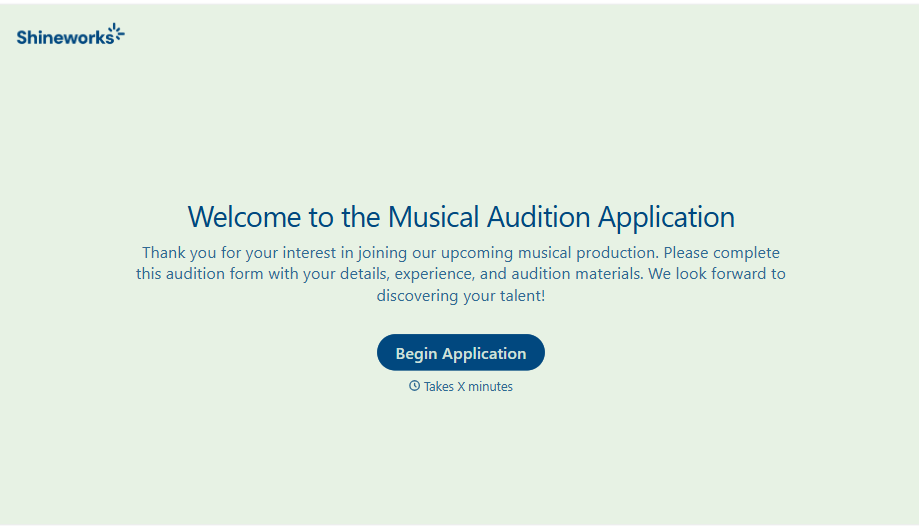
Musical Audition Form
A name scrawled on a sign-up sheet taped near the rehearsal room doesn't tell a director what role someone's after, or whether they can actually make callbacks next Tuesday. Collect what your production actually needs, contact information, role interest, and availability, before audition day arrives.
View template
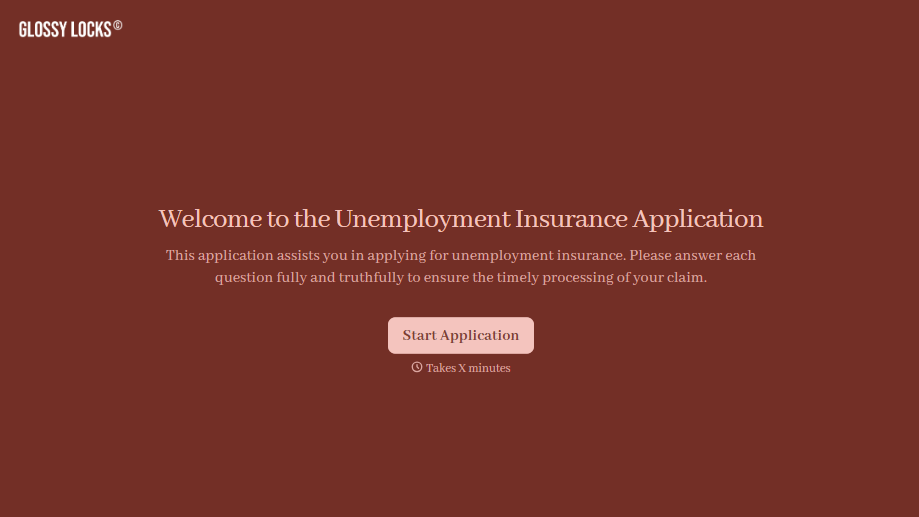
Unemployment Insurance Application Form
A stack of pay stubs gathered the morning of a filing deadline isn't the kind of preparation that gets a claim processed without delay. Collect employment history, separation details, and supporting documents before you sit down at your state's unemployment portal, so a claim doesn't stall over a missing detail.
View template

Nationality Verification Form
A self-certification buried in a stack of new account paperwork isn't the kind of record a compliance team can rely on for a regulatory filing. Collect nationality, tax residency, and a signed declaration before an account opens, so compliance isn't chasing down a customer's citizenship status after the fact.
View template
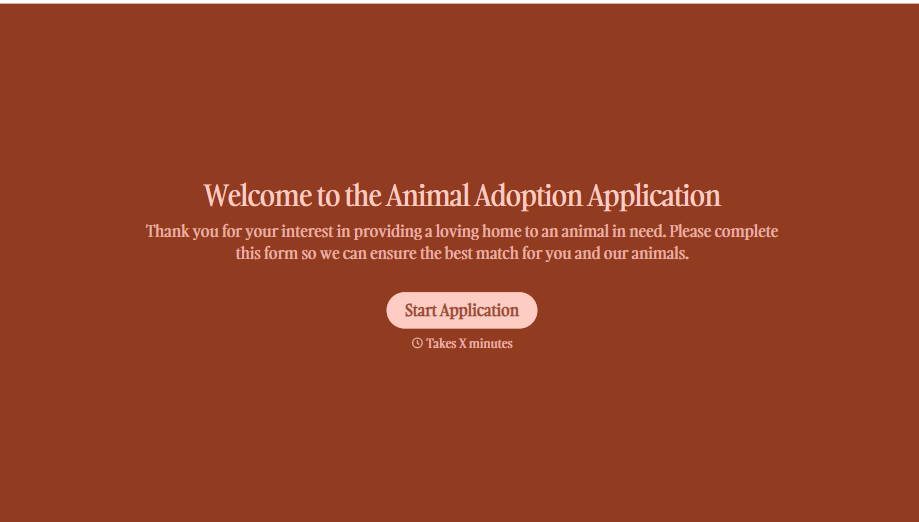
Animal Adoption Application Form
A paper application filled out at the counter while a dog's watching through the window isn't enough information to place an animal in a home that'll actually work. Collect household information, pet experience, and references before adoption day, so your staff aren't approving a placement on a rushed form.
View template

Policy Cancellation Form
A cancellation requested over the phone doesn't leave a clear record of exactly what date the policyholder actually asked for, and that date matters more than it sounds like it should. Collect what your agency actually needs, policy details, identity verification, and the requested effective date, before coverage actually ends.
View template
With Typeform, you can customize everything
Change text, colors, and even logos to match the look and feel of your brand. Then embed forms smoothly onto web and email.
Make forms feel effortless to fill out. Pace questions, call people by their name, and adapt the flow based on the data they share.
Stay efficient by connecting forms to your workflow. Typeform integrates with 300+ tools including Slack, Zapier, and HubSpot.


