Discord Mod Application Form Template
Find moderators who actually fit your community. Collect availability, experience, and conflict resolution approach before inviting anyone behind the scenes.


Picking the wrong moderator creates more problems than having none at all. A structured application gives candidates a chance to demonstrate their understanding of your community's values — and gives you a way to compare applicants on more than just how often they post. The right form surfaces the people who'll protect your community without burning out.
This template captures the applicant's Discord username, time in your server, daily active hours and timezone, previous moderation experience, how they'd handle common conflict scenarios, why they want to moderate, and any relevant skills like content creation or event management. Scenario-based questions reveal judgment far better than asking someone if they're a 'good' moderator.
Gaming communities, study servers, fan servers, and professional Discord communities use mod application forms to build structured, fair hiring processes. Share the link in your server's announcements or mod-recruitment channel. Review responses together as a team before making any decisions — a second set of eyes catches things a single reviewer might miss.
No — keep applicant lists private. Announce that applications are open and closed, and communicate decisions directly to each applicant.
Two to four is enough. More than that and genuine applicants drop off. Choose scenarios that reflect the actual problems your server faces most often.
You can make name fields optional, but mod applications usually require a Discord username to verify the applicant is actually in your server.
Collect an email address or Discord tag in the form and reach out directly. Set clear expectations in the form about when applicants will hear back.
Yes — duplicate the form for each hiring round. Update scenario questions to reflect current community challenges and archive previous responses for reference.
Get inspired by relevant templates and categories
3200+ Templates, 300+ Integrations
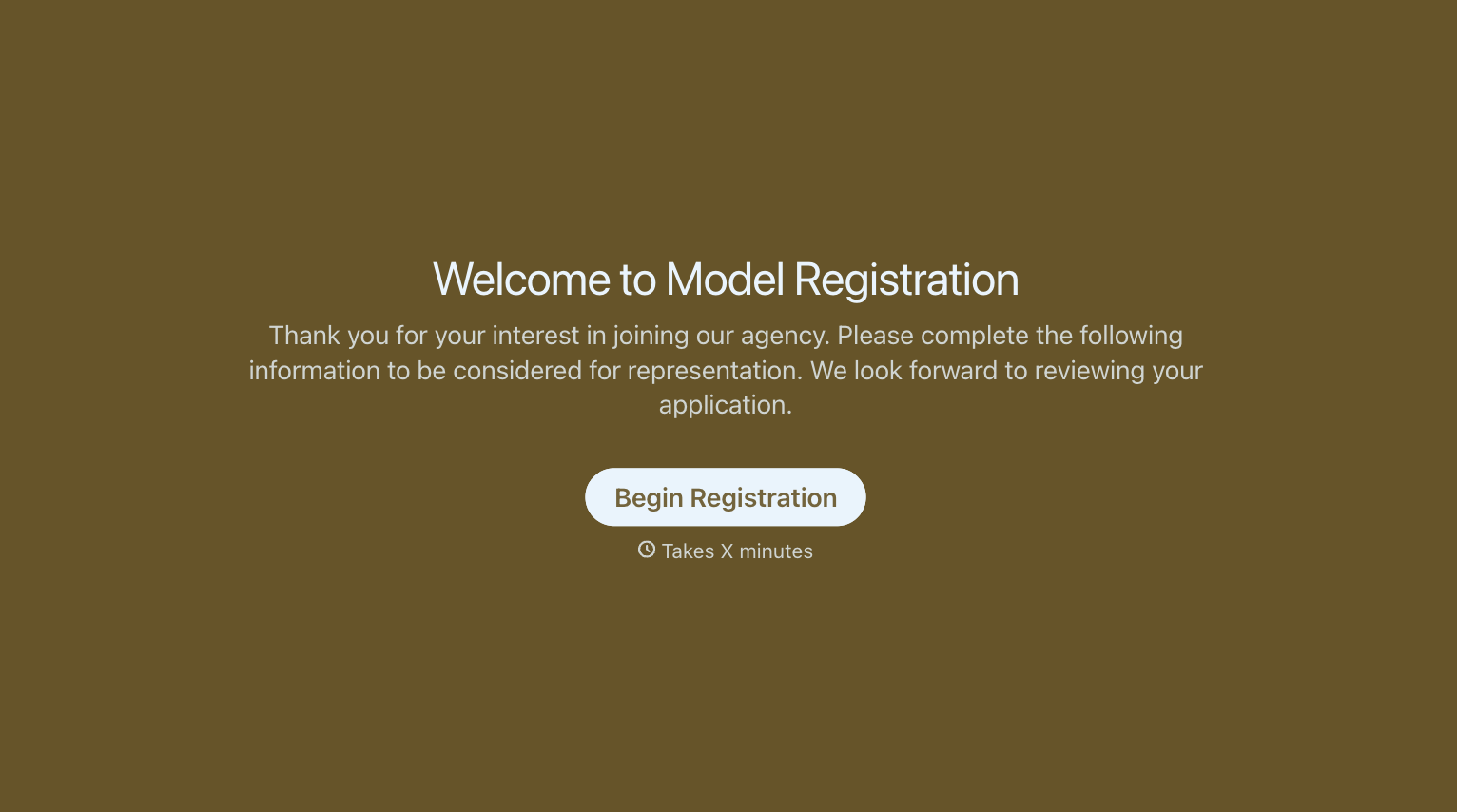
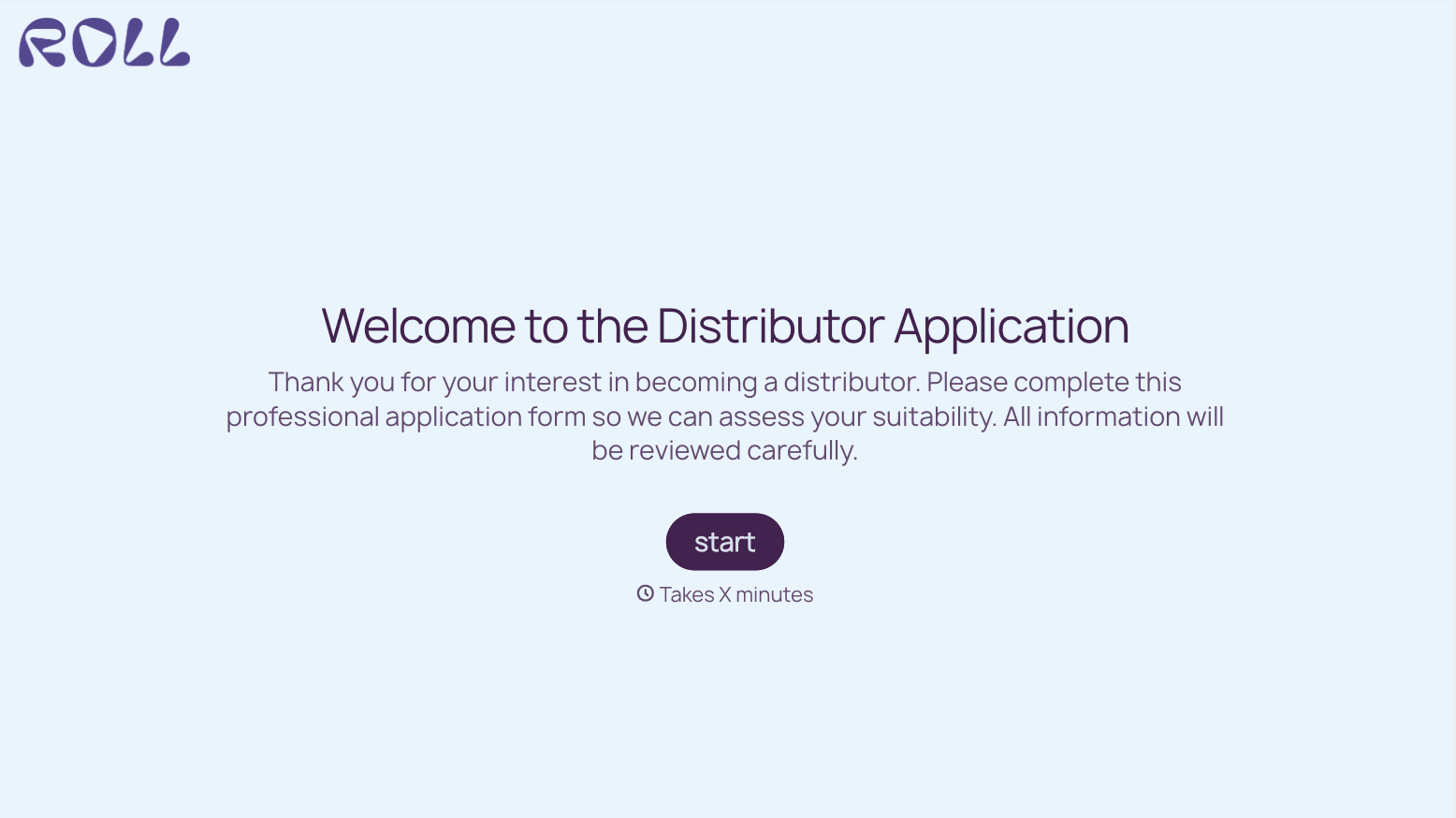
With Typeform, you can customize everything
Change text, colors, and even logos to match the look and feel of your brand. Then embed forms smoothly onto web and email.
Make forms feel effortless to fill out. Pace questions, call people by their name, and adapt the flow based on the data they share.
Stay efficient by connecting forms to your workflow. Typeform integrates with 300+ tools including Slack, Zapier, and HubSpot.


