Rotary Club Membership Application Form
Standardize how prospective members apply to your Rotary club, so your committee reviews complete applications before extending an invitation.



Rotary clubs that collect applications informally receive inconsistent profiles with missing professional backgrounds and unclear areas of interest. Without standardized intake, a committee assessing membership suitability works from different information for every candidate it considers. Typeform's Rotary club membership application form gives committees a consistent way to collect complete candidate profiles from every applicant.
The form collects personal and professional details, community involvement, areas of Rotary interest, membership preferences, and applicant references. One question appears at a time, so applicants work through each section thoughtfully rather than rushing through a dense form. Conditional logic adapts questions based on the applicant's areas of interest and preferred membership type. A candidate focused on youth programs sees different follow-up questions than one interested in vocational service or international projects.
Customize the form with your club name, membership categories, committee options, and any declaration fields your application process requires. Share it via email, embed it on your club website, or include it in your membership recruitment outreach. Every application feeds into Google Sheets or Airtable via Zapier, so your membership committee reviews submissions in one organized view. Every application tells a complete story, and your committee invites the right candidates with confidence.
A Rotary club membership application form collects the professional background, community involvement, and service interests of prospective members. It gathers applicant name, occupation, employer, community activities, areas of Rotary interest, and references in a single submission. It functions as the standard intake record your membership committee uses to assess every candidate before extending an invitation.
Assessing membership candidates without a structured application means relying on conversations and referrals rather than comparable, documented profiles. When applications arrive informally, the committee can't evaluate candidates against the same criteria or document why a decision was made. A structured application ensures every prospective member provides the same professional and community background before the committee meets to decide. Use it for new member recruitment, associate membership applications, honorary member nominations, and corporate or vocational partnership applications.
Cover the professional and community background your committee needs to assess every candidate:
- Full name, contact details, and date of birth
- Occupation, employer, and professional background
- Community involvement and volunteer experience
- Areas of Rotary interest (e.g., vocational service, youth programs, international projects)
- Sponsoring member or referral name
- References and any supporting information
Set up conditional logic to branch by membership type, so each applicant sees questions relevant to their application category. A prospective regular member sees questions about professional background, community service, and availability for club activities. A corporate or vocational partner applicant sees questions about organizational goals, partnership interests, and representative contact details instead. Your committee reviews applications already sorted by membership type before any decision is made.
Yes. Typeform's File Upload field lets applicants attach a CV, letter of support, or any documentation that strengthens their Rotary club application. Accepted file types include PDF, DOC, and DOCX, with a 10MB limit per file. Documents arrive alongside each application's profile details, so your committee reviews professional background and supporting materials in one place. File Upload is available on paid Typeform plans.
Get inspired by relevant templates and categories
3200+ Templates, 300+ Integrations
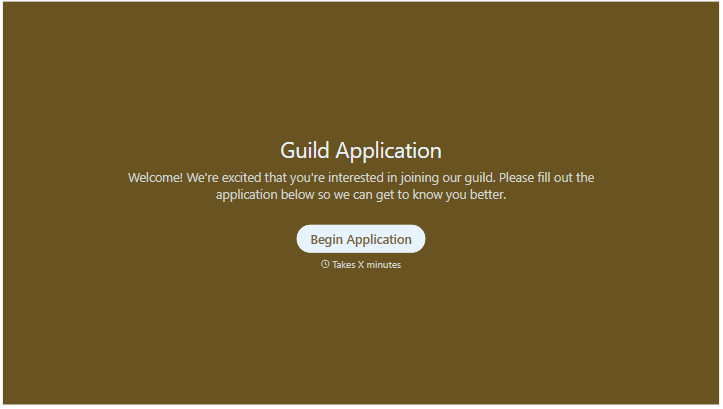

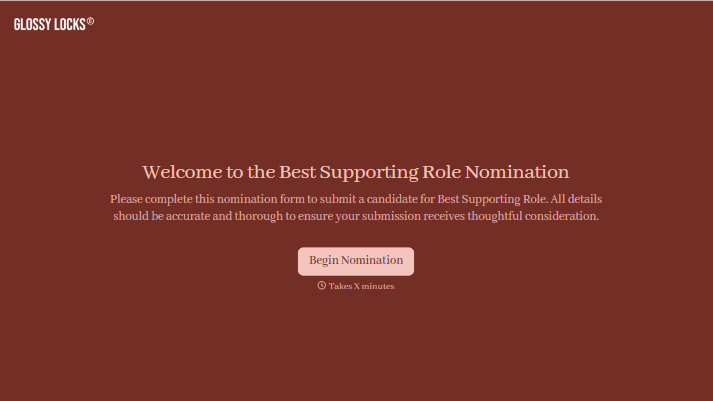

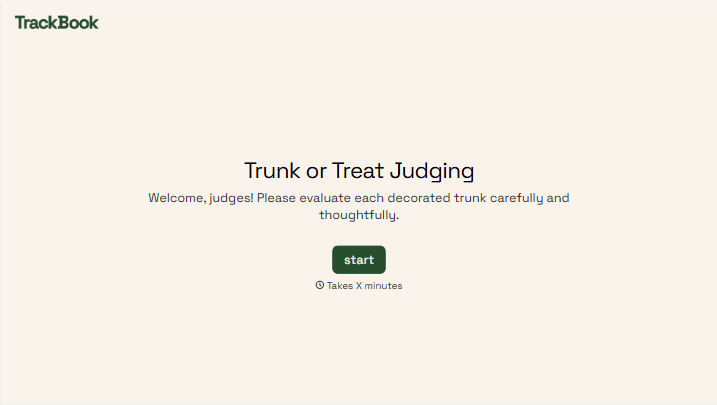
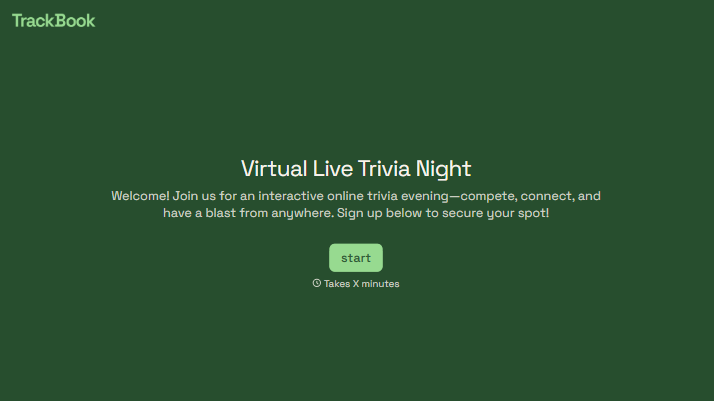
With Typeform, you can customize everything
Change text, colors, and even logos to match the look and feel of your brand. Then embed forms smoothly onto web and email.
Make forms feel effortless to fill out. Pace questions, call people by their name, and adapt the flow based on the data they share.
Stay efficient by connecting forms to your workflow. Typeform integrates with 300+ tools including Slack, Zapier, and HubSpot.


