Employee Availability Form Template
Know who's available and when, before the scheduling headache starts.



Scheduling a team shouldn't feel like solving a puzzle with missing pieces. But when you're relying on texts, emails, and hallway conversations to figure out who can work when, that's exactly what it becomes. Someone always gets overlooked, and the schedule always needs revising.
This employee availability form template collects each team member's preferred hours, days off, recurring commitments, and scheduling constraints in one clean submission. Conditional logic lets you ask different questions based on role type. A full-time employee's availability looks different from a part-timer's or a contractor's.
Share the form at the start of each scheduling period, and responses flow directly into a spreadsheet or scheduling tool. Your managers get a complete picture of team availability before building a single shift, which means fewer conflicts, fewer last-minute changes, and fewer frustrated employees.
An employee availability form is a tool that collects each team member's preferred and available working hours. It captures days they can work, times they prefer, planned time off, and any recurring commitments that affect scheduling. It gives managers the data they need to build schedules that actually work for everyone.
It's faster, more consistent, and creates a record. When availability is collected through conversation, details get forgotten or misheard. A form ensures every employee provides the same information in the same format, making it easy to compare and compile. It also creates a documented record if scheduling disputes arise later.
- Employee name and department
- Days and times available for each day of the week
- Preferred shift or schedule type
- Planned time off or vacations during the scheduling period
- Any recurring commitments (classes, childcare, second job)
- Maximum and minimum hours desired per week
That depends on your business. Retail and hospitality teams with rotating schedules may need weekly or biweekly submissions. Office teams might update quarterly or when circumstances change. Set a recurring reminder to send the form before each scheduling period so availability data is always current.
The availability form is best for upfront scheduling. For shift-swapping, you'd want a separate, simpler form where employees can request a swap, specify the shift, and name their replacement. That said, the same template structure works — you'd just adjust the questions to focus on the specific shift being traded.
Get inspired by relevant templates and categories
3200+ Templates, 300+ Integrations
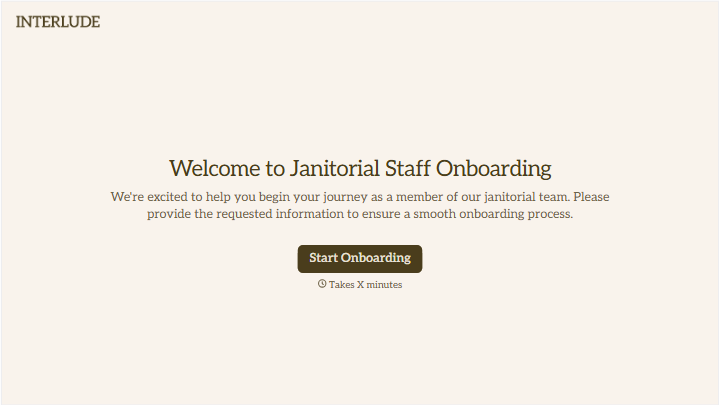
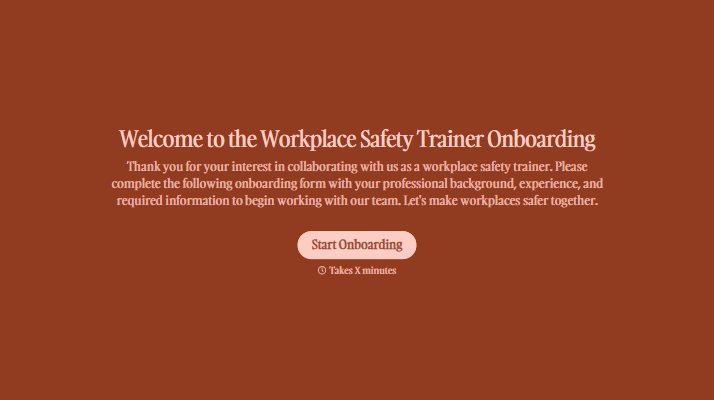
With Typeform, you can customize everything
Change text, colors, and even logos to match the look and feel of your brand. Then embed forms smoothly onto web and email.
Make forms feel effortless to fill out. Pace questions, call people by their name, and adapt the flow based on the data they share.
Stay efficient by connecting forms to your workflow. Typeform integrates with 300+ tools including Slack, Zapier, and HubSpot.


