Employee Details Form Template
Collect and organize employee information without drowning in paperwork or chasing people down.



HR teams spend a staggering amount of time collecting, organizing, and updating basic employee information: new hire onboarding, annual records updates, benefits enrollment — each one generates a stack of forms that someone has to manually enter into a system. It's tedious, error-prone, and takes HR professionals away from work that actually moves the organization forward.
This employee details form template creates a single, polished experience for collecting personal information, emergency contacts, banking details, and employment history. The one-question-at-a-time design keeps it from feeling like a bureaucratic slog, and conditional logic tailors the flow. A full-time employee sees different questions than a contractor, for example.
Share the form link during onboarding or annual information updates, and responses flow directly into Google Sheets, your HRIS, or BambooHR via Zapier — no more deciphering handwriting, scanning paper forms, or re-entering data. Employees appreciate a modern process, and your HR team gets accurate, complete records without the grunt work.
An employee details form is an HR document that collects an employee's personal, professional, and administrative information. This includes contact details, emergency contacts, tax information, banking details for payroll, and employment history. It's typically completed during onboarding but may be updated periodically to keep records current.
Manual forms create data quality issues: typos, illegible handwriting, and missing fields. Digital forms solve all of that with required fields, validation, and clean data formatting. They also save time — instead of an HR coordinator spending 20 minutes per new hire entering data into your system, integrations handle it automatically. That time adds up fast when you're hiring at scale.
- Full legal name, date of birth, and government ID number
- Home address, personal email, and phone number
- Emergency contact name, relationship, and phone number
- Bank account details for direct deposit
- Employment start date, department, and role title
- Previous employment history and relevant certifications
Absolutely. Send the form link to all employees at the start of each year or quarter, asking them to verify and update their details. Pre-populated fields aren't available natively, but you can use hidden fields with Zapier to personalize the experience. This is far more efficient than mass-emailing update request forms and manually comparing old and new records.
Limit access to the form's response data to authorized HR personnel only. Use Typeform's built-in encryption for data in transit. For especially sensitive fields like government ID numbers or banking details, consider whether you truly need to collect them via the form or if a separate, more secure channel is appropriate. Always align your data collection with your organization's privacy policy and local labor regulations.
Get inspired by relevant templates and categories
3200+ Templates, 300+ Integrations

Work From Home Request Form
A Slack message asking to work from home on Thursday isn't a request anyone can track, especially once the same employee has asked five different ways over a month. Collect the request type, dates or schedule, and manager approval in one place, so HR isn't reconstructing who's working where from a scattered inbox.
View template

Return of Property Form
A property checklist stapled to an exit interview packet isn't a record anyone can rely on when a laptop turns up missing three weeks later. Collect itemized equipment details, condition at return, and a signed acknowledgment before an employee's last day, so IT isn't chasing down a laptop that already walked out the door.
View template

Early Retirement Form
A retirement mentioned to a manager in conversation doesn't give HR anything to actually process, and if there's an incentive deadline attached, the date that conversation happened can matter more than anyone realized at the time. Collect what your HR team actually needs, employee information, requested date, and benefit elections, before a window closes.
View template
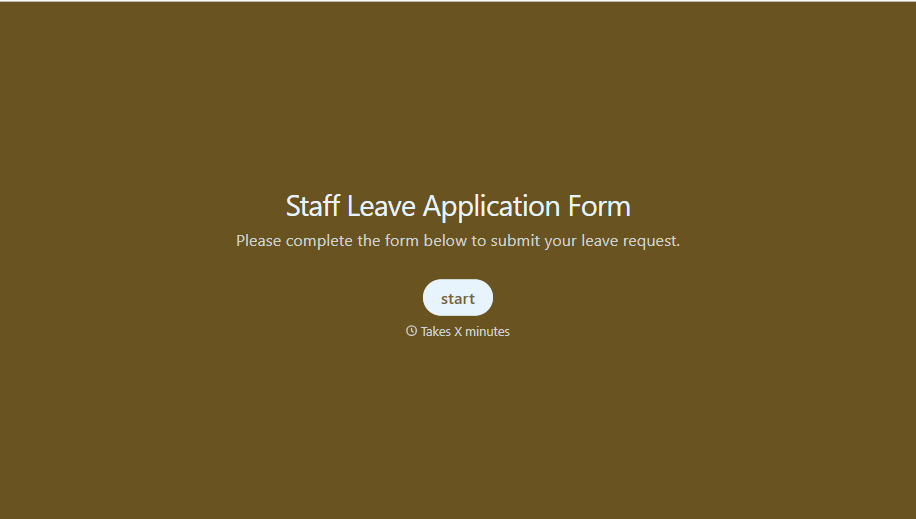
Staff Leave Application Form
A vacation request approved with a thumbs-up emoji in Slack isn't the kind of record payroll can work from when it's time to reconcile someone's leave balance. Collect the leave type, dates, and manager approval in one place, so a team doesn't accidentally double-book someone's time off.
View template
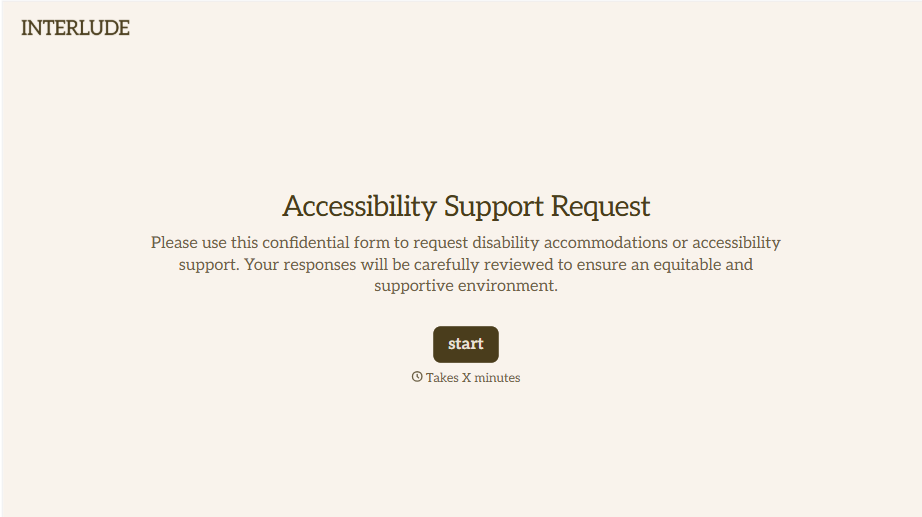
Disability Accommodation Request Form
A quiet word to a manager about needing a different desk setup isn't the kind of request that starts a documented process. Collect the specific accommodation needed and any supporting information before a decision gets made informally, so a request doesn't get lost between a hallway conversation and HR's desk.
View template
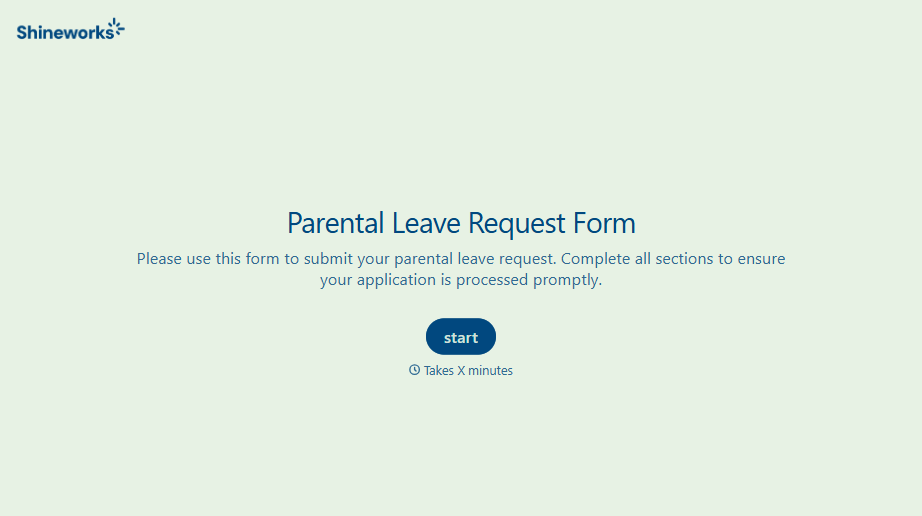
With Typeform, you can customize everything
Change text, colors, and even logos to match the look and feel of your brand. Then embed forms smoothly onto web and email.
Make forms feel effortless to fill out. Pace questions, call people by their name, and adapt the flow based on the data they share.
Stay efficient by connecting forms to your workflow. Typeform integrates with 300+ tools including Slack, Zapier, and HubSpot.


