Employee Discipline Form Template
Document disciplinary actions with a clear, consistent record. This template captures the incident, the response, and the employee's acknowledgment in a format that holds up.



Employee discipline documentation is one of the areas where HR teams most often run into problems at termination or litigation. When disciplinary actions are handled informally or documented inconsistently, the record looks weak. Managers use different formats, include different levels of detail, and sometimes skip documentation entirely for issues they expect to resolve quickly.
A standardized discipline form removes that inconsistency. Every incident is documented the same way, with the same required fields, by every manager in the organization. Typeform's conditional logic can route the form based on violation type or discipline level, surfacing the appropriate follow-up sections for each situation.
Customize the form to your HR policies and connect submissions to your personnel records system so every disciplinary action has a complete paper trail.
An employee discipline form is an HR document used to record a formal disciplinary action taken against an employee. It captures the nature of the policy violation or performance issue, the action taken (verbal warning, written warning, suspension, or termination), the employee's response, and any agreed-upon corrective actions or performance expectations going forward.
Consistent documentation protects the organization legally and supports fair treatment of employees. If an employment dispute or wrongful termination claim arises, documented disciplinary history is your primary evidence. Inconsistent or absent documentation is one of the most common reasons organizations struggle to defend personnel decisions.
A thorough discipline form documents the incident and the organization's response. Consider including:
- Employee name, ID, department, and manager
- Date of the incident or performance issue
- Description of the policy violated or standard not met
- Prior related incidents or warnings (with dates)
- Level of discipline being issued
- Description of the disciplinary action taken
- Corrective actions required and timeline
- Consequences of continued non-compliance
- Employee comments or response
- Signatures of manager and employee, and HR witness if applicable
Document the refusal on the form itself. Note the date, that the form was presented to the employee, and that they declined to sign. Have a witness (typically another manager or HR representative) sign to attest that the documentation was presented. A refusal to sign does not invalidate the disciplinary action — it simply creates a record of the refusal.
Retention requirements vary by jurisdiction, but a common standard is to retain discipline records for the duration of employment plus a defined period afterward (often 3-7 years). For disciplinary actions that contributed to a termination, retain records longer. Consult your employment counsel for guidance specific to your jurisdiction and organization.
Get inspired by relevant templates and categories
3200+ Templates, 300+ Integrations


Work From Home Request Form
A Slack message asking to work from home on Thursday isn't a request anyone can track, especially once the same employee has asked five different ways over a month. Collect the request type, dates or schedule, and manager approval in one place, so HR isn't reconstructing who's working where from a scattered inbox.
View template

Return of Property Form
A property checklist stapled to an exit interview packet isn't a record anyone can rely on when a laptop turns up missing three weeks later. Collect itemized equipment details, condition at return, and a signed acknowledgment before an employee's last day, so IT isn't chasing down a laptop that already walked out the door.
View template

Early Retirement Form
A retirement mentioned to a manager in conversation doesn't give HR anything to actually process, and if there's an incentive deadline attached, the date that conversation happened can matter more than anyone realized at the time. Collect what your HR team actually needs, employee information, requested date, and benefit elections, before a window closes.
View template
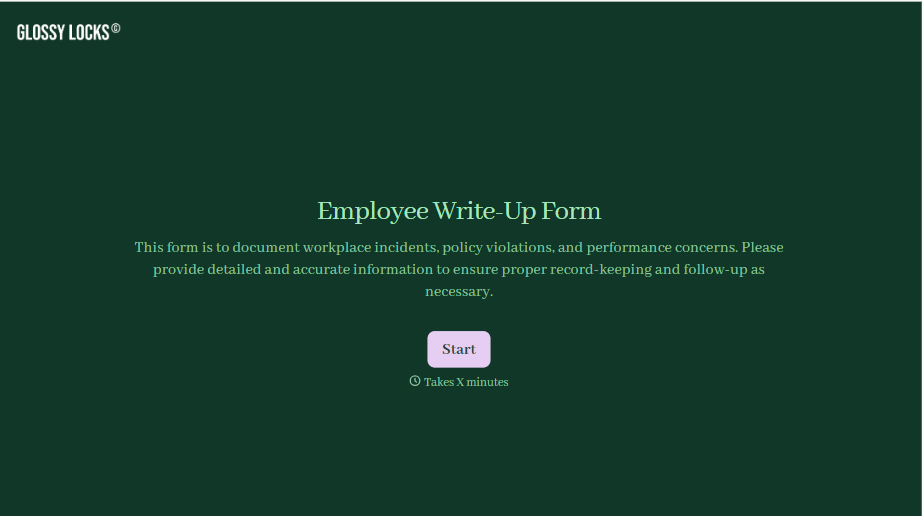
Employee Write-Up Form
A verbal warning that never makes it into a written record isn't the kind of documentation that holds up if a termination is challenged later. Collect the specific incident, policy violated, and corrective action while it's fresh, so a pattern of issues doesn't go undocumented until it's too late to matter.
View template
With Typeform, you can customize everything
Change text, colors, and even logos to match the look and feel of your brand. Then embed forms smoothly onto web and email.
Make forms feel effortless to fill out. Pace questions, call people by their name, and adapt the flow based on the data they share.
Stay efficient by connecting forms to your workflow. Typeform integrates with 300+ tools including Slack, Zapier, and HubSpot.


