Entry Interview Survey
Get honest onboarding feedback from every new hire. Collect onboarding clarity, role confidence, and first impression feedback in one organized survey.



HR teams that gather new hire feedback through informal manager conversations rarely hear what new employees actually think in their first weeks. A new hire who's confused or struggling rarely raises concerns without a safe channel to do so. Typeform's entry interview survey gives HR teams a reliable way to collect candid onboarding feedback from every new hire.
The survey captures onboarding clarity, role confidence, manager relationship satisfaction, tool readiness, and cultural fit impressions in one submission. Questions appear one at a time, so the process feels like a conversation, rather than a performance review. Conditional logic routes new hires through follow-up questions based on where they feel least clear. A new hire who struggles with clarity sees questions about specific gaps; one who feels clear on their role moves to team and culture questions.
Customize the survey to match your onboarding timeline, role type, and company culture. Send it via email in the first two weeks, while first impressions are still fresh and onboarding gaps are easiest to catch. Every response feeds into Google Sheets or your HRIS via Zapier, so HR teams spot onboarding gaps across cohorts and fix them before the next hire class starts. Your onboarding program improves with every cohort—not after someone leaves in month three.
An entry interview survey is a structured questionnaire that HR teams send to new hires shortly after joining to collect feedback on their onboarding experience, role clarity, and first impressions of the organization. It captures onboarding process clarity, tool readiness, manager relationship satisfaction, cultural fit, and open-ended feedback in one submission. Use this entry interview survey to help HR teams identify onboarding gaps before they affect a new hire's confidence or engagement.
Most new hire attrition happens in the first 90 days, and the majority of it traces back to onboarding gaps. Replacing a new hire who leaves early costs as much as recruiting them, with none of the productivity. An entry interview survey surfaces those gaps in the first weeks, while there's still time to address them.
Gather the feedback that tells you whether onboarding is setting new hires up to contribute and stay:
- Clarity on role responsibilities and success metrics
- Tool and system access readiness on day one
- Manager relationship and support quality
- Understanding of team dynamics and company culture
- Confidence level and any unresolved questions
Send it within the first two weeks, before the new hire settles into routine and early impressions fade. Tool access issues, role confusion, and unanswered questions are easiest to catch and fix at this stage. Waiting longer risks the new hire adapting around those gaps, rather than identifying them.
New hires are often reluctant to raise concerns when they know their manager or HR can identify them. Collect responses without a required name field so new hires feel safe being candid about what's not working. Candid early feedback is more useful than polished responses that mask the gaps your onboarding program actually has.
Get inspired by relevant templates and categories
3200+ Templates, 300+ Integrations

Bank Reference Form
A reference request faxed to a bank branch and left sitting in a queue for weeks isn't the kind of turnaround a landlord or business can wait on. Collect the applicant's signed authorization and the specific details you need confirmed before the request even reaches the bank, so a decision isn't stuck behind a letter that hasn't come back yet.
View template
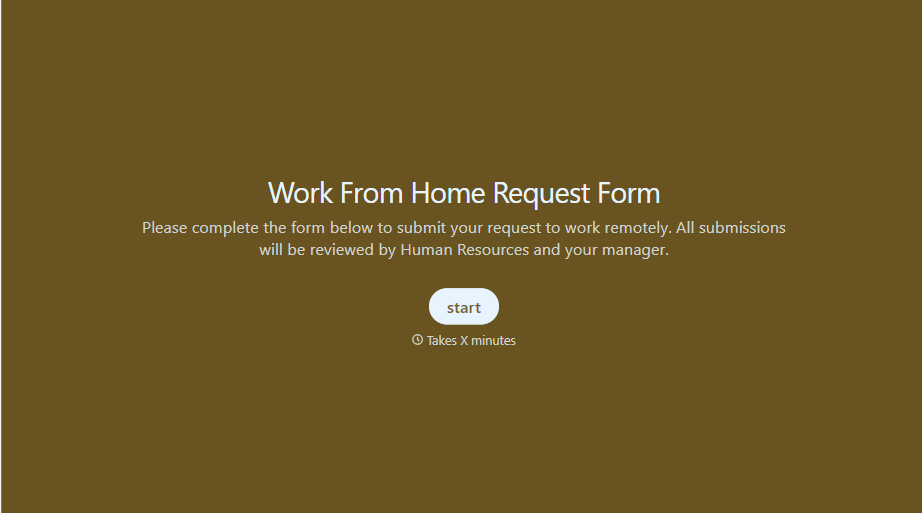
Work From Home Request Form
A Slack message asking to work from home on Thursday isn't a request anyone can track, especially once the same employee has asked five different ways over a month. Collect the request type, dates or schedule, and manager approval in one place, so HR isn't reconstructing who's working where from a scattered inbox.
View template
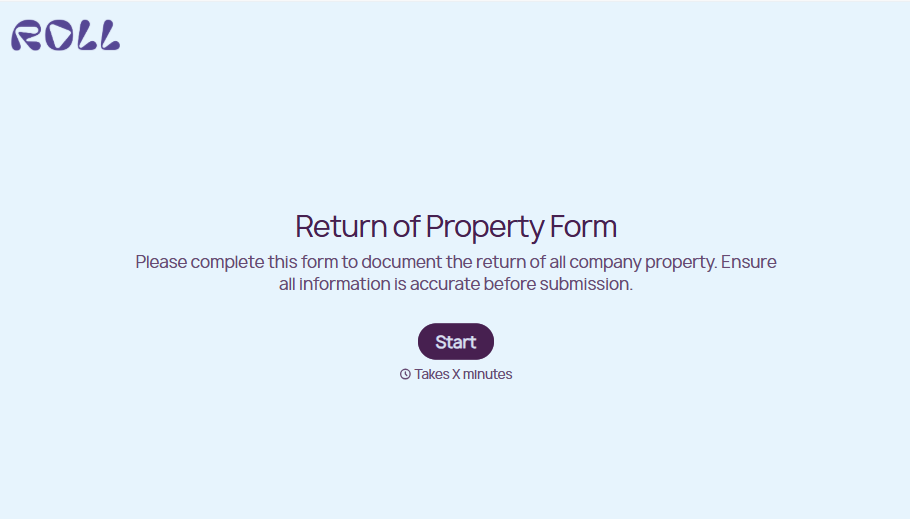
Return of Property Form
A property checklist stapled to an exit interview packet isn't a record anyone can rely on when a laptop turns up missing three weeks later. Collect itemized equipment details, condition at return, and a signed acknowledgment before an employee's last day, so IT isn't chasing down a laptop that already walked out the door.
View template

Bar Inventory Form
A bottle count eyeballed at the end of a shift and scrawled on a paper sheet doesn't hold up against a pour cost report that says something doesn't add up. Collect what your bar actually needs, item, count, and variance, on a schedule you can actually compare week to week.
View template
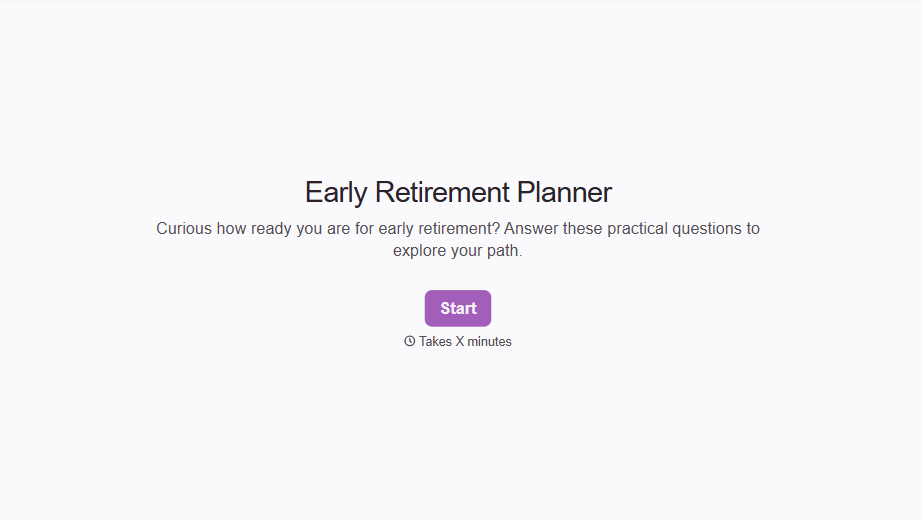
Early Retirement Form
A retirement mentioned to a manager in conversation doesn't give HR anything to actually process, and if there's an incentive deadline attached, the date that conversation happened can matter more than anyone realized at the time. Collect what your HR team actually needs, employee information, requested date, and benefit elections, before a window closes.
View template

Equipment Inventory Form
Equipment that leaves a storage room in someone's arms, with no note about where it went, doesn't show up again until someone needs it and can't find it. Collect what your team actually needs, item details, condition, and who's got it, every time something moves.
View template
With Typeform, you can customize everything
Change text, colors, and even logos to match the look and feel of your brand. Then embed forms smoothly onto web and email.
Make forms feel effortless to fill out. Pace questions, call people by their name, and adapt the flow based on the data they share.
Stay efficient by connecting forms to your workflow. Typeform integrates with 300+ tools including Slack, Zapier, and HubSpot.


