Estimate Form Template
Stop quoting blind. Get the project details, scope, and requirements you need to price accurately from the very first conversation.



Most bad estimates aren’t calculation mistakes — they’re information gaps. A client describes the project in broad strokes, you quote based on assumptions, and then reality hits: the scope was bigger, the timeline was tighter, and the materials were different than expected. Either you absorb the cost or you go back to the client with a higher price than you originally quoted — news they won’t be happy to hear.
This estimate form template ensures you get the details upfront. Clients describe their project, specify requirements, note constraints, and share their budget expectations — all before you commit to a number. Conditional logic tailors the form based on project type or service category, so you're asking the right questions for the right kind of work.
Embed it on your services page, include it in proposals, or share the link directly. Submissions arrive organized and complete, so your team can produce accurate estimates faster, and start relationships on a foundation of clarity instead of guesswork.
An estimate form is an intake tool that collects the information needed to provide a client with a project cost estimate. It captures scope, specifications, timeline, and budget preferences, giving you a structured brief to quote against. It's the first step in turning a vague inquiry into a concrete proposal.
It eliminates the back-and-forth. Instead of three emails clarifying the project scope and two calls discussing the budget, you get a comprehensive brief in a single submission. This speeds up response time, improves estimate accuracy, and reduces the risk of misaligned expectations. Clients who fill out detailed forms are also typically more serious — it's a natural qualifier.
Collect enough information to quote accurately, including:
- Client name and contact information
- Project type or service category
- Detailed description of the work needed
- Timeline or deadline requirements
- Budget range or spending constraints
- Any relevant files, plans, or reference materials (file upload)
It depends on your business model. If you have standardized pricing, sharing ranges in the form (or on your website) sets expectations and self-qualifies leads. If your pricing is highly custom, collecting requirements first and providing a tailored estimate is usually more effective. Either way, include a budget range question in the form. It tells you a lot about the client's expectations.
Within 24 hours if possible — even if it's just to acknowledge receipt and share a timeline for the formal estimate. Speed signals professionalism and interest. If your estimate process takes several days, set that expectation in the form's confirmation screen so clients aren't left wondering if their submission went through.
Get inspired by relevant templates and categories
3200+ Templates, 300+ Integrations

Bank Reference Form
A reference request faxed to a bank branch and left sitting in a queue for weeks isn't the kind of turnaround a landlord or business can wait on. Collect the applicant's signed authorization and the specific details you need confirmed before the request even reaches the bank, so a decision isn't stuck behind a letter that hasn't come back yet.
View template

Bar Inventory Form
A bottle count eyeballed at the end of a shift and scrawled on a paper sheet doesn't hold up against a pour cost report that says something doesn't add up. Collect what your bar actually needs, item, count, and variance, on a schedule you can actually compare week to week.
View template

Equipment Inventory Form
Equipment that leaves a storage room in someone's arms, with no note about where it went, doesn't show up again until someone needs it and can't find it. Collect what your team actually needs, item details, condition, and who's got it, every time something moves.
View template
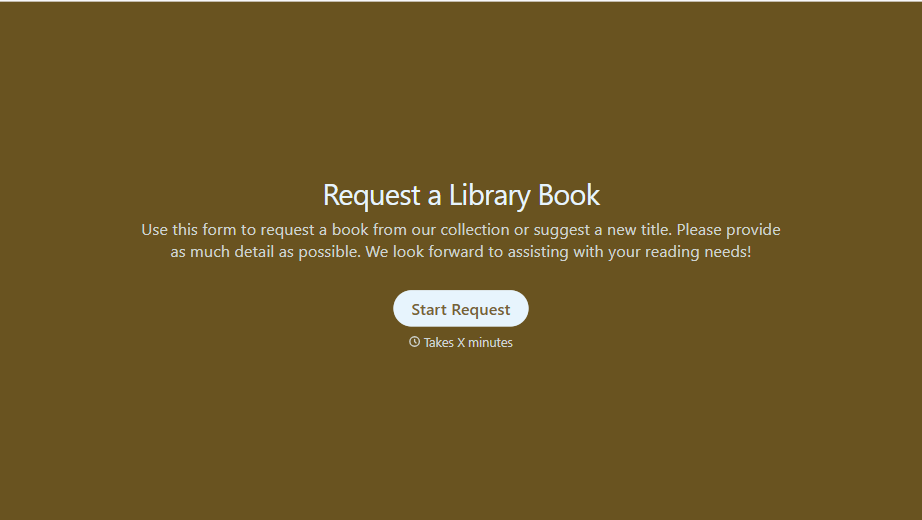
Library Book Request Form
A book request scrawled on a sticky note at the front desk doesn't make it into any queue, and it definitely doesn't get anyone a call when the book actually arrives. Collect what your library actually needs, the title, patron information, and how they'd like to be notified, before the note gets buried under the next stack of returns.
View template
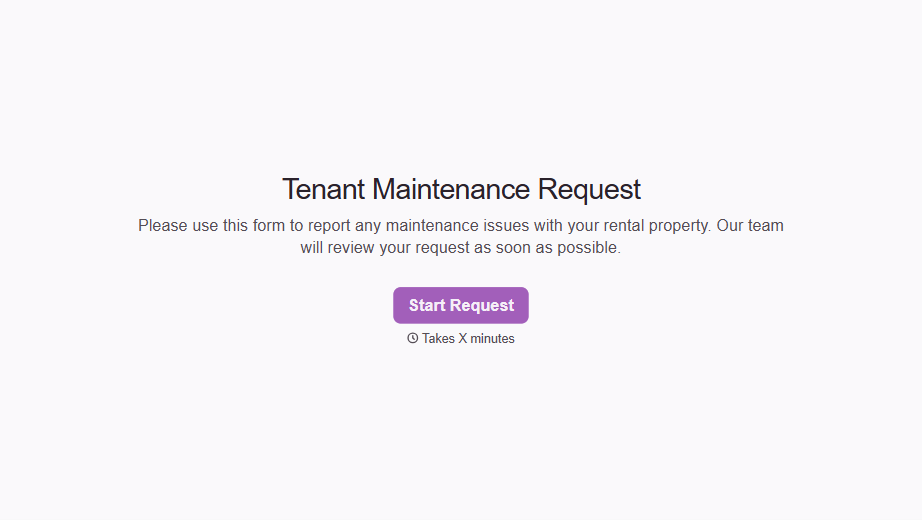
Tenant Repair Request Form
A text message about a leaky faucet sent at 11pm isn't a work order your maintenance team can act on efficiently, especially without a photo or a unit number attached. Collect the property, the issue, and how urgent it is before the request lands in someone's texts, so a repair doesn't wait on a landlord scrolling back through old messages.
View template
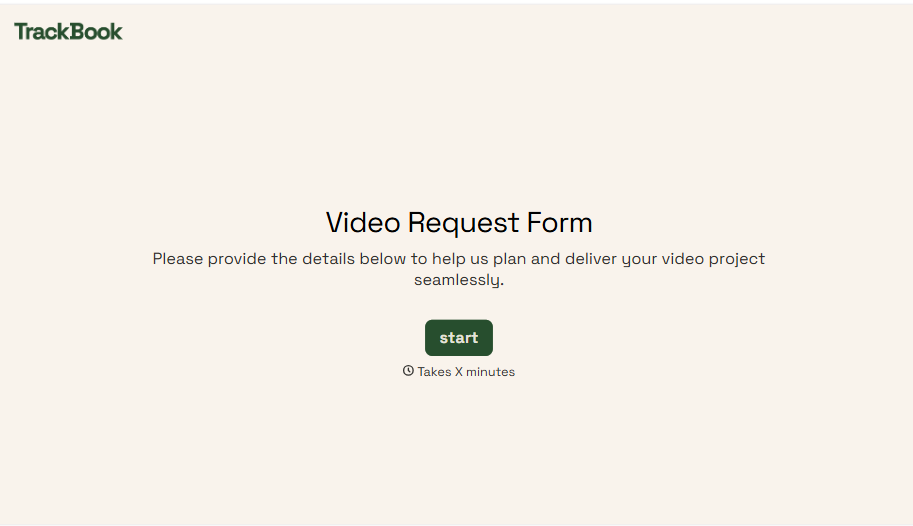
Video Request Form
A Slack message asking for "a quick video for the launch" isn't a creative brief your video team can actually start from. Collect the project purpose, deadline, and deliverable specs before the request lands in a queue, so your team isn't reworking a video built on assumptions the requester never actually stated.
View template
With Typeform, you can customize everything
Change text, colors, and even logos to match the look and feel of your brand. Then embed forms smoothly onto web and email.
Make forms feel effortless to fill out. Pace questions, call people by their name, and adapt the flow based on the data they share.
Stay efficient by connecting forms to your workflow. Typeform integrates with 300+ tools including Slack, Zapier, and HubSpot.


