Fax Request Form
Give people a clear way to request a fax. Collect the recipient’s details, documents, and requested send date so your team has what it needs to prepare the transmission.



A document arrives with a note saying “please fax,” but there’s no recipient name or the number is buried in an earlier email. Before anything can be sent, someone has to track down the missing details. Typeform’s fax request form brings the documents and delivery instructions together.
The requester enters the recipient’s name, organization, and fax number, then attaches the documents to be sent. They can add a cover message, specify a requested send date, and explain any special instructions. Ask for the requester’s contact details so your team can resolve questions before sending.
Your team gets a consistent request to work from. The requester gets a clear way to provide everything upfront and specify where a transmission confirmation should go. Keep receipt of the request separate from confirmation that the fax was sent.
A fax request form collects the information a team needs to send documents by fax on someone’s behalf. It typically includes recipient details, the destination fax number, attachments, and sending instructions. Organizations use it to manage requests before preparing and sending the fax.
A missing attachment or incomplete fax number can hold up a simple request. A dedicated form prompts people to supply those details together, reducing follow-up messages. It also gives staff a consistent record of what was requested and who to contact with questions.
Ask for the details needed to prepare the transmission:
- Requester’s name and contact details
- Recipient’s name and organization
- Destination fax number, including relevant country or area codes
- Documents to be sent
- Cover message or subject
- Requested send date and any special instructions
- Contact details for transmission confirmation
Explain which file formats your team accepts and ask requesters to check the recipient’s fax number before submitting.
Keep recipient details separate from requester details, and label the destination fax number clearly. Allow multiple attachments if your team accepts them, with instructions for their sending order. If a deadline matters, ask for the date and time rather than relying on labels such as “urgent.”
Not by itself. The form collects the request; sending requires your team’s fax service or a configured integration. Use the confirmation message to acknowledge receipt and explain what happens next. Send a separate update once the transmission status is available.
Get inspired by relevant templates and categories
3200+ Templates, 300+ Integrations



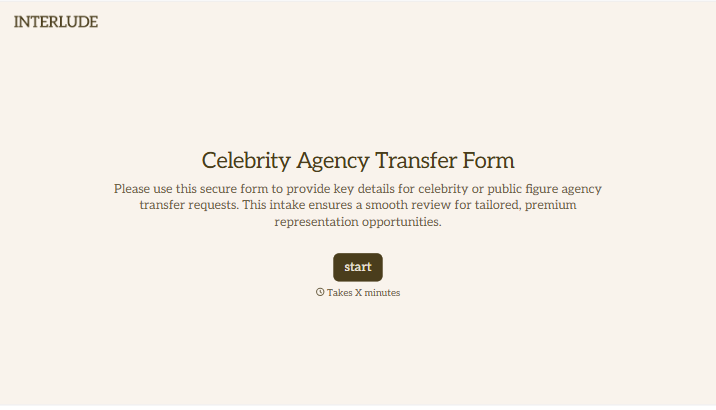
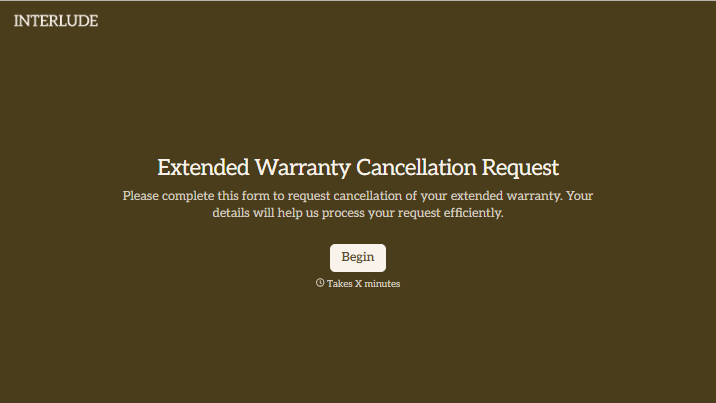
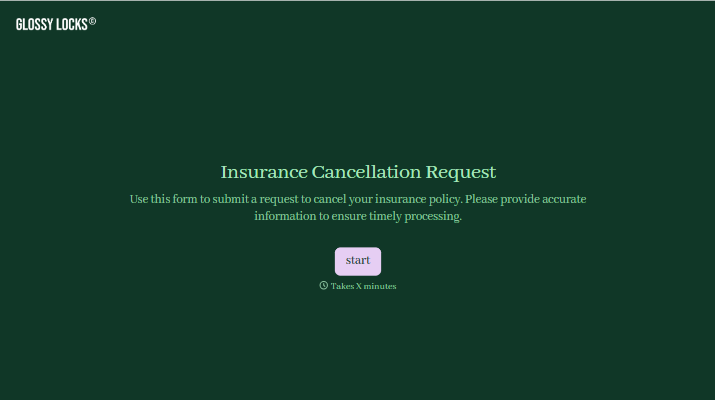
With Typeform, you can customize everything
Change text, colors, and even logos to match the look and feel of your brand. Then embed forms smoothly onto web and email.
Make forms feel effortless to fill out. Pace questions, call people by their name, and adapt the flow based on the data they share.
Stay efficient by connecting forms to your workflow. Typeform integrates with 300+ tools including Slack, Zapier, and HubSpot.


