Fire Department Pre Plan Form
Give crews a clearer picture of a property before a call comes in. Record access points, building details, fire protection systems, and known hazards in one place.



A locked gate, an unmarked utility shutoff, a storage room that now holds something different. Details that are easy to explain during a walkthrough can take longer to uncover during an emergency. Typeform’s fire department pre-plan form helps your team document those details while there’s time to ask questions.
The person completing the form records the property’s address, use, layout, and emergency contacts. They can add information about entry points, water supplies, fire protection systems, and hazards identified during the visit. Plans and photos give crews more context than a written description alone.
Your department gets a consistent record to review and update. Property contacts have a chance to flag changes, and crews have information to support their preparation. Keep the completed pre-plan accessible through your department’s established response systems so it’s available when needed.
A fire department pre-plan form collects information about a property before an emergency occurs. It documents building features, access, fire protection systems, and known hazards to help firefighters familiarize themselves with the site and prepare for a response.
A property walkthrough can uncover useful details that otherwise stay in one person’s memory. A pre-plan form gives those observations a consistent place to go, making them easier to review, share within the department, and check during future visits.
Include the details your department needs to understand the property:
- Property address, use, and emergency contacts
- Building size, construction, and layout
- Occupancy details and potential evacuation concerns
- Apparatus access, entry points, and access restrictions
- Hydrants and other available water supplies
- Fire alarm, sprinkler, and standpipe systems
- Utility shut offs and known site hazards
- Supporting plans, photos, and site notes
- Date reviewed and person completing the record
Use your department’s pre-planning procedures to determine the specific fields and level of detail required.
Include a review date and assign responsibility for checking the record. During subsequent visits, confirm contact details and look for changes to the building’s use, layout, access, or stored materials. Give property contacts a way to report changes between visits, then have your department verify and update the information.
Yes, with file-upload questions added to the form. Ask for clearly labeled images and plans that show relevant features, such as entrances, access routes, and fire protection equipment. Include the date and location for each attachment so reviewers can understand what it shows. Manage access to completed records and attachments according to your department’s information-handling procedures.
Get inspired by relevant templates and categories
3200+ Templates, 300+ Integrations


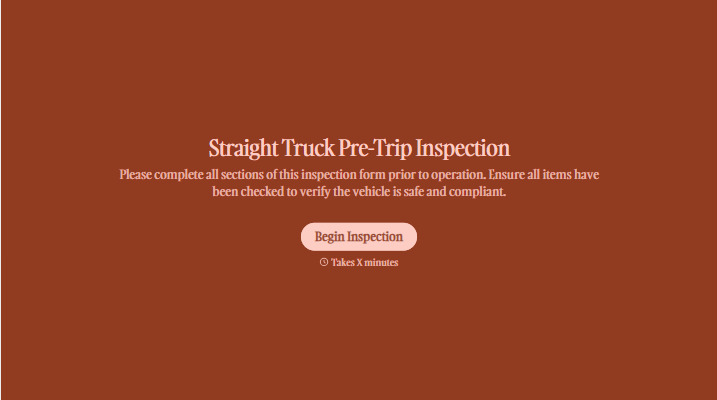
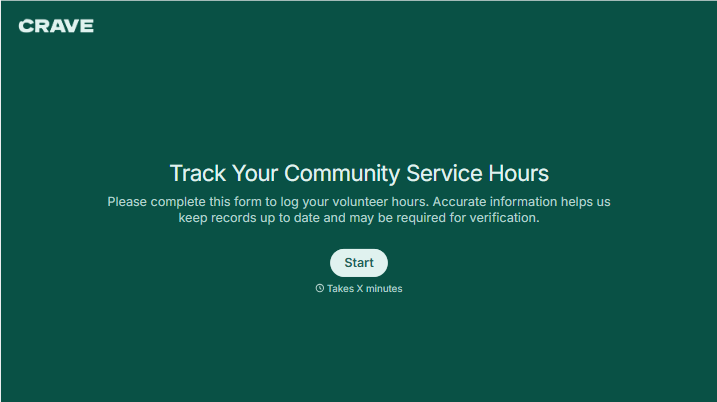
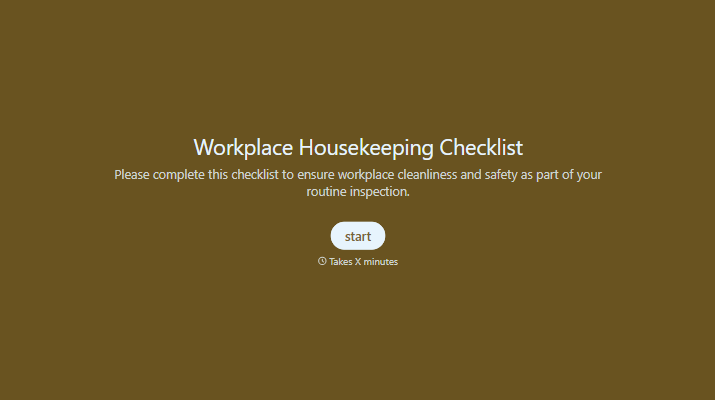
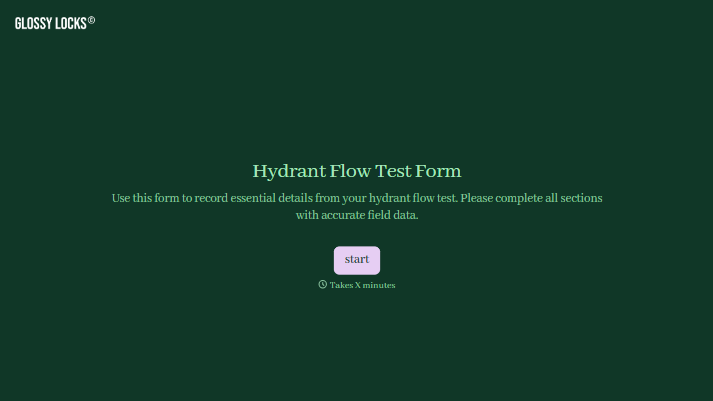
With Typeform, you can customize everything
Change text, colors, and even logos to match the look and feel of your brand. Then embed forms smoothly onto web and email.
Make forms feel effortless to fill out. Pace questions, call people by their name, and adapt the flow based on the data they share.
Stay efficient by connecting forms to your workflow. Typeform integrates with 300+ tools including Slack, Zapier, and HubSpot.


