First Notice of Loss Form
Give policyholders a clear way to report a loss. Collect the policy details, what happened, and how to reach them so your team can start reviewing the report.



Someone discovers a leak, returns to a damaged car, or opens their business to find a broken window. They need to report what happened, but they may not know which details matter or have every document ready. Typeform’s first notice of loss form gives them a place to start.
The person reporting the loss provides their policy details, describes the incident, and shares when and where it happened. They can upload available photos or supporting documents and explain the damage in their own words. Keep the initial questions focused, with room to say when something is unknown.
Your team gets a consistent record to review and a way to contact the person who submitted it. The policyholder gets clear next steps without having to guess what happens after they press submit. It’s the beginning of the claims process, with the information needed to move the report forward.
A first notice of loss form, often called an FNOL form, collects the initial report of an incident that may lead to an insurance claim. It records the policyholder’s details, the date and location of the incident, and a description of the loss or damage. Insurance teams use it to begin reviewing the report and identify what additional information they need.
An initial report can arrive by phone, email, or a message with a few photos attached. Details can get missed, leaving your team to follow up before they understand what happened. A first notice of loss form asks the core questions in one place, making reports easier to review and reducing avoidable back-and-forth.
Start with the information needed to identify the policy and understand the incident:
- The policyholder’s name and contact details
- The policy number, if available
- When and where the incident happened
- A description of what happened and the loss or damage
- Relevant photos or supporting documents
- The reporting person’s details, if they’re submitting on someone else’s behalf
Tailor additional questions to the type of insurance. Allow “unknown” answers where appropriate so people don’t have to guess to complete the report.
Ask for the essentials first and show only the questions relevant to the reported loss. Use plain language, make supporting uploads optional where possible, and explain what information can be provided later. Someone reporting damage may be using a phone or working from incomplete information, so keep each question focused and easy to answer.
No. Submitting a first notice of loss form reports the incident; it doesn’t confirm coverage or approve payment. Use the confirmation message to explain how the report will be reviewed, how the person can provide more information, and when they can expect contact. Only promise a response time your team can meet.
Get inspired by relevant templates and categories
3200+ Templates, 300+ Integrations


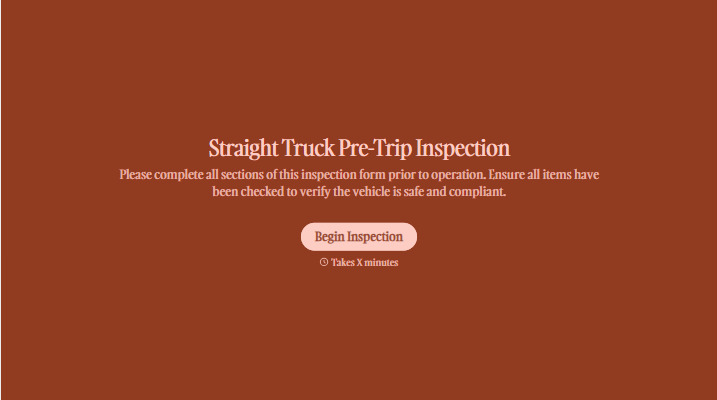
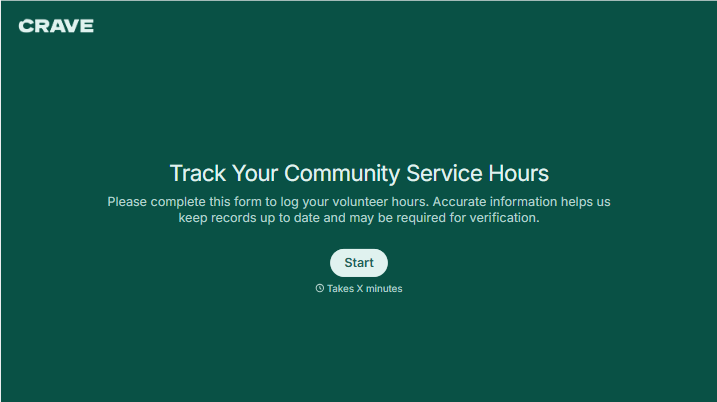
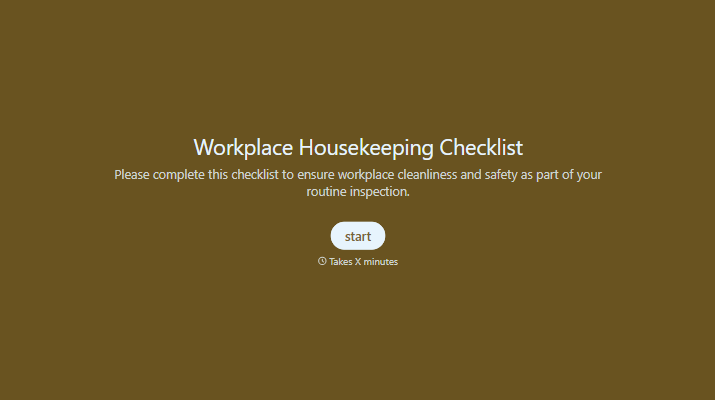
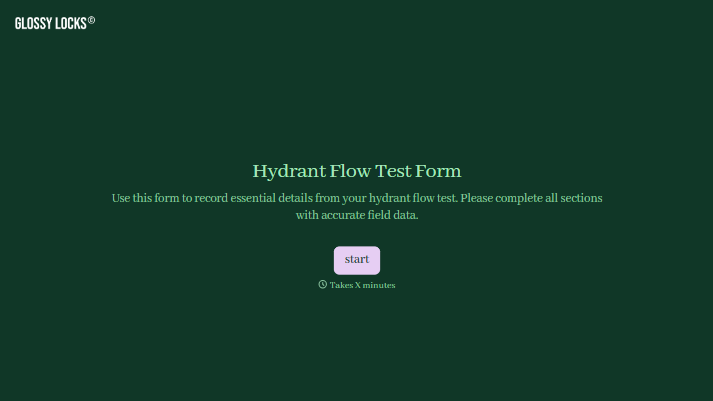
With Typeform, you can customize everything
Change text, colors, and even logos to match the look and feel of your brand. Then embed forms smoothly onto web and email.
Make forms feel effortless to fill out. Pace questions, call people by their name, and adapt the flow based on the data they share.
Stay efficient by connecting forms to your workflow. Typeform integrates with 300+ tools including Slack, Zapier, and HubSpot.


