Girl Scout Cookie Order Form Template
Take cookie orders online and skip the paper tally sheets. Keep track of every box ordered without the math.



Managing Girl Scout cookie orders on paper — tally sheets, sticky notes, memory — is a mess by the time you hit your third neighbor or third day of taking orders. It's easy to transpose numbers, forget who paid, and lose the slip entirely.
A digital order form captures each order clearly: customer name, contact info, cookie varieties, quantities, and payment notes. Typeform's format works on any phone, so orders can be taken on the spot at the door or shared as a link in group chats and parent emails. No paper required.
Responses come in organized by submission, so tallying your total order is a matter of looking at the spreadsheet rather than adding up handwritten columns.
A Girl Scout cookie order form is a form used to collect cookie orders from customers, capturing which varieties they want and how many boxes of each. It replaces paper order sheets with a digital record that's easier to tally and track.
Paper order sheets require manual addition and are easy to misplace. A digital form keeps every order in one place, calculates totals accurately, and gives you a clean record of who ordered what — useful for delivery follow-up and payment tracking.
A solid cookie order form covers:
- Customer name and contact information (for delivery follow-up)
- Available cookie varieties with individual quantity fields
- Delivery or pickup preference
- Payment method (cash, check, digital)
- Any notes (e.g., allergies, special delivery instructions)
- Whether the customer wants to be contacted for future orders
You can share the Typeform link via text message, email, neighborhood apps, or social media. Parents can share it in school or community group chats, extending reach beyond door-to-door contacts.
The form itself captures a payment method selection, but payment status tracking is best managed in a connected spreadsheet. Export responses to Google Sheets and add a column to mark payments as received — it gives you a running view of orders and collections.
Get inspired by relevant templates and categories
3200+ Templates, 300+ Integrations
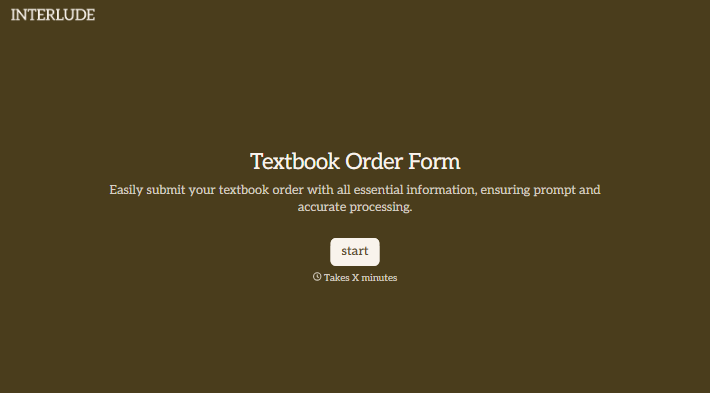
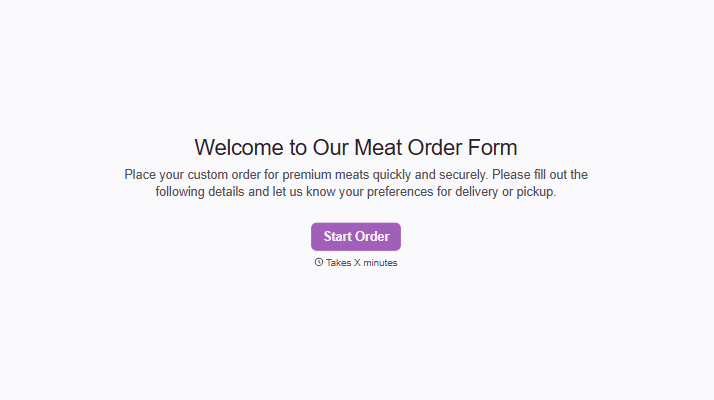
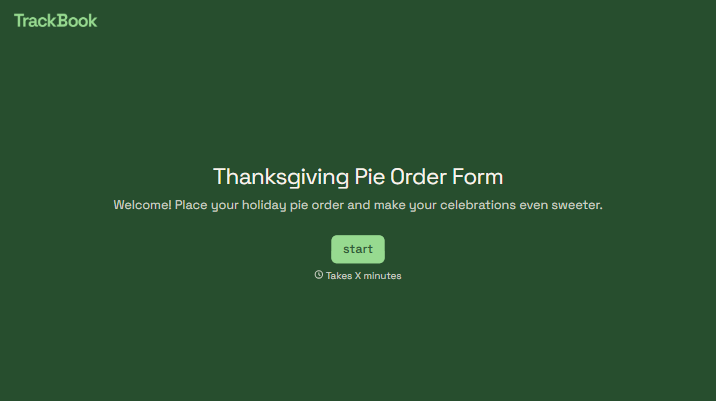
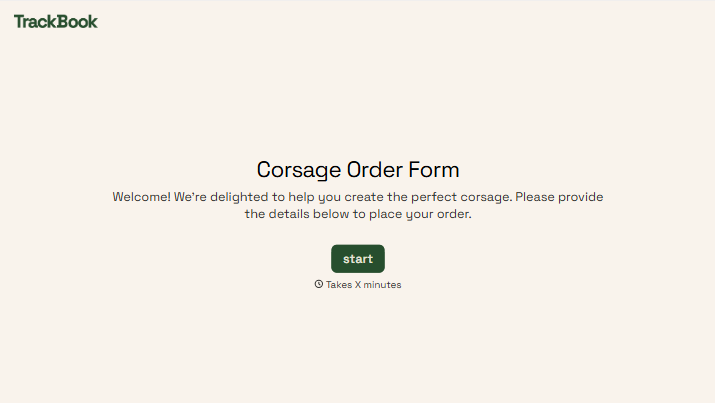
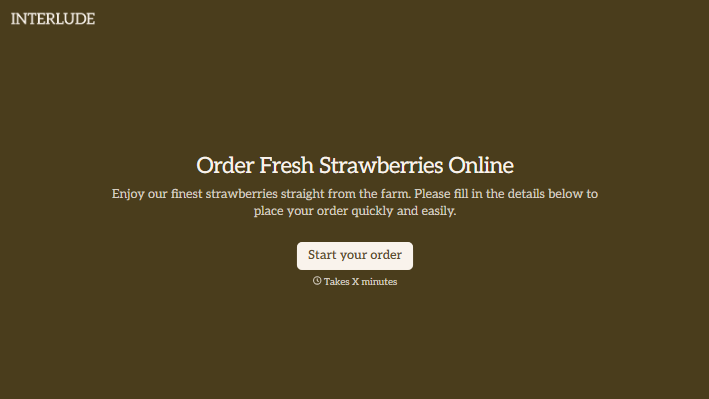
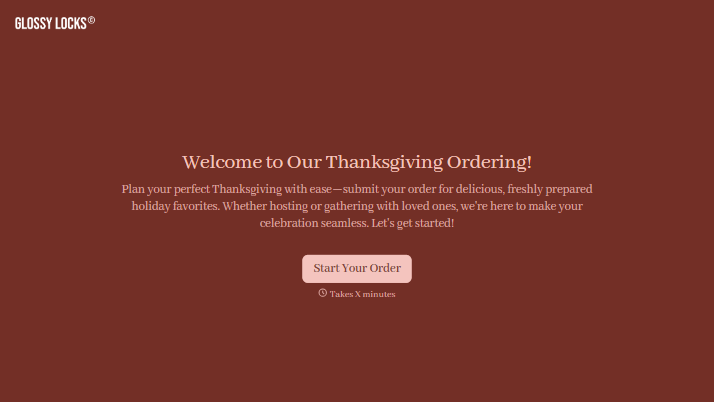
With Typeform, you can customize everything
Change text, colors, and even logos to match the look and feel of your brand. Then embed forms smoothly onto web and email.
Make forms feel effortless to fill out. Pace questions, call people by their name, and adapt the flow based on the data they share.
Stay efficient by connecting forms to your workflow. Typeform integrates with 300+ tools including Slack, Zapier, and HubSpot.


