Halloween Sale Order Form Template
Run a spooky-good sale without the horror of disorganized orders.



Seasonal sales are exciting. Until the orders start pouring in and your inbox becomes a graveyard of "did you get my order?" emails. Whether you're selling costumes, decorations, themed treats, or limited-edition merch, Halloween is a short window with high demand. You can't afford to lose orders to a messy process.
This Halloween sale order form template lets customers browse your offerings, select items, specify sizes or variations, and place their order in a smooth, guided flow. Conditional logic adapts the form based on product selection. Choose a costume and see size options, pick a bundle and see what's included, order perishables and confirm a delivery date. Every order arrives complete with customer details, item selections, quantities, and payment information.
Theme it with your Halloween branding, embed it on your shop page or share it on social media, and connect it to your payment processor and inventory tracker through integrations. Focus on fulfilling orders, not deciphering them.
A Halloween sale order form is a seasonal ecommerce tool designed to collect product orders during the Halloween shopping period. It captures customer information, product selections, quantities, sizing or customization details, and payment information. It's used by small businesses, craft sellers, bakeries, and event vendors who run limited-time Halloween promotions without a full ecommerce platform.
Setting up a full ecommerce store for a 2 to 4 week sales window is overkill for many small businesses. A form-based order process is faster to launch, easier to customize, and costs less to run. You can have it live in under an hour, embed it anywhere, and take it down when the season ends. For businesses that run seasonal promotions a few times a year, forms are the practical choice.
- Customer name, email, and phone number
- Product selection with images or descriptions
- Size, color, or customization options (per product)
- Quantity for each selected item
- Delivery or pickup preference and address
- Payment method and order total confirmation
Update your form's product options as items sell out — remove sold-out options or mark them as unavailable. For high-demand items, add a note about limited quantities at the start of the form to set expectations. If you're integrating with a spreadsheet or inventory system, you can monitor real-time order counts and close specific product options when stock runs out.
Launch 3 to 4 weeks before Halloween to capture early shoppers, and set a clear order deadline that gives you enough time to fulfill everything. For custom or made-to-order items, you may need to close orders 10 to 14 days before Halloween. For off-the-shelf products, closing 3 to 5 days before allows for shipping. Display the deadline prominently on the form — urgency drives action.
Get inspired by relevant templates and categories
3200+ Templates, 300+ Integrations
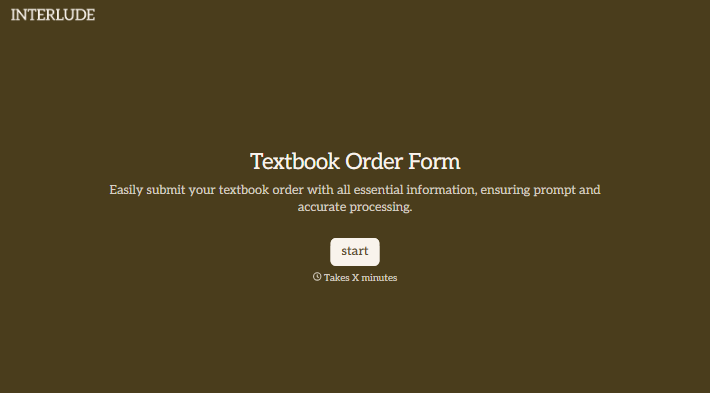
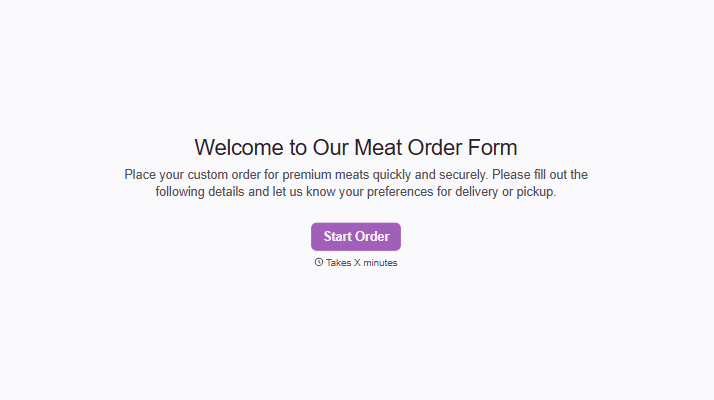
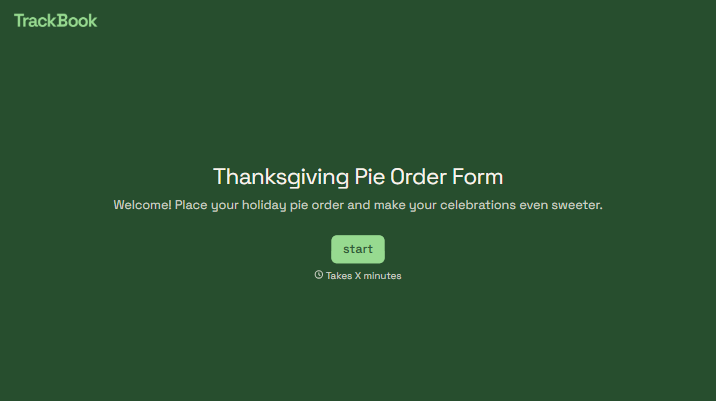
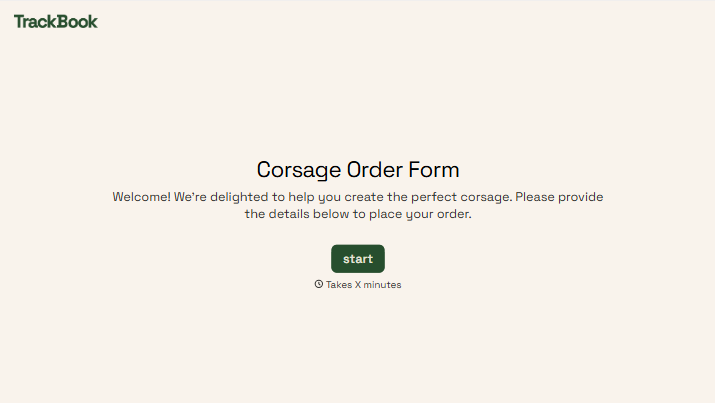
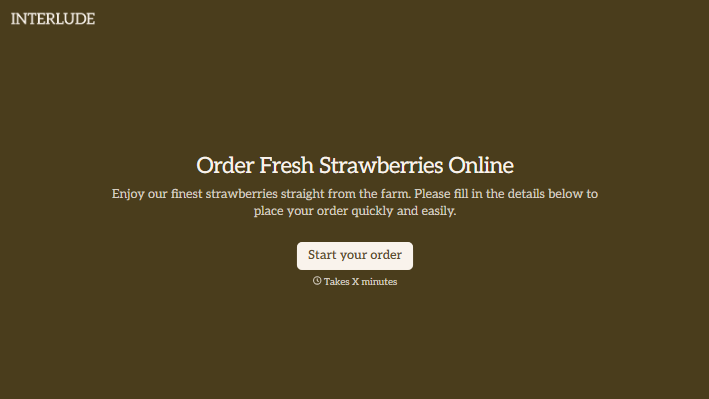
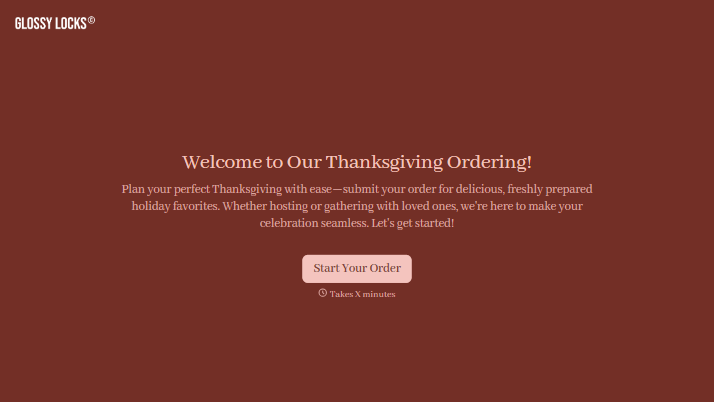
With Typeform, you can customize everything
Change text, colors, and even logos to match the look and feel of your brand. Then embed forms smoothly onto web and email.
Make forms feel effortless to fill out. Pace questions, call people by their name, and adapt the flow based on the data they share.
Stay efficient by connecting forms to your workflow. Typeform integrates with 300+ tools including Slack, Zapier, and HubSpot.


