Home Insurance Quote Form Template
Help homeowners get the coverage they need without the jargon. A clear quote form sets the right tone from the first interaction.



Shopping for home insurance is confusing enough without a quote form that reads like a legal document. Homeowners often don't know their roof type, foundation style, or whether they need replacement cost or actual cash value coverage. A form that overwhelms them with technical questions guarantees high abandonment, and lost business for your agency.
This home insurance quote form template guides homeowners through the information you need in plain language: property details, coverage preferences, current insurance status, and risk factors. Conditional logic adjusts the depth of questions based on the property type (single-family, condo, rental) and the homeowner's knowledge level — offering explanations where helpful without bogging down experienced respondents.
Embed it on your agency website, share it in marketing campaigns, or send it directly to prospects. Integrations with your quoting platform or CRM ensure leads arrive structured and ready for your team to prepare an accurate quote.
A home insurance quote form collects the property and personal information an insurance agent or carrier needs to estimate the cost of a homeowner's insurance policy. It covers property characteristics (age, size, construction, location), coverage preferences, claims history, and any factors that affect risk or pricing. It's the first step in the quoting process.
Phone intake works, but it's expensive (agent time), limited (business hours only), and inconsistent (different agents ask different questions). An online form is available 24/7, collects consistent information, and lets homeowners complete it at their own pace — checking their records for details like square footage or roof age rather than guessing on the spot. Your agents get better data and spend their phone time closing, not transcribing.
- Property address and type (single-family, condo, townhouse, manufactured home)
- Year built, square footage, and number of stories
- Roof type, age, and recent updates
- Heating type and electrical system age
- Current coverage and carrier (if applicable)
- Any claims filed in the past 5 years
Use plain language and provide context. Instead of "What is your dwelling coverage limit?" try "How much would it cost to rebuild your home from scratch?" Add brief explanatory notes under technical questions. A sentence explaining what "replacement cost" means can prevent confusion and drop-off. Conditional logic helps too: if someone indicates they're unsure about a detail, route them to a simpler path and flag the item for agent follow-up.
Location is the biggest driver. Flood zones, fire risk areas, and high-crime neighborhoods increase premiums significantly. After that: the home's age and condition, construction materials, roof age, claims history, coverage limits, and deductible choices all play roles. Discounts are available for security systems, fire alarms, bundled policies, and claims-free histories. Capturing these details in your form helps you produce more accurate initial quotes and reduce the need for requoting.
Get inspired by relevant templates and categories
3200+ Templates, 300+ Integrations

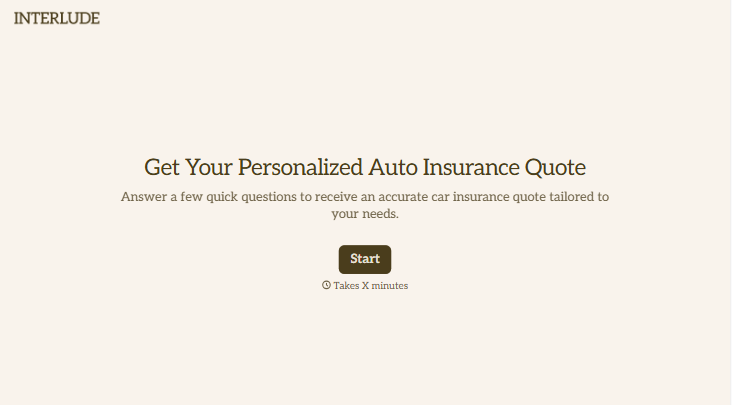
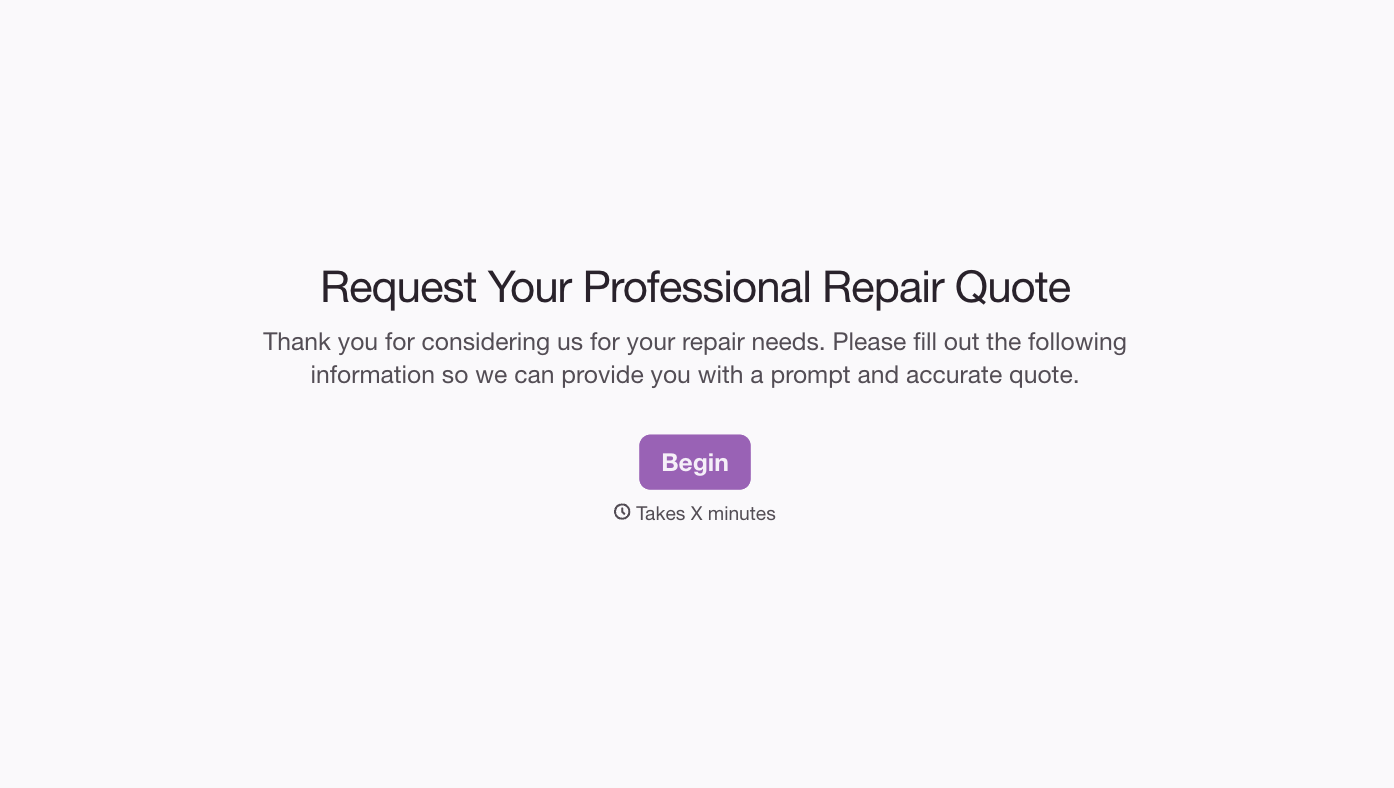
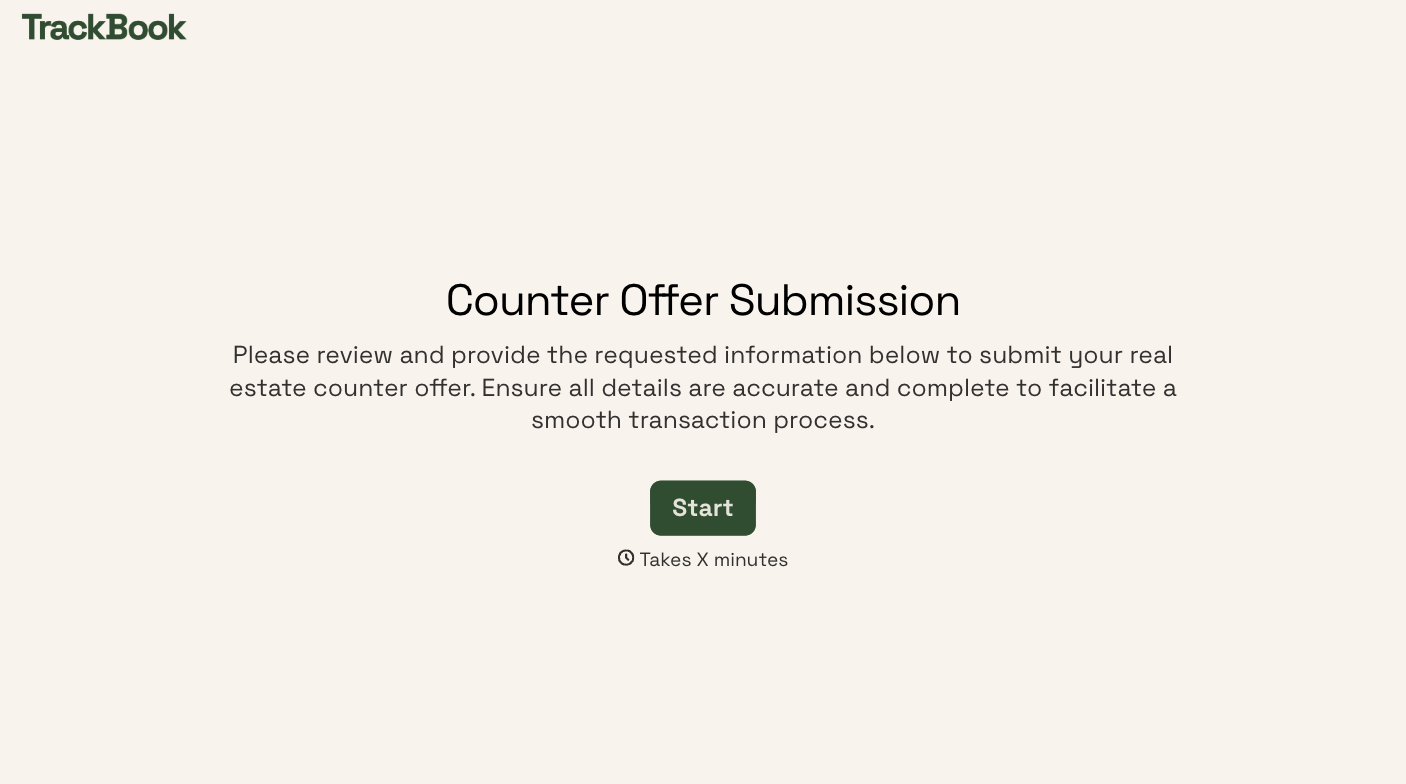
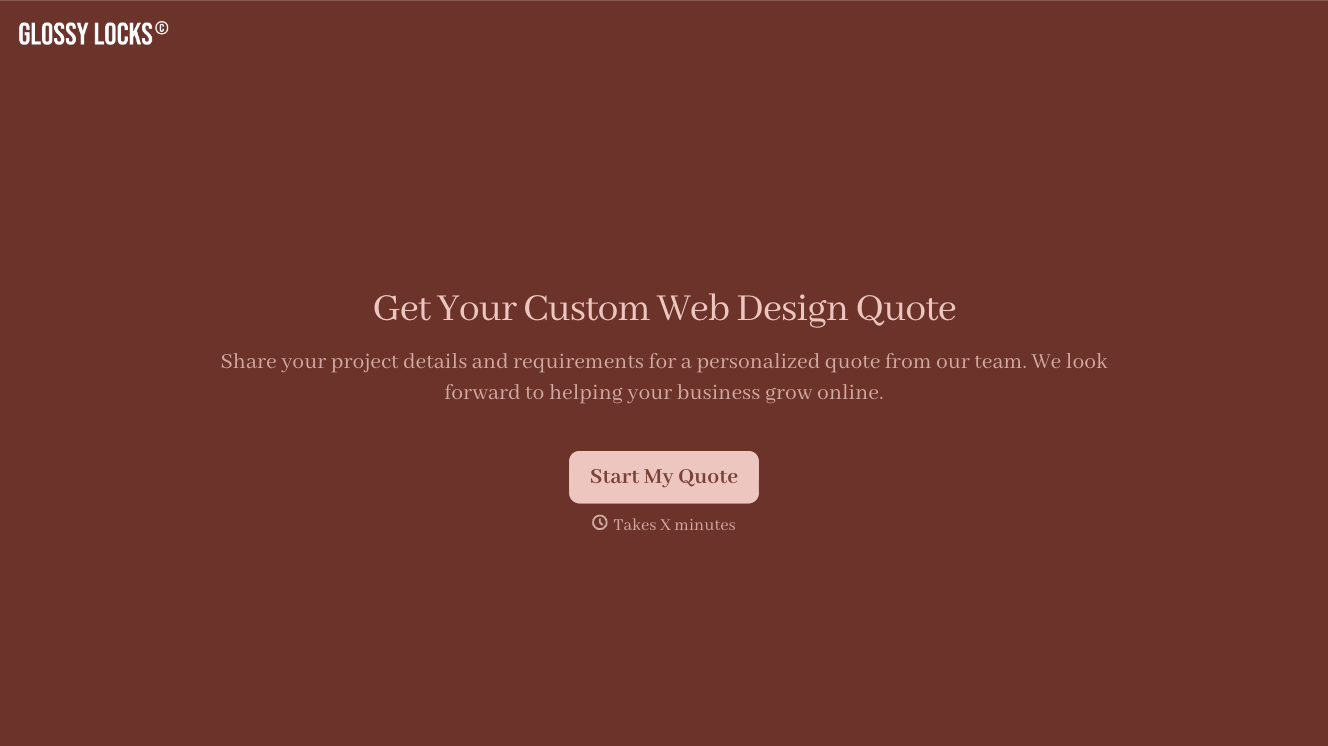
With Typeform, you can customize everything
Change text, colors, and even logos to match the look and feel of your brand. Then embed forms smoothly onto web and email.
Make forms feel effortless to fill out. Pace questions, call people by their name, and adapt the flow based on the data they share.
Stay efficient by connecting forms to your workflow. Typeform integrates with 300+ tools including Slack, Zapier, and HubSpot.


