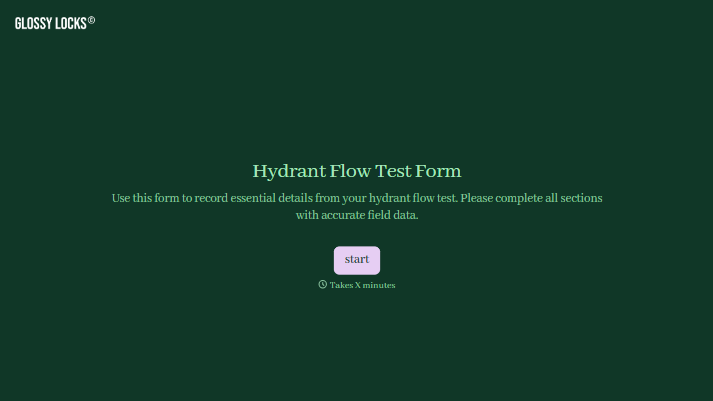
Hydrant Flow Test Form
Give testing teams a consistent way to record hydrant flow test results. Collect locations, pressure readings, flow measurements, and field observations so reviewers can understand the test conditions.



A pressure reading means little without knowing where it was taken or which hydrants were flowing at the time. When those details sit in separate notes, the person reviewing the test has to reconstruct what happened. Typeform’s hydrant flow test form brings the readings and their context together.
The testing team identifies the hydrants, records the date and conditions, and enters measurements with clearly labeled units. Include space for equipment details, the measurement method, and observations that could affect interpretation. Photos or a site sketch can help show the setup when a location description isn’t enough.
Reviewers get a test record they can follow without chasing missing field notes. Testing teams get a consistent format for documenting each visit and flagging results that need further review.
A hydrant flow test form documents the setup, measurements, and observations from a hydrant flow test. It records which hydrants were used, where readings were taken, and the pressure and flow information collected. The completed form supports review by the people responsible for assessing the results.
Field readings are harder to interpret when locations, units, or test conditions are missing. A dedicated form prompts the testing team to capture those details together. It also makes records easier to compare and helps reviewers identify information that needs clarification.
Match the fields to your team’s approved testing procedure:
- Test date, time, and personnel
- Site address and hydrant identifiers
- Locations of pressure readings and flowing hydrants
- Static and residual pressure readings, with units
- Flow measurements and the method used
- Outlet details and equipment information
- Relevant conditions, observations, and photos
- Calculated results, where applicable, and reviewer details
Keep measured values separate from calculated results so reviewers can see how each figure was obtained.
Group questions in the order the testing team records information. Use numeric fields with visible units, allow additional entries for multiple flowing hydrants, and provide a way to flag a reading that couldn’t be obtained. Keep location identifiers visible throughout the record so measurements stay associated with the correct hydrant.
No. The form documents the test; it doesn’t establish whether the available flow meets a particular site’s requirements. Results need to be interpreted by the responsible qualified reviewer using the applicable criteria. Make space to record that review and any follow-up actions separately from the field measurements.
Get inspired by relevant templates and categories
3200+ Templates, 300+ Integrations



With Typeform, you can customize everything
Change text, colors, and even logos to match the look and feel of your brand. Then embed forms smoothly onto web and email.
Make forms feel effortless to fill out. Pace questions, call people by their name, and adapt the flow based on the data they share.
Stay efficient by connecting forms to your workflow. Typeform integrates with 300+ tools including Slack, Zapier, and HubSpot.


