Inspection Report Form
Standardize how your team documents inspection findings, so every report is consistent, complete, and ready to act on.



Inspection teams that document findings in spreadsheets or handwritten notes produce reports that look different every time. When findings aren't captured consistently, patterns are hard to spot and corrective actions are harder to track. Typeform's inspection report form gives teams a single, structured way to document findings across every location, product line, or process they inspect.
The form captures inspection details, the item or area assessed, condition ratings, non-conformance observations, and the inspector's sign-off. Questions appear one at a time, so inspectors stay focused on each finding without jumping between fields. Conditional logic surfaces follow-up fields when an issue is flagged: root cause, severity, and required corrective action. Passing items move straight through.
Customize the form with your inspection categories, rating scales, and any compliance standards your team reports against. Have inspectors complete it in the field from a mobile device, or share it ahead of planned inspections. Every report logs automatically in Google Sheets or Airtable via Zapier, so findings, trends, and corrective action status stay organized. Patterns that would take weeks to spot in a spreadsheet surface in a single filtered view.
An inspection report form captures findings, condition assessments, and corrective actions from any type of inspection. It gathers the inspection date, item or area assessed, condition ratings, non-conformances, and the inspector's sign-off in a single submission. Think of it as the single source of truth your team, managers, and auditors rely on for quality and compliance.
Inconsistent inspection records are a compliance risk and a missed opportunity. Without a standard format, findings vary across inspectors and locations, making it hard to spot trends or prove due diligence. A structured form ensures every inspection is documented the same way, so your organization builds a reliable record over time. Use it for product quality checks, food safety audits, vehicle inspections, facility assessments, and supplier reviews.
A complete inspection report form covers:
- Inspector name, date, and location or reference number
- Item, area, or process being inspected
- Condition ratings or pass/fail assessment
- Non-conformance or defect description
- Root cause and severity level
- Corrective action required and responsible party
- Target resolution date
- Photo evidence
- Inspector signature and sign-off
Connect the form to Google Sheets via Zapier so every flagged issue logs with its corrective action and assigned owner. Add a status column to track each action as pending, in progress, or resolved, and filter by due date to follow up on overdue items. Use Typeform's email notifications to alert the relevant team member when a corrective action is assigned to them. Nothing falls through the cracks between inspection and resolution.
Typeform is fully mobile-responsive, so inspectors can complete the report on a phone or tablet during the inspection itself. This eliminates the delay between conducting an inspection and recording the findings. For teams in areas with limited connectivity, inspectors can complete the form and submit when back online. Every submission arrives with a timestamp, so you know exactly when each inspection was conducted.
Get inspired by relevant templates and categories
3200+ Templates, 300+ Integrations

With Typeform, you can customize everything
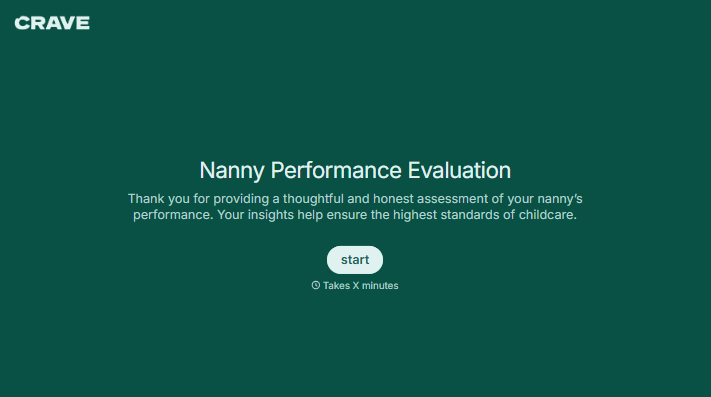
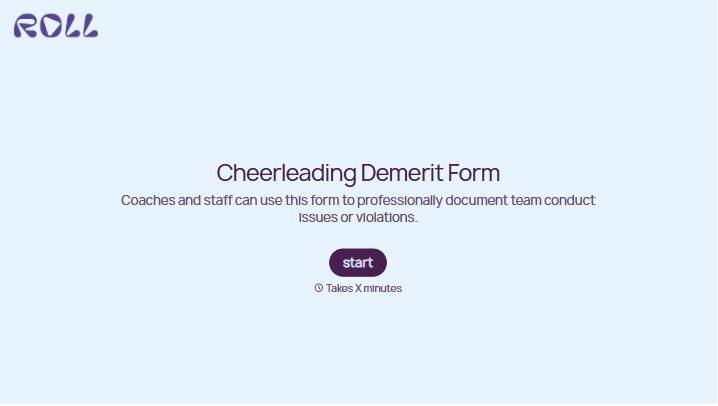
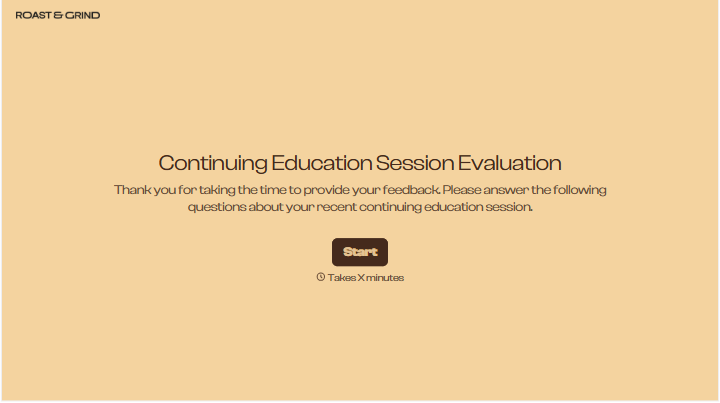
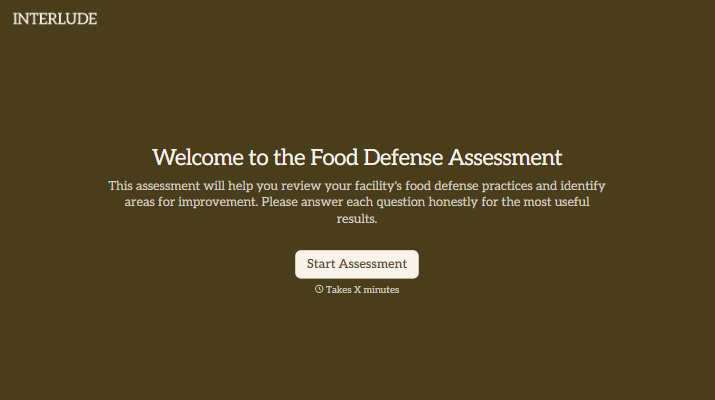
Change text, colors, and even logos to match the look and feel of your brand. Then embed forms smoothly onto web and email.
Make forms feel effortless to fill out. Pace questions, call people by their name, and adapt the flow based on the data they share.
Stay efficient by connecting forms to your workflow. Typeform integrates with 300+ tools including Slack, Zapier, and HubSpot.


