Marketing Request Form Template
Stop the "can you make me a quick flyer" chaos and give your team a proper intake process.



Every marketing team knows the drill — requests pour in from every direction: sales needs a one-pager, product wants a launch email, the CEO has a "small" branding idea. Half the time, there's no brief, no deadline, and no clarity on what success looks like. Your team ends up doing rework, and stakeholders end up frustrated.
This marketing request form template forces clarity before work begins. Requesters specify the project type, target audience, key messaging, deliverables, deadline, and success metrics. Conditional logic adjusts the form based on the type of request, so a social campaign asks different questions than a sales enablement asset, and you get exactly the context your team needs to deliver.
Plug it into your project management tool and every submission becomes a task with the right details already attached. No more follow-up emails asking "what's the goal of this again?"
A marketing request form is an internal intake tool that standardizes how other departments or stakeholders ask the marketing team for work. It captures the project type, goals, audience, timeline, and any assets or context needed, ensuring every request arrives with enough information to start executing.
It eliminates the guesswork. Instead of your team piecing together a brief from three Slack threads and a voicemail, every request arrives with the same structured information. This reduces back-and-forth by up to 50%, helps with prioritization, and gives your team a clear queue of work instead of a pile of vague asks.
A marketing request form typically includes:
- Requester's name, department, and role
- Type of request (email campaign, design asset, content piece, event support, etc.)
- Target audience and key messaging or talking points
- Desired deliverables and format specifications
- Deadline and any hard dates (event, launch, board meeting)
- How success will be measured (leads generated, downloads, attendance, etc.)
Add a field that asks requesters to indicate urgency and tie it to a business impact statement. When you can see "this supports a product launch on April 15" versus "nice to have for next quarter," prioritization becomes data-driven rather than political. Routing high-priority requests to a specific Slack channel through integrations also helps your team triage faster.
Yes. You can adapt it for external partners by adjusting the fields — include sections for brand guidelines, asset libraries, and approval workflows. Share the form link directly with your agency contacts so every brief follows the same format, regardless of whether the work is done in-house or outsourced.
Get inspired by relevant templates and categories
3200+ Templates, 300+ Integrations

Library Book Request Form
A book request scrawled on a sticky note at the front desk doesn't make it into any queue, and it definitely doesn't get anyone a call when the book actually arrives. Collect what your library actually needs, the title, patron information, and how they'd like to be notified, before the note gets buried under the next stack of returns.
View template

Tenant Repair Request Form
A text message about a leaky faucet sent at 11pm isn't a work order your maintenance team can act on efficiently, especially without a photo or a unit number attached. Collect the property, the issue, and how urgent it is before the request lands in someone's texts, so a repair doesn't wait on a landlord scrolling back through old messages.
View template

Video Request Form
A Slack message asking for "a quick video for the launch" isn't a creative brief your video team can actually start from. Collect the project purpose, deadline, and deliverable specs before the request lands in a queue, so your team isn't reworking a video built on assumptions the requester never actually stated.
View template
Product Enquiry Form
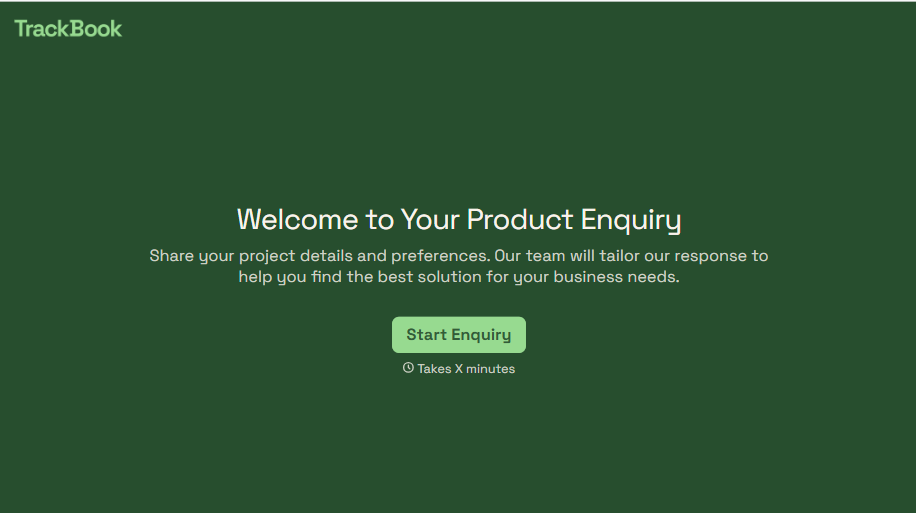
A generic "I'm interested in your product, can you tell me more?" email doesn't tell your sales team which product, what quantity, or what the customer's actually trying to do with it. Collect what your team actually needs, product interest, quantity, and use case, before you reply.
View template
With Typeform, you can customize everything
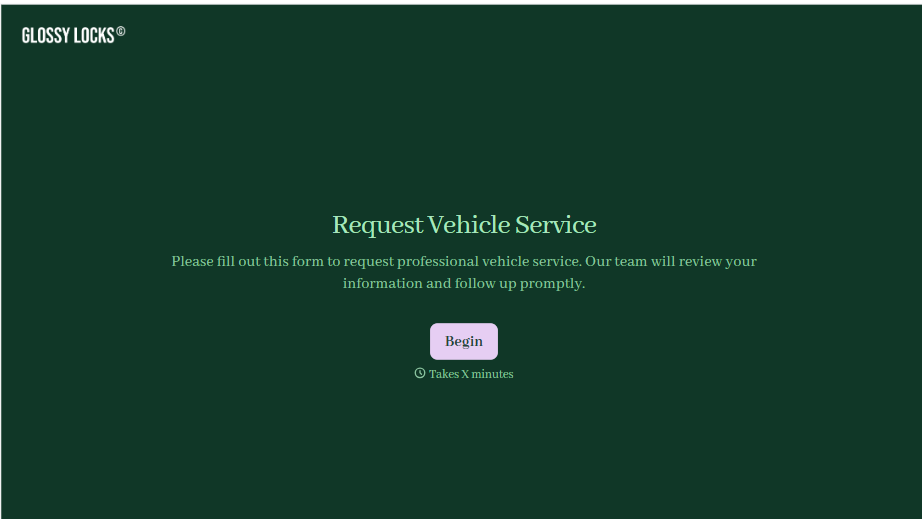
Change text, colors, and even logos to match the look and feel of your brand. Then embed forms smoothly onto web and email.
Make forms feel effortless to fill out. Pace questions, call people by their name, and adapt the flow based on the data they share.
Stay efficient by connecting forms to your workflow. Typeform integrates with 300+ tools including Slack, Zapier, and HubSpot.


