Medical Assistant Application Form
Standardize how candidates apply for medical assistant positions, so your hiring team reviews complete applications before the first interview.



Healthcare employers who collect medical assistant applications by email often receive submissions missing certifications, clinical hours, and scope of practice details. Screening candidates without standardized intake costs the team hours they can't recover. Typeform's medical assistant application form gives healthcare employers a consistent way to collect complete, credential-verified applications from every candidate.
The form captures personal details, the position applied for, education history, clinical certifications, scope of practice experience, availability, and references. Questions arrive one at a time, so applicants stay focused throughout without losing their place. Conditional logic tailors the experience based on each applicant's clinical background. An experienced candidate sees questions about specialty area and procedure proficiency, while a recent graduate sees questions about clinical placement.
Customize the form with your practice name, available positions, required certifications, and any specialty-specific questions your hiring process requires. Share it via email, embed it on your careers page, or distribute it through your healthcare recruitment network. Every application logs in Google Sheets or Airtable via Zapier, so your team builds a shortlist in one place. Your hiring team interviews medical assistant candidates who have already confirmed the qualifications the role requires.
A medical assistant application form collects the qualifications, clinical experience, and availability a healthcare employer needs to assess a candidate. It gathers education details, certification credentials, clinical scope, employment history, and references in a single submission. It functions as the standard intake record for every medical assistant application your practice receives.
Unverified certifications and vague clinical histories are the reason medical assistant hires fall short. Without a structured intake, hiring managers piece together qualifications from inconsistent CVs before scheduling a single interview. A structured form surfaces the clinical detail your team needs to screen candidates confidently. Use it for medical assistant roles in GP practices, specialist clinics, hospitals, and allied health settings.
A complete medical assistant application form covers:
- Full name and contact details
- Position and specialty area applied for
- Education and training history
- Clinical certifications (e.g., CMA, RMA, CPR/AED)
- Clinical scope of practice and procedure experience
- Prior employment history and references
- Availability and preferred start date
- Any additional qualifications (e.g., phlebotomy, EKG)
Set up conditional logic to branch by experience level, so each candidate sees questions relevant to their clinical background. A candidate with prior healthcare experience sees questions about specialty area, procedure proficiency, and reasons for leaving their last role. A recent graduate sees questions about clinical training hours, placement setting, and professional development goals instead. Each candidate answers questions that reflect where they actually are in their career.
Typeform's File Upload feature lets candidates attach copies of their certifications, transcripts, or professional registrations directly in the application. Accepted file types include PDF, JPG, and PNG, with a 10MB limit per file. Documents arrive alongside each application's details, so your hiring team reviews credentials and applications in one place. File Upload is available on paid Typeform plans.
Get inspired by relevant templates and categories
3200+ Templates, 300+ Integrations
With Typeform, you can customize everything
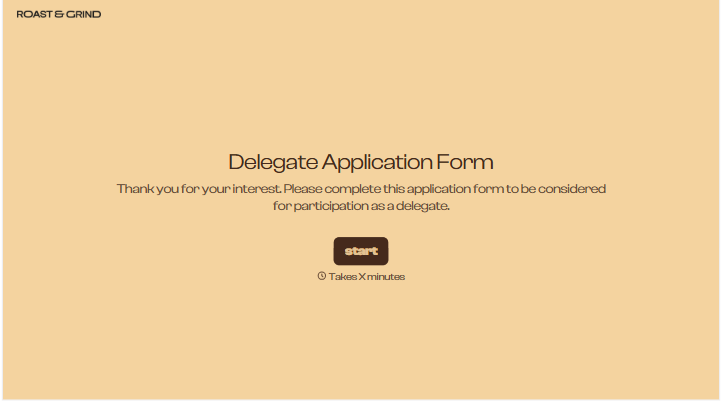
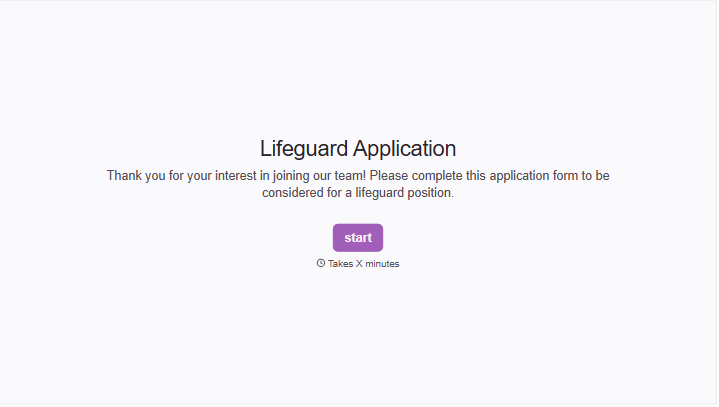
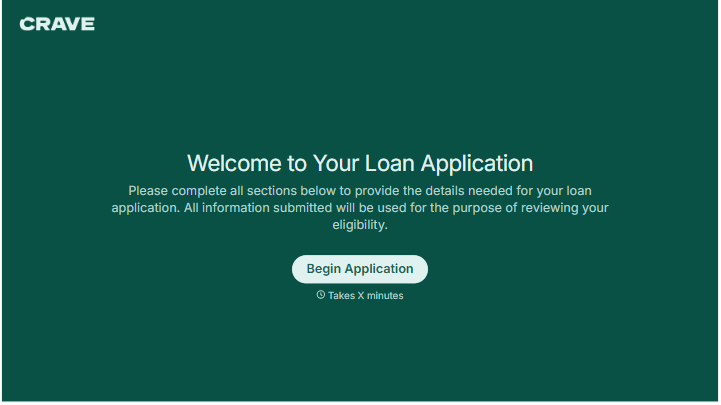
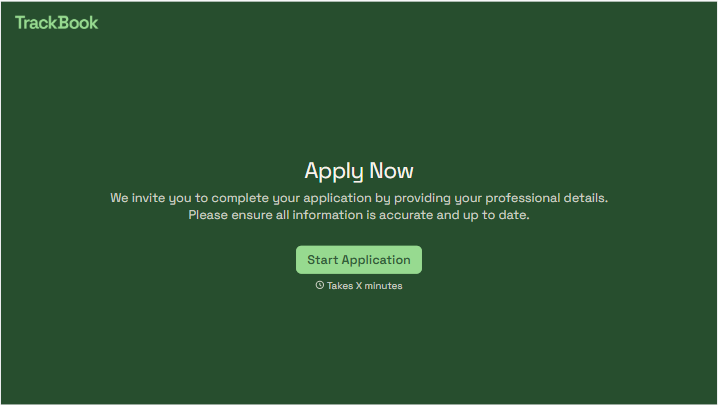
Change text, colors, and even logos to match the look and feel of your brand. Then embed forms smoothly onto web and email.
Make forms feel effortless to fill out. Pace questions, call people by their name, and adapt the flow based on the data they share.
Stay efficient by connecting forms to your workflow. Typeform integrates with 300+ tools including Slack, Zapier, and HubSpot.


