Medical Card Application Form Template
Help applicants get their medical card without getting lost in red tape.



Applying for a medical card, whether it's a state health program, a cannabis authorization, or a disability identification, involves sensitive personal and health information. When the application process is confusing or impersonal, applicants feel anxious, make mistakes, and your team spends more time handling resubmissions than processing approvals.
This medical card application form template guides applicants through eligibility details, personal information, medical documentation, and declarations in a clear, one-question-at-a-time format. Conditional logic tailors the path based on application type or eligibility category, so each person sees only the fields that apply to their situation.
Customize the form for your specific program requirements, add your organization's branding, and share it via your website or directly with applicants. Responses and uploaded documents connect to your systems through integrations with Google Sheets, Airtable, or your processing platform.
A medical card application form collects the personal, medical, and eligibility information needed to apply for a health-related identification card. Depending on the program, this could cover public health insurance, medical cannabis authorization, or disability identification. The form serves as the official intake point for evaluating an applicant's eligibility.
An online form removes barriers to access. Applicants don't need to visit an office, print documents, or navigate confusing PDF layouts. Required fields and guided formatting reduce errors and incomplete submissions. For your team, digital applications are easier to organize, review, and process than physical paperwork.
- Full legal name, date of birth, and government ID number
- Current address and proof of residency
- Income information or proof of eligibility (if means-tested)
- Medical condition or qualifying diagnosis
- Physician's name and contact information
- Supporting medical documentation (file upload)
Use HTTPS-encrypted form submissions and restrict access to responses within your team. If your program requires compliance with specific health data regulations (HIPAA, GDPR, local privacy laws), configure your data storage and access controls accordingly. Typeform supports secure data handling, but always verify compliance with your program's legal requirements.
The form itself captures the application. Status tracking depends on your downstream process. Many organizations send automated confirmation emails (via integrations with email platforms) upon submission, then follow up manually or through their case management system as the application progresses. Include expected processing timelines in your confirmation message to set clear expectations.
Get inspired by relevant templates and categories
3200+ Templates, 300+ Integrations
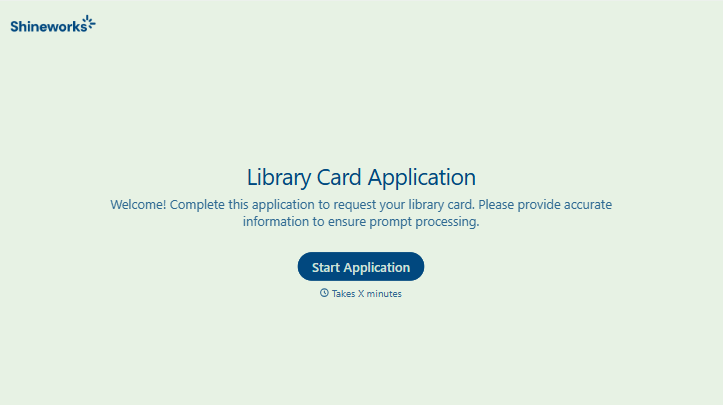
Library Card Application Form
Move past a quick sign-up sheet that just grabs a name and an address. Screen for who actually needs a parent or guardian to co-sign, confirm proof of residency, and keep a record of exactly what each cardholder agreed to before you hand over a card that comes with real financial responsibility attached.
View template
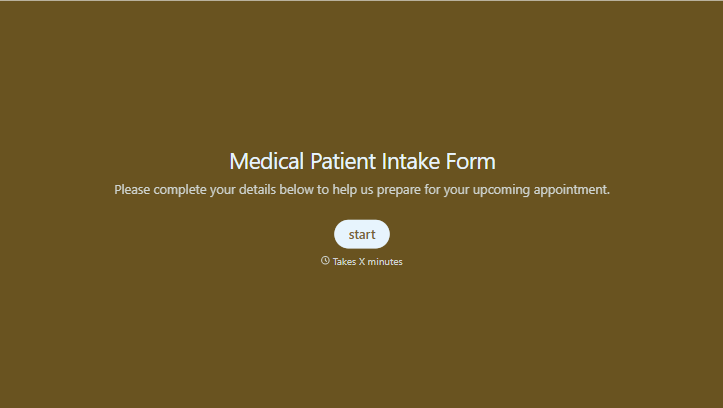
Medical Patient Intake Form
Move past a clipboard that captures a name and an insurance card. Screen for the medical history that actually changes how a patient is treated, document informed consent and privacy acknowledgment, and keep a timestamped signature on file for exactly what your patient agreed to.
View template
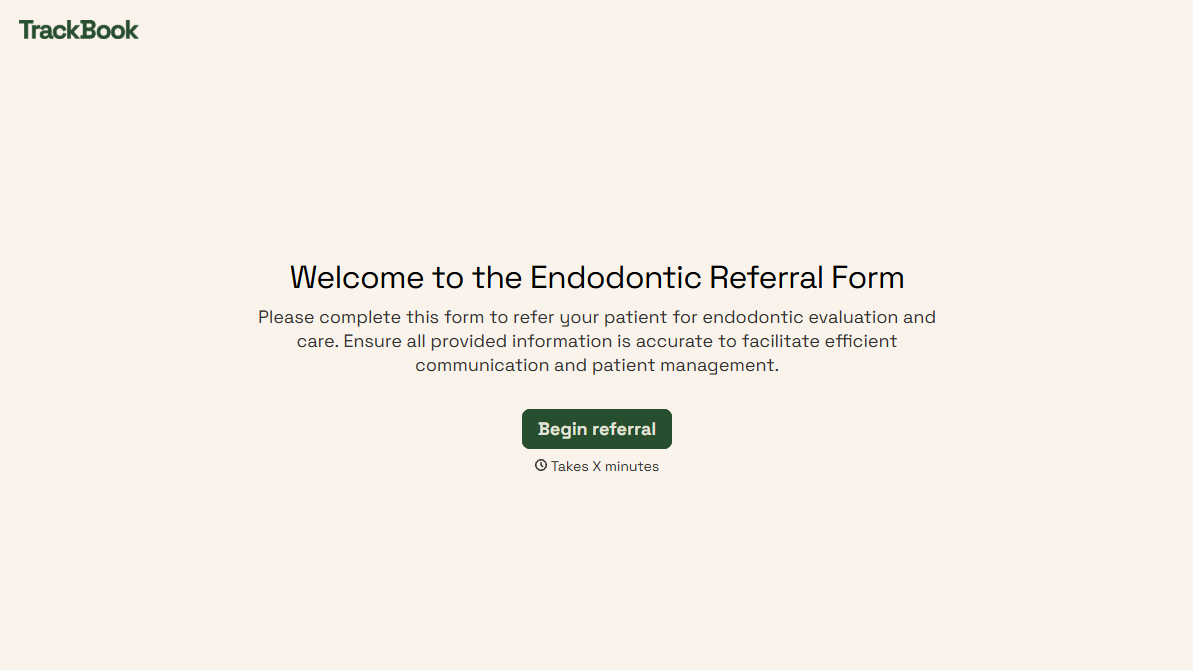
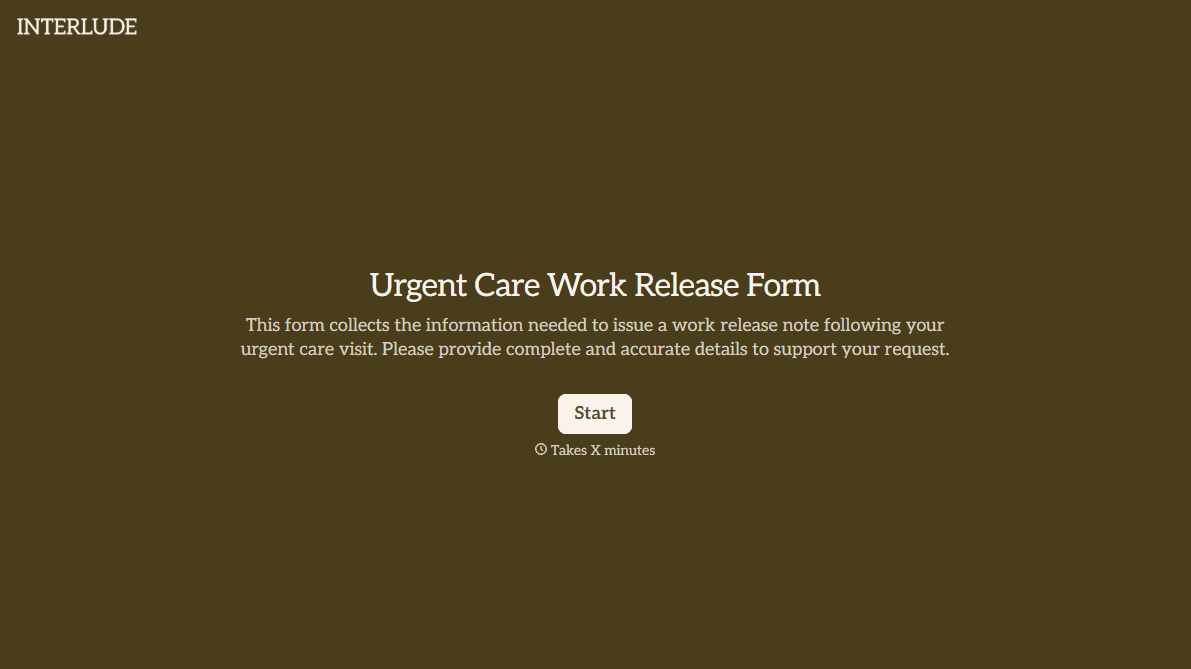
With Typeform, you can customize everything
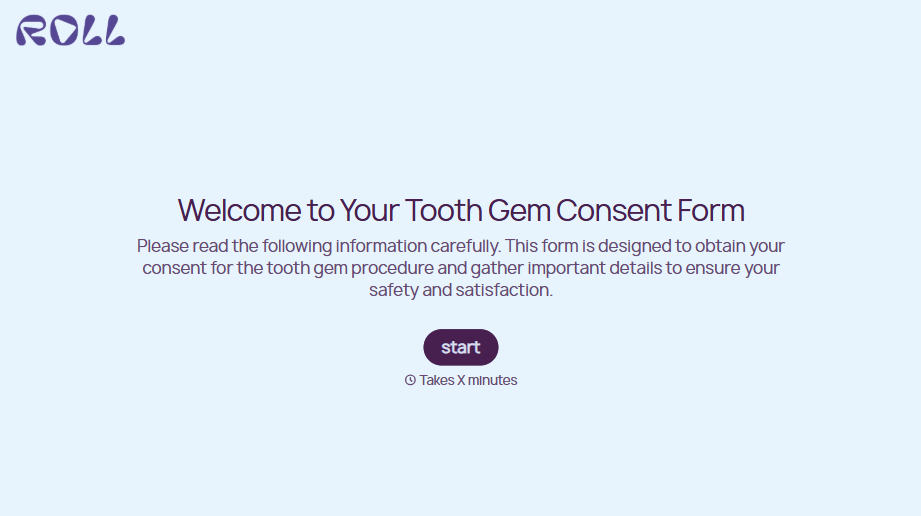
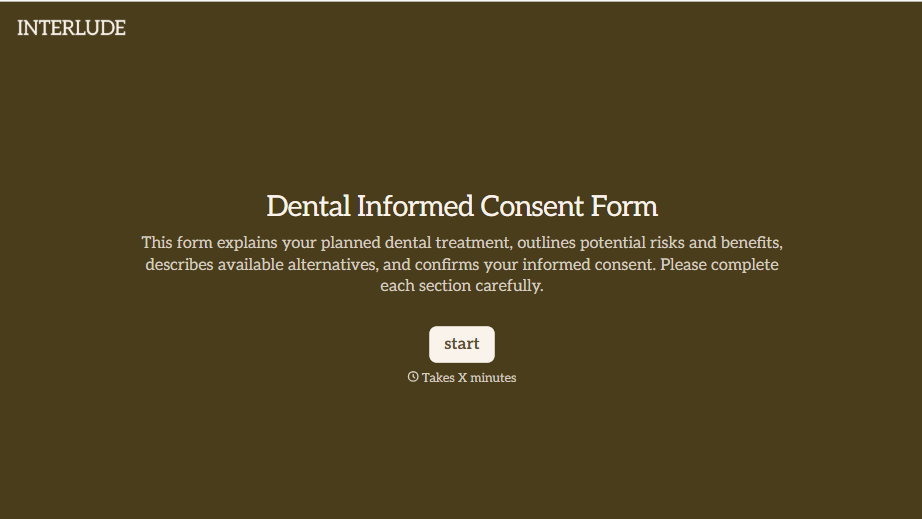
Change text, colors, and even logos to match the look and feel of your brand. Then embed forms smoothly onto web and email.
Make forms feel effortless to fill out. Pace questions, call people by their name, and adapt the flow based on the data they share.
Stay efficient by connecting forms to your workflow. Typeform integrates with 300+ tools including Slack, Zapier, and HubSpot.


