Medicare Claim Form Template
Collect the information needed to file a Medicare claim accurately the first time.



Medicare claim submissions that arrive with missing fields or incorrect information get rejected — which means delays for patients and more administrative work for your staff. The problem usually starts at intake, when information is collected informally or from a paper form that's hard to read.
A digital claim intake form ensures every required field is completed before submission. Typeform guides patients or billing staff through the necessary information one step at a time, and conditional logic surfaces relevant follow-up questions based on service type or coverage situation without overwhelming people who don't need those questions.
Responses are collected in an organized record your billing team can use to prepare and submit the claim accurately.
A Medicare claim form collects the medical, insurance, and billing information needed to submit a claim for Medicare-covered services. It documents what services were provided, when, by whom, and to which beneficiary, so the claim can be processed and reimbursed.
Incomplete or inaccurate claims are a leading cause of rejections and delayed payments. A digital form with required fields reduces errors at the source and gives your billing team a complete, readable record to work from rather than deciphering handwritten intake sheets.
A thorough Medicare claim form should cover:
- Patient's full name, date of birth, and Medicare number
- Primary care provider or treating physician details
- Date and type of service provided
- Diagnosis codes (ICD-10) or a description of the condition
- Procedure codes (CPT) for services rendered
- Referring physician information (if applicable)
- Secondary insurance information
- Patient's signature authorizing release of information
No. This template is an intake or data-collection form, not a substitute for the official CMS-1500 or UB-04 forms required for Medicare billing. Use this form to gather information accurately, then transfer it to the appropriate official claim form for submission.
Typeform encrypts data in transit and at rest. For clinical use, review Typeform's Business Associate Agreement (BAA) availability and ensure your deployment meets HIPAA requirements before collecting patient health information through the platform.
Get inspired by relevant templates and categories
3200+ Templates, 300+ Integrations
With Typeform, you can customize everything
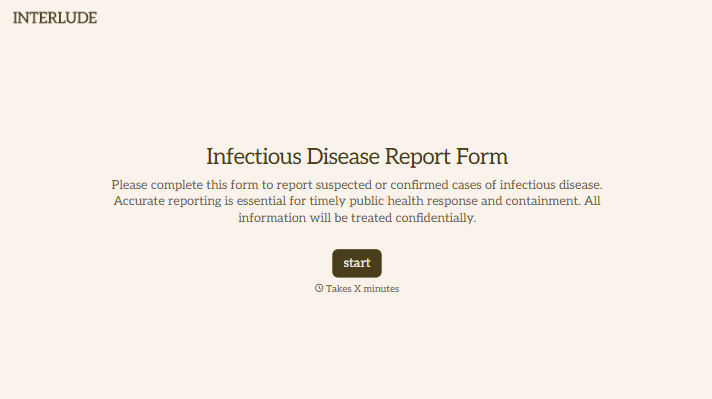
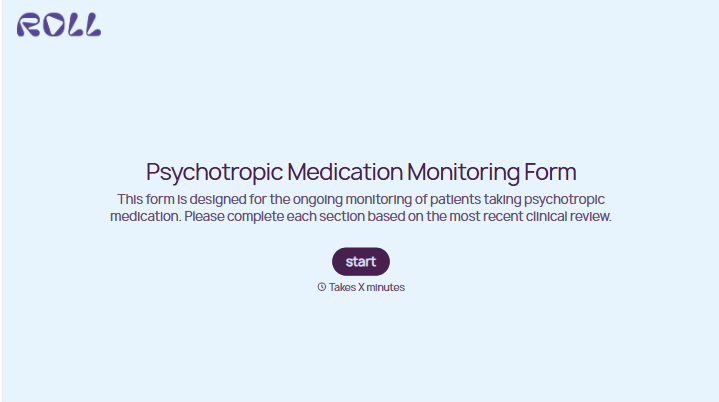
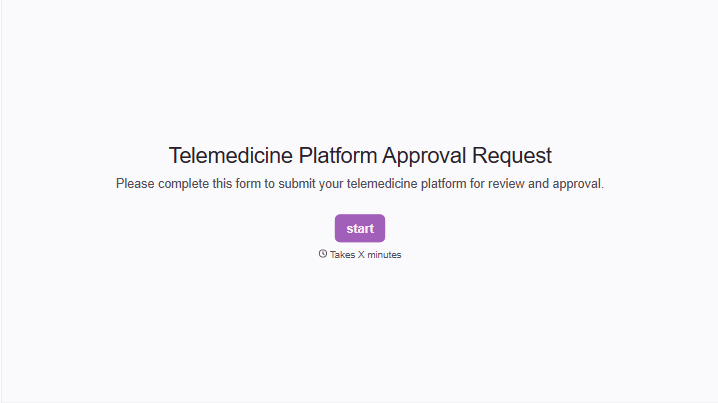
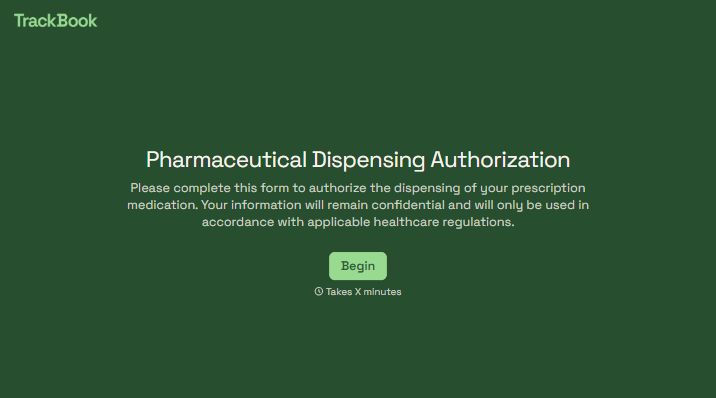
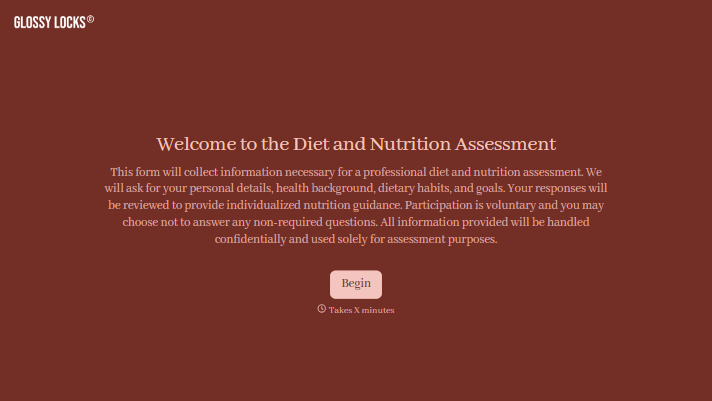
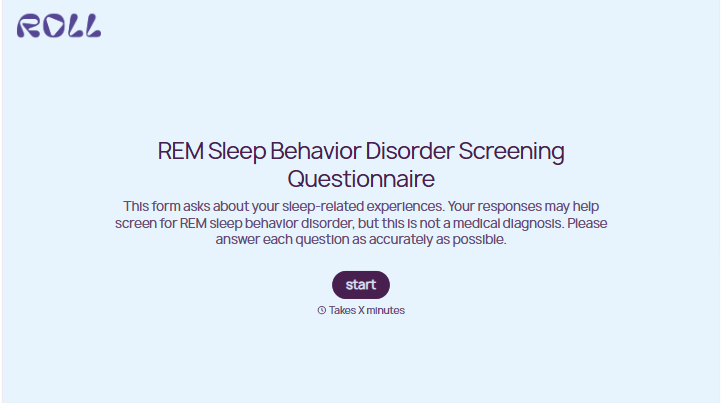
Change text, colors, and even logos to match the look and feel of your brand. Then embed forms smoothly onto web and email.
Make forms feel effortless to fill out. Pace questions, call people by their name, and adapt the flow based on the data they share.
Stay efficient by connecting forms to your workflow. Typeform integrates with 300+ tools including Slack, Zapier, and HubSpot.


