Data Collection Form Template
Gather the data you need: structured, clean, and ready to use.



Bad data doesn’t just waste storage space — it undermines every decision made from it. When information arrives in inconsistent formats — with missing fields and duplicate entries — your team spends more time cleaning data than analyzing it. And every hour spent reformatting a spreadsheet is an hour not spent acting on what the data tells you.
This data collection form template is designed for accuracy from the start. Structured fields, validation rules, and required-field settings ensure that every submission meets your standards. Conditional logic shows or hides fields based on previous answers, keeping the form relevant and concise for each respondent. The one-question-at-a-time format reduces errors by letting people focus on one input at a time.
Deploy it for research, surveys, registrations, audits, or any scenario where data quality matters. Submissions flow into your database, spreadsheet, or analytics tool automatically — clean, consistent, and ready for analysis without a cleanup step.
A data collection form is a structured tool designed to gather specific information from respondents in a consistent, analyzable format. Unlike a general survey, its primary purpose is data integrity — ensuring that every submission follows the same structure, uses the correct data types, and captures all required fields. It's the front door to your dataset.
Because, garbage in, garbage out. A poorly-designed form lets people skip required fields, enter text where numbers belong, and submit in inconsistent formats. A well-designed form enforces structure: required fields prevent gaps, validation rules ensure correct formats, and conditional logic eliminates irrelevant questions. Clean collection beats post-hoc cleanup every time.
- Respondent identifier (name, ID, or anonymous code)
- Date and context of data entry
- Structured data fields with clear labels and formats
- Dropdown or multiple-choice options (where applicable) to standardize responses
- Validation-enforced fields (email format, number ranges, date formats)
- Optional open-text field for notes or exceptions
Use input validation (number-only fields, date pickers, email format checks) to prevent incorrect entries. Provide clear instructions and examples for each field. Use dropdown menus instead of open text wherever possible. "United States" is one option; it's also "US," "USA," "U.S.A.," and "America" when people type it themselves. Structure eliminates ambiguity.
Yes. Save your form configuration and reuse it for each collection period. Responses are timestamped automatically, making it easy to track data over time. For recurring data collection (e.g., weekly reports, monthly audits), set a regular distribution schedule and connect the form to a database that appends new submissions to your existing dataset.
Get inspired by relevant templates and categories
3200+ Templates, 300+ Integrations
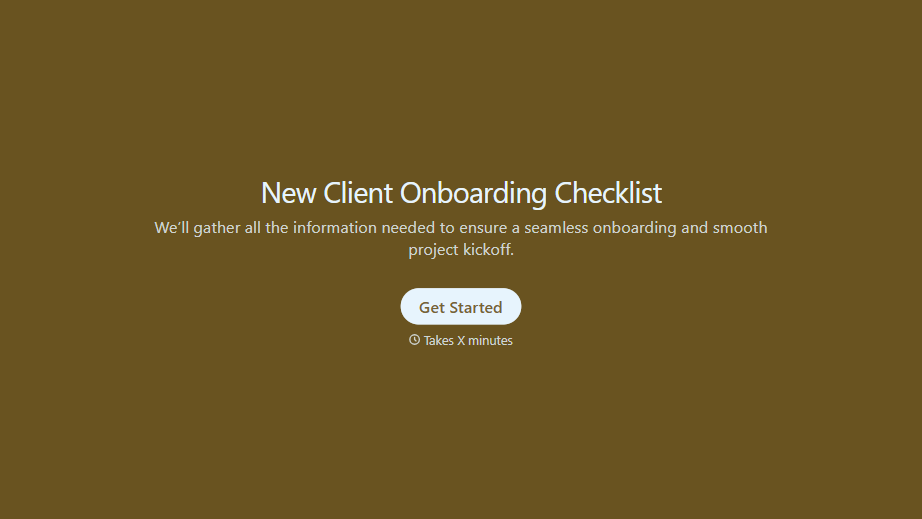
New Client Onboarding Checklist Form
A new client who's signed the engagement letter but never confirmed their billing entity, who's actually authorized to approve work, or where the invoice should go isn't onboarded, they've just signed something. Collect what your firm actually needs, contact and billing details, scope confirmation, a signed agreement, before the first invoice goes out.
View template
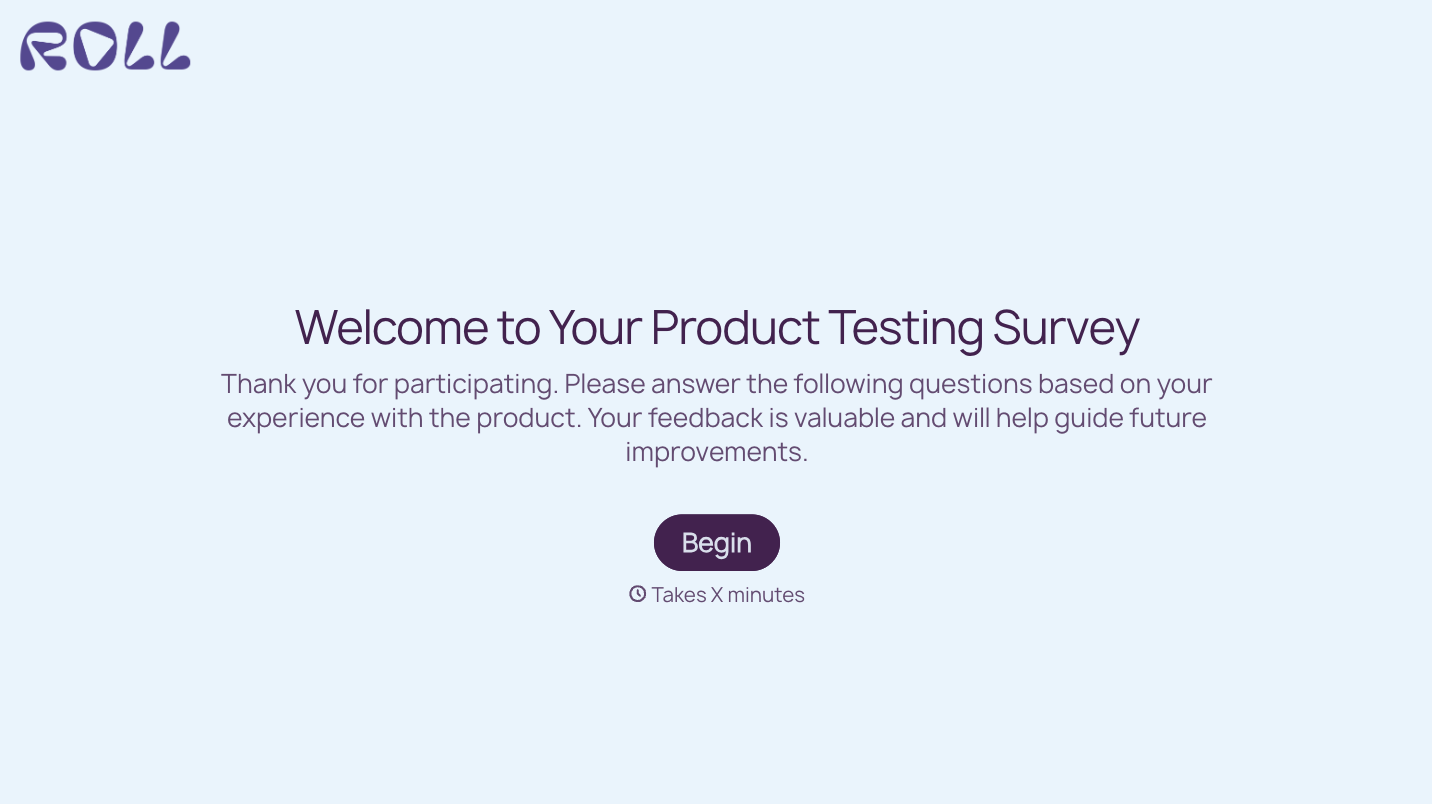

With Typeform, you can customize everything
Change text, colors, and even logos to match the look and feel of your brand. Then embed forms smoothly onto web and email.
Make forms feel effortless to fill out. Pace questions, call people by their name, and adapt the flow based on the data they share.
Stay efficient by connecting forms to your workflow. Typeform integrates with 300+ tools including Slack, Zapier, and HubSpot.


