Mentor Evaluation Form Template
Measure the impact of mentorship, and make the next match even better.



Mentorship programs are only as good as the relationships they create. But most organizations launch a program, make the introductions, and then hope for the best. Without structured feedback, you have no idea whether mentors are effective, mentees are growing, or the program itself is worth the investment.
This mentor evaluation form template gives mentees (and program administrators) a structured way to assess the mentoring relationship. It covers communication quality, goal progress, meeting frequency, and the mentor's ability to provide relevant guidance. Conditional logic adapts the evaluation based on program type — a career mentorship looks different from an academic one.
Send it at the midpoint and end of each mentorship cycle. Responses feed into a dashboard or spreadsheet so program coordinators can identify strong mentors, flag struggling pairs, and refine matching criteria for future cohorts.
A mentor evaluation form is a feedback tool used to assess the quality and impact of a mentoring relationship. It collects the mentee's perspective on the mentor's effectiveness, the relevance of advice given, and the overall value of the program. It helps program coordinators understand what's working and where mentorship pairs need support.
Because good intentions don't guarantee good mentorship. Some mentors are natural coaches; others struggle to provide actionable guidance. Formal evaluation gives you data to recognize effective mentors, provide coaching to those who need it, and ensure mentees are actually benefiting from the program. Not just going through the motions.
- How often did you meet with your mentor?
- How would you rate the quality of communication? (rating scale)
- Did your mentor help you make progress toward your goals?
- Was the advice relevant to your challenges and career stage?
- What was the most valuable aspect of the mentorship?
- What could be improved in future mentorship pairings?
Send evaluations at 2 points: the midpoint and the conclusion of the mentorship cycle. The midpoint check-in lets you intervene if a pairing isn't working. Before the mentee disengages entirely. The final evaluation captures the full-picture impact and informs improvements for the next cohort.
Aggregate responses to identify patterns. Are certain mentors consistently rated highly? Study what they do differently. Are mentees reporting infrequent meetings? That's a structural problem to address. Use the data to refine your matching criteria, set clearer expectations for meeting frequency, and create mentor training based on the gaps evaluations reveal.
Get inspired by relevant templates and categories
3200+ Templates, 300+ Integrations
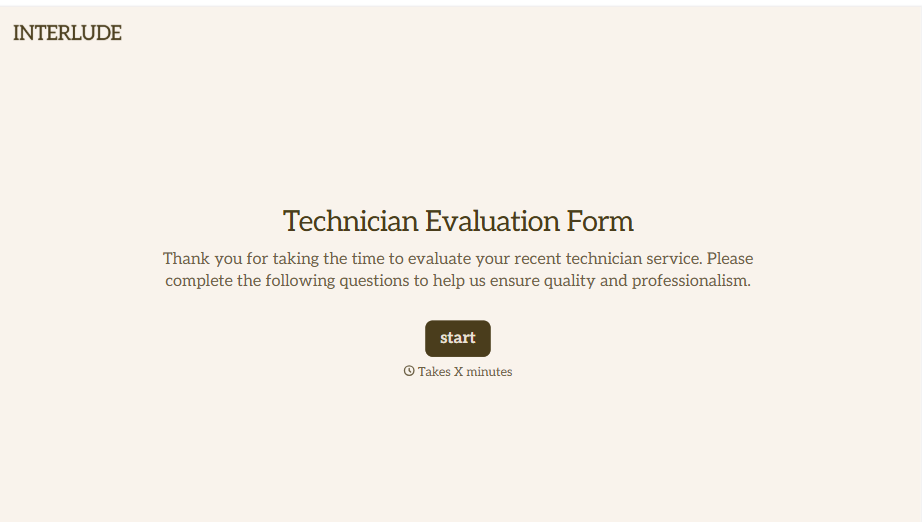
Technician Evaluation Form
A ride-along evaluation scribbled on a clipboard in the truck isn't the kind of record that holds up months later when it's time to talk about a raise or a certification renewal. Collect specific skill, safety, and customer service observations while the job's still fresh, so a technician's review is built on more than a supervisor's memory of the day.
View template
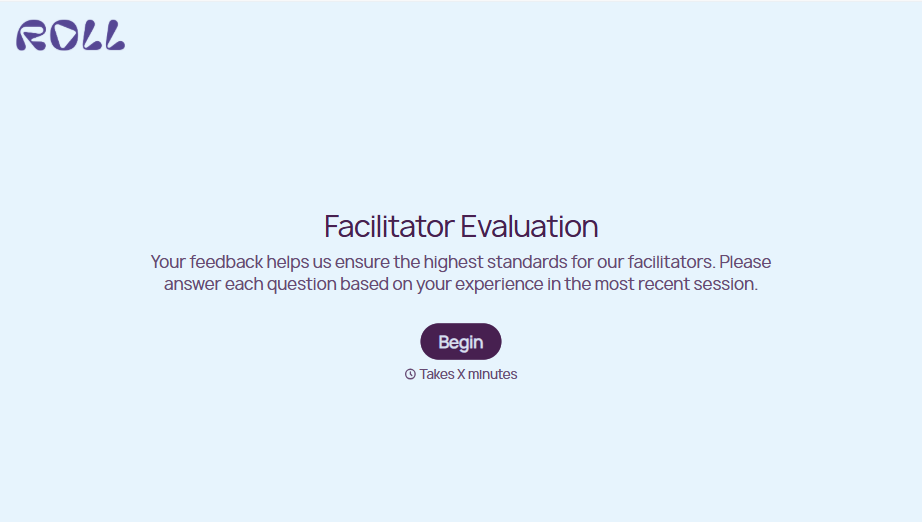
Facilitator Evaluation Form
A round of applause and a few nodding heads doesn't tell your program which facilitator's session actually clicked and which one needs coaching before the next cohort. Collect what your team actually needs, session details, ratings, and specific feedback, before everyone moves on to the next session.
View template



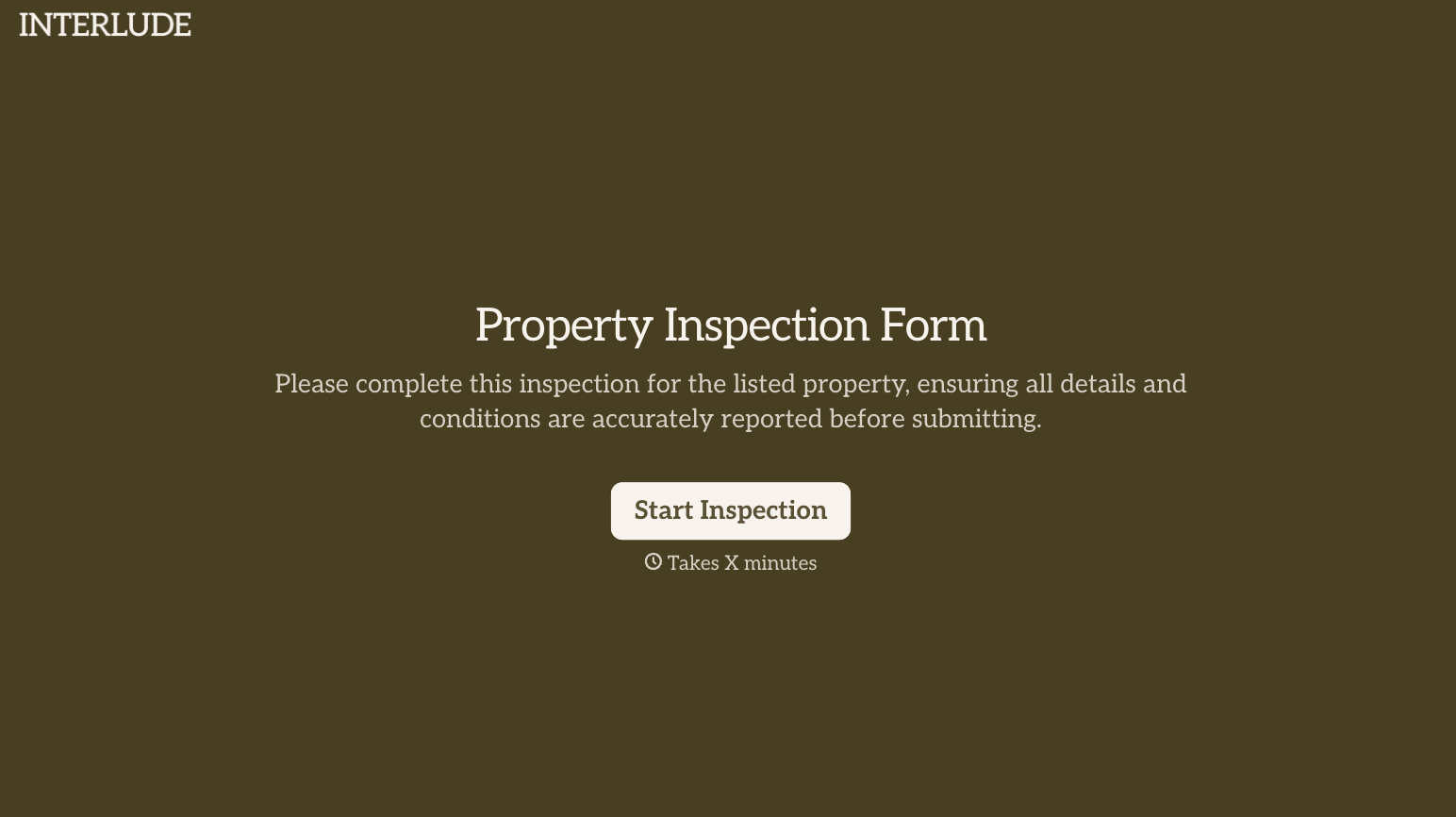
With Typeform, you can customize everything
Change text, colors, and even logos to match the look and feel of your brand. Then embed forms smoothly onto web and email.
Make forms feel effortless to fill out. Pace questions, call people by their name, and adapt the flow based on the data they share.
Stay efficient by connecting forms to your workflow. Typeform integrates with 300+ tools including Slack, Zapier, and HubSpot.


