Post-Event Evaluation Form Template
Collect honest attendee feedback while the experience is still fresh, so your next event is better.



Every event ends with a pile of things you wish had gone differently and a gut sense of what worked. But gut sense isn't data, and if you don't capture feedback while attendees still remember the details, you lose your best source of insight. Generic post-event emails get ignored, and verbal feedback at the door is selective at best.
A Typeform post-event evaluation form gets responses while impressions are sharp. The one-question-at-a-time format keeps attendees engaged through the whole survey rather than dropping off halfway through a grid of rating scales. Conditional logic can route attendees to different question sets based on whether they attended in person or online, or based on which sessions they joined. Responses are automatically organized for analysis.
Set up takes minutes. Customize the question set for your event type, add your branding, and send the link before attendees even leave the room.
A post-event evaluation form is a survey sent to attendees after an event to collect feedback on their experience. It covers elements like content quality, organization, venue, and overall satisfaction.
Attendee feedback is the most direct signal you have about what's working and what isn't. Without it, you're planning your next event based on assumptions. A structured form gives you comparable data across events over time.
Cover the key dimensions of the attendee experience:
- Overall satisfaction rating
- Quality of content or programming
- Organization and logistics
- Speakers or facilitators
- Venue or platform (for virtual events)
- Networking or social opportunities
- Whether they'd attend a future event or recommend it to others
- Open field for additional comments
Send it immediately after the event ends, or even during the final session for in-person events where attendance scanning is an option. Response rates drop significantly within 24 hours as attention moves on.
Look for patterns across all attendee responses, rather than individual comments. If multiple attendees flag the same session or logistical issue, that's a reliable signal. Export responses to a spreadsheet, sort by category, and build a short action list for the planning team before the next event.
Get inspired by relevant templates and categories
3200+ Templates, 300+ Integrations
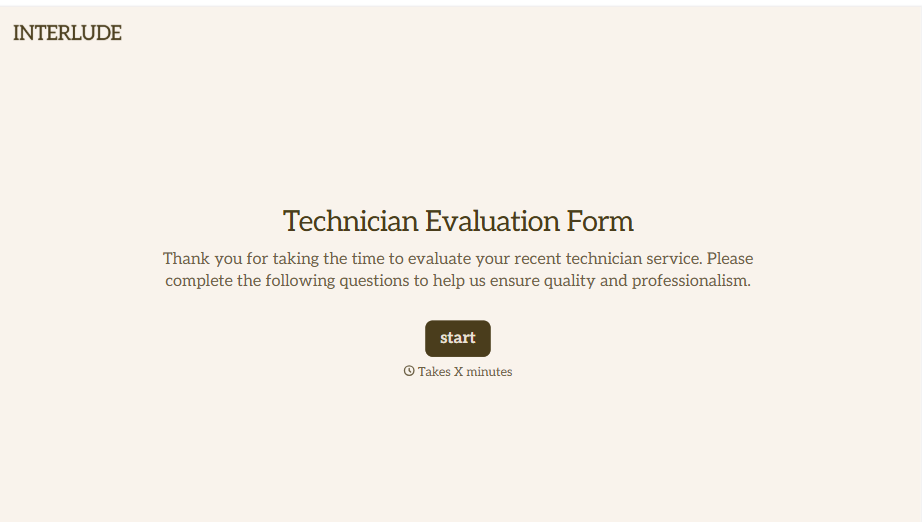
Technician Evaluation Form
A ride-along evaluation scribbled on a clipboard in the truck isn't the kind of record that holds up months later when it's time to talk about a raise or a certification renewal. Collect specific skill, safety, and customer service observations while the job's still fresh, so a technician's review is built on more than a supervisor's memory of the day.
View template
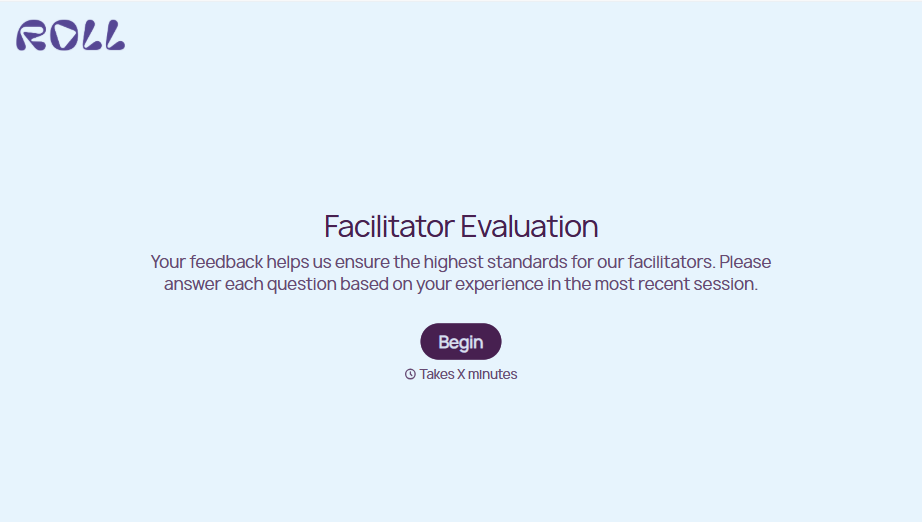
Facilitator Evaluation Form
A round of applause and a few nodding heads doesn't tell your program which facilitator's session actually clicked and which one needs coaching before the next cohort. Collect what your team actually needs, session details, ratings, and specific feedback, before everyone moves on to the next session.
View template
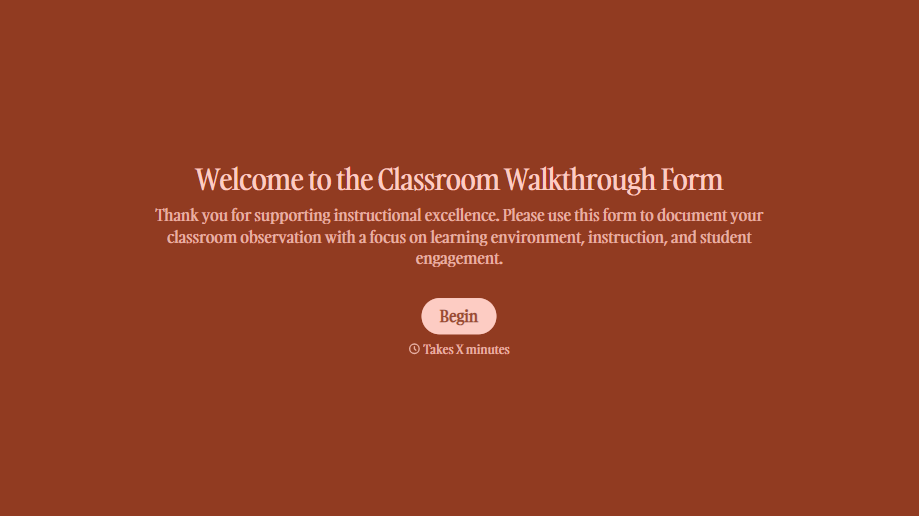
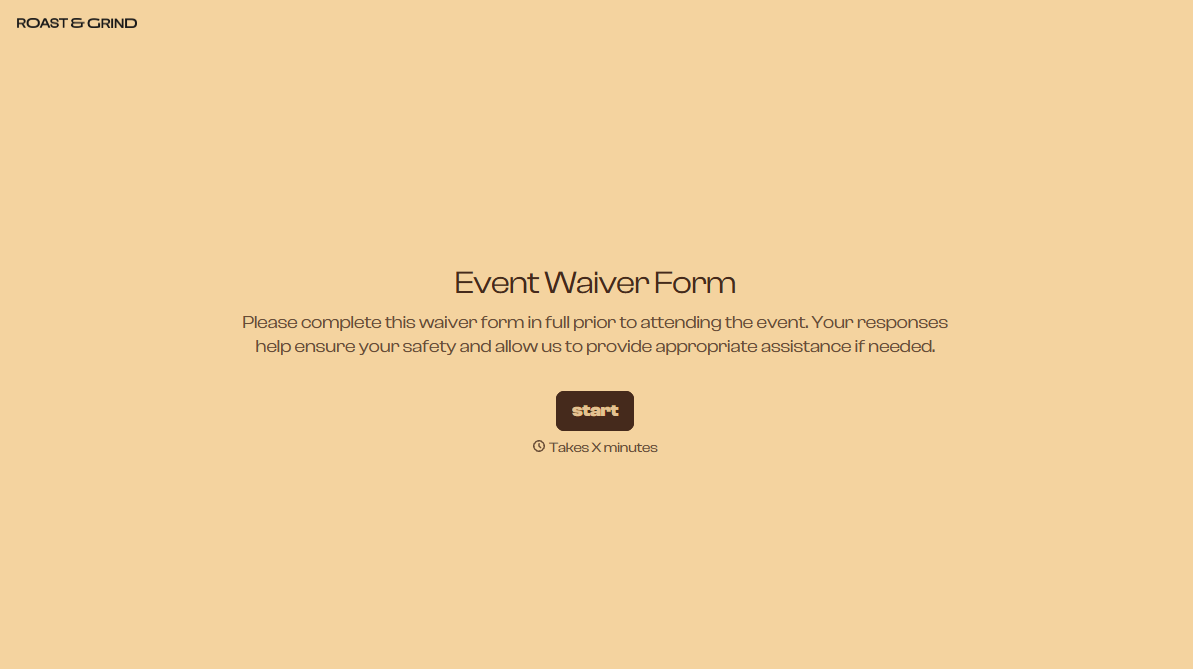
With Typeform, you can customize everything
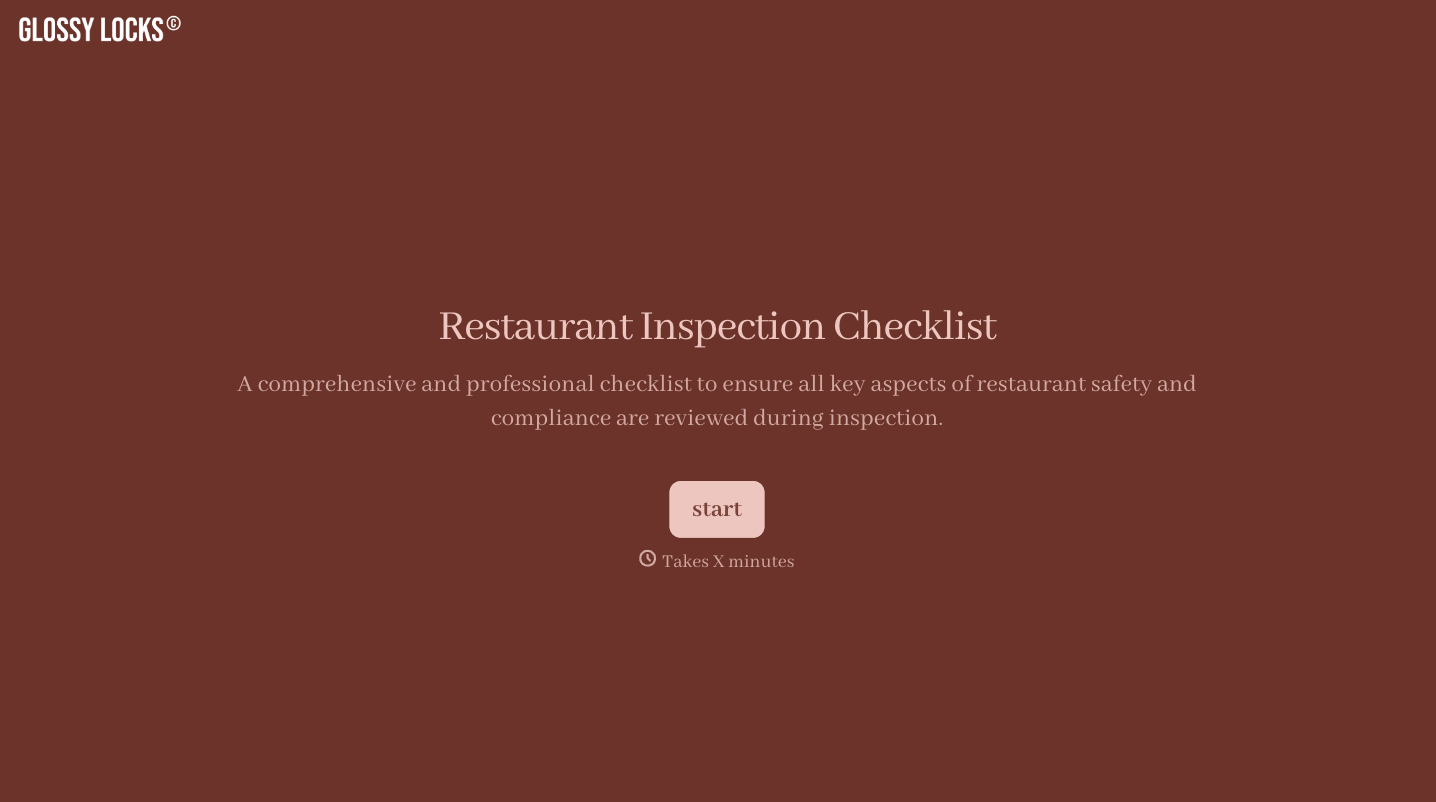
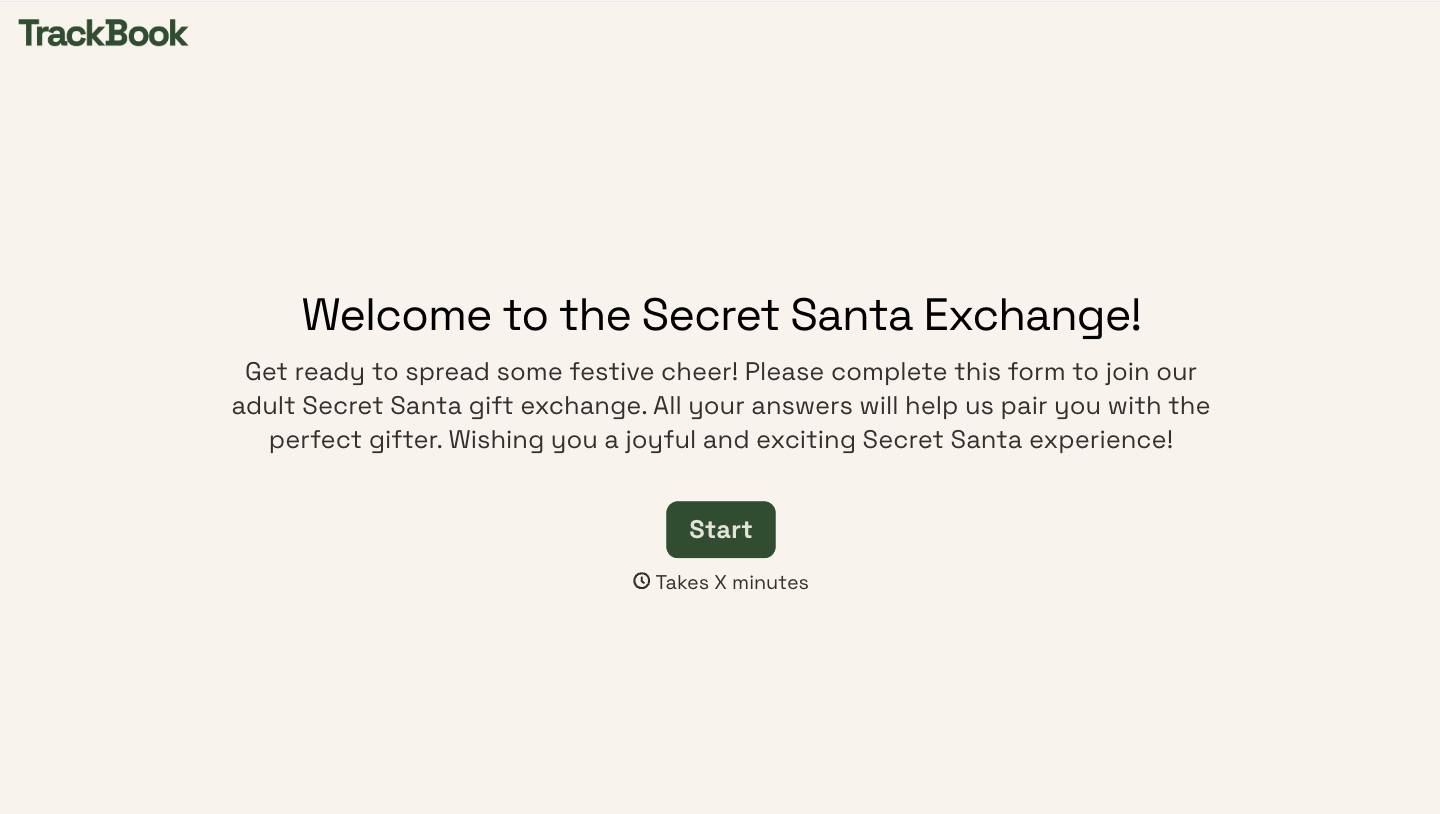
Change text, colors, and even logos to match the look and feel of your brand. Then embed forms smoothly onto web and email.
Make forms feel effortless to fill out. Pace questions, call people by their name, and adapt the flow based on the data they share.
Stay efficient by connecting forms to your workflow. Typeform integrates with 300+ tools including Slack, Zapier, and HubSpot.


