Office Supply Request Form Template
Stop the sticky-note supply requests and give your office management team something they can actually work with.



Toner cartridges, sticky notes, ergonomic keyboards, that one person who keeps requesting a standing desk — managing office supply requests through email and verbal asks is a recipe for forgotten orders, duplicate purchases, and budget overruns nobody can trace.
This office supply request form template gives employees a quick, structured way to request what they need: item description, quantity, urgency, and whether it's a standard restock or a new purchase. Conditional logic routes requests by category — standard supplies go straight to the order queue, while furniture or equipment requests trigger a manager approval step.
Connect it to your procurement tool, Slack, or a shared spreadsheet. Office managers see a clean queue of requests with all the details, and requesters get confirmation that their ask was received instead of wondering if anyone read their email.
An office supply request form is an internal tool that employees use to formally request office materials, equipment, or supplies. It captures what's needed, how much, how urgently, and who's requesting it — giving office managers or procurement teams a centralized, organized way to track and fulfill supply needs.
Without one, supply requests are scattered across emails, Slack messages, and hallway mentions. Items get double-ordered or not ordered at all. Nobody knows what the monthly supply budget actually is because there's no record. A structured form creates accountability, visibility, and a spending trail — which, for any growing organization, becomes essential.
- Requester's name, department, and location or floor
- Item description and quantity needed
- Whether it's a regular restock or a new/first-time request
- Urgency level (routine, needed this week, urgent)
- Preferred vendor or brand (if applicable)
- Manager or supervisor name for approval routing
Add a budget category or cost estimate field so each request has a dollar value attached. Route requests above a certain threshold to a manager for approval before purchasing. Over time, the data from submitted forms reveals spending patterns, which departments order the most, what items are requested repeatedly, and where bulk purchasing could save money.
While the form itself captures individual requests, you can use the data it generates to identify items that should be on auto-replenishment. Export monthly submission data, spot the recurring items, and set those up as standing orders with your supplier. The form then handles one-off and unusual requests, while your high-frequency items restock automatically.
Get inspired by relevant templates and categories
3200+ Templates, 300+ Integrations

Library Book Request Form
A book request scrawled on a sticky note at the front desk doesn't make it into any queue, and it definitely doesn't get anyone a call when the book actually arrives. Collect what your library actually needs, the title, patron information, and how they'd like to be notified, before the note gets buried under the next stack of returns.
View template

Tenant Repair Request Form
A text message about a leaky faucet sent at 11pm isn't a work order your maintenance team can act on efficiently, especially without a photo or a unit number attached. Collect the property, the issue, and how urgent it is before the request lands in someone's texts, so a repair doesn't wait on a landlord scrolling back through old messages.
View template

Video Request Form
A Slack message asking for "a quick video for the launch" isn't a creative brief your video team can actually start from. Collect the project purpose, deadline, and deliverable specs before the request lands in a queue, so your team isn't reworking a video built on assumptions the requester never actually stated.
View template
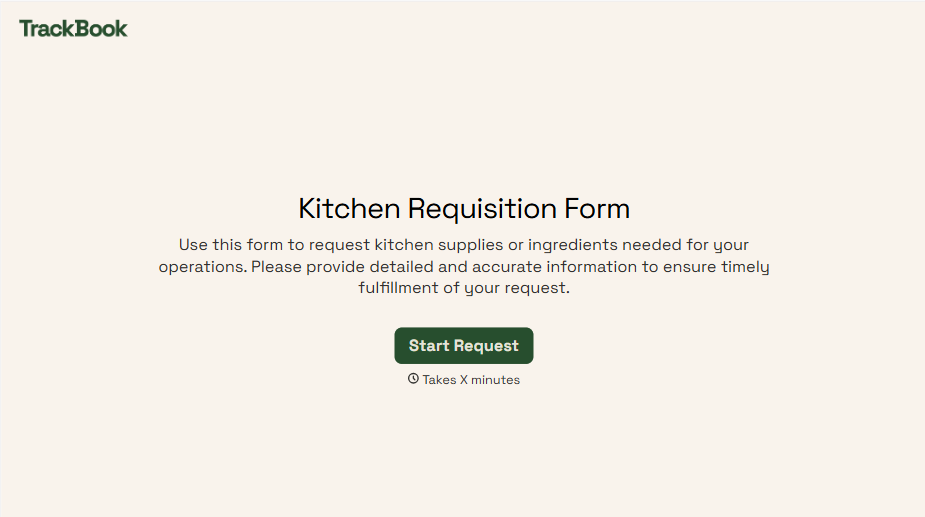
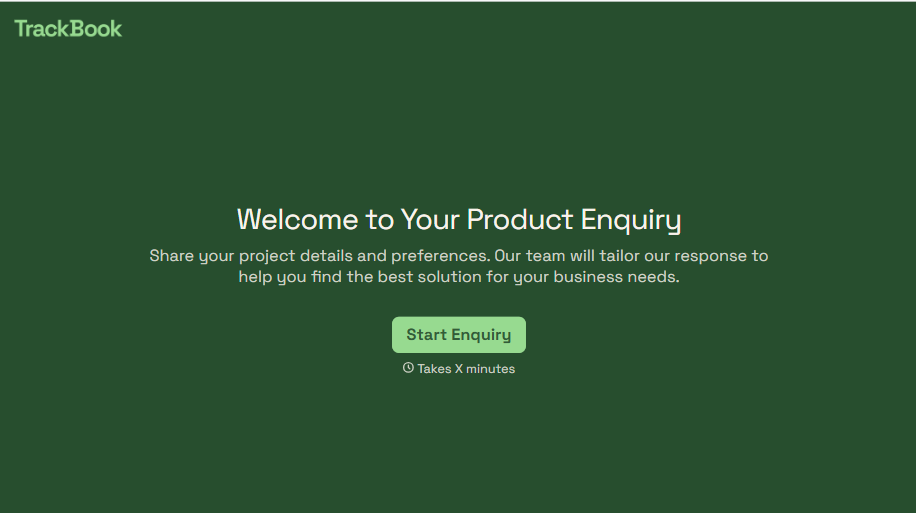
Product Enquiry Form
A generic "I'm interested in your product, can you tell me more?" email doesn't tell your sales team which product, what quantity, or what the customer's actually trying to do with it. Collect what your team actually needs, product interest, quantity, and use case, before you reply.
View template
With Typeform, you can customize everything
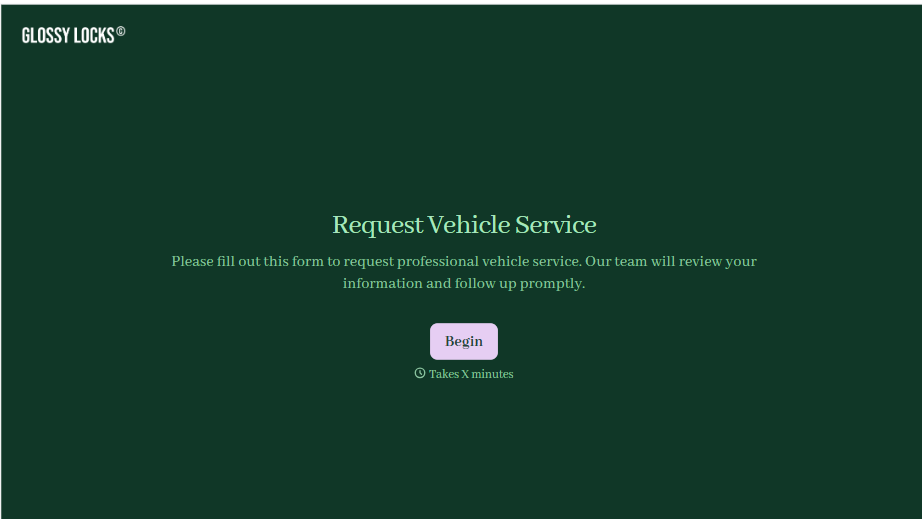
Change text, colors, and even logos to match the look and feel of your brand. Then embed forms smoothly onto web and email.
Make forms feel effortless to fill out. Pace questions, call people by their name, and adapt the flow based on the data they share.
Stay efficient by connecting forms to your workflow. Typeform integrates with 300+ tools including Slack, Zapier, and HubSpot.


