Performance Appraisal Form Template
Evaluate employee performance with consistency and fairness, not vague impressions and gut feelings.



Performance appraisals shape careers — they influence raises, promotions, and development plans. Yet too often, they're conducted with all the rigor of a casual conversation. Managers struggle to recall specific examples from months ago, employees feel blindsided by feedback, and HR gets inconsistent evaluations that are impossible to compare across teams.
This performance appraisal form template brings structure and consistency to the evaluation process. Each section addresses a specific performance dimension. Goal achievement, core competencies, collaboration, initiative — with rating scales and fields for concrete examples. Conditional logic adjusts the criteria based on the employee's role level, so individual contributors and people managers are evaluated on appropriately different standards.
Configure it for your organization's competency model, share it with managers before review season, and collect structured evaluations through integrations with your HRIS. Consistent appraisals don't just protect the organization — they give employees the clear, fair feedback they deserve.
A performance appraisal form is a formal evaluation document used by managers to assess an employee's job performance, contributions, and development over a defined period. It typically includes rating scales for specific competencies, sections for narrative feedback, goal assessment, and forward-looking development planning. The completed form becomes part of the employee's official HR record.
In practice, the terms are often used interchangeably. However, "appraisal" tends to refer to the formal, documented evaluation — the written assessment, while "review" often refers to the broader process, including the conversation between manager and employee. This template focuses on the documentation side, ensuring the written appraisal is thorough, specific, and consistently structured.
- Employee name, role, department, and review period
- Goal achievement ratings with specific examples for each goal
- Competency ratings (communication, teamwork, initiative, quality of work)
- Most significant accomplishments during the review period
- Areas needing development with recommended actions
- Overall performance rating and summary comments
Standardization is key. When every manager uses the same form, with the same competencies, rating scales, and requirement for specific examples, you reduce the variability that comes from different writing styles and evaluation philosophies. Calibration sessions. Where managers discuss and align on what each rating level means. Are also valuable. The form provides the structure; calibration sessions provide the shared understanding.
Absolutely. Include a self-assessment section where employees rate themselves and provide their own examples of accomplishments and growth areas. This creates a more balanced appraisal, surfaces contributions the manager might have missed, and gives the employee a sense of ownership in the process. The comparison between self-assessment and manager assessment often generates the most productive discussion.
Get inspired by relevant templates and categories
3200+ Templates, 300+ Integrations
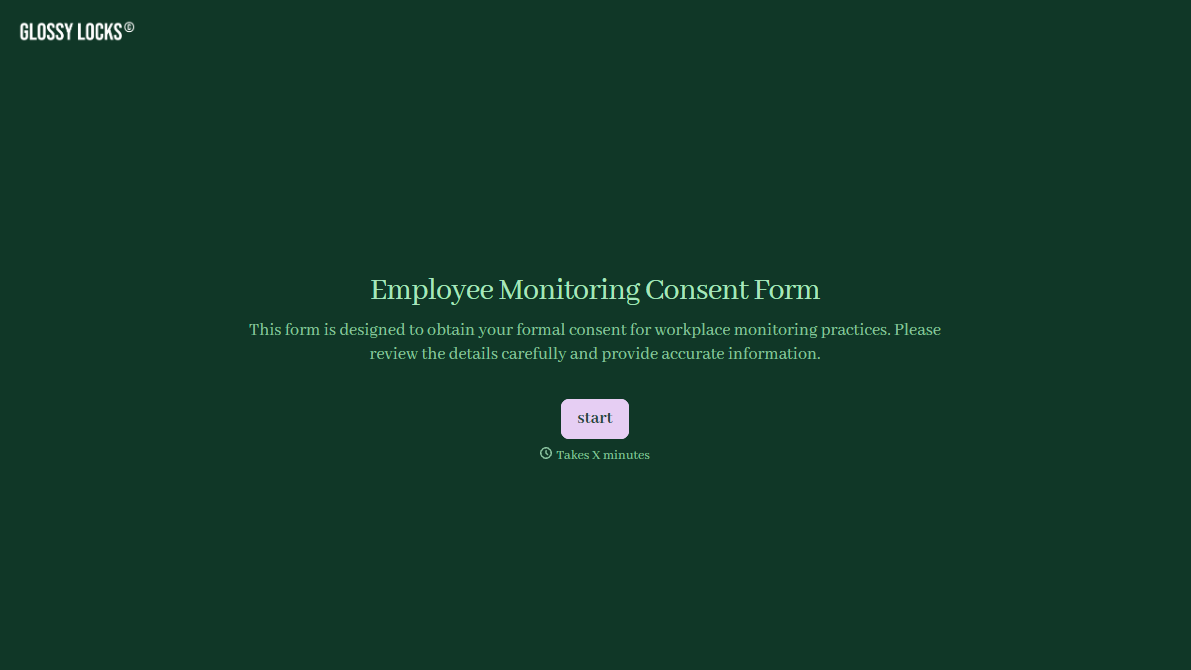
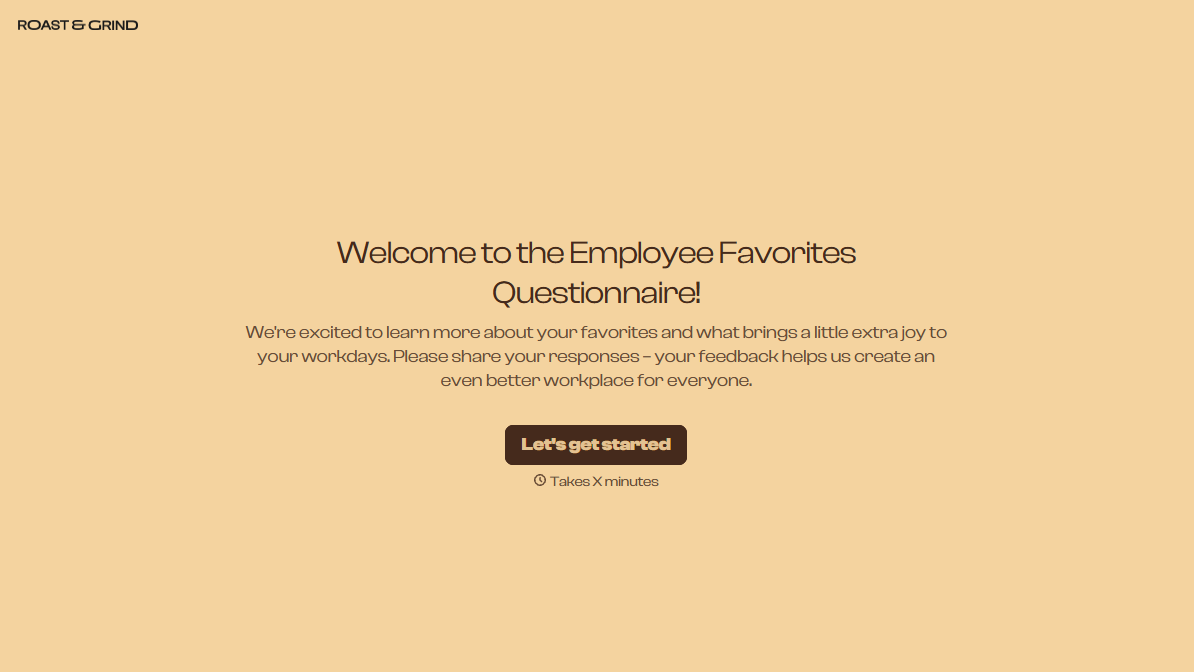
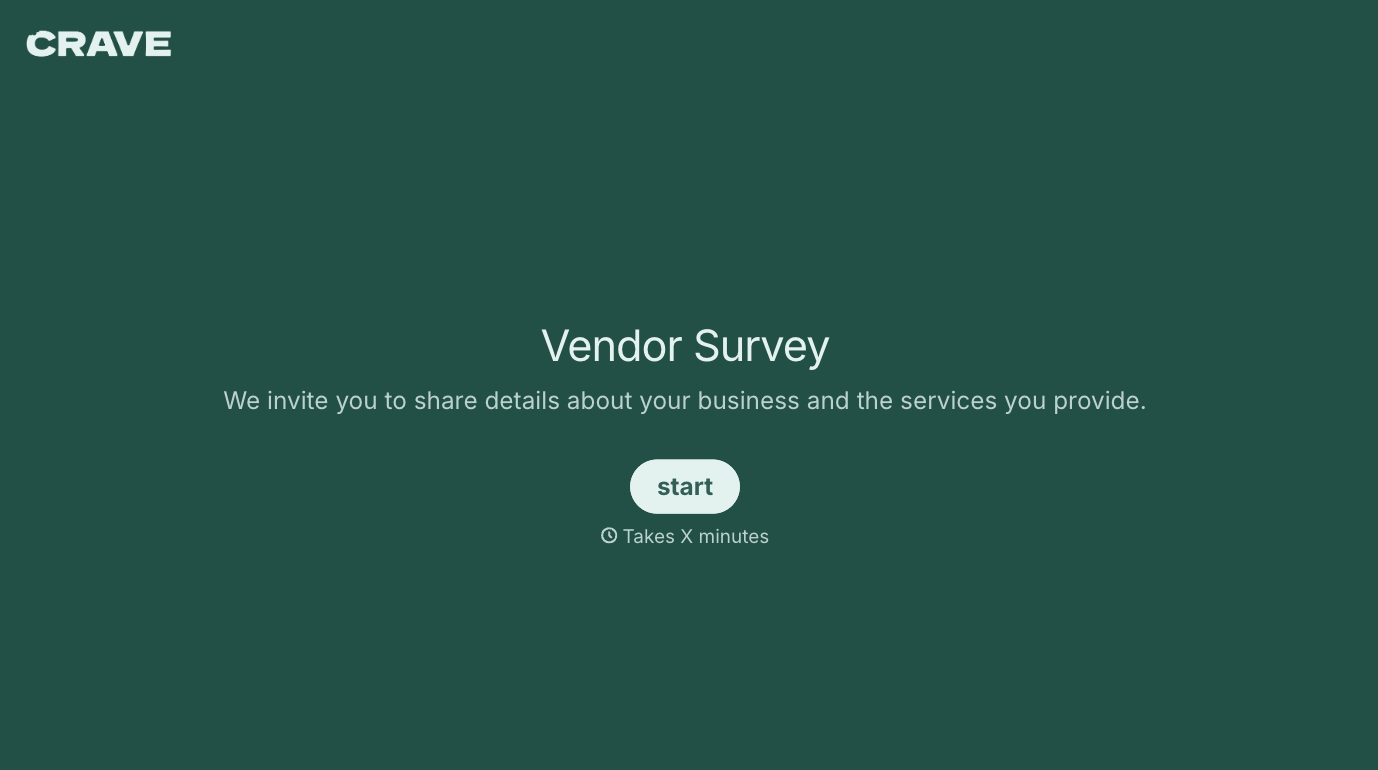
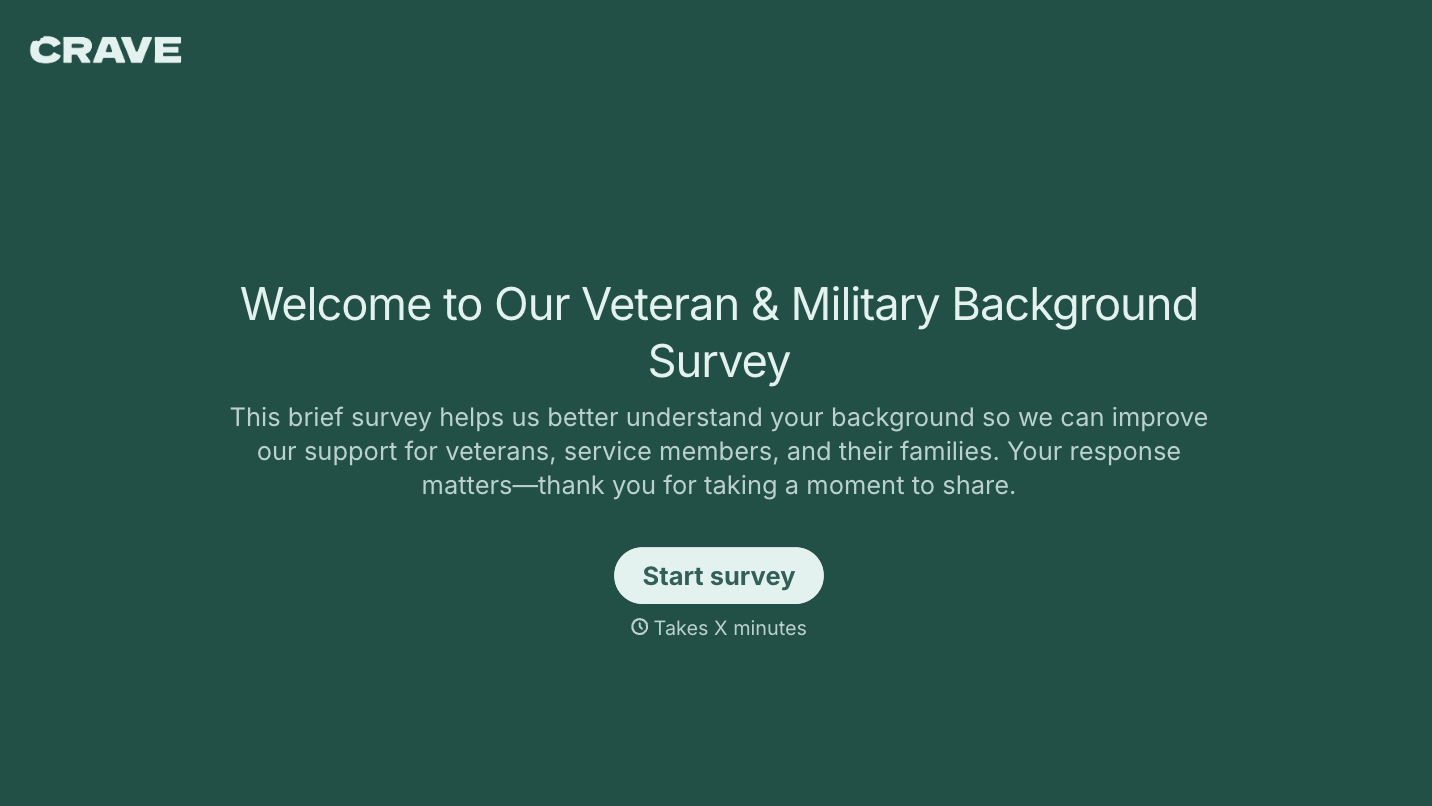
With Typeform, you can customize everything
Change text, colors, and even logos to match the look and feel of your brand. Then embed forms smoothly onto web and email.
Make forms feel effortless to fill out. Pace questions, call people by their name, and adapt the flow based on the data they share.
Stay efficient by connecting forms to your workflow. Typeform integrates with 300+ tools including Slack, Zapier, and HubSpot.


