Performance Review Form Template
Give performance reviews the structure they deserve, so the conversation is productive, not painful.



Performance reviews shouldn't feel like a surprise ambush or a box-checking exercise. But without structure, they often become one or the other: a manager improvising feedback from memory, or both parties rushing through a generic form to get it over with.
This performance review form template provides a clear framework for evaluating performance across multiple dimensions. The one-question-at-a-time format gives reviewers space to think about each area (goals met, competencies demonstrated, growth areas) without the temptation to rush through a crowded form. Conditional logic adjusts the review based on role type, department, or seniority level, so the criteria are always relevant.
Customize it for your organization's competency framework, share it with managers before review cycles, and collect structured evaluations that feed into your HR system through integrations. The result is reviews that are fair, consistent, and actually useful for employee development.
A performance review form is a structured evaluation tool that managers use to assess an employee's job performance over a specific period. It typically covers goal achievement, core competencies, strengths, areas for improvement, and development plans. The form creates a documented record of the review that benefits both the employee's growth and the organization's talent management.
Without structure, reviews are inconsistent. One manager writes a novel; another checks a few boxes. Structured forms ensure every employee is evaluated on the same criteria, which promotes fairness and reduces bias. They also make it easier to track performance trends over time, support compensation decisions with documentation, and give employees clear, actionable feedback instead of vague impressions.
- Overall performance rating for the review period
- Assessment of specific goals or objectives set at the start of the period
- Evaluation of core competencies (communication, problem-solving, collaboration, etc.)
- Key strengths and accomplishments
- Areas for improvement with specific examples
- Development goals and action plan for the next review period
Use consistent criteria for every employee in the same role. That's the most impactful step. The form structure itself helps by asking the same questions for every review, which limits the influence of recency bias or personal relationships. Include fields for specific examples rather than general impressions. You can also add a self-assessment component so the manager's perspective isn't the only voice in the process.
Yes, and this template supports it. Create a version of the form for employees to complete before the review meeting. Self-assessments surface accomplishments that managers might have missed, give employees agency in the process, and create a natural starting point for the review conversation. Comparing the self-assessment with the manager's evaluation often reveals the most productive discussion points.
Get inspired by relevant templates and categories
3200+ Templates, 300+ Integrations
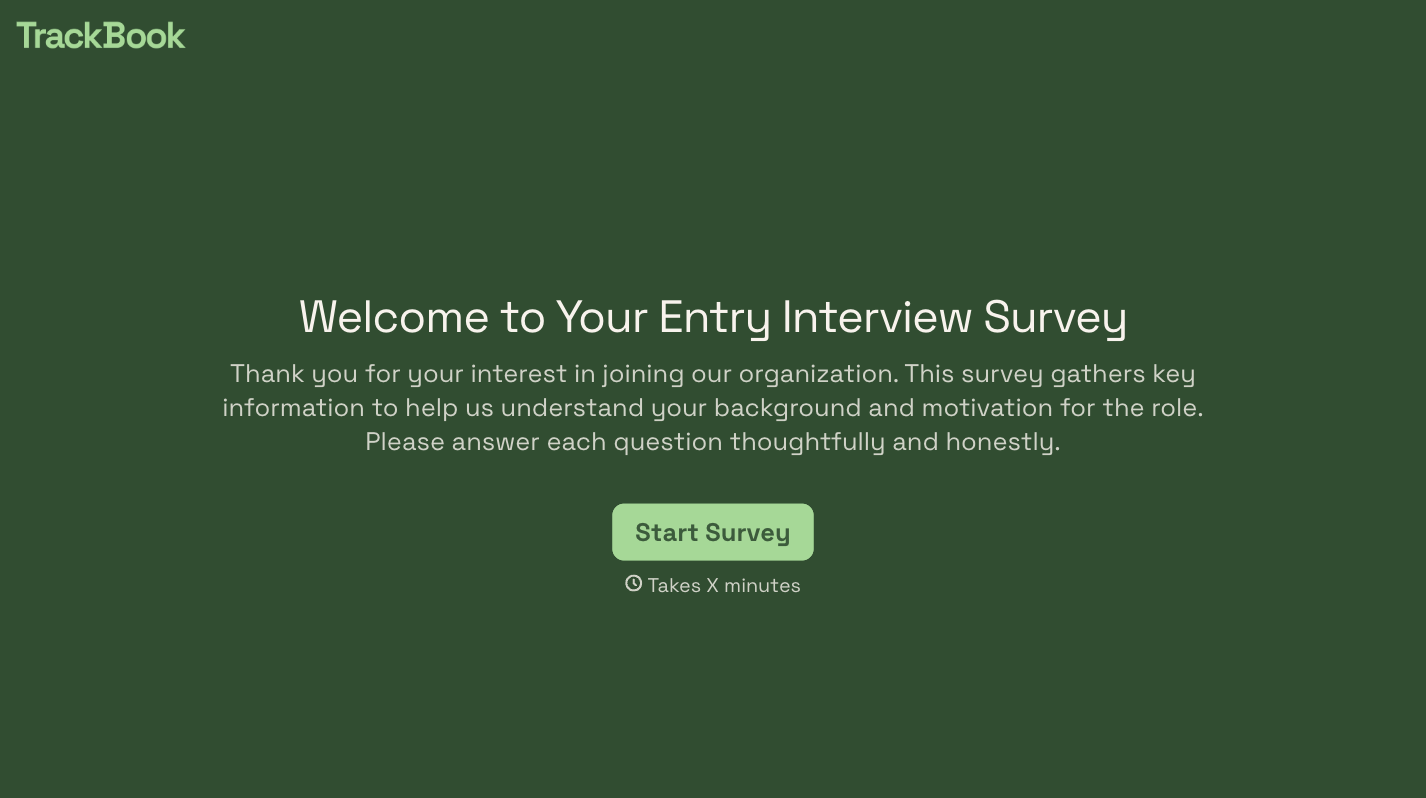
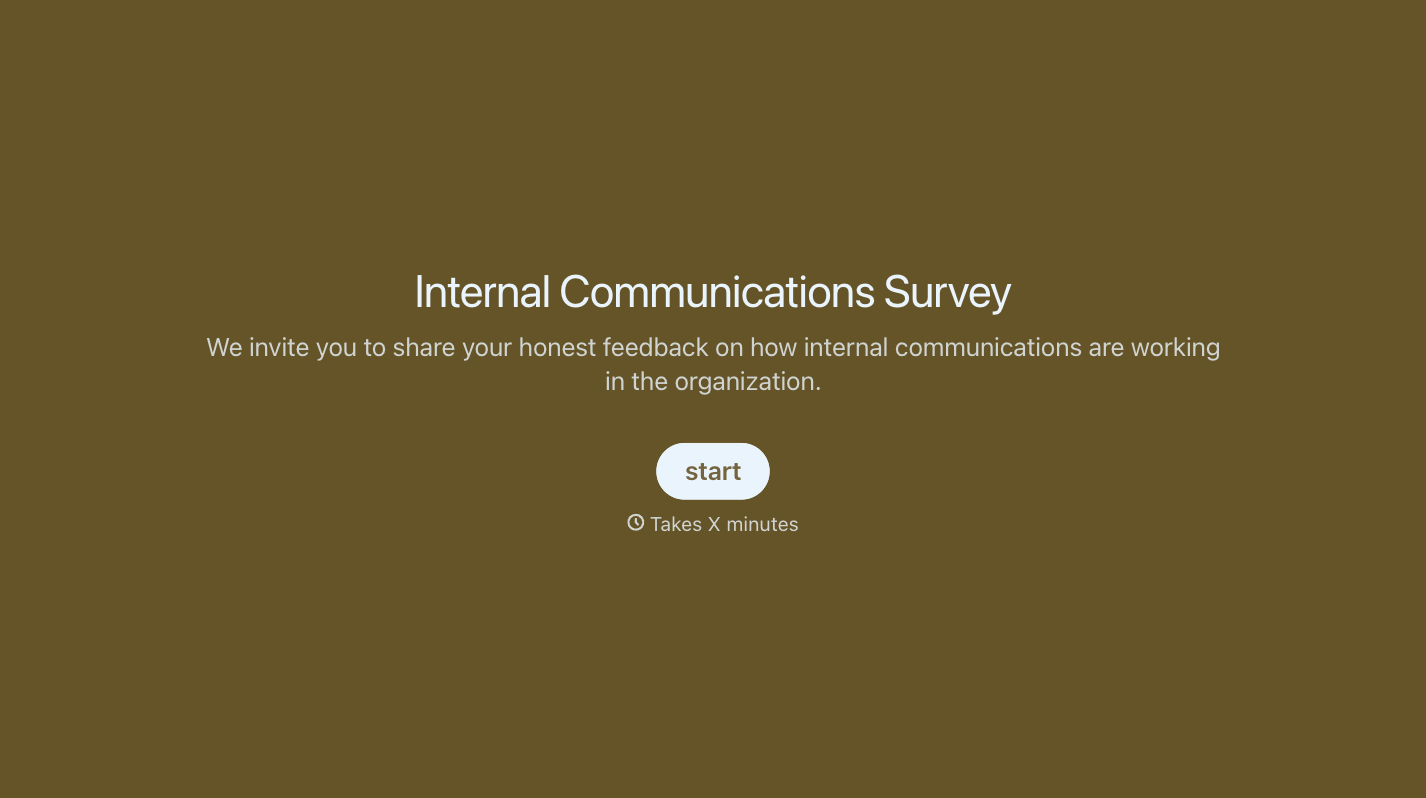
With Typeform, you can customize everything
Change text, colors, and even logos to match the look and feel of your brand. Then embed forms smoothly onto web and email.
Make forms feel effortless to fill out. Pace questions, call people by their name, and adapt the flow based on the data they share.
Stay efficient by connecting forms to your workflow. Typeform integrates with 300+ tools including Slack, Zapier, and HubSpot.


