Training evaluation survey template
Find out whether your training actually stuck, so you can improve it before the next session.


Training sessions are easy to run — knowing whether they worked is harder. Without structured feedback, you're gauging impact by how energetic the room felt, which tells you almost nothing about whether skills transferred, knowledge stuck, or behaviors will actually change. When training budgets come up for review, "it seemed to go well" isn't a compelling case.
A Typeform post-training evaluation survey collects measurable feedback immediately after sessions, while the experience is still fresh. Rating scales capture overall satisfaction and perceived relevance, while open questions identify what specifically could be improved. Conditional logic can branch based on role or department, so each participant only sees questions relevant to how the training applies to their role. Results give learning and development teams and managers real data to improve content, delivery, and format.
Keep the survey short. Send it while people are still in the room, or immediately after, and use the data to build a consistent improvement cycle.
A post-training survey is a short questionnaire sent to participants after a training session or workshop. It measures how well the content was understood, how useful participants found it, and how confident they feel applying what they learned.
Training is only as valuable as the change it produces. A consistent post-training feedback loop helps you identify what's working, what's missing, and what needs to be redesigned, which makes every subsequent session more effective.
Cover content, delivery, and application:
- Overall rating of the training session
- Relevance of the content to the participant's role
- Clarity and quality of the trainer's delivery
- Pacing — whether the session moved too fast, too slow, or was well-timed
- Whether they feel confident applying what they learned
- The most valuable thing they took away
- What they'd change or add to improve the session
Send it immediately at the end of the session or, if that's not possible, within an hour of completion. Response rates and the specificity of answers both drop significantly the longer you wait. For in-person sessions, sharing a QR code as part of the closing slide is an effective way to capture responses on the spot.
Look for consistent patterns across multiple sessions, not individual responses. If 60% of respondents rate the pacing as too fast, that's a clear signal to restructure the session length or content density. Share aggregated results with trainers and program owners so improvements are grounded in participant experience rather than trainer preference.
Get inspired by relevant templates and categories
3200+ Templates, 300+ Integrations
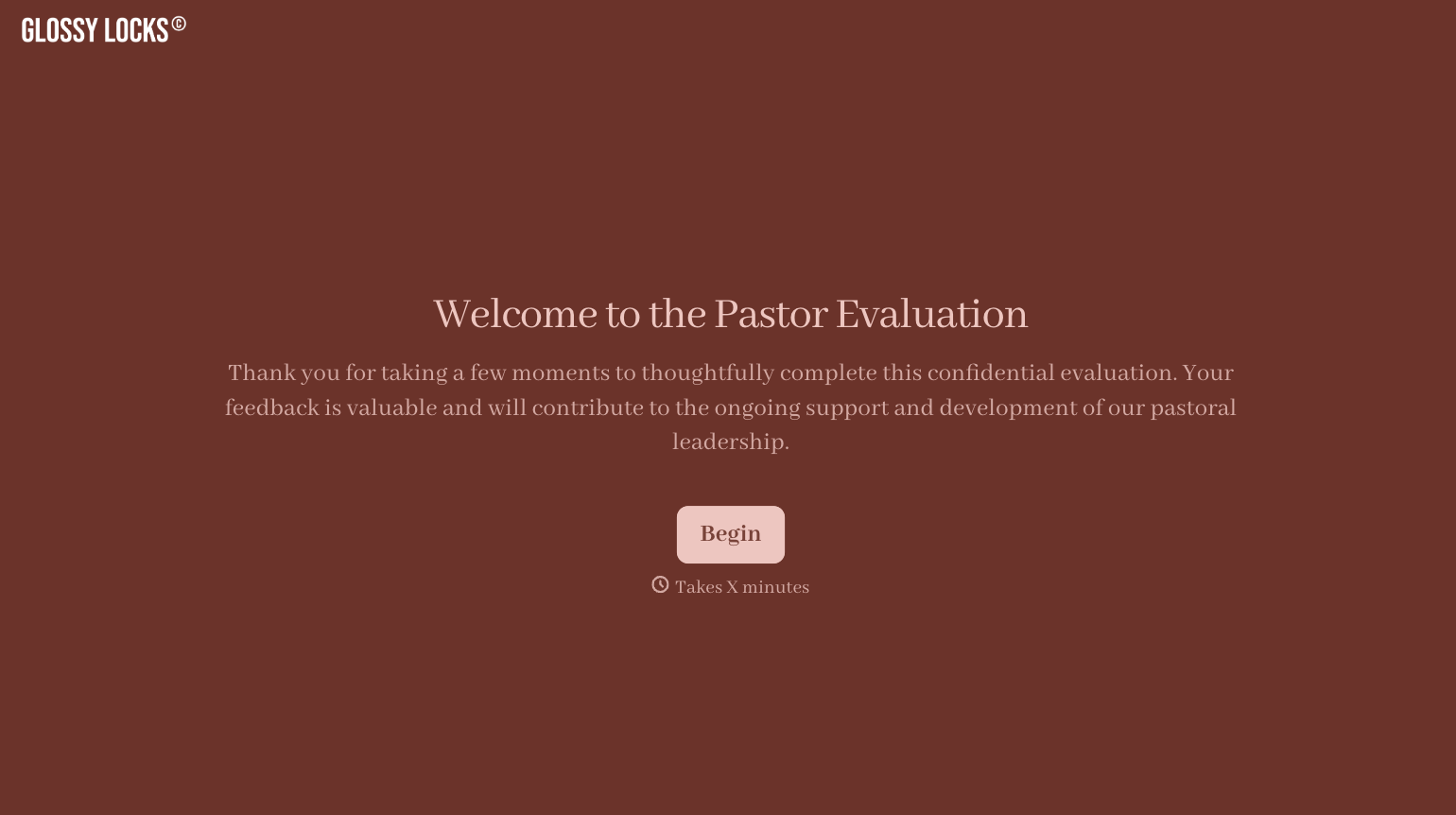
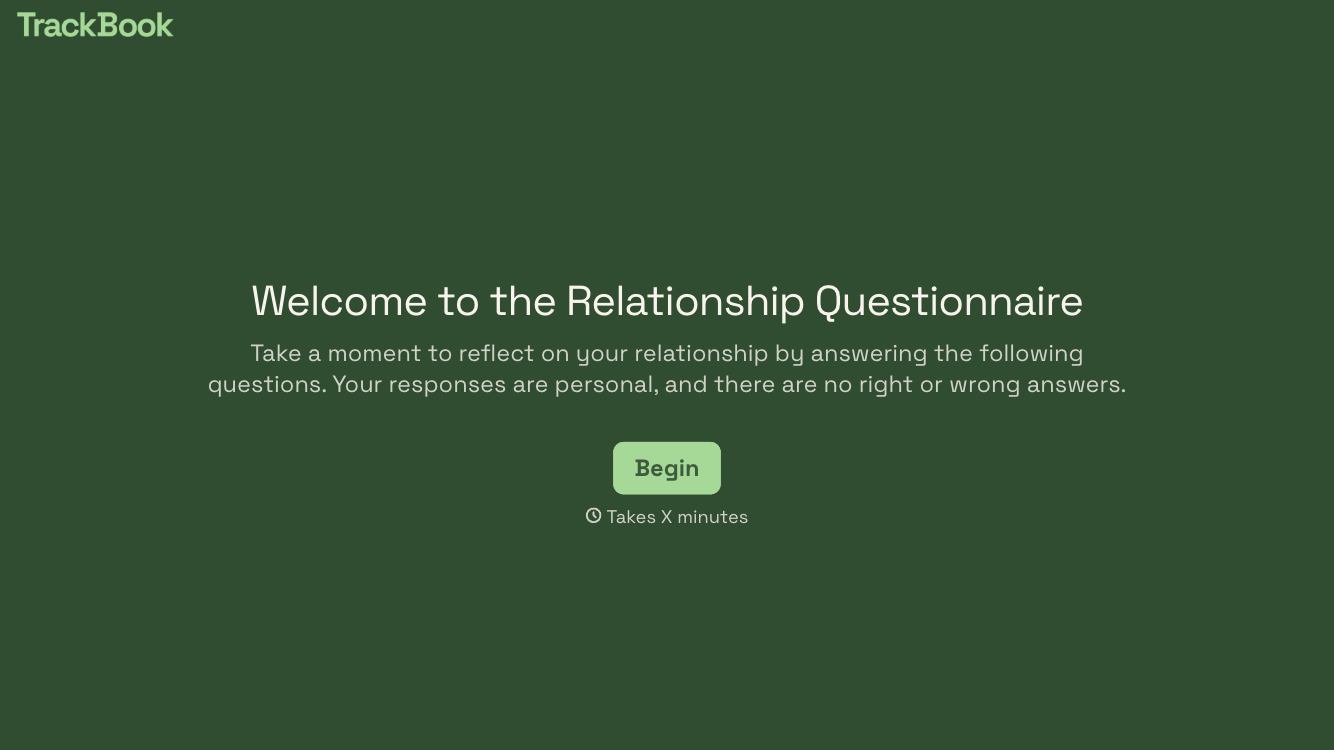
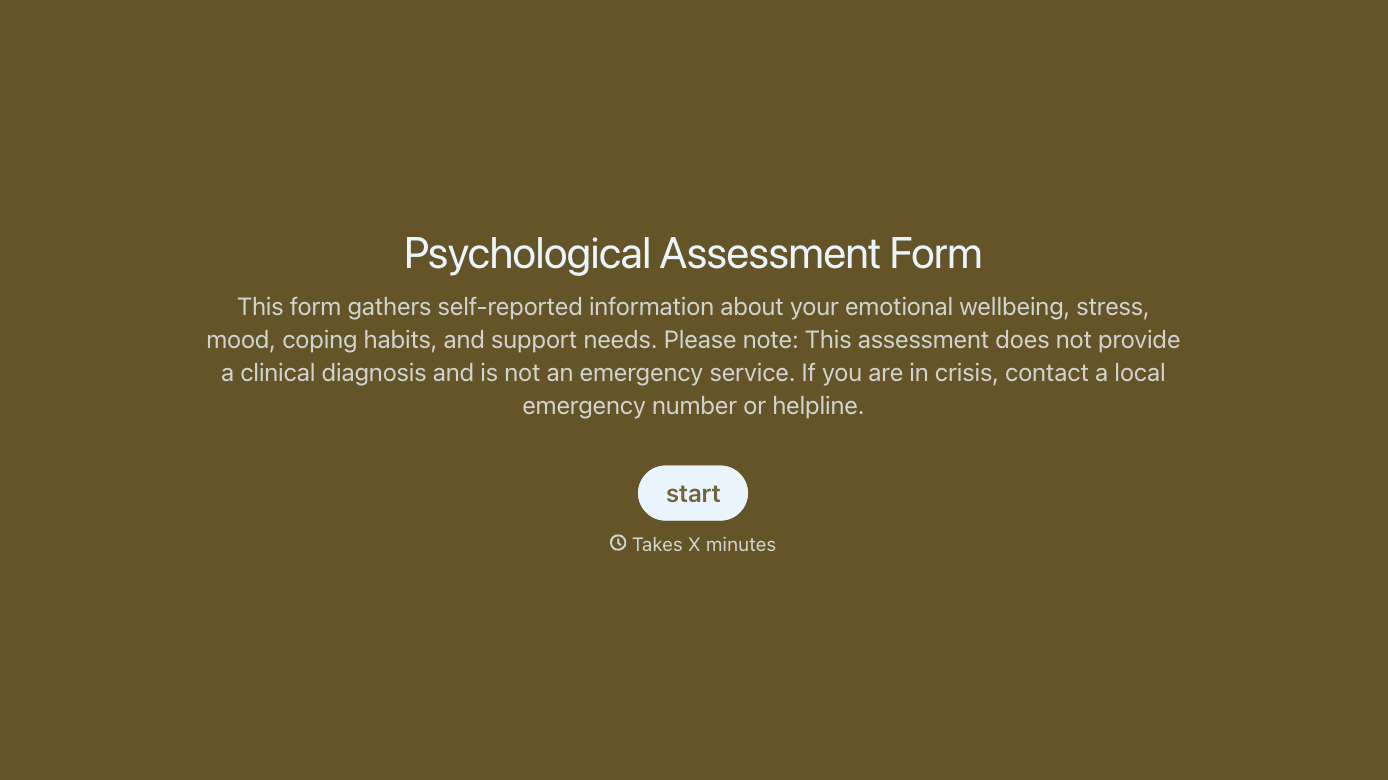
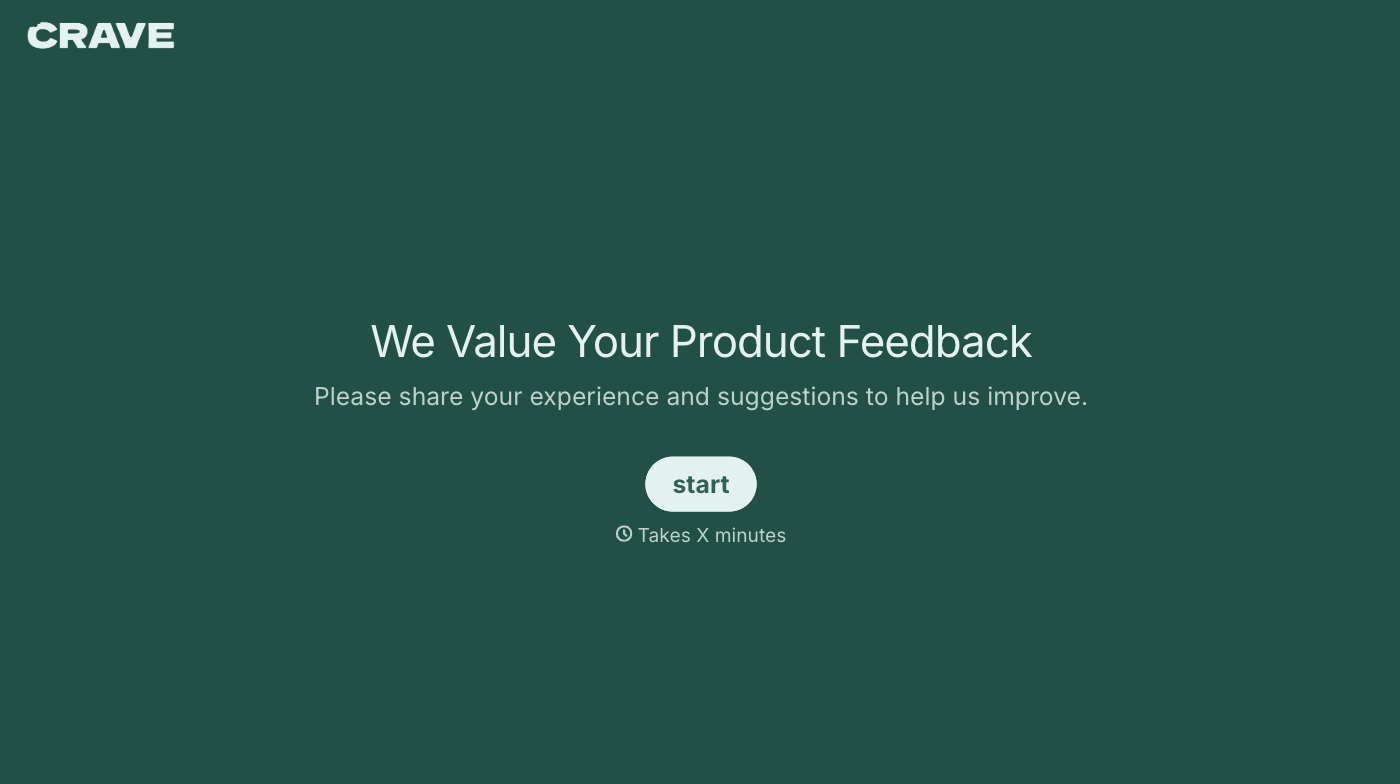
With Typeform, you can customize everything
Change text, colors, and even logos to match the look and feel of your brand. Then embed forms smoothly onto web and email.
Make forms feel effortless to fill out. Pace questions, call people by their name, and adapt the flow based on the data they share.
Stay efficient by connecting forms to your workflow. Typeform integrates with 300+ tools including Slack, Zapier, and HubSpot.


