Training Attendance Form
Track who attended every training session, so your records are accurate, your compliance is covered, and no one's attendance comes down to memory.


Sign-in sheets get lost, scribbled, and forgotten—leaving gaps in your training records when compliance asks for proof. Each missing signature is an attendance you can't verify. Typeform's training attendance template gives trainers and HR teams a reliable way to capture attendance for every session.
The form captures attendee details, session information, and confirmation of completion. Questions appear one at a time, so attendees sign in quickly without skipping a field. Conditional logic adapts the form based on the session—a certification course surfaces questions about prior training, while a general session keeps it short.
Customize the sessions and fields to match your programs. Share it as a link, post a QR code at the training room, or send it after the session. Every sign-in logs to Google Sheets or your LMS via Zapier, ready for compliance reporting. Keep an accurate attendance record without chasing a single paper sheet.
A training attendance form is a tool for recording who attended a training session. It captures attendee details, session information, and completion confirmation. Think of it as the verifiable record behind your training compliance.
Paper sign-in sheets get lost and leave gaps in your records. A digital form captures attendance accurately and stores it instantly. You prove who attended which session in seconds when compliance asks. That reliability turns attendance from a liability into a clean record.
Capture what you need to verify attendance:
- Attendee name and ID or department
- Session title and date
- Trainer name
- Time in and out
- Confirmation of completion
- Signature or acknowledgment
Yes—turn on duplicate response prevention so an attendee can't submit multiple sign-ins for the same session. This keeps your attendance count accurate and your compliance records clean. Duplicate response prevention is available on Growth, Flow, and Custom plans.
Yes—post a QR code at the training room and attendees sign in from their phones in seconds. Typeform's one-question-at-a-time format makes it fast, even on mobile. You capture a complete, timestamped record without passing a clipboard around the room.
Get inspired by relevant templates and categories
3200+ Templates, 300+ Integrations
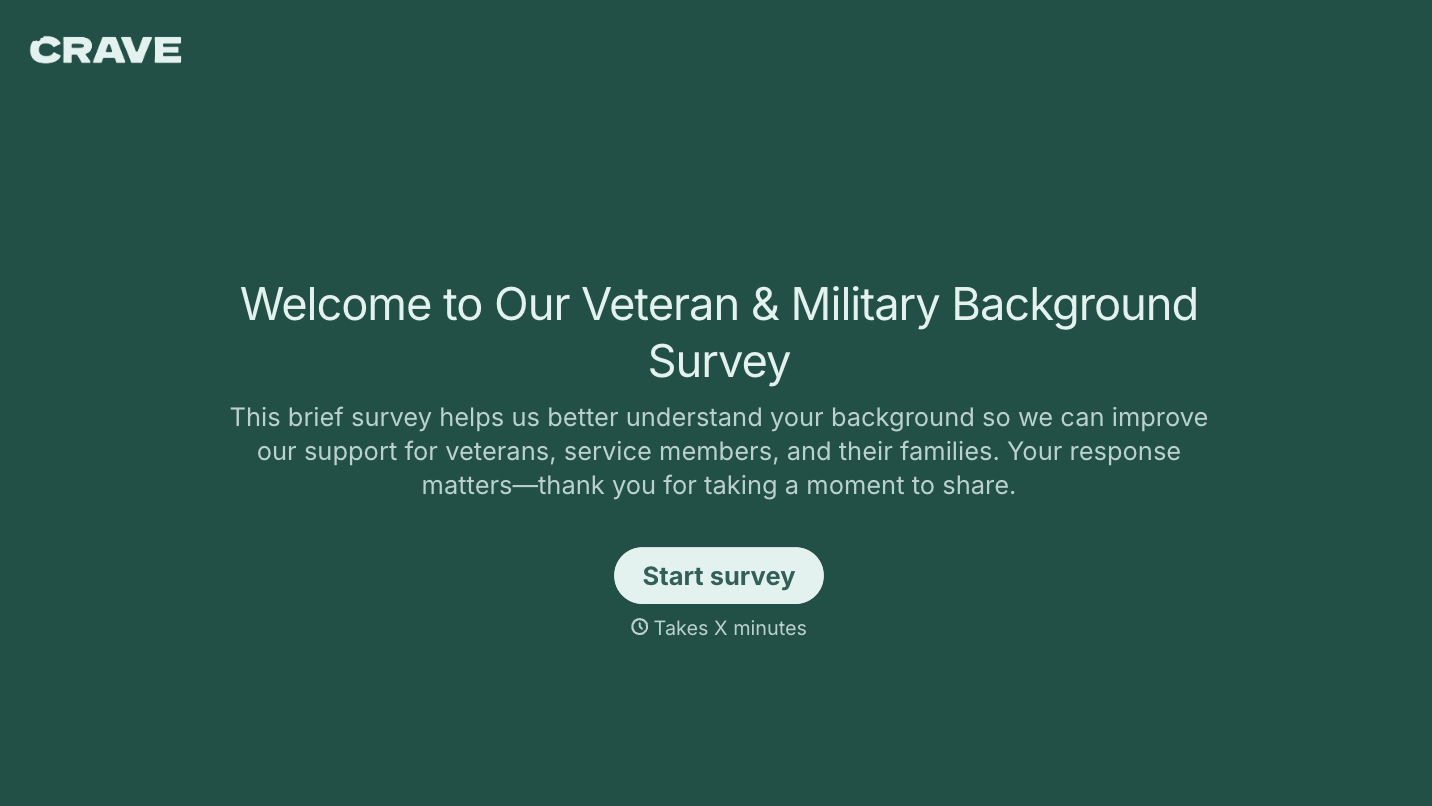
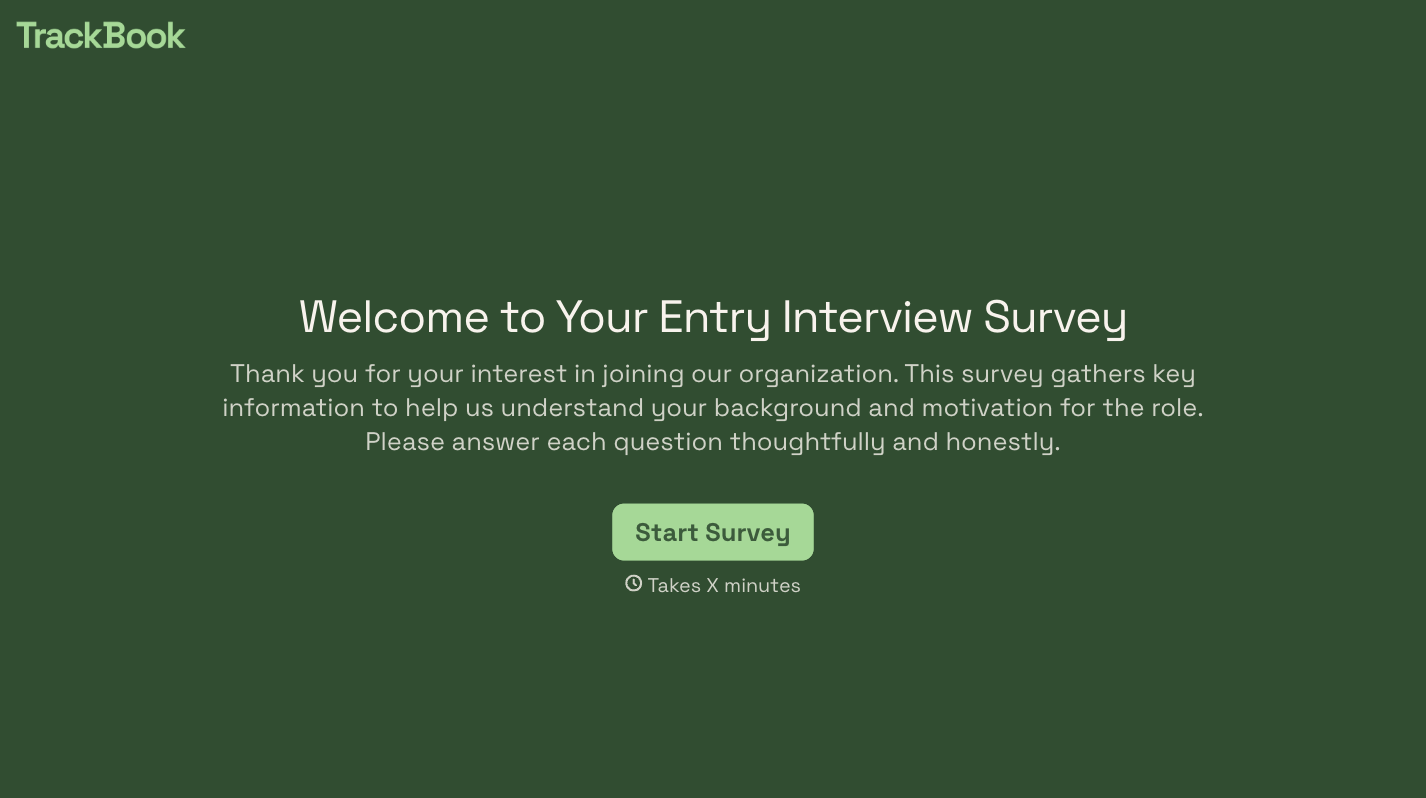
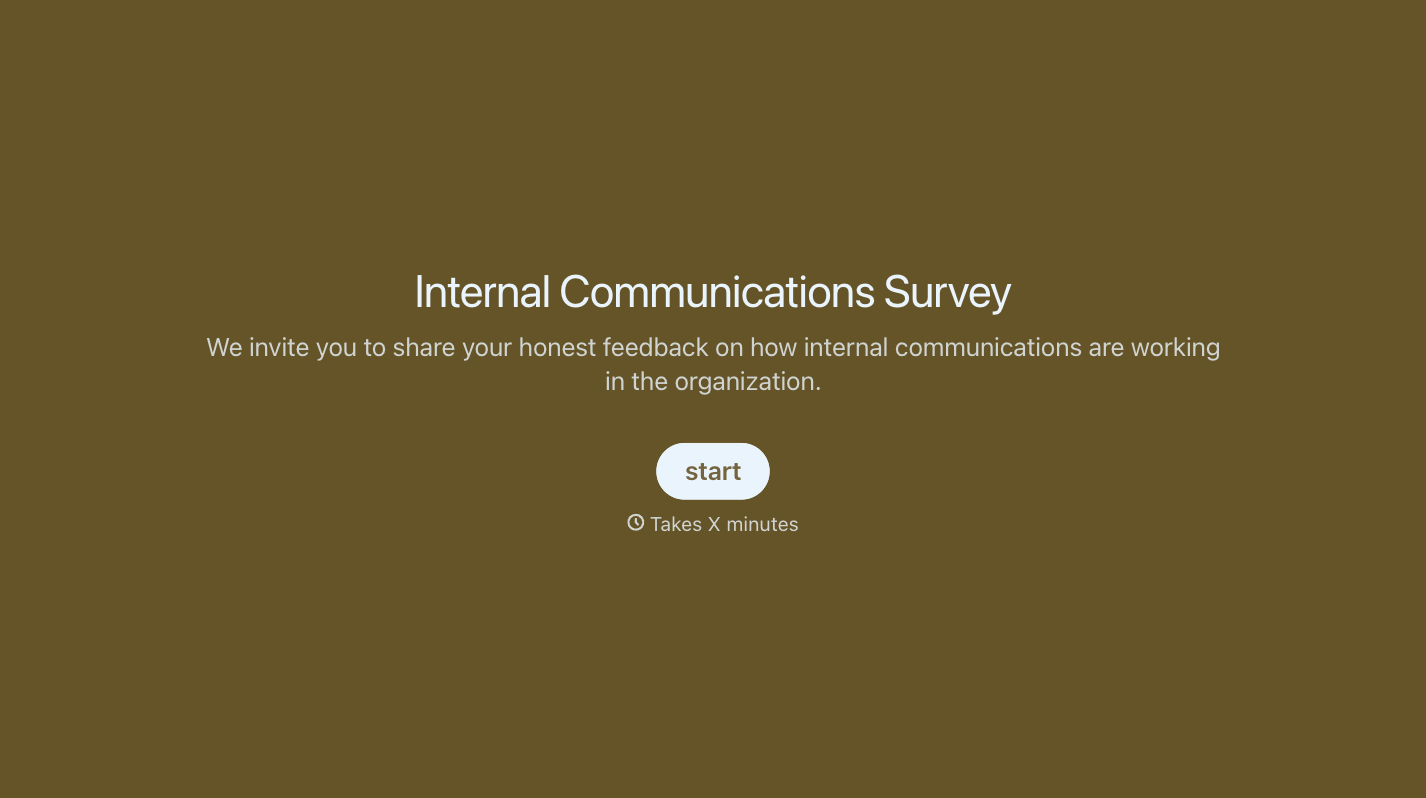
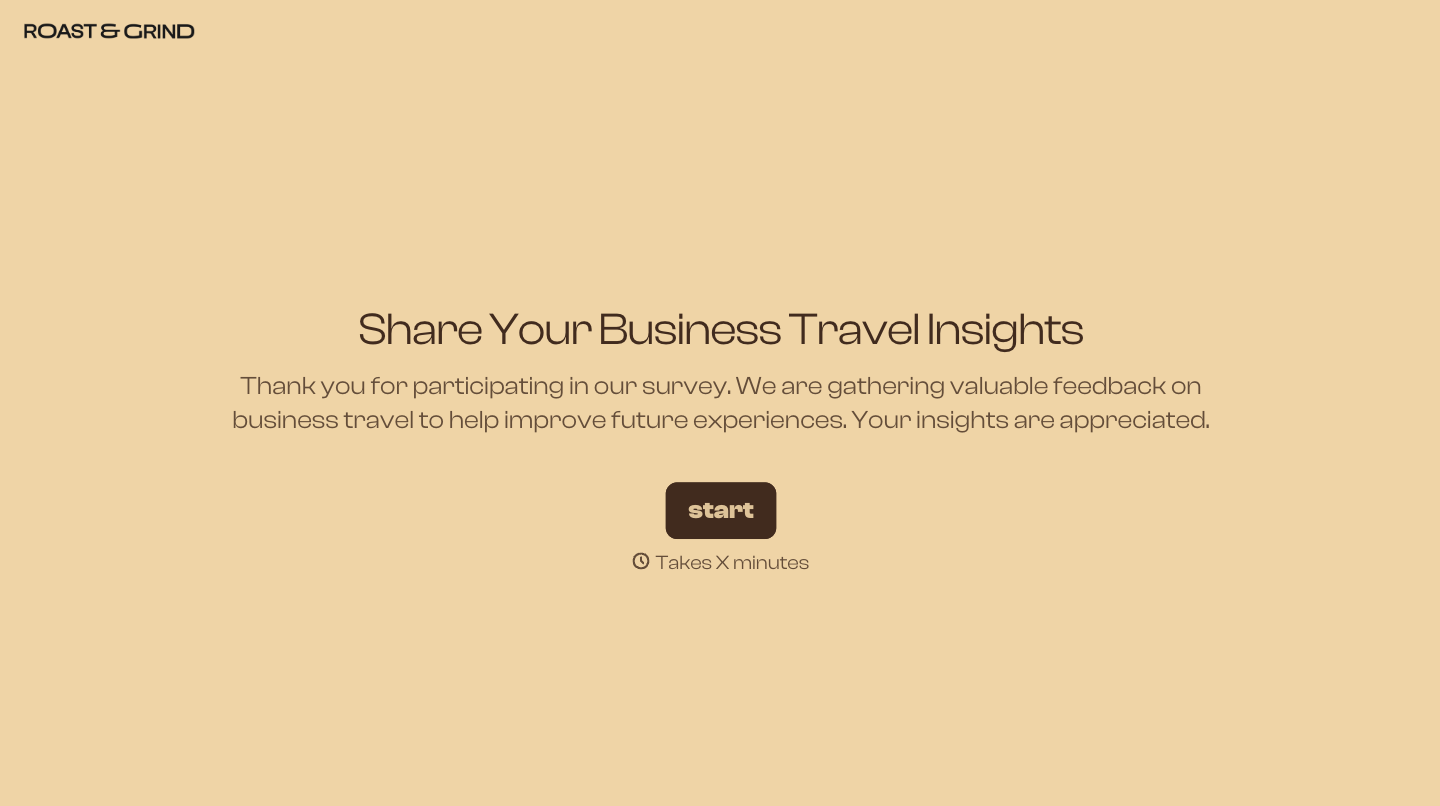

With Typeform, you can customize everything
Change text, colors, and even logos to match the look and feel of your brand. Then embed forms smoothly onto web and email.
Make forms feel effortless to fill out. Pace questions, call people by their name, and adapt the flow based on the data they share.
Stay efficient by connecting forms to your workflow. Typeform integrates with 300+ tools including Slack, Zapier, and HubSpot.


