Preschool Application Form
Collect every family's details at application, so your admissions team processes enrollments without the back-and-forth.



Preschool admissions teams that collect applications by email often receive incomplete submissions requiring follow-up before a child can be enrolled. Every round of back-and-forth delays families and costs your team time better spent on enrollment decisions. Typeform's preschool application form gives admissions teams a consistent way to collect complete family and child information from the start.
The form captures family details, the child's date of birth, medical information, dietary requirements, emergency contacts, and enrollment preferences. The conversational format makes completing the application feel natural rather than bureaucratic. Conditional logic means families only see fields relevant to their child's specific needs. A child with a known allergy or medical condition triggers relevant follow-up questions, while others move straight through.
Customize the form with your program name, enrollment periods, session preferences, and any intake fields specific to your setting. Share it via email, embed it on your school website, or include it in your enrollment package. Hook it up to Google Sheets or Airtable via Zapier and every application arrives organized, ready to review. Families get a faster response, and your team knows every child before the first day.
A preschool application form collects family and child information from prospective families ahead of enrollment. It gathers parent details, the child's birth date, medical requirements, emergency contacts, and session preferences in one submission. It functions as the official intake record your admissions team reviews to process every enrollment request.
Incomplete applications slow enrollment for everyone. When a family submits incomplete information, your team can't finalize the child's record before their start date. A structured form ensures every application arrives complete, so your team can finalize records and prepare for the first day. Use it for initial enrollment applications, waitlist registrations, and annual re-enrollment.
A complete preschool application form covers:
- Parent or guardian name, contact details, and relationship to child
- Child's full name and date of birth
- Emergency contact name, relationship, and phone number
- Medical conditions, allergies, and medications
- Dietary requirements
- Prior childcare or early education experience
- Session preferences (e.g., full-day, half-day, days of the week)
- Authorized pickup contacts
Set up conditional logic to branch by medical and dietary information, so families only complete fields relevant to their child. A family indicating a known allergy sees follow-up questions about severity, management plan, and medication carried on-site. A family with no medical requirements moves straight to session preferences. This keeps the application focused without missing any information your team needs.
Connect the form to Google Sheets or Airtable via Zapier so every application logs with family details and submission date. Use Typeform's email notifications to send families an automatic acknowledgment when their application arrives, so they know it's in progress. Add a status column to track each application through review, offer, and enrollment confirmation. Your admissions team works through every application in order, with a complete record in front of them.
Get inspired by relevant templates and categories
3200+ Templates, 300+ Integrations
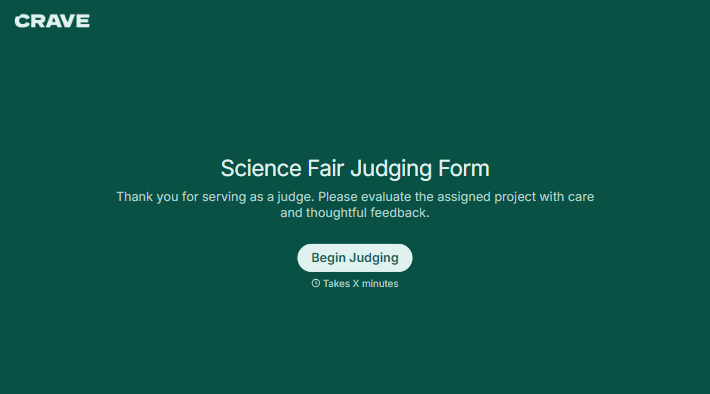
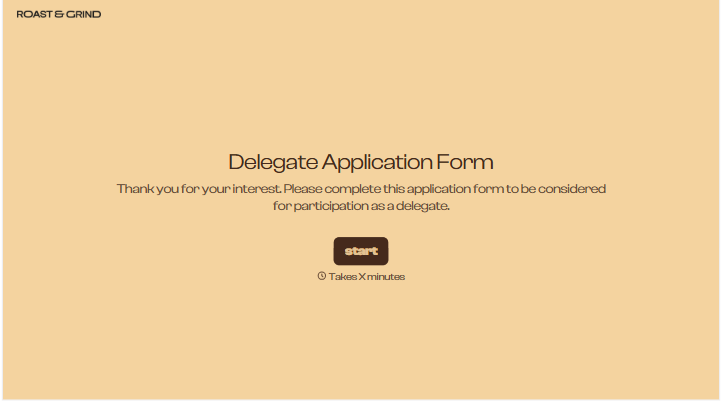
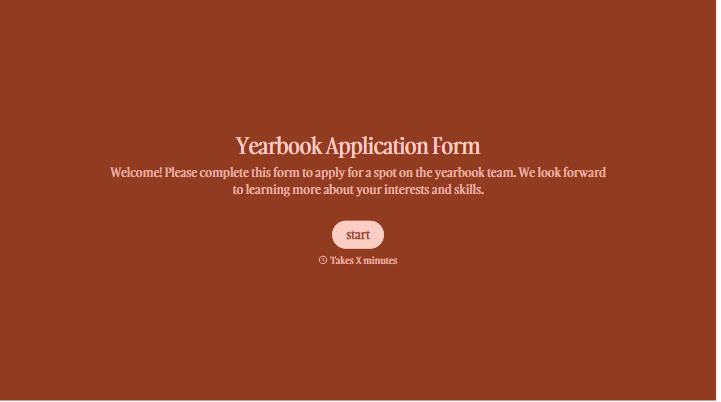
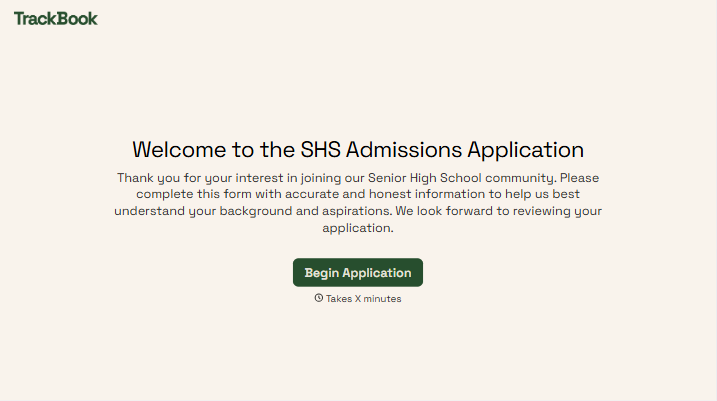
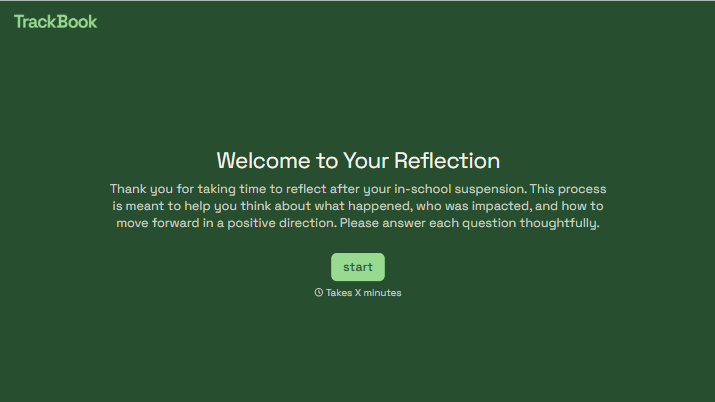
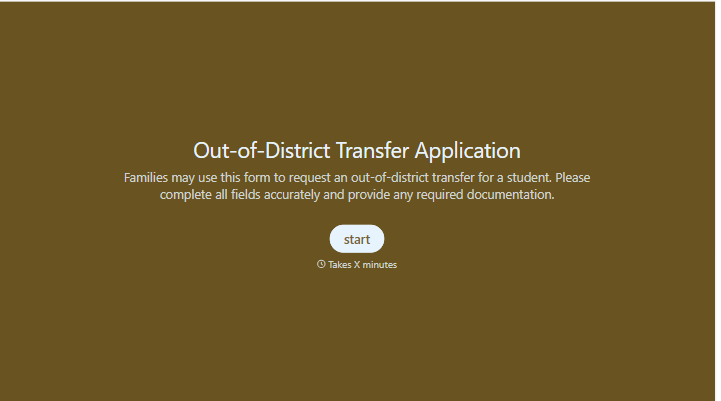
With Typeform, you can customize everything
Change text, colors, and even logos to match the look and feel of your brand. Then embed forms smoothly onto web and email.
Make forms feel effortless to fill out. Pace questions, call people by their name, and adapt the flow based on the data they share.
Stay efficient by connecting forms to your workflow. Typeform integrates with 300+ tools including Slack, Zapier, and HubSpot.


