Presentation Peer Feedback Form
Collect structured feedback after every presentation, so presenters receive specific, actionable input they can act on.



Presenters who receive verbal feedback hear vague encouragement and the loudest opinion in the room, not feedback they can act on. Without a structured process, feedback quality depends entirely on what each reviewer personally notices and decides to mention. Typeform's presentation peer feedback form gives educators, trainers, and facilitators a consistent way to collect structured feedback from every reviewer.
The form captures the presenter's name, the topic covered, ratings on delivery, structure, content clarity, and open-ended suggestions. Reviewers work through one question at a time, so each dimension of the presentation receives focused feedback. Conditional logic adapts the feedback questions based on the presentation type and format being reviewed. A research presentation prompts different criteria than a sales pitch, so reviewers assess each type on the right dimensions.
Customize it with the presenter's name, topic, the assessment dimensions your program uses, and any specific scoring rubric. Share it with reviewers ahead of the session, or send it directly after each presentation for immediate response. Every response routes to the presenter or facilitator via Zapier, so feedback compiles and arrives ready to review. Structured feedback gives every presenter a clear picture of what landed and what to improve, session after session.
A presentation peer feedback form collects structured ratings and observations about a presenter's delivery, content, and effectiveness. It captures presenter and topic details, ratings across key dimensions, and open-ended suggestions for improvement. Use it so every presenter receives structured, specific feedback from every reviewer in the room.
Verbal feedback is inconsistent, often dominated by the most confident voices, and hard for presenters to act on. A structured form ensures every reviewer evaluates the same dimensions, so feedback is comparable and specific rather than impressionistic. It also gives quieter reviewers a private channel to share observations they might not voice in a group setting. Use it in university courses, corporate training programs, and any setting where peer feedback supports presenter development.
Start with these fundamentals and branch from there:
- Presenter name and presentation topic
- Content clarity and structure
- Delivery and confidence
- Visual aids or supporting materials
- Overall rating and open-ended suggestions for improvement
Peer feedback is most honest when reviewers don't have to attach their name to it. Anonymous responses encourage candid ratings, especially when the presenter is a colleague the reviewer interacts with regularly. Enable anonymous submissions by turning off required email fields, and tell reviewers upfront that their responses are confidential.
Use Typeform's Rating and Opinion Scale question types to collect structured, quantifiable scores on each presentation dimension. Rating scores give you consistent, comparable data across every reviewer, so you can track presenter improvement over time. Pair each rating with an open-ended follow-up so presenters receive a score and the specific context behind it.
Get inspired by relevant templates and categories
3200+ Templates, 300+ Integrations





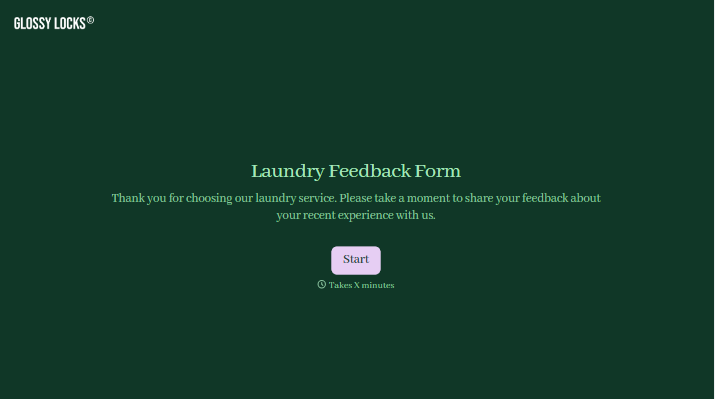
With Typeform, you can customize everything
Change text, colors, and even logos to match the look and feel of your brand. Then embed forms smoothly onto web and email.
Make forms feel effortless to fill out. Pace questions, call people by their name, and adapt the flow based on the data they share.
Stay efficient by connecting forms to your workflow. Typeform integrates with 300+ tools including Slack, Zapier, and HubSpot.


