Sample Work Order Form Template
Document work requests clearly so your team knows exactly what needs to be done, by when, and for whom.



Verbal work requests get forgotten. Email threads lose context. When work orders aren't documented consistently, jobs slip through, priorities are unclear, and billing becomes a guessing game at month end.
A Typeform work order form brings structure to every request that comes in. Clients or internal teams describe the work needed, you capture the scope, location, timing, and any special instructions, and every submission creates a clean record your team can act on. Conditional logic lets you route different types of work to the right fields without cluttering the form for everyone.
Set it up with your service categories, priority levels, and required sign-off fields. Connect it to your project management tool or a shared spreadsheet so work orders feed directly into your workflow.
A work order form is a document that records the details of a service or maintenance request, including what work needs to be done, who requested it, the timeline, and any materials or approvals required. It serves as both an instruction for the team and a record for billing and compliance.
Without a formal work order process, it's easy for requests to be misunderstood, duplicated, or missed entirely. A standardized form creates a consistent record from request through completion, which helps with scheduling, billing, and accountability.
Cover the details your team needs to act on the request:
- Requester name, contact information, and department or location
- Description of the work needed
- Priority level and requested completion date
- Equipment, asset, or space the work involves
- Materials or parts required
- Approval or authorization sign-off
Connect your Typeform to a project management tool like Asana, Trello, or Monday.com via Zapier, and each new work order submission can automatically create a task. You can then track progress, assign team members, and mark jobs complete within the same system.
Yes. You can build 1 form that works for both, or create separate versions for internal maintenance requests and client-facing work orders. Keeping them separate usually makes routing and billing cleaner, especially if external clients need different fields.
Get inspired by relevant templates and categories
3200+ Templates, 300+ Integrations

Bank Reference Form
A reference request faxed to a bank branch and left sitting in a queue for weeks isn't the kind of turnaround a landlord or business can wait on. Collect the applicant's signed authorization and the specific details you need confirmed before the request even reaches the bank, so a decision isn't stuck behind a letter that hasn't come back yet.
View template
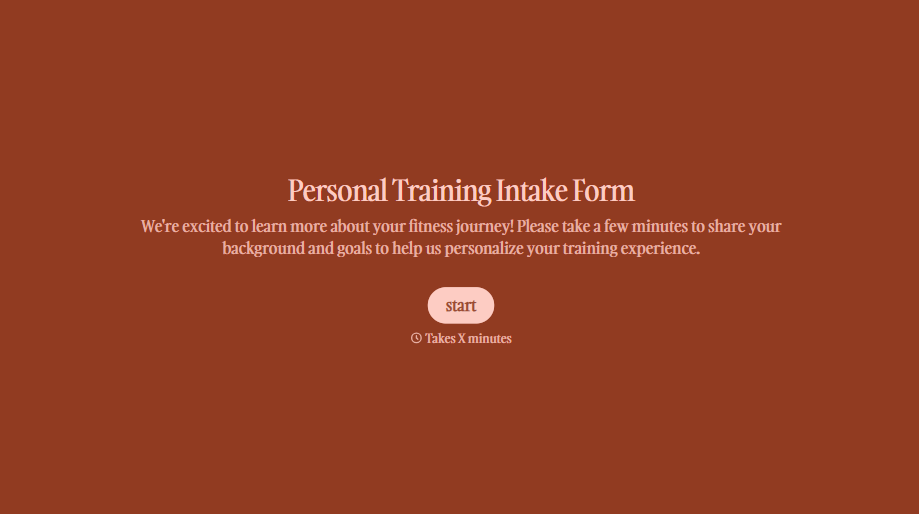
Personal Trainer Intake Form
A PAR-Q filled out in the lobby five minutes before a first session isn't intake, it's a formality nobody has time to read closely. Collect health history, injury information, and fitness goals before the first session, so your trainer isn't building a program blind.
View template
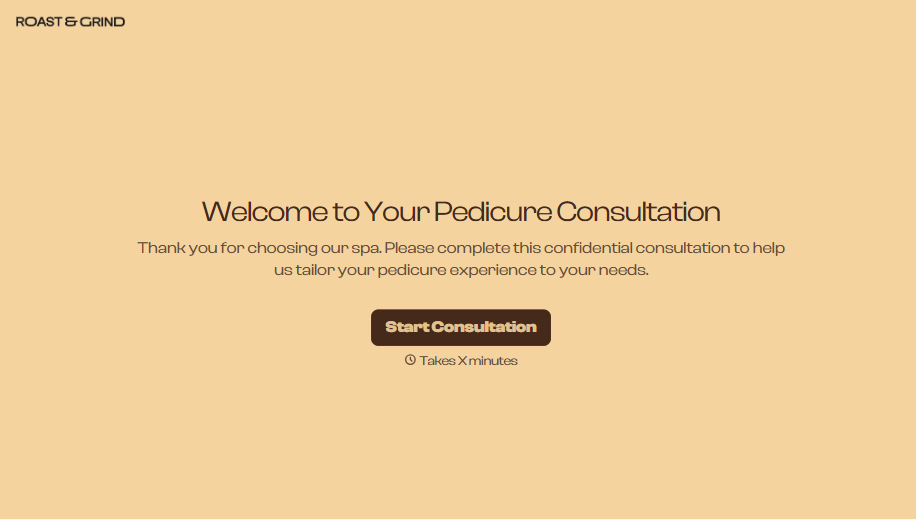
Pedicure Consultation Form
An intake card filled out on a clipboard while a client's feet are already in the soak isn't a consultation, it's a formality nobody reads closely. Collect foot health disclosures, allergy information, and service preferences before the technician picks up a tool, so nobody discovers a health condition mid-service.
View template

School Photography Order Form
A paper order form stuffed in a backpack for two weeks isn't an order anyone can act on. Collect student information, package selection, and payment before picture day, so your photographer shows up with an accurate count instead of a stack of crumpled envelopes.
View template

Bar Inventory Form
A bottle count eyeballed at the end of a shift and scrawled on a paper sheet doesn't hold up against a pour cost report that says something doesn't add up. Collect what your bar actually needs, item, count, and variance, on a schedule you can actually compare week to week.
View template

Equipment Inventory Form
Equipment that leaves a storage room in someone's arms, with no note about where it went, doesn't show up again until someone needs it and can't find it. Collect what your team actually needs, item details, condition, and who's got it, every time something moves.
View template
With Typeform, you can customize everything
Change text, colors, and even logos to match the look and feel of your brand. Then embed forms smoothly onto web and email.
Make forms feel effortless to fill out. Pace questions, call people by their name, and adapt the flow based on the data they share.
Stay efficient by connecting forms to your workflow. Typeform integrates with 300+ tools including Slack, Zapier, and HubSpot.


