School Registration Form Template
Make school enrollment straightforward for families and your registrar alike — with one organized form that captures everything in a single submission.



School registration involves gathering a significant amount of information — student details, guardian contacts, medical records, emergency information, transportation needs, as well as previous school history. When families encounter a confusing or disorganized registration process, it creates unnecessary stress and produces incomplete, unreliable student records that your staff has to chase down later.
This school registration form template walks families through enrollment one question at a time, so nothing feels overwhelming. Conditional logic adapts the form based on the student's situation — new enrollees see different questions than returning students, and families registering multiple children can indicate that upfront. Required fields ensure nothing critical gets skipped.
Customize it for your school or district, add your branding, and share the link on your website or in enrollment packets. Submissions flow directly into your student information system through integrations, eliminating manual data entry and giving your registrar clean, complete records from day one.
A school registration form is the official document used to enroll a student in a school. It collects essential information, including student demographics, parent or guardian details, emergency contacts, medical and allergy information, previous school records, and any special accommodations needed. It initiates the student record and establishes the family-school relationship.
Paper registration forms are time-consuming for families and staff. Families spend hours filling out identical information across multiple forms, and office staff manually enters that data into the school's system — introducing errors along the way. Digital forms auto-populate connected systems, enforce required fields to prevent incomplete submissions, and create a searchable database from day one. It's better for everyone involved.
A school registration form typically includes:
- Student's full legal name, date of birth, gender, and grade entering
- Parent or guardian names, relationship to student, and contact information
- Home address and mailing address (if different)
- Emergency contacts (at least two, with phone numbers and relationship)
- Medical conditions, allergies, current medications, and immunization records
- Special education needs, IEP status, or accommodation requirements
- Previous school name and address, with transcript upload and records transfer authorization
You have a couple of options. Ask at the beginning of the form how many children the family is registering, then use conditional logic to repeat the student information section for each child, while capturing parent and household information only once. Alternatively, have families submit a separate form per child, but pre-fill the parent information using URL parameters. Either approach works; choose based on your data system's preferences.
Yes. Add file upload fields for birth certificates, immunization records, proof of address, custody documents, and previous school records. This lets families submit everything in one place rather than making a separate trip to the school office with a folder of paperwork. Include clear instructions about accepted file formats and size limits to prevent upload issues.
Get inspired by relevant templates and categories
3200+ Templates, 300+ Integrations

Distributor Registration Form
A distributor application that arrives as a scanned resale certificate attached to an email doesn't tell your sales team what territory they're actually asking for. Collect what your company actually needs, business information, tax documentation, and territory, before you set up an account.
View template
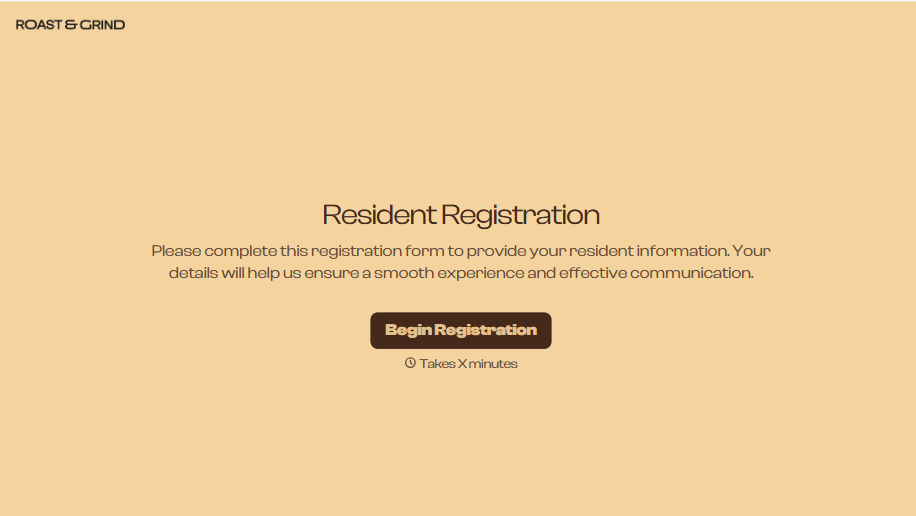
Resident Registration Form
A move-in packet signed at the leasing office and filed in a drawer isn't the kind of record your front desk can pull up when a resident's guest needs access or a car needs to be identified in the lot. Collect household members, vehicles, and emergency contacts before move-in day, so your community has an accurate record from the start.
View template

Consultancy Registration Form
Move past a registration form that only grabs a name and a phone number. Confirm the client understands who they're signing up with, screen for what a consultancy is legally allowed to charge and promise, and keep a record of exactly what was disclosed and agreed to.
View template


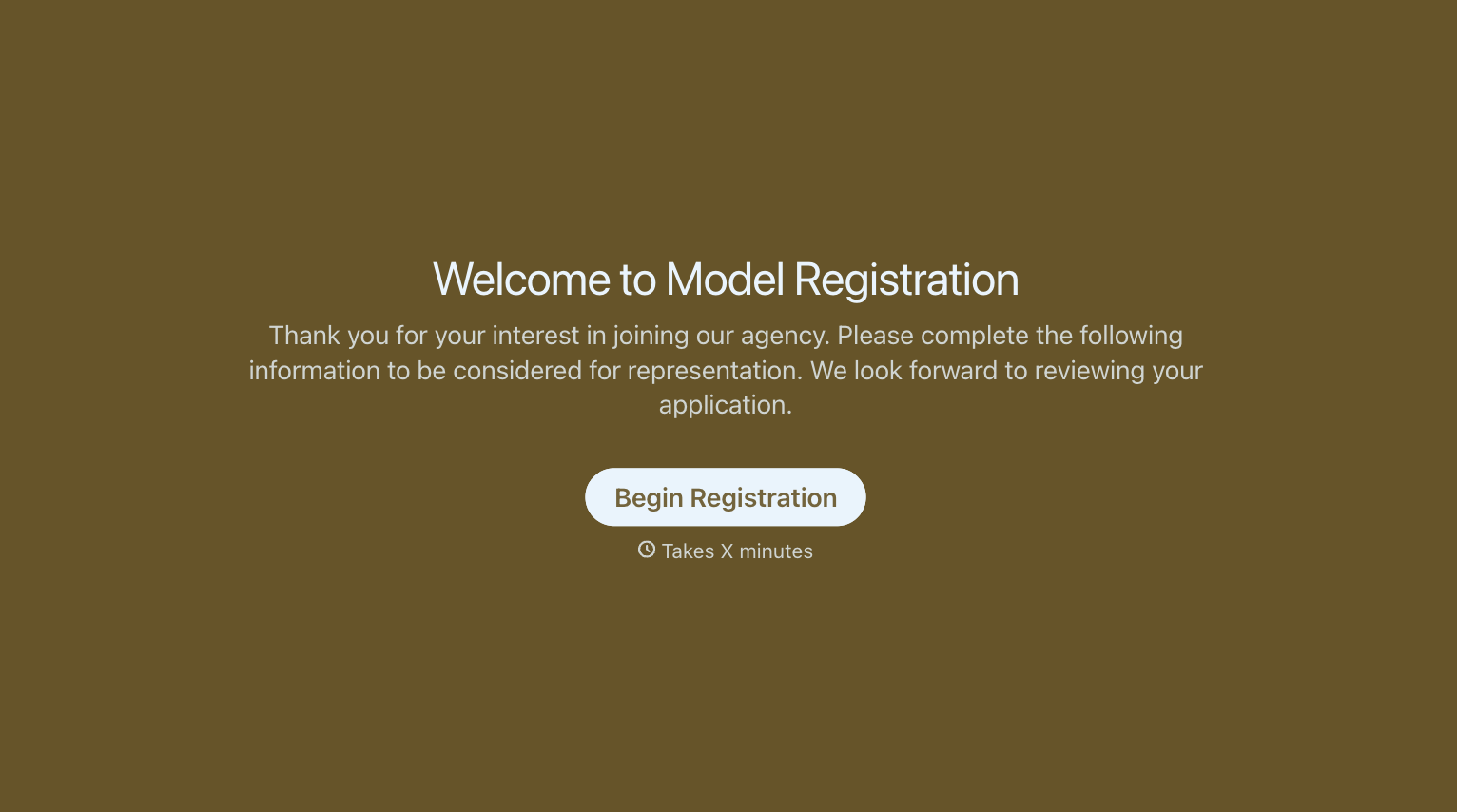
With Typeform, you can customize everything
Change text, colors, and even logos to match the look and feel of your brand. Then embed forms smoothly onto web and email.
Make forms feel effortless to fill out. Pace questions, call people by their name, and adapt the flow based on the data they share.
Stay efficient by connecting forms to your workflow. Typeform integrates with 300+ tools including Slack, Zapier, and HubSpot.


