Shirt Order Form Template
Collect shirt orders with all the details you need — sizes, styles, quantities — to fulfill them without the back-and-forth.



Shirt orders placed informally — via chat, email, or a sign-up sheet — almost always come back with missing sizes, unclear quantities, or conflicting preferences. By the time you've clarified everything, you've spent more time communicating than it would have taken to just collect it properly the first time.
A shirt order form captures everything at once: the person's name, shirt style, size, color, quantity, and any personalization options. Typeform walks customers or team members through each decision in order, so nothing gets skipped. Conditional logic surfaces size charts or style descriptions alongside the relevant questions.
Export orders to a spreadsheet and send them straight to your supplier.
A shirt order form is a digital form used to collect clothing order details from individuals or groups. It captures size, style, color, quantity, and contact information so orders can be placed and fulfilled accurately.
Collecting orders through email or chat means reconciling inconsistent information from multiple sources. A form standardizes the input, ensures every order includes the necessary details, and gives you a clean export to share with your printer or supplier.
A complete shirt order form covers:
- Customer or member name
- Email address for order confirmation
- Shirt style (if multiple options are available)
- Color selection
- Size selection (with a link to a size chart if helpful)
- Quantity
- Customization options (name, number, logo placement, etc.)
- Delivery or pickup preference
- Payment method or reference number (if prepaid)
Yes. Typeform lets you add images and descriptive text to question fields. You can include a size chart image alongside the size selection question so customers can make an informed choice without leaving the form.
For team or event shirt orders, share the form link with all members via email or group chat. Each person submits their own order, and responses aggregate automatically in your Typeform account. Export to a spreadsheet and tally by size and style to prepare your supplier order.
Get inspired by relevant templates and categories
3200+ Templates, 300+ Integrations

School Photography Order Form
A paper order form stuffed in a backpack for two weeks isn't an order anyone can act on. Collect student information, package selection, and payment before picture day, so your photographer shows up with an accurate count instead of a stack of crumpled envelopes.
View template
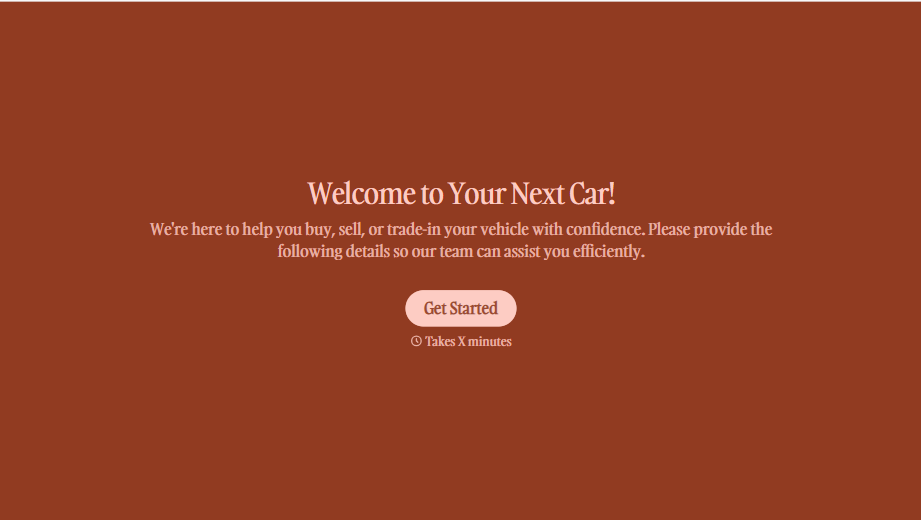
Used Car Sales Form
A price agreed to with a handshake in the parking lot doesn't leave anything documenting the mileage on the odometer the day the buyer actually drove off. Collect what your dealership actually needs, buyer and vehicle information, sale terms, and a signed disclosure, before the keys change hands.
View template

Concert Ticket Order Form
A ticket order collected through a Venmo request and a group text isn't a record, it's a promise to remember who paid and who still owes. Take the order, the payment, and the confirmation in the same form, so nobody's showing up at the door as a name someone half-remembers.
View template



With Typeform, you can customize everything
Change text, colors, and even logos to match the look and feel of your brand. Then embed forms smoothly onto web and email.
Make forms feel effortless to fill out. Pace questions, call people by their name, and adapt the flow based on the data they share.
Stay efficient by connecting forms to your workflow. Typeform integrates with 300+ tools including Slack, Zapier, and HubSpot.


