Site Inspection Form
Document every site inspection as it happens, so safety issues are on record before they become incidents.



Safety issues caught on a site visit don't always make it into the record. Paper checklists get lost, verbal notes get forgotten, and undocumented hazards become liabilities when something goes wrong. Typeform's site inspection form gives teams a structured way to log observations, compliance checks, and corrective actions on any device.
The form captures site location, inspection date, area assessments, hazard observations, corrective actions, and an inspector's signature in one flow. Typeform walks inspectors through one section at a time, so every area gets assessed consistently and nothing gets overlooked. Conditional logic adds follow-up fields when a hazard is flagged: severity, responsible party, and required corrective action. Compliant areas move straight through.
Customize the form with your site types, inspection categories, hazard classifications, and any regulatory compliance requirements. Have inspectors complete it on-site from a mobile device, or share it via a direct link before each visit. Every report logs automatically in Google Sheets or Airtable via Zapier, building a timestamped history for every site. When a regulator, client, or contractor asks for inspection records, they're already organized and ready to share.
A site inspection form documents the safety, condition, and compliance status of a physical site at a specific point in time. It captures site location, inspection date, area assessments, hazard observations, corrective actions, and an inspector's signature in one submission. It functions as the official inspection record for construction sites, facilities, and any environment requiring regular safety or compliance checks.
An undocumented inspection is as good as no inspection. Without a structured record, verbally flagged hazards carry no weight when an incident is investigated or a compliance audit begins. A digital form creates a timestamped record of every observation, corrective action, and sign-off. Use it for construction site safety checks, facility audits, environmental compliance inspections, and pre-work hazard assessments.
A complete site inspection form covers:
- Site name, address, and inspection date
- Inspector name and credentials
- Area-by-area condition and safety ratings
- Hazard descriptions and severity levels
- Corrective actions required and responsible party
- Photo evidence of issues identified
- Compliance status against applicable standards
- Inspector signature and sign-off
Typeform's File Upload feature lets inspectors attach photos of hazards, damage, or non-compliance issues directly in the form. Accepted file types include JPG and PNG, with a 10MB limit per file. Photos arrive alongside each area's inspection notes, so reviewers see written observations and visual evidence together. File Upload is available on paid Typeform plans.
Set up conditional logic to branch by site type, so inspectors see categories relevant to their specific environment. A construction site covers scaffolding, excavation, and PPE compliance, while a facility audit covers fire safety, access control, and maintenance. Use Typeform's hidden fields to pre-populate site name and location, so inspectors start ready to assess. Every inspection logs to the same sheet, organized by site, date, and inspector.
Get inspired by relevant templates and categories
3200+ Templates, 300+ Integrations

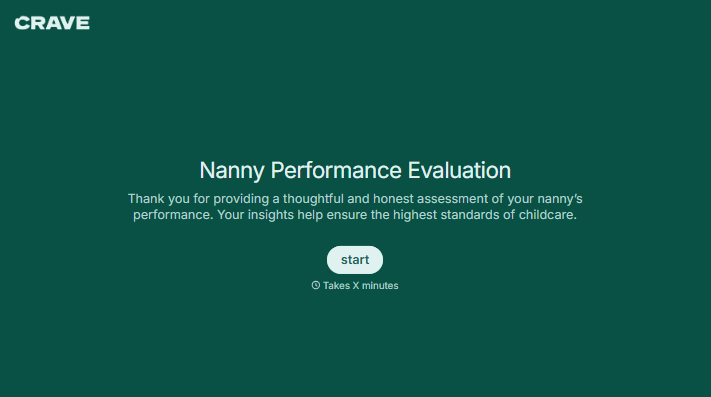
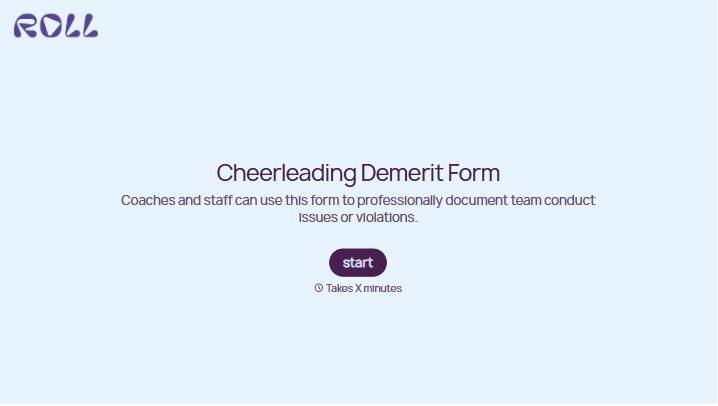

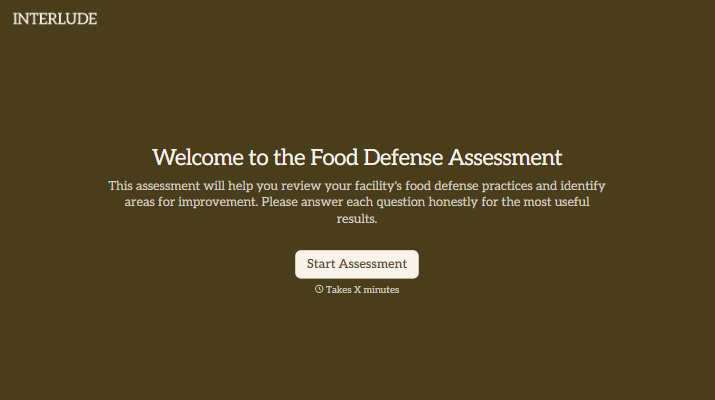
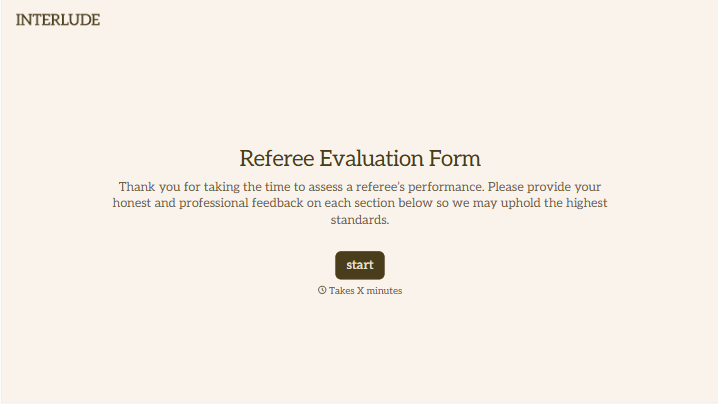
With Typeform, you can customize everything
Change text, colors, and even logos to match the look and feel of your brand. Then embed forms smoothly onto web and email.
Make forms feel effortless to fill out. Pace questions, call people by their name, and adapt the flow based on the data they share.
Stay efficient by connecting forms to your workflow. Typeform integrates with 300+ tools including Slack, Zapier, and HubSpot.


