Software Change Request Form Template
Capture every software change request in writing before development resources are committed.



Software changes that start with a Slack message or a hallway conversation have a way of becoming scope disputes later. Requirements weren't written down, the requester and the development team had different mental models of what was being built, and the timeline expectation was never formally discussed. By the time the disagreement surfaces, work has already been done.
A change request form creates a shared written record from the start. Typeform's software change request template captures the nature of the change, the business problem it solves, the systems affected, the priority level, and any technical context the development team needs to estimate scope. Conditional logic adjusts the form based on change type — a bug fix, a feature request, and an integration change each call for different information. Responses can flow directly into your project management tool or development backlog.
Customize the form for your team's workflow, add approval routing, and keep a clean audit trail of every request.
A software change request form is a structured document used to formally capture a request for a change to existing software — whether that's a bug fix, a feature addition, a configuration change, or a system integration. It ensures the request is documented with enough context for the development team to evaluate, estimate, and prioritize it.
It reduces miscommunication and scope creep. When a change request is submitted through a form, both the requester and the development team have a clear, shared record of what was asked for and why. That written record is the reference point if expectations diverge during or after development.
A software change request form typically captures:
- Title and brief description of the requested change
- Change type (bug fix, enhancement, new feature, integration, etc.)
- Business justification or problem the change solves
- Systems or modules affected
- Priority level and urgency
- Expected impact on users
- Any technical context or constraints
That depends on your organization's governance. Many teams restrict formal change requests to business stakeholders, product owners, or team leads — rather than allowing any individual to submit a request directly to development. Define the intake process clearly and communicate it so requests don't bypass the form and end up as informal asks.
A bug report documents something that isn't working as designed. A change request asks for something new or different from what currently exists. In practice, the distinction blurs — sometimes what looks like a bug is actually a request for behavior change. Your form should accommodate both and give the development team enough information to classify each request appropriately.
Get inspired by relevant templates and categories
3200+ Templates, 300+ Integrations



With Typeform, you can customize everything
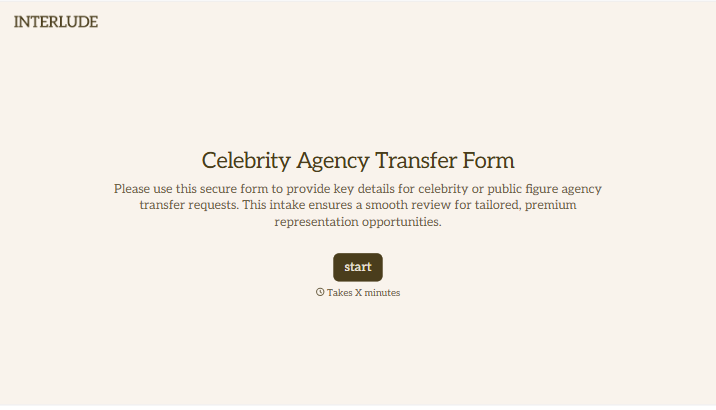
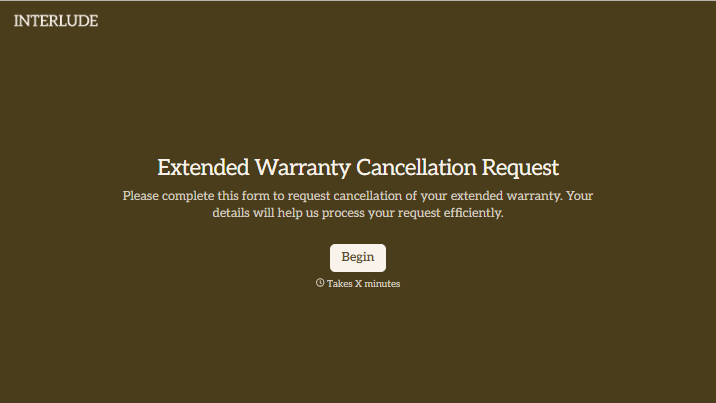
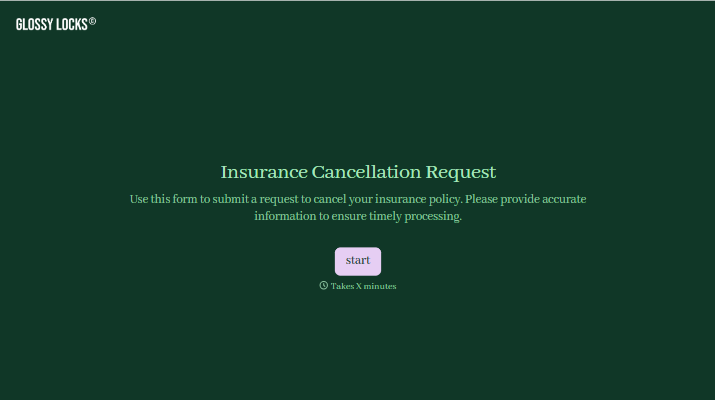
Change text, colors, and even logos to match the look and feel of your brand. Then embed forms smoothly onto web and email.
Make forms feel effortless to fill out. Pace questions, call people by their name, and adapt the flow based on the data they share.
Stay efficient by connecting forms to your workflow. Typeform integrates with 300+ tools including Slack, Zapier, and HubSpot.


