Student Peer Evaluation Form
Give students a structured, honest way to evaluate teammates, so group grades reflect who actually did the work.



Group projects reward the loudest, not always the hardest-working—and teachers rarely see who carried the load. Without honest peer input, a grade rewards the wrong student and demotivates the rest. Typeform's student peer evaluation template gives educators a fair way to capture how teams really functioned.
The form captures ratings of each teammate's contribution, collaboration, and reliability, plus open feedback. Typeform presents one question at a time, so students give considered responses without feeling overwhelmed. Conditional logic adds follow-up questions based on a student's ratings—a low score prompts a request for specific examples, while a high score moves on.
Customize the evaluation criteria to match your rubric and keep responses confidential. Share it through your LMS, by email, or as a direct link. Every evaluation logs to Google Sheets via Zapier, ready to compare across the group. Grade group work on contribution, not on guesswork.
A student peer evaluation form is a tool for students to assess their teammates' contributions to a group project. It captures ratings of effort, collaboration, and reliability, plus written feedback. It functions as a fairness check on group grading.
Teachers see the final project, not the process behind it. A peer evaluation form reveals who contributed and who coasted. Students answer honestly when responses stay confidential, and you grade based on real input. That fairness keeps group work motivating instead of resented.
Focus on specific, observable aspects of teamwork:
- Teammate name and project role
- Rating of contribution and effort
- Rating of collaboration and communication
- Rating of reliability and meeting deadlines
- Specific examples of contributions
- Suggestions for improvement
Conditional logic branches the form based on a student's rating. When a student rates a teammate low, the form asks for a concrete example, while a high rating moves straight to the next teammate. Typeform's rating questions also let students score teammates on a consistent scale, so you compare contributions fairly across the whole group.
Yes—you control who on your team can access responses, so students trust that their feedback stays private. Add a note in the form's intro explaining that evaluations inform grading and won't be shared with classmates. Honest input gives you a truer picture of how each team worked.
Get inspired by relevant templates and categories
3200+ Templates, 300+ Integrations
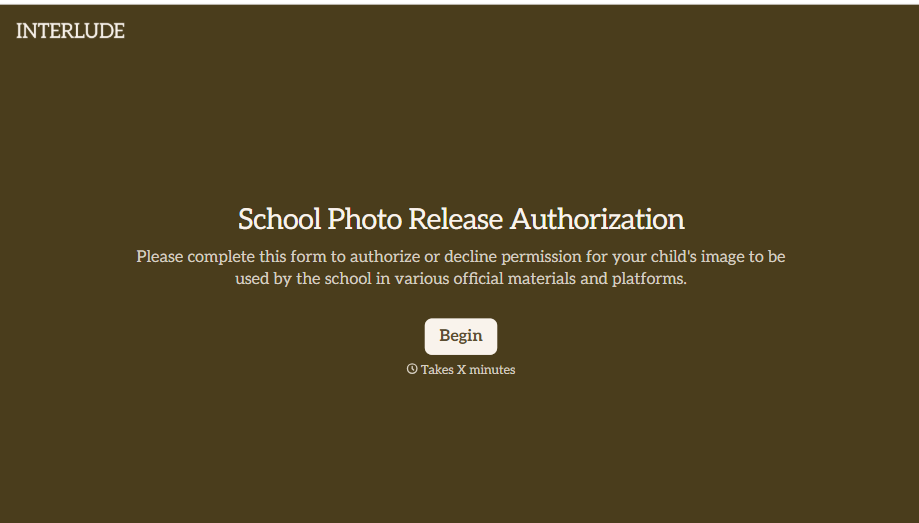
School Photo Release Form
A photo consent checkbox buried on page 12 of an enrollment packet doesn't tell a teacher who's actually opted out before they post a class photo. Collect what your school actually needs, guardian consent, and exactly where a photo can be used, before the camera comes out.
View template
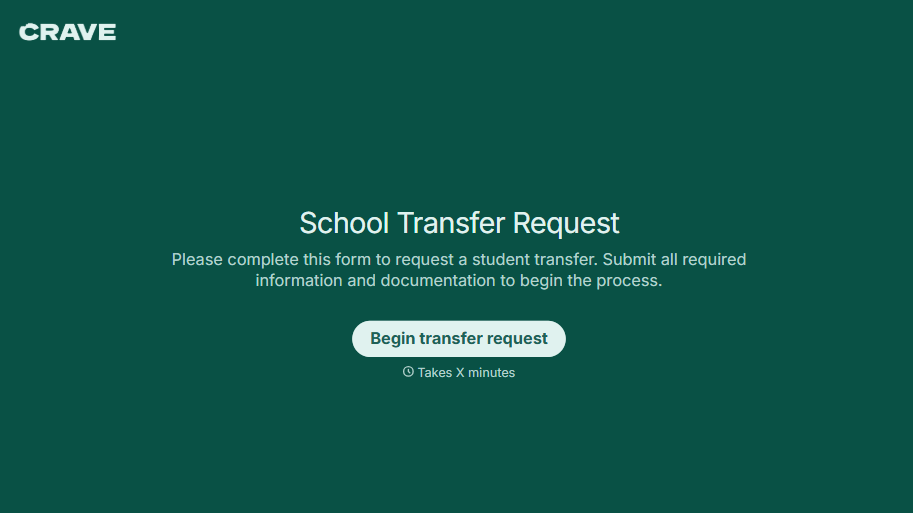
School Transfer Request Form
A transfer request dropped off at the district office isn't the kind of paperwork that gets processed before the semester it's meant for already started. Collect the student's information, reason for transfer, and supporting documentation upfront, so a request doesn't stall while the district follows up for a missing form.
View template
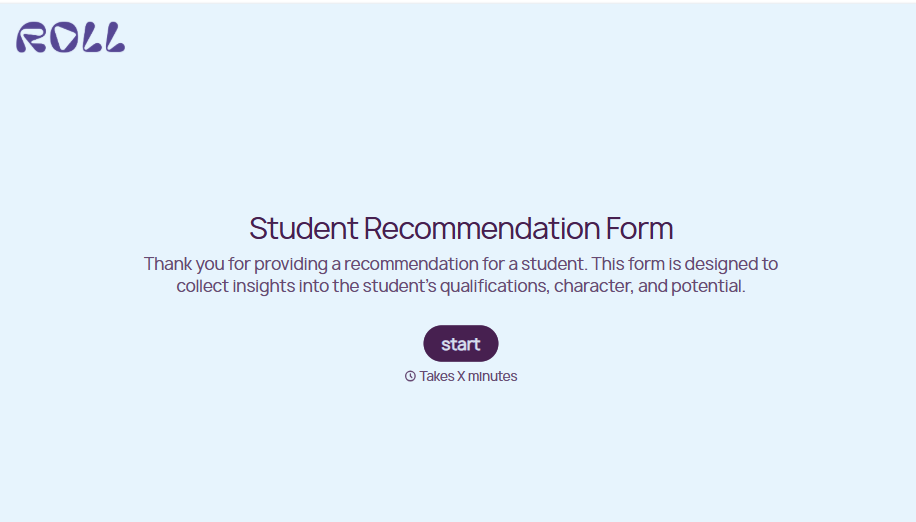
Student Recommendation Form
An email asking "can you write me a letter of recommendation" with no deadline attached isn't enough for a teacher to actually sit down and write one. Collect the program details, deadline, and what the student wants highlighted before the request lands in an inbox, so a letter doesn't get written in a rush the night it's due.
View template
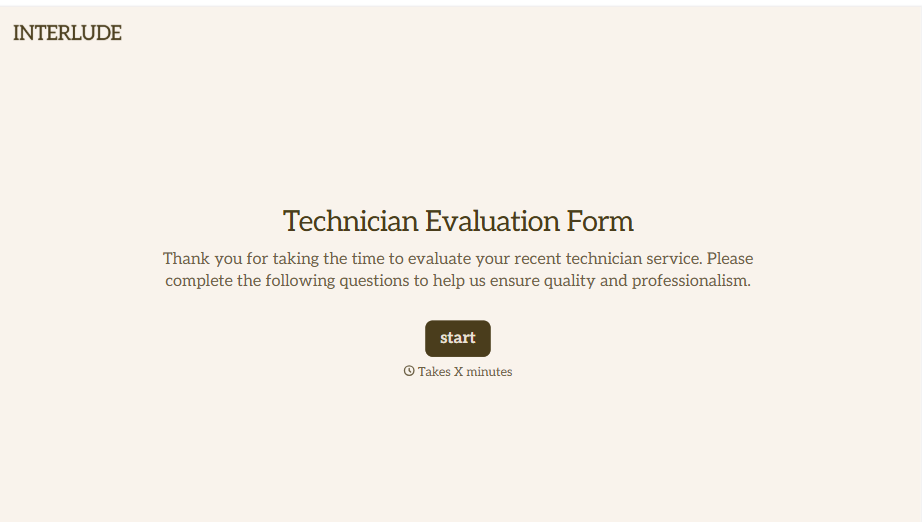
Technician Evaluation Form
A ride-along evaluation scribbled on a clipboard in the truck isn't the kind of record that holds up months later when it's time to talk about a raise or a certification renewal. Collect specific skill, safety, and customer service observations while the job's still fresh, so a technician's review is built on more than a supervisor's memory of the day.
View template
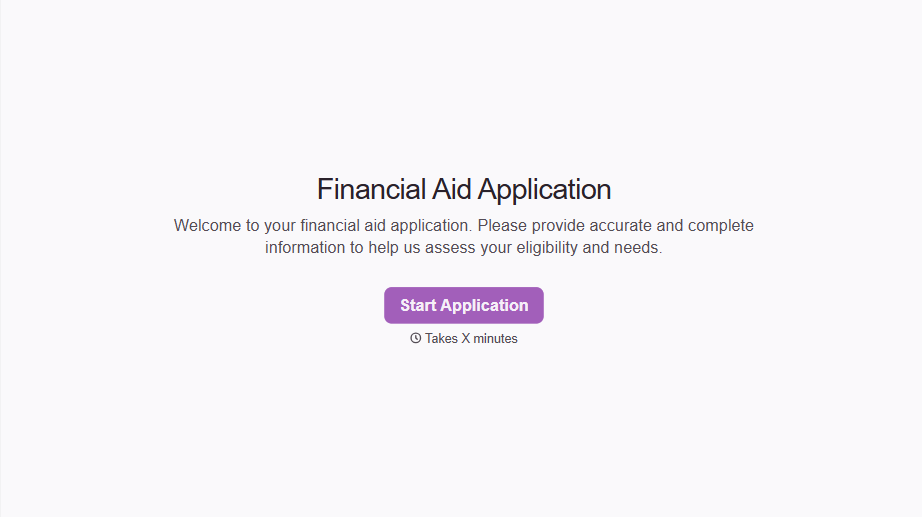
Financial Aid Application Form
A request for help with tuition mentioned to the front office in passing doesn't give your financial aid team anything to actually evaluate. Collect what your school actually needs, household information, income documentation, and need, before the deadline passes.
View template
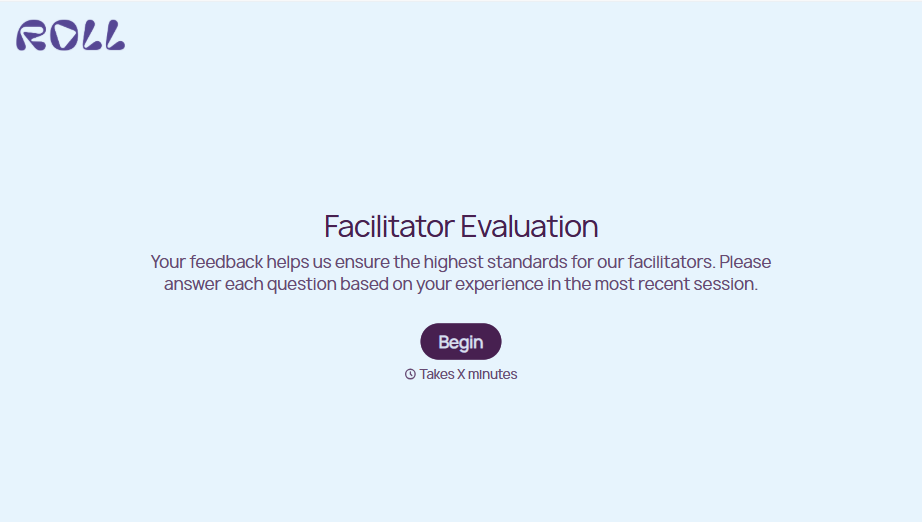
Facilitator Evaluation Form
A round of applause and a few nodding heads doesn't tell your program which facilitator's session actually clicked and which one needs coaching before the next cohort. Collect what your team actually needs, session details, ratings, and specific feedback, before everyone moves on to the next session.
View template
With Typeform, you can customize everything
Change text, colors, and even logos to match the look and feel of your brand. Then embed forms smoothly onto web and email.
Make forms feel effortless to fill out. Pace questions, call people by their name, and adapt the flow based on the data they share.
Stay efficient by connecting forms to your workflow. Typeform integrates with 300+ tools including Slack, Zapier, and HubSpot.


