Churn survey template
Find out why customers are leaving you – and prevent future churn


No one likes seeing customers fly the nest. But by asking why they leave, you can pinpoint common issues and boost customer retention.
But there’s little use in a churn survey if responses gather dust in your results panel. Luckily, we’ve got heaps of integrations that send churn data where it needs to be—because when results are easy to visualize, it’s easier for you to take action.
Before you hit ‘share’, hook your survey up to Slack so responses get sent to the right people—or even to a dedicated churn channel. You can also connect it with Google Sheets, so results organize themselves into tidy spreadsheets.
If they’re in a hurry to leave, they won’t want to stick around for a full-blown exit interview. So keep your churn survey short and sweet.
Ask why they’re leaving A simple Multiple Choice or Picture Choice question will do here. Always give them an ‘other’ option, so they can mention anything that’s not on the list.
Let them elaborate Ask a relevant follow-up question depending on the reason they selected. For example, if they found a better solution, ask which one. If they found your product hard to use, ask what would’ve made it easier. Some of the most valuable feedback can be found buried in churn data—this is your chance to uncover it.
Ask to keep in touch ...but only if it feels appropriate. Sometimes, a customer might churn for something that could’ve been easily fixed. So consider adding a name and email field to give yourself a shot at winning them back.
Get inspired by relevant templates and categories
3200+ Templates, 300+ Integrations
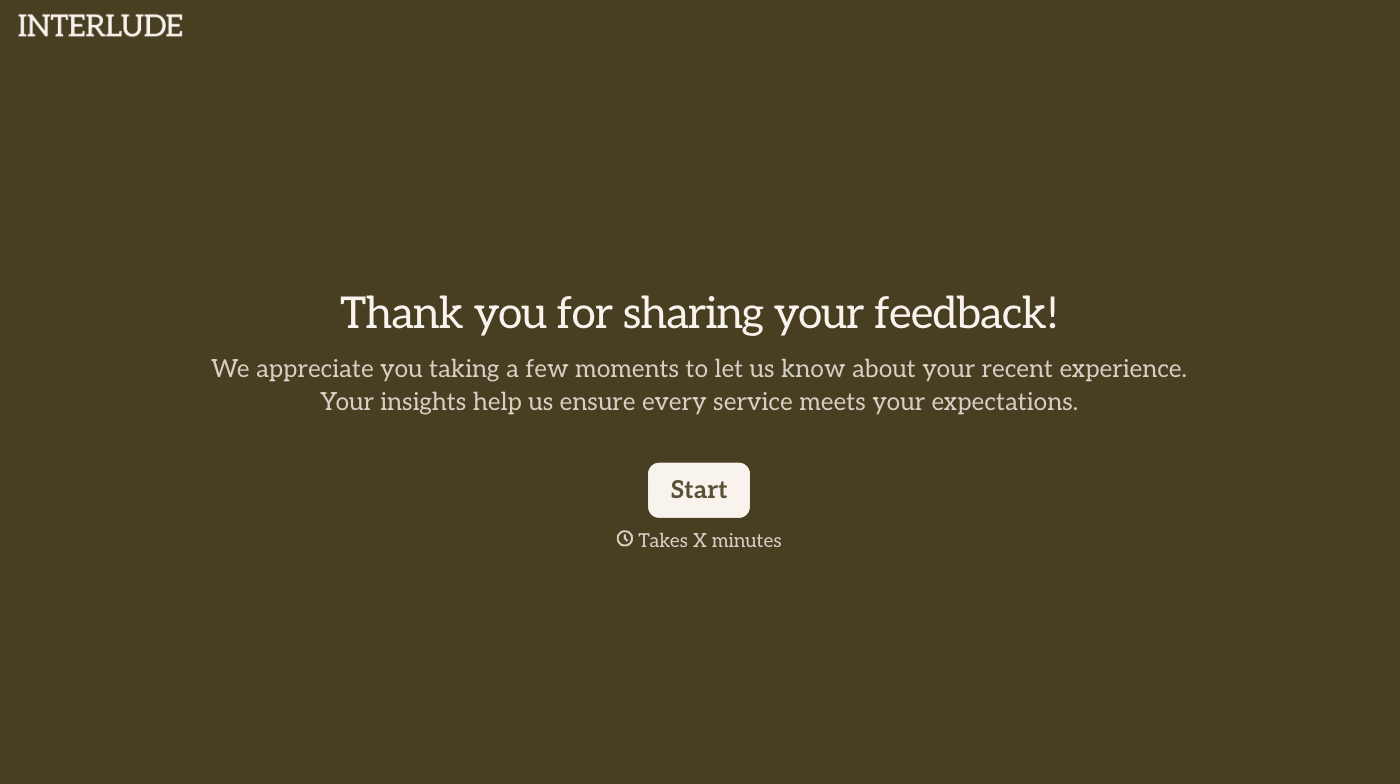
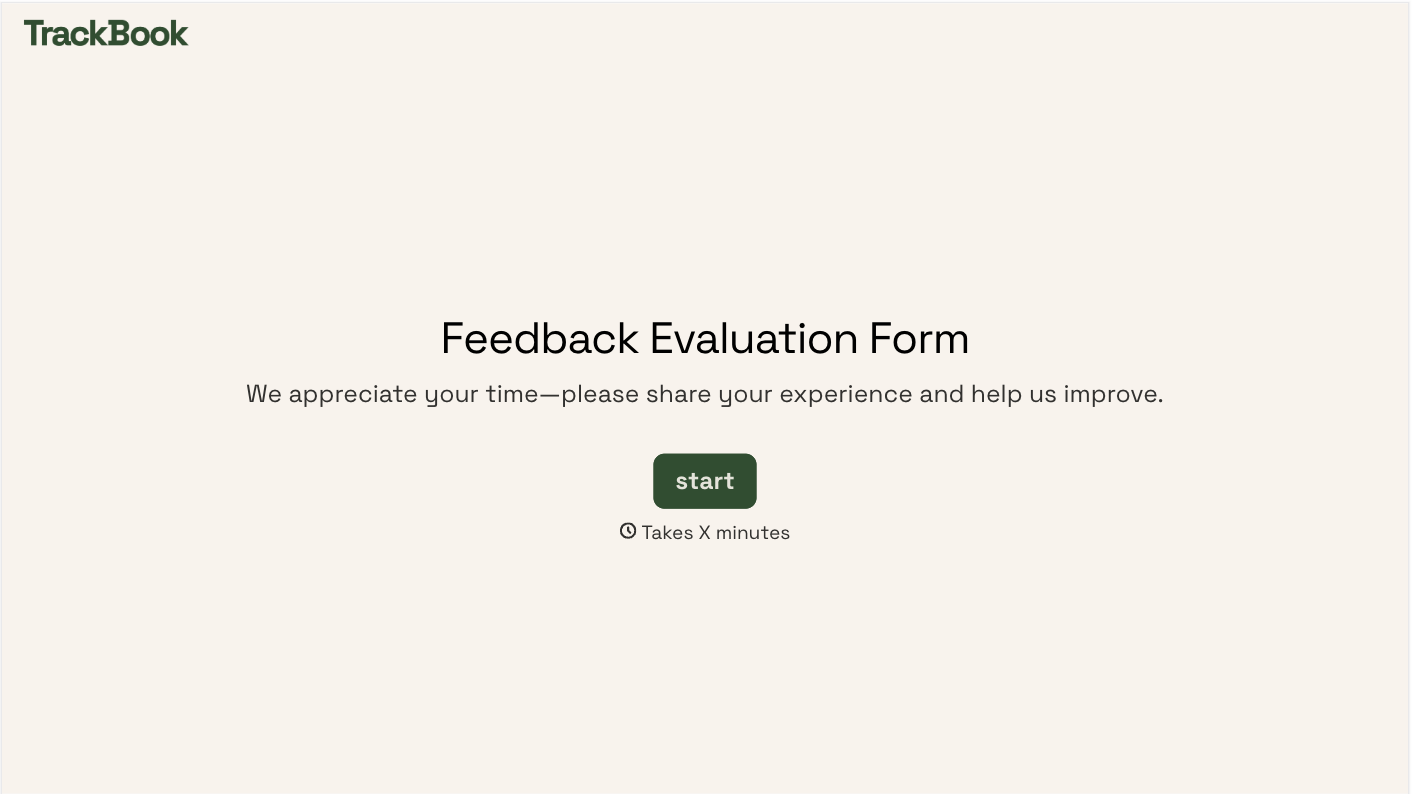
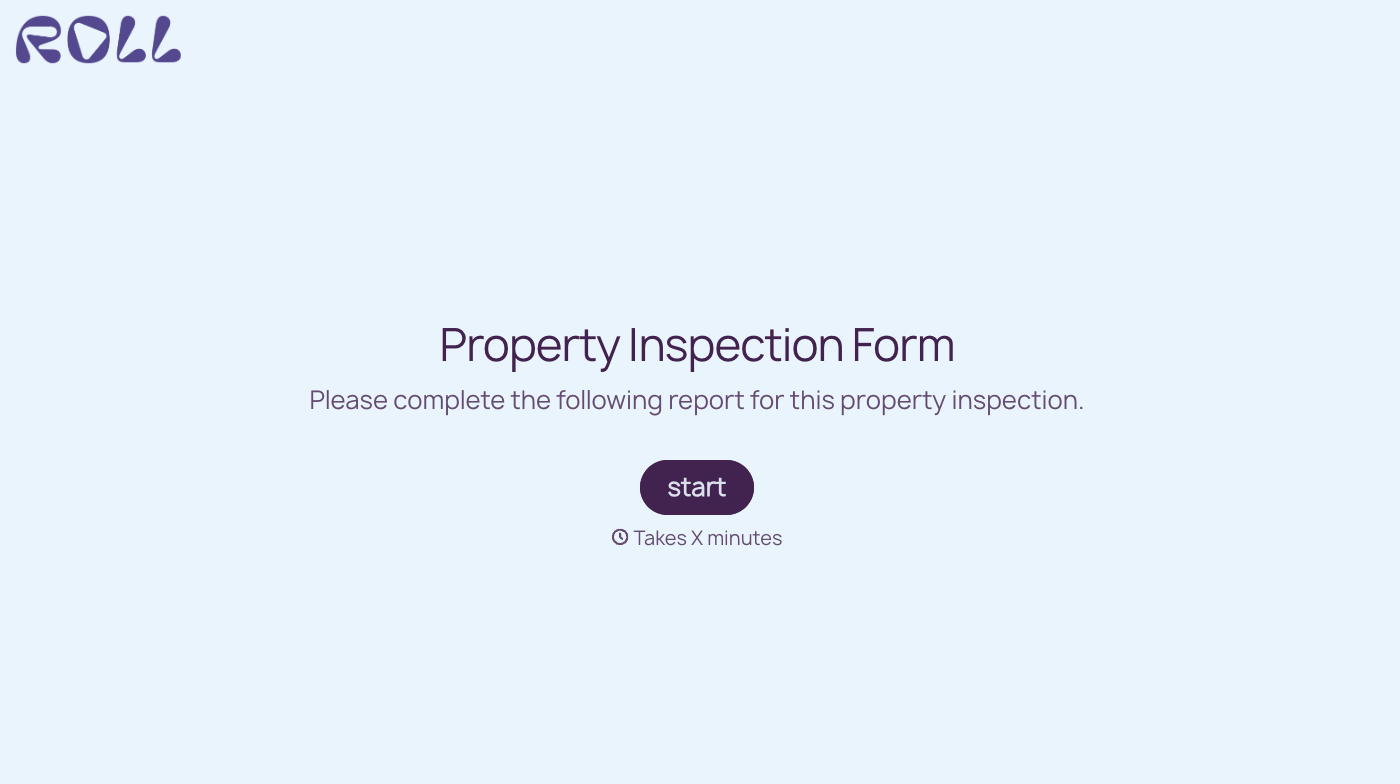
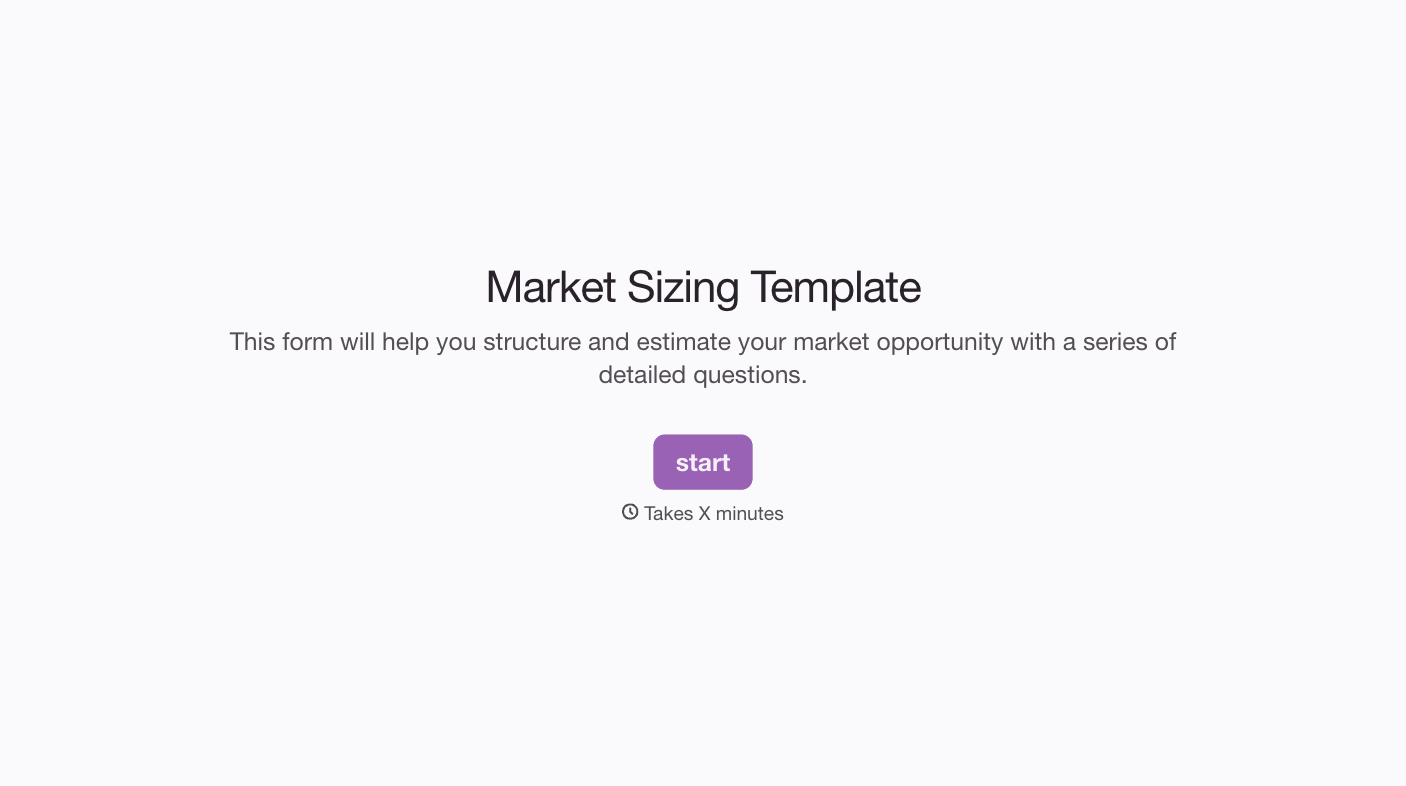
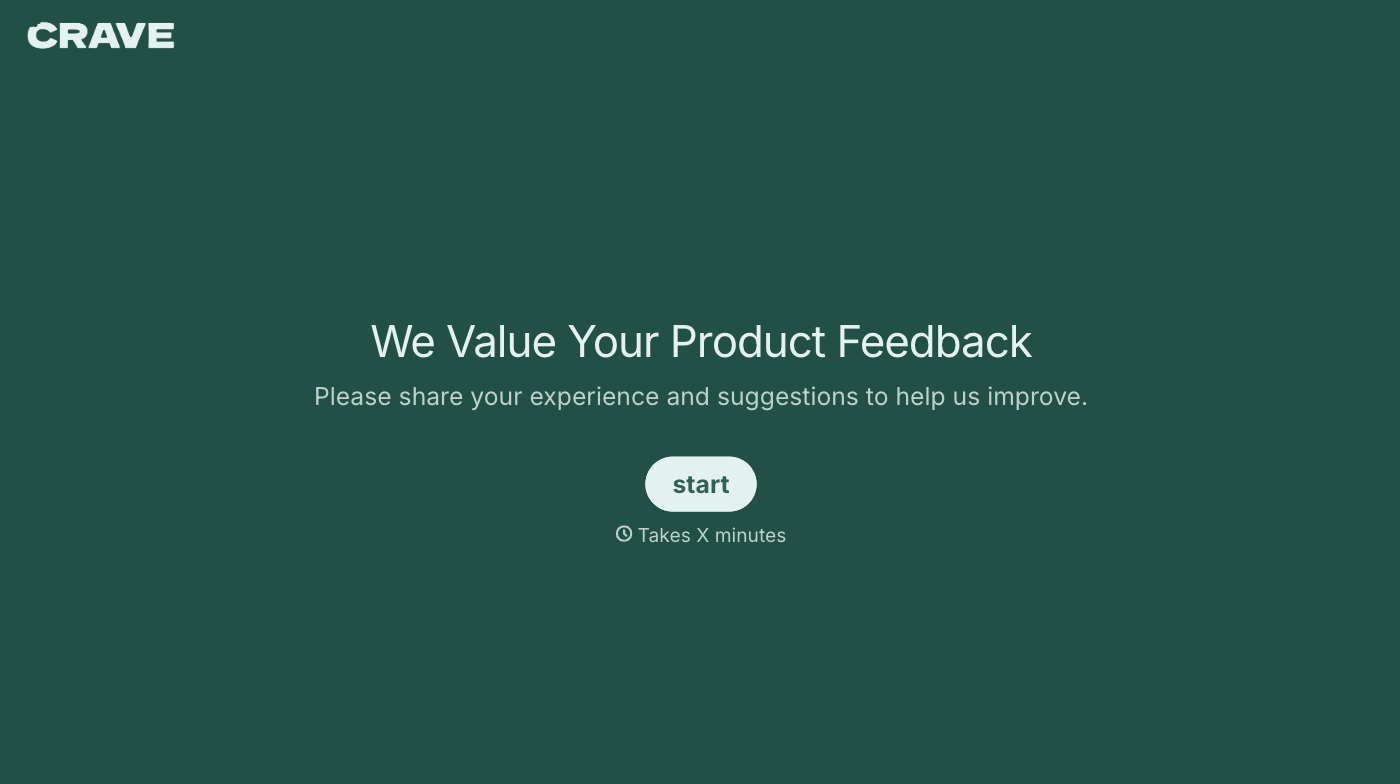
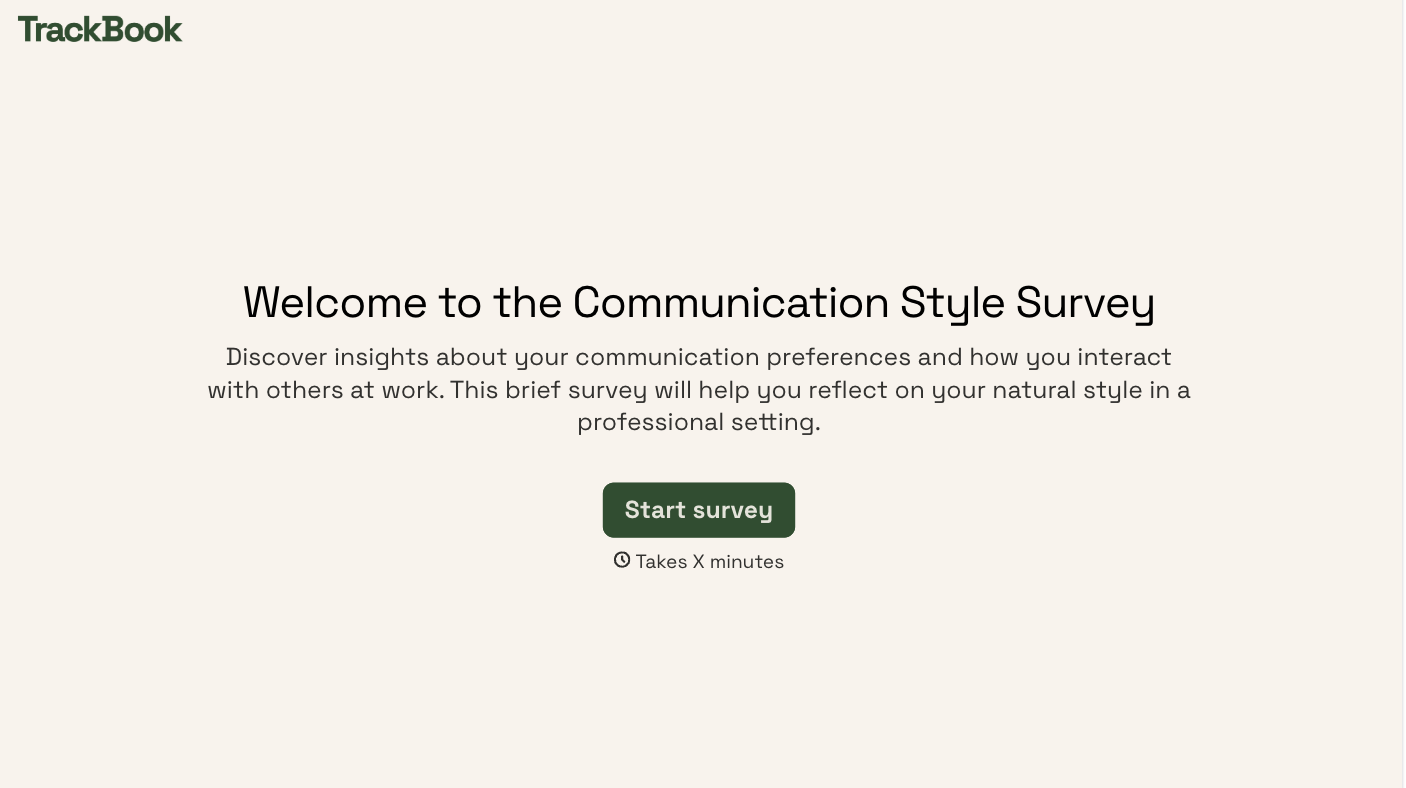
With Typeform, you can customize everything
Change text, colors, and even logos to match the look and feel of your brand. Then embed forms smoothly onto web and email.
Make forms feel effortless to fill out. Pace questions, call people by their name, and adapt the flow based on the data they share.
Stay efficient by connecting forms to your workflow. Typeform integrates with 300+ tools including Slack, Zapier, and HubSpot.


