Churn survey template
Your churn rate tells you that customers are leaving, but not why they decided to go. Collect the real reasons customers cancel, what they switched to, and feedback on what would have kept them.



Most teams guess why customers churn—blaming price when the real reason is often something else. A cancellation confirmation page records that someone left, but it never explains why, so you fix blindly, guessing at problems you don’t actually know exist for sure. Typeform's churn survey asks departing customers why they're leaving, so teams fix what's actually driving people out.
The survey captures why customers leave, what they switched to, and what would have changed their mind. Questions appear one at a time, so a leaving customer answers honestly instead of abandoning a long form. Conditional logic adapts the survey based on the reason each customer gives. A customer who leaves over price answers questions about budget, while one who found a competitor names the tool.
Customize the survey questions to match your product—whether you run a SaaS tool, a membership, or a subscription box. Trigger it on your cancellation page, in the confirmation email, or a few days after a customer leaves. Responses flow into your CRM or Google Sheets via Zapier, so patterns in churn surface fast. The responses stack up into a clear picture of why people go, so your next retention fix targets the reason that matters most.
A churn survey collects feedback from customers at the moment they cancel or downgrade. It captures why they're leaving, what they're switching to, and what might have kept them. Teams that survey churned customers fix the real drivers of cancellation, instead of guessing at them.
When a customer leaves, the one thing you don't automatically get is why. The team is left guessing—was it price, a missing feature, or a rough onboarding? A churn survey asks while the decision is still fresh, so the reason gets captured in the customer's own words instead of inferred from a usage chart later.
Cover what drives a cancellation:
- The main reason for leaving
- What they're switching to, if anything
- Missing features or unmet needs
- Pricing and perceived value
- What would have kept them
Group survey responses by reason to see whether price, missing features, or customer support drives the most cancellations. Fix the most blatant reason first, then route customers who left over a solvable issue into a win-back offer. Because every response names a specific churn reason, you take action based on patterns, instead of one-off complaints.
Trigger a churn survey to send the moment a customer cancels, while their reason is specific and top of mind. A churn survey sent days later gets more vague answers, because the frustration that drove the decision has already faded. For product downgrades, ask right after the change, so you catch dissatisfaction before it turns into a full cancellation.
Get inspired by relevant templates and categories
3200+ Templates, 300+ Integrations
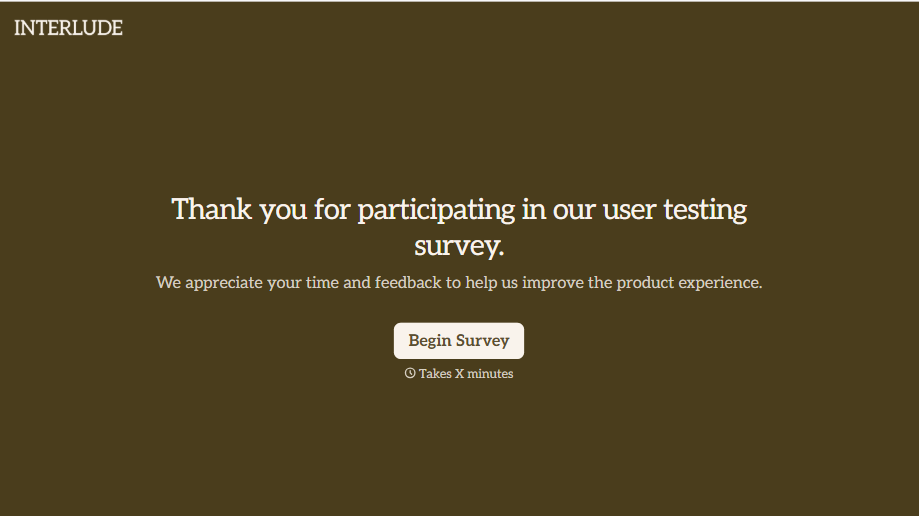
User Testing Survey Form
Feedback gathered in a quick verbal debrief right after a testing session gets filtered through whatever the participant remembers wanting to say in the room. Ask them directly, while the task is still fresh, and get an answer that isn't shaped by what’s polite to bring up out loud.
View template
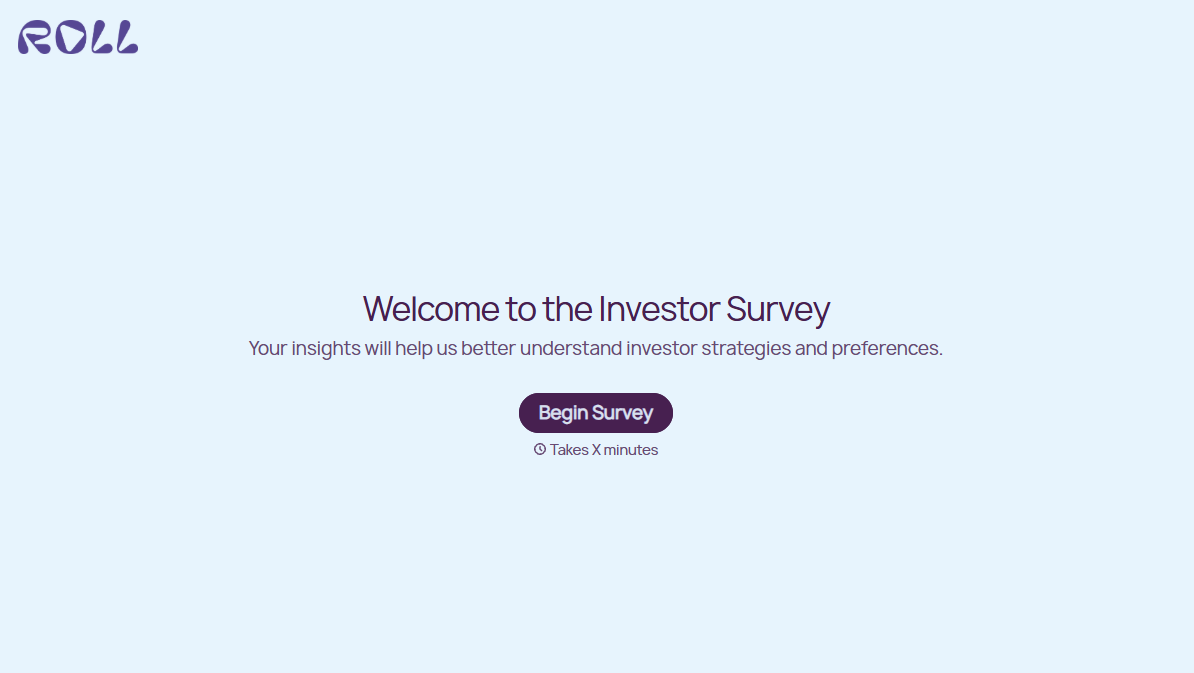
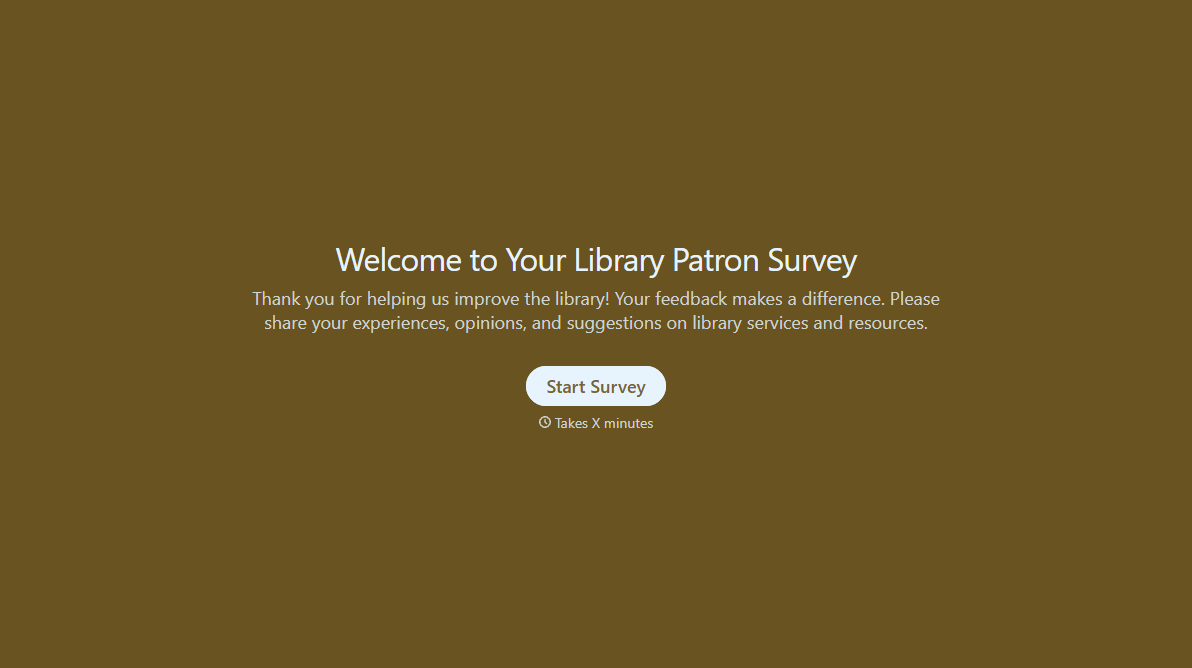
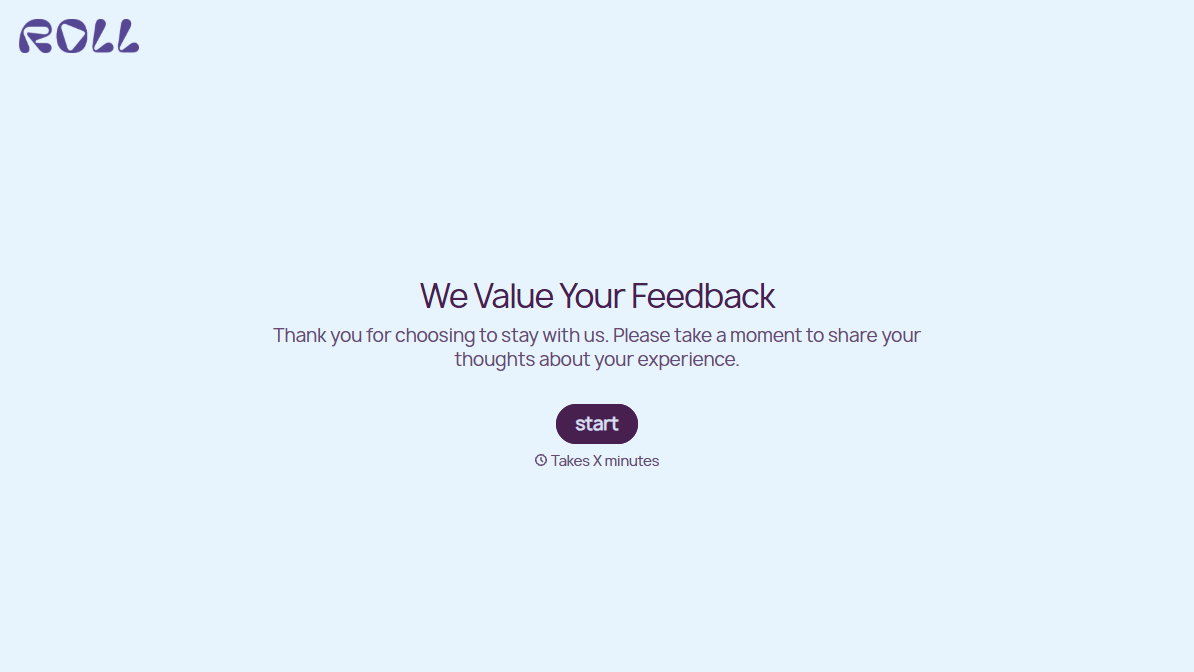
With Typeform, you can customize everything
Change text, colors, and even logos to match the look and feel of your brand. Then embed forms smoothly onto web and email.
Make forms feel effortless to fill out. Pace questions, call people by their name, and adapt the flow based on the data they share.
Stay efficient by connecting forms to your workflow. Typeform integrates with 300+ tools including Slack, Zapier, and HubSpot.


