Clothing Order Form Template
From size charts to shopping carts. Give your customers a clear, error-free way to order.


Whether you're running a custom printing shop, managing a school uniform program, or selling a limited-edition clothing line, order accuracy is everything. One wrong size means a return, a reprint, and a frustrated customer. And when orders come in through DMs, text messages, and email, "one wrong size" becomes the norm instead of the exception.
This clothing order form template standardizes the entire ordering experience. Customers browse your offerings, select items, specify sizes and colors, add personalization details, and review their order, all in a single, logical flow. Conditional logic ensures they only see relevant options: children's sizes for kids' items, extended sizing when applicable, and customization fields only for items that offer them.
Every order syncs to Google Sheets, Airtable, or your fulfillment system through Zapier. Stripe integration collects payment right in the form. You get a complete, accurate order record with zero manual transcription. And your customers get an experience that feels polished and professional, which is exactly the impression a clothing brand should make.
A clothing order form is a sales document that captures all the details needed to fulfill a clothing purchase: garment type, size, color, quantity, personalization, and buyer information. It's essential for businesses that take orders before production, manage bulk purchases, or sell through direct channels rather than traditional e-commerce platforms.
E-commerce platforms are great for standard retail, but they're overkill (and expensive) for many clothing order scenarios. Custom print shops, school uniform programs, team merchandise, and small-batch designers often need flexibility that platforms can't offer. A form-based approach gives you full control over the ordering flow, collects exactly the information you need, and costs a fraction of an e-commerce setup.
- Garment type and style with visual reference images
- Size (with a link to your sizing guide)
- Color selection from available options
- Quantity per item, size, and color combination
- Personalization requests (name, number, monogram, custom text)
- Shipping address and delivery preference
Include a link to your detailed sizing guide within the form, not buried in a separate page, but right next to the size selection question. Add a note that says "measure before selecting" with key measurement points. For uniforms or group orders, consider including a "not sure of size" option that triggers a follow-up measurement request. Accurate sizing information upfront saves everyone time and money.
While the form itself doesn't connect to live inventory, you can update available options as stock changes. Remove sold-out sizes or colors from the selection choices. Add notes about estimated delivery times for items that need production. For limited-edition drops, set a response limit on the form to cap orders at your available inventory. Pair this with Zapier automations that alert you when order volume approaches your capacity.
Get inspired by relevant templates and categories
3200+ Templates, 300+ Integrations
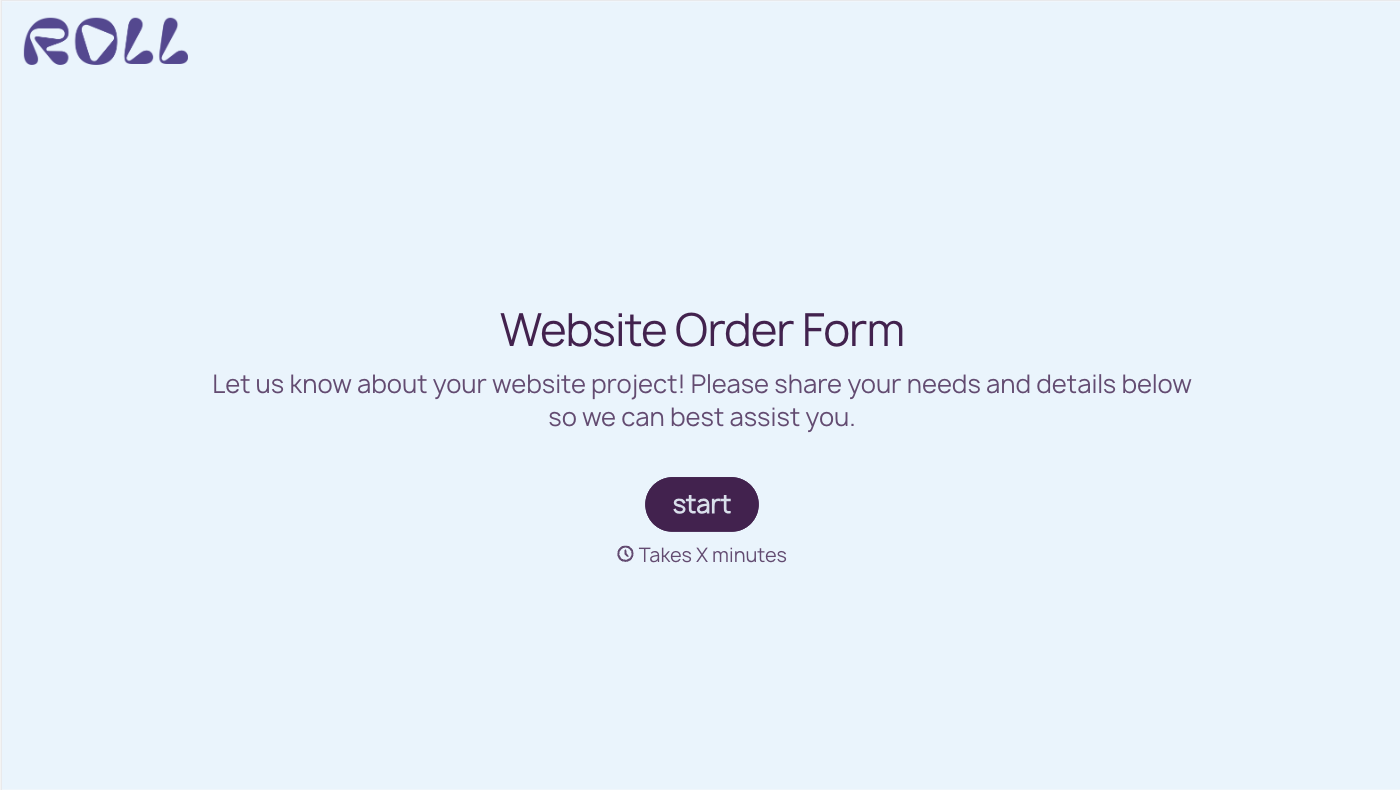
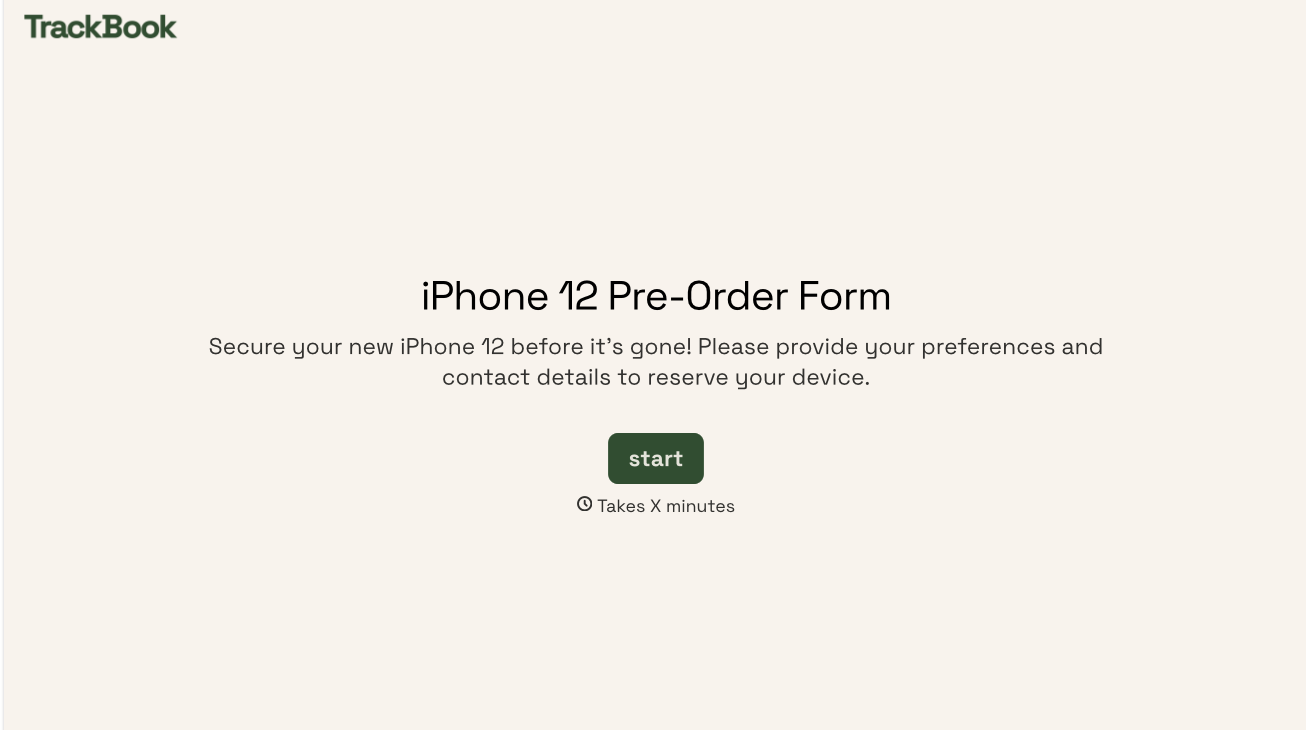
With Typeform, you can customize everything
Change text, colors, and even logos to match the look and feel of your brand. Then embed forms smoothly onto web and email.
Make forms feel effortless to fill out. Pace questions, call people by their name, and adapt the flow based on the data they share.
Stay efficient by connecting forms to your workflow. Typeform integrates with 300+ tools including Slack, Zapier, and HubSpot.


