Website Order Form Template
Accept product or service orders directly through your website. Capture item selections, quantities, delivery details, and payment — without a full e-commerce platform.



Not every business needs a full e-commerce store — but every business taking orders online needs a reliable way to capture what was ordered, who ordered it, where it's going, and how it's being paid. A simple order form handles all of this without the overhead of a shopping cart platform.
This template covers the customer's name and contact details, product or service selection, quantity, any customization options, delivery or pickup preference, delivery address, preferred delivery date, special instructions, and payment method. A summary confirmation before submission lets customers review their order before sending it through.
Small businesses, artisan producers, local service providers, and organizations running occasional sales use website order forms to manage orders efficiently. Connect to a payment processor to collect payment at checkout. Route orders to your fulfillment team via email or integration with your order management tool. Send automatic order confirmation emails so customers know their order was received.
Yes — add a payment field connected to Stripe. Customers pay at the point of submission.
Set up an email notification to your order team or connect via Zapier to your inventory or fulfillment management tool.
Add a date picker field. Set it to exclude days your business doesn't deliver — include instructions about lead times in the field description.
Update the form to remove or mark items as unavailable when stock runs out. Close the form entirely if all items are sold out.
Yes — configure a thank-you email in Typeform settings. Include order details and an estimated delivery timeframe so customers know what to expect.
Get inspired by relevant templates and categories
3200+ Templates, 300+ Integrations
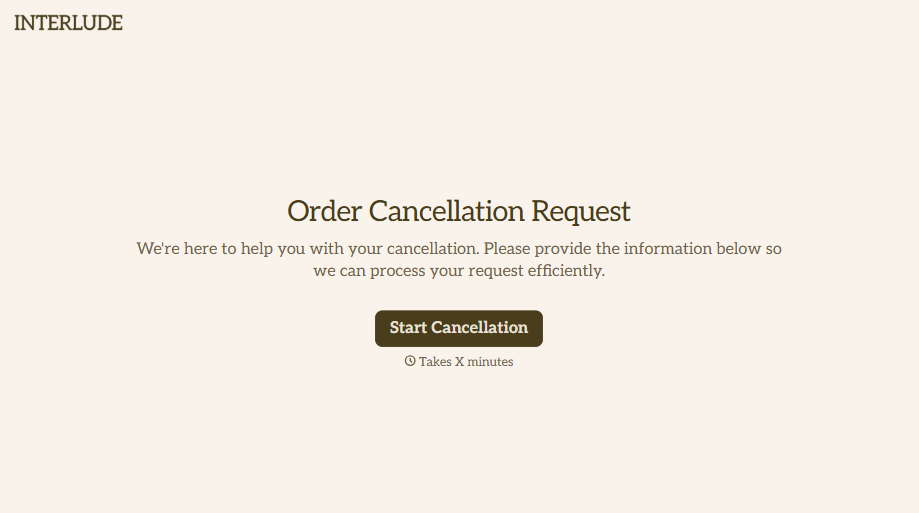

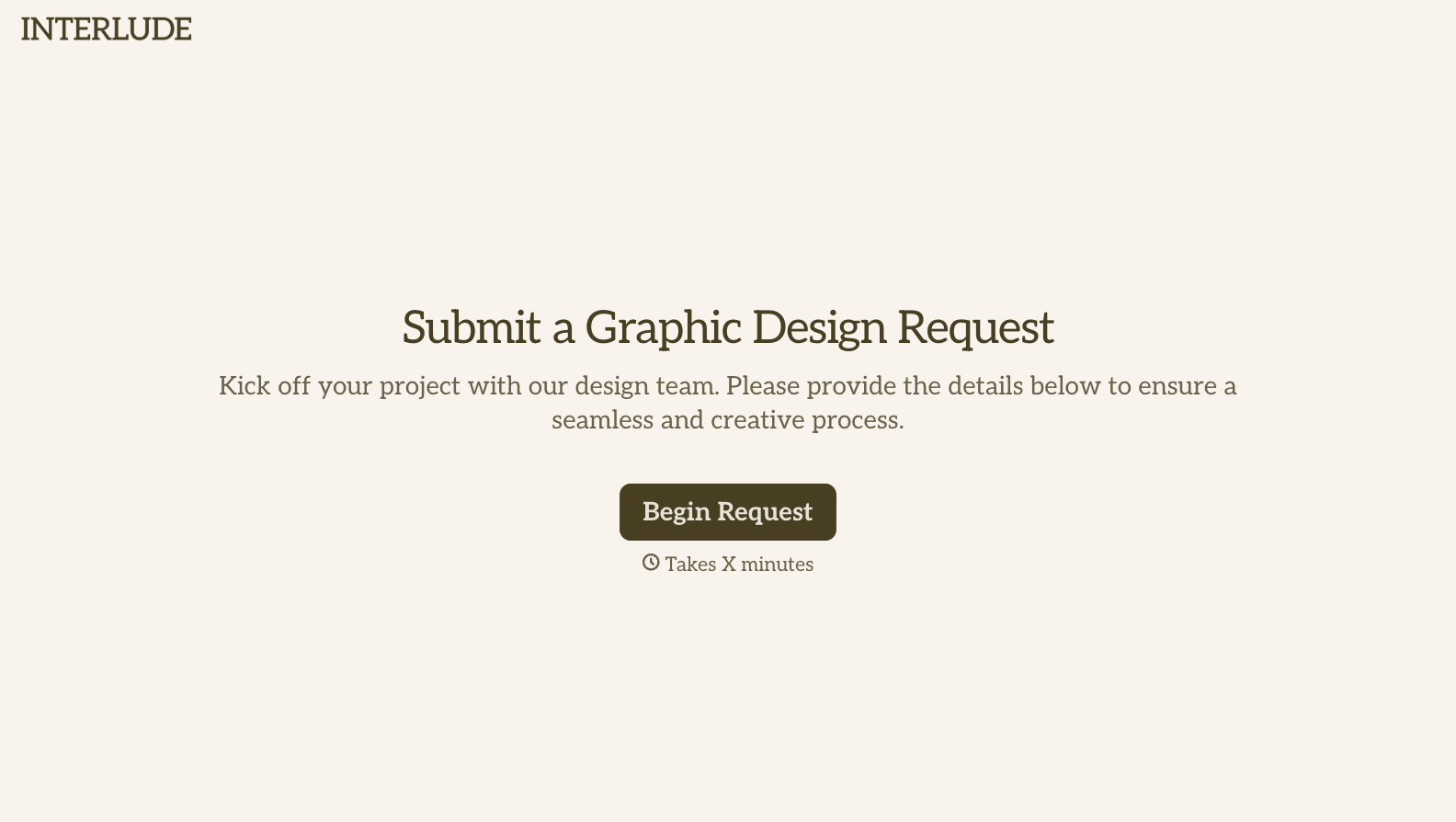

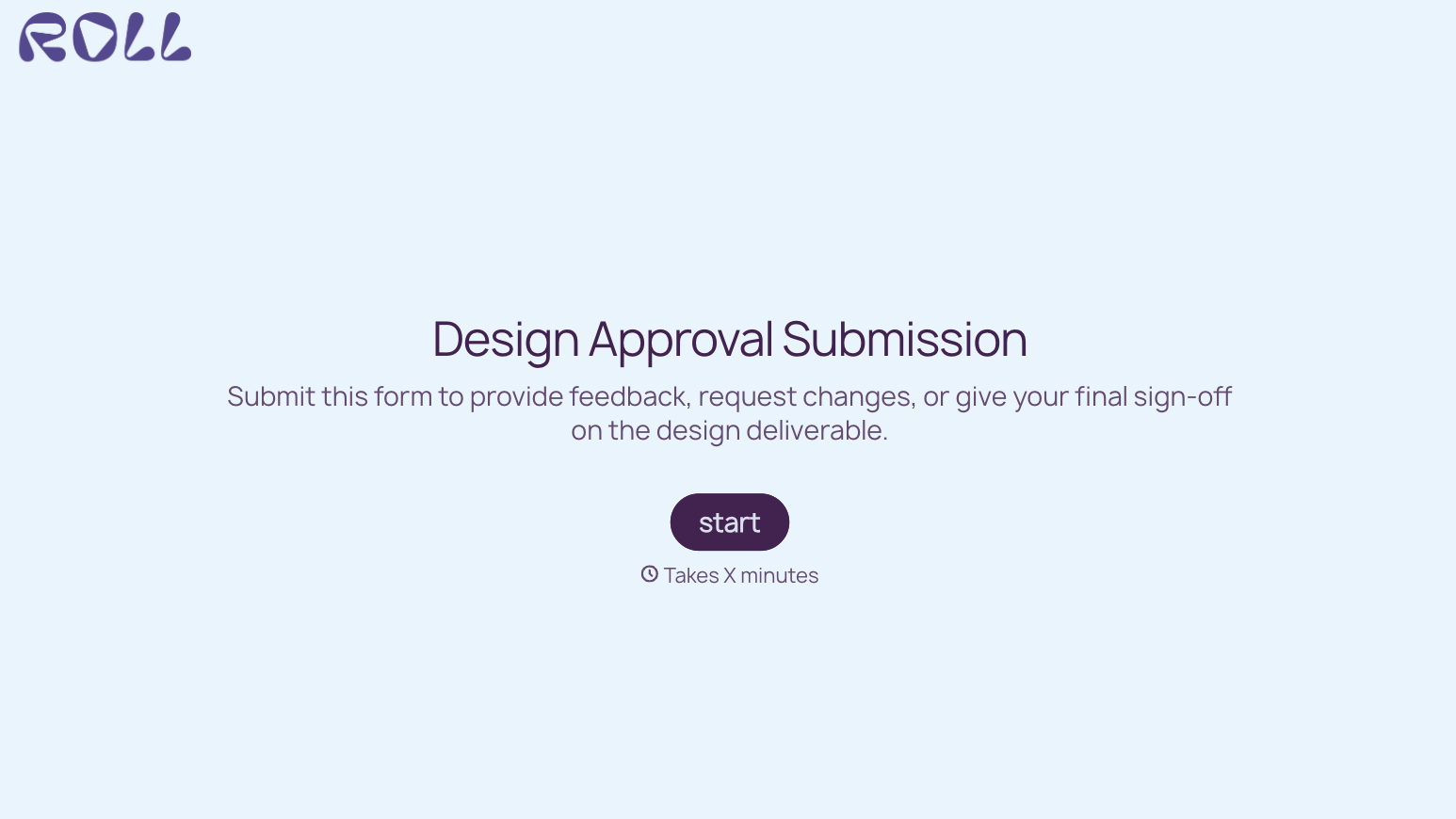
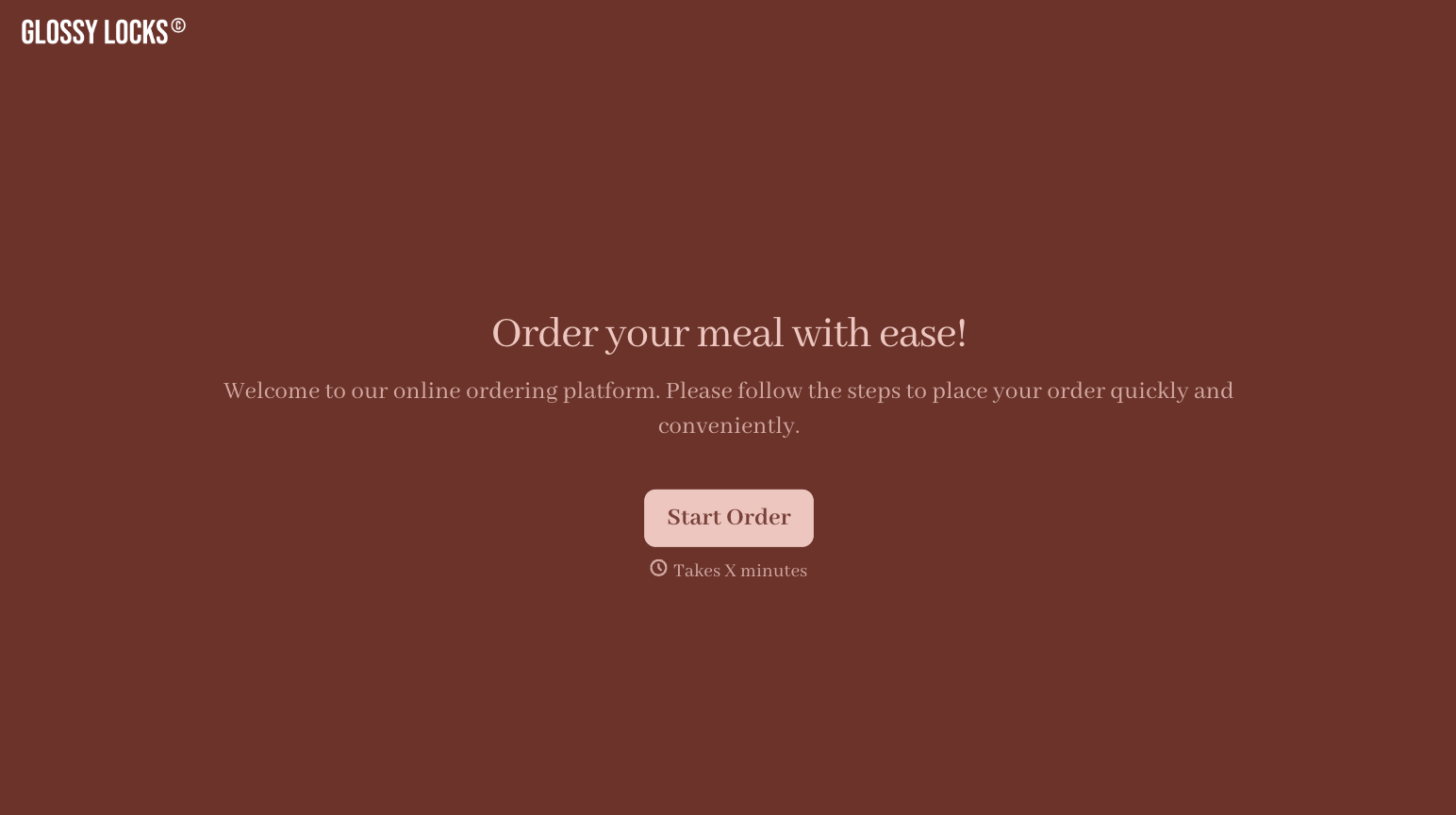
With Typeform, you can customize everything
Change text, colors, and even logos to match the look and feel of your brand. Then embed forms smoothly onto web and email.
Make forms feel effortless to fill out. Pace questions, call people by their name, and adapt the flow based on the data they share.
Stay efficient by connecting forms to your workflow. Typeform integrates with 300+ tools including Slack, Zapier, and HubSpot.


