Construction Daily Report Form Template
Document every day on-site before memory fades and details get lost.


On a construction site, what happened yesterday matters today. Weather delays, equipment issues, subcontractor progress, safety incidents: if it's not documented, it didn't happen. And when disputes arise months later over timelines or change orders, those daily reports become your most valuable evidence.
This construction daily report form template gives site managers a fast, mobile-friendly way to log daily activity. Capture weather conditions, crew counts, equipment usage, work completed, materials delivered, safety observations, and any delays or issues, all from a phone or tablet on-site. Conditional logic surfaces additional fields when you report an incident or delay, so the documentation is thorough when it matters most.
Submissions sync to your project management platform, cloud storage, or a shared spreadsheet in real time. Your project managers and clients get consistent, professional daily reports without anyone spending 30 minutes at a desk typing up notes.
A construction daily report form is a standardized log that captures everything that happens on a job site each day. It typically records weather, manpower, equipment, work performed, materials used, safety incidents, and any delays. These reports create a chronological record of the project that's essential for accountability, billing, and dispute resolution.
They protect everyone. When a client disputes a timeline, your daily reports show exactly what happened and when. When a subcontractor claims they were on-site, the crew count proves otherwise. When an insurance claim is filed, the incident documentation is already done. Daily reports are also the foundation for progress billing, change order justification, and regulatory compliance.
- Date, project name, site location, and report author
- Weather conditions (temperature, precipitation, wind)
- Crew breakdown by trade and headcount
- Equipment on-site and hours of operation
- Summary of work completed and percentage of progress
- Safety observations, incidents, or near-misses
Make it fast and mobile. If a foreman can complete the report on their phone in under 5 minutes, tapping through dropdowns and quick-entry fields instead of writing paragraphs, compliance goes up dramatically. The one-question-at-a-time format helps here. Set a daily reminder, and make it clear that reports are tied to payment approvals if that's your process.
Yes. Include file upload fields for site photos, delivery tickets, inspection reports, and any other relevant documentation. Photos are especially valuable because they capture progress visually and are often the strongest evidence in disputes. Encourage crews to photograph completed work, material deliveries, and any site conditions that may cause issues later.
Get inspired by relevant templates and categories
3200+ Templates, 300+ Integrations
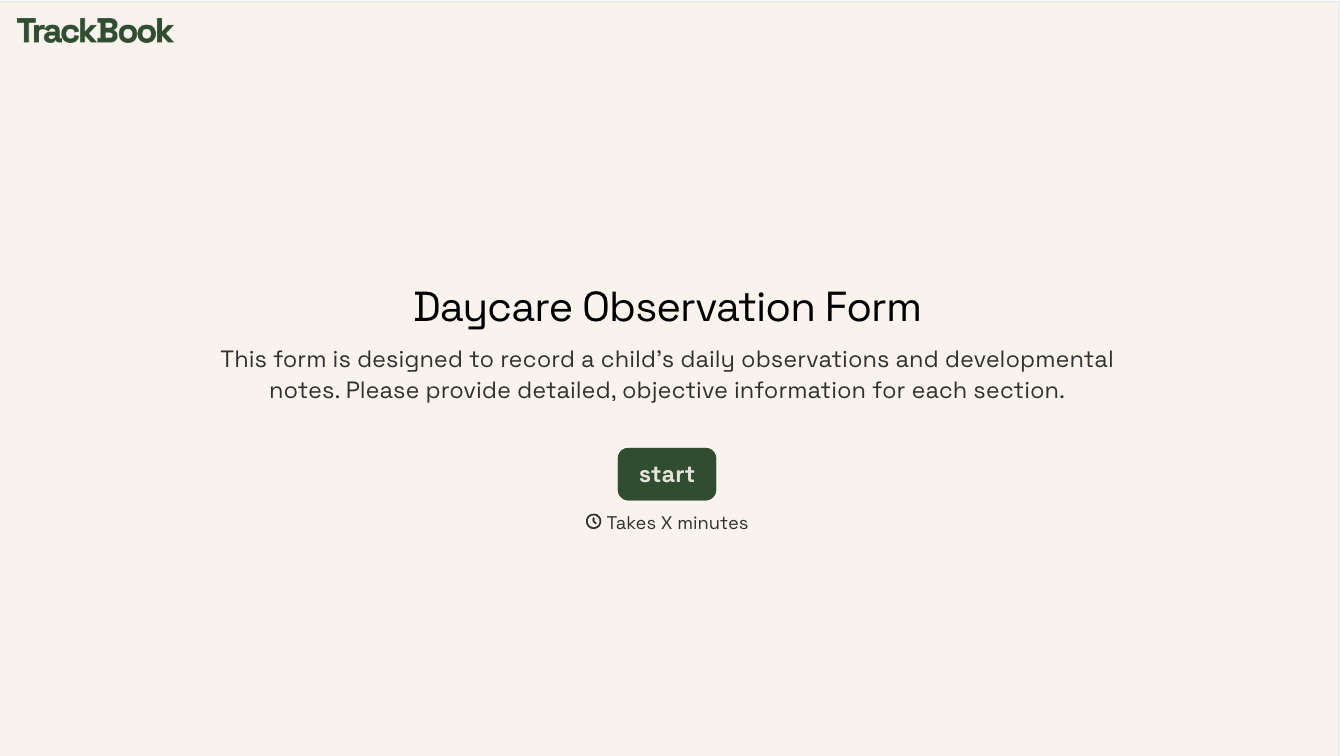
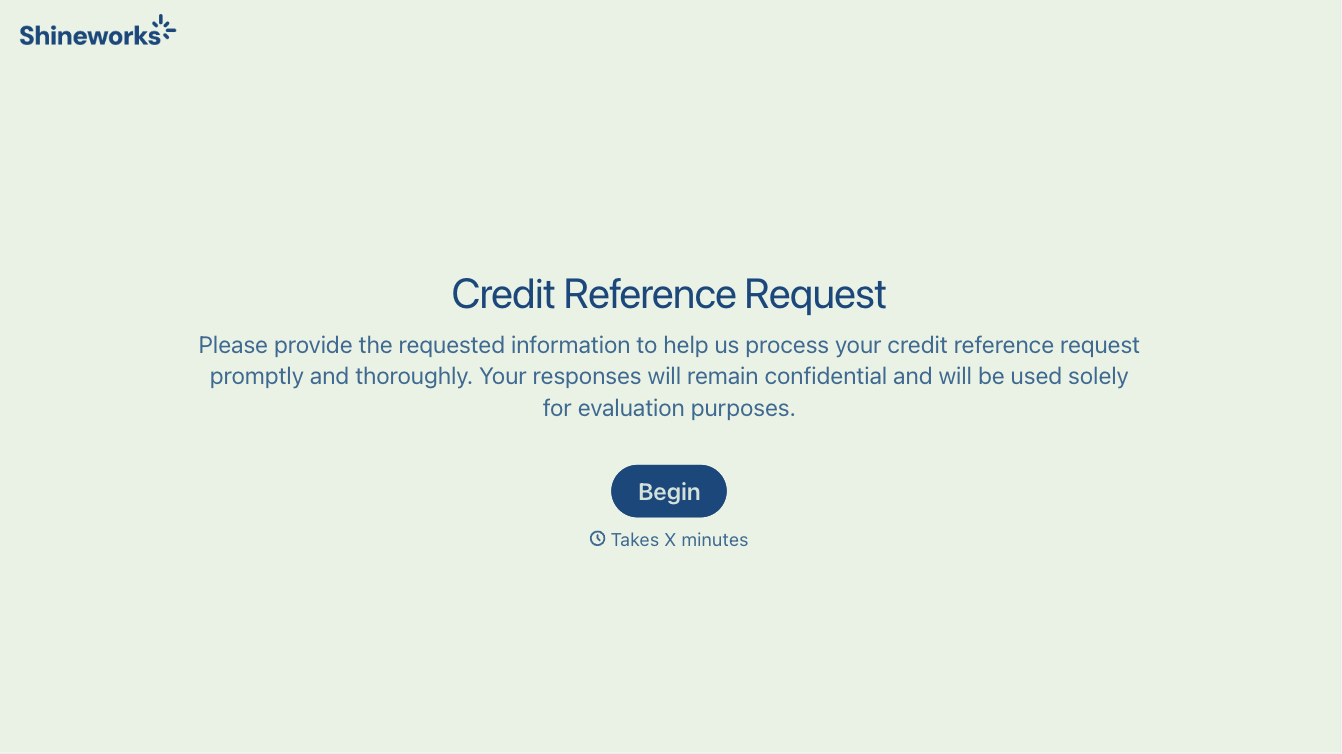
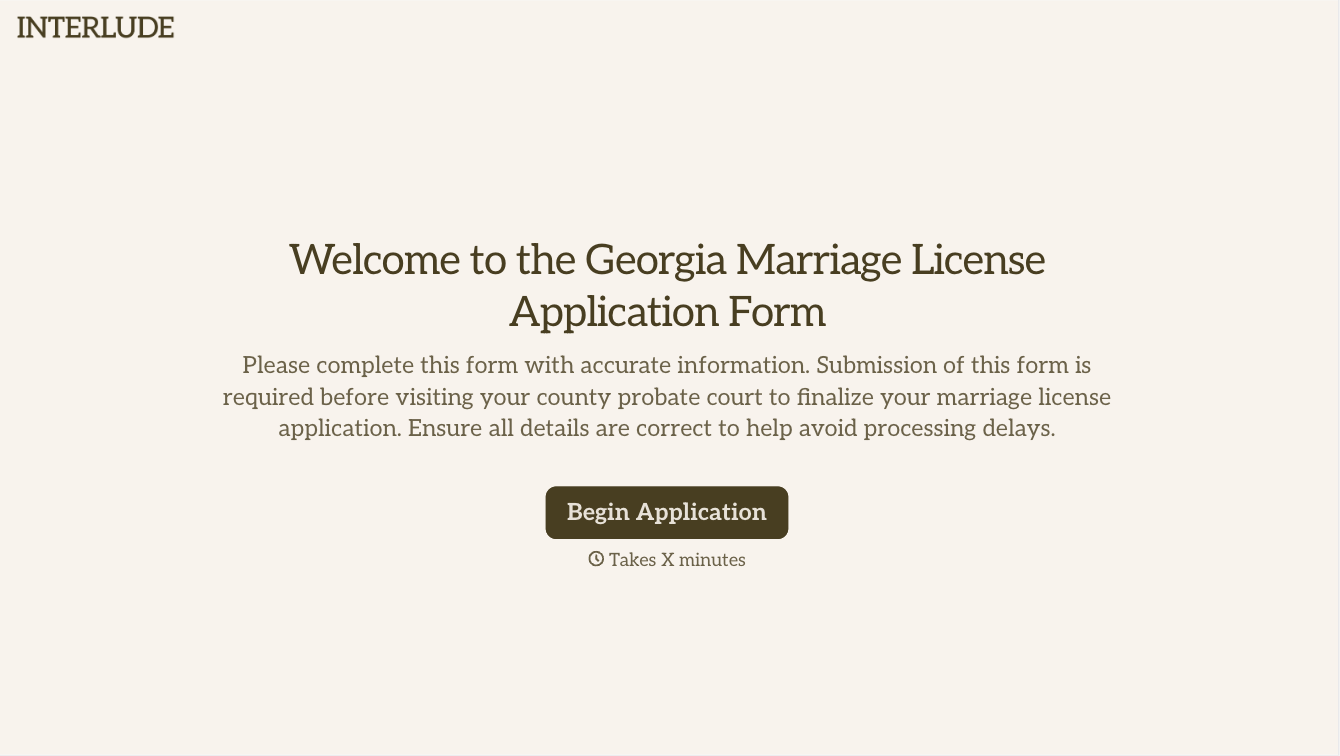

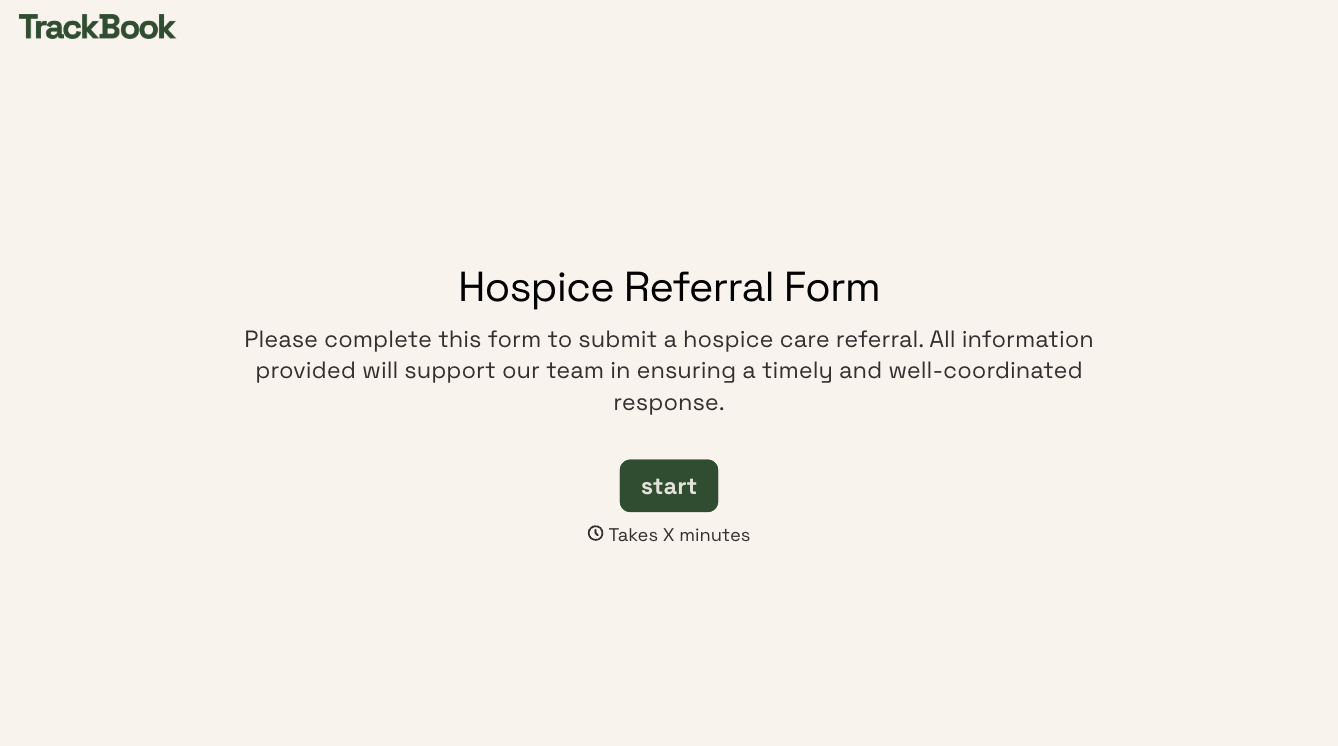
With Typeform, you can customize everything
Change text, colors, and even logos to match the look and feel of your brand. Then embed forms smoothly onto web and email.
Make forms feel effortless to fill out. Pace questions, call people by their name, and adapt the flow based on the data they share.
Stay efficient by connecting forms to your workflow. Typeform integrates with 300+ tools including Slack, Zapier, and HubSpot.


