Hospice Referral Form
Collect every clinical and care preference detail before the first hospice contact, so intake begins without delay.



Hospice programs that rely on fax or phone referrals often begin intake without complete clinical information, which delays care. Missing clinical details or family contacts means the first hospice contact is spent gathering basics rather than planning care. Typeform's hospice referral form gives referring clinicians a structured way to document every clinical detail before intake begins.
The form captures patient demographics, primary diagnosis, current medications, functional status, advance directive status, family contacts, and care preferences. Referring clinicians work through one section at a time, documenting the patient's full situation before submitting the referral. Conditional logic adapts the referral based on the patient's primary diagnosis and the level of care being requested. A patient referred for home care follows a different documentation path than one requiring inpatient or continuous care.
Customize it with your hospice name, service areas, care levels, and any required fields your state or payer requires. Share it with referring physicians, hospital discharge teams, and palliative care units ready to transition patients to hospice. Every completed referral routes to your intake coordinator via Zapier, so the right person schedules the evaluation without delay. A complete referral at the point of transition means less time gathering details, and more time focused on the patient.
A hospice referral form collects the clinical and personal information a hospice team needs to begin intake and evaluation. It captures patient demographics, primary diagnosis, medications, functional status, advance directive status, family contacts, and care preferences. Use it to give the hospice intake team complete clinical information from the moment the referral arrives, without a follow-up call to gather missing details.
Early hospice enrollment improves patient comfort, reduces emergency visits, and gives families more time to access support services. Incomplete referrals delay enrollment, which can mean patients and families miss weeks of hospice care they're entitled to receive. A structured referral form ensures the hospice team receives complete information from the moment the referral arrives. Use it for referring patients from hospitals, skilled nursing facilities, home health programs, outpatient practices, and primary care settings.
Gather everything needed for a complete hospice intake referral:
- Patient full name, date of birth, and contact details
- Primary diagnosis and relevant secondary diagnoses
- Current prognosis and anticipated trajectory
- Attending physician name and contact details
- Current medications and allergies
- Functional status (Karnofsky or FAST score, if applicable)
- Advance directive status (DNR, POLST, living will)
- Previous hospitalizations or recent emergency visits
- Insurance or Medicare/Medicaid information
- Emergency contact and primary caregiver name and relationship
- Family support structure relevant to care planning
- Patient and family's care goals and preferences
- Preferred language and any communication or accessibility needs
Hospice referral forms contain protected health information, so collection, storage, and transmission must comply with HIPAA. Restrict access to authorized clinical staff and confirm your data processing agreement is in place before collecting patient information. Discuss data handling with your compliance team before using Typeform to collect referral information within a clinical workflow.
Use Zapier to route each referral to the intake coordinator responsible for the patient's location and care level. Home care referrals route to a different coordinator than inpatient referrals, so the right clinician receives each one immediately. Routing keeps intake organized when your program serves multiple service areas or care levels simultaneously.
Get inspired by relevant templates and categories
3200+ Templates, 300+ Integrations
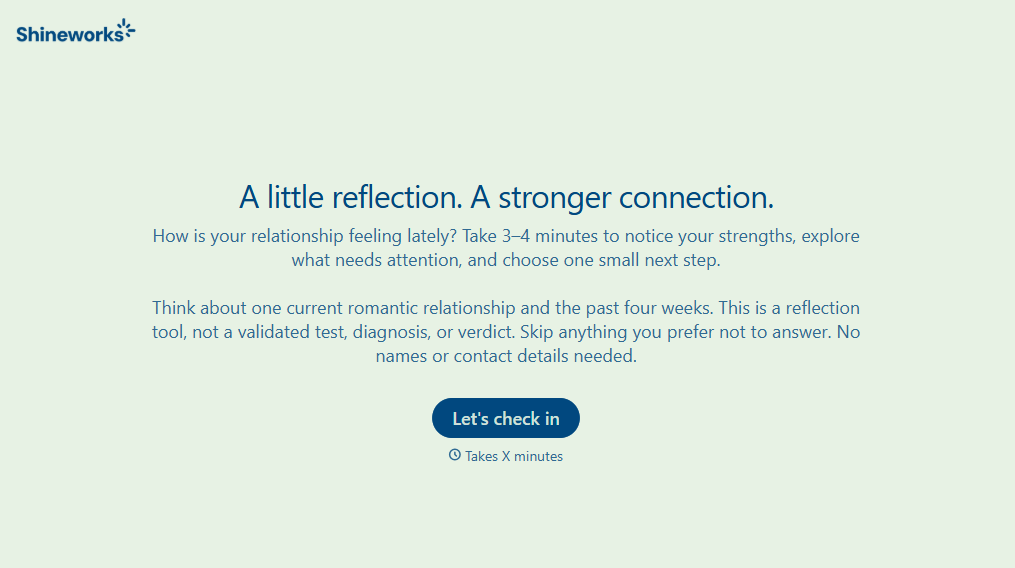
Relationship Quality Test Form
Give individuals and couples a simple way to evaluate their relationships with a form that explores communication, trust, and emotional connection. Keep responses organized so users can reflect on relationship strengths, identify challenges, and understand areas that need attention.
View template


Point of Sale Agreement Extension Form
Give businesses a straightforward way to request extensions to existing point of sale agreements with a form that collects contract details, extension terms, and authorization information. Keep requests organized so service providers can review agreements, coordinate renewals, and maintain accurate contract records.
View template
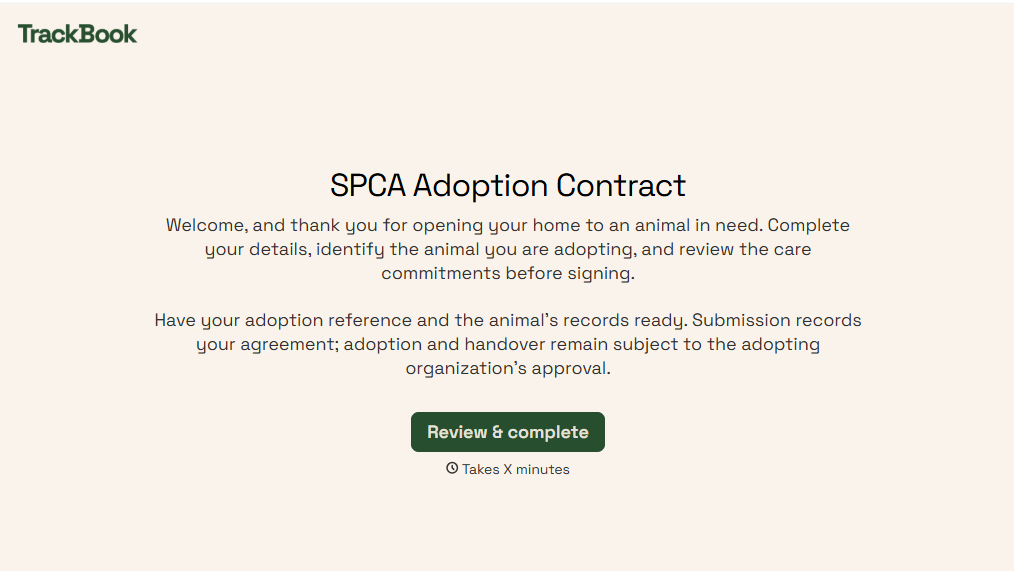
SPCA Adoption Contract Form
Give animal shelters an efficient way to finalize pet adoptions with a form that collects adopter information, pet details, and adoption agreements. Keep records organized so your team can verify requirements, document responsibilities, and help animals transition into their new homes.
View template

Minor Surgery Permission Form
Give patients and authorized guardians an easy way to document consent for minor surgical procedures with a form that collects patient information, procedure details, and medical considerations. Keep consent records organized so healthcare providers can verify permissions, review relevant health information, and prepare for scheduled procedures.
View template

Shipment Status Monitoring Form
Give logistics teams and businesses an easy way to monitor shipments with a form that collects tracking numbers, carrier information, and delivery details. Keep shipment records organized so teams can track delivery progress, identify potential delays, and communicate shipping updates to customers and stakeholders.
View template
With Typeform, you can customize everything
Change text, colors, and even logos to match the look and feel of your brand. Then embed forms smoothly onto web and email.
Make forms feel effortless to fill out. Pace questions, call people by their name, and adapt the flow based on the data they share.
Stay efficient by connecting forms to your workflow. Typeform integrates with 300+ tools including Slack, Zapier, and HubSpot.


