Customer Service Request Form Template
Turn scattered support requests into a single, trackable queue.



When customers need help, they email, call, DM, and sometimes do all 3 at once. Your team ends up juggling conversations across channels, losing context, and accidentally letting requests slip through the cracks. Nobody wins when support feels like a guessing game.
This customer service request form template gives people a clear, structured way to describe their issue: what happened, when it happened, and what they need. Conditional logic routes requests by type (billing, technical, account access) so the right team gets the right details without a game of internal telephone.
Set it up in minutes and connect it directly to tools like Slack, Zendesk, or Trello so requests flow into your existing workflow. No coding, no complicated setup, and your customers get the feeling that someone's actually listening.
A customer service request form is a standardized way for customers to submit support inquiries. Instead of freeform emails with half the details missing, the form guides people through what you actually need to know: issue type, urgency, account info, and a description of the problem. It creates a structured record from the start.
It eliminates the most common bottleneck: incomplete information. When customers fill out a well-designed form, your team gets context before the first reply. That means fewer follow-up emails, faster resolution times, and less frustration on both sides. It also creates a paper trail you can reference later.
- Name and contact information
- Order number or account ID
- Type of issue (billing, technical, product, etc.)
- Description of the problem
- Urgency level
- Preferred contact method for follow-up
Use conditional logic to branch your form based on the issue type selected. A billing question can trigger a notification to your finance team, while a technical issue pings engineering. Pair this with integrations to route submissions into the right Slack channel or help desk queue automatically.
Yes, and be honest about it. Setting expectations upfront (even if it's "we'll get back to you within 48 hours") reduces repeat inquiries and builds trust. You can add this to your form's thank-you screen so customers know exactly what happens after they hit submit.
Get inspired by relevant templates and categories
3200+ Templates, 300+ Integrations

Library Book Request Form
A book request scrawled on a sticky note at the front desk doesn't make it into any queue, and it definitely doesn't get anyone a call when the book actually arrives. Collect what your library actually needs, the title, patron information, and how they'd like to be notified, before the note gets buried under the next stack of returns.
View template

Tenant Repair Request Form
A text message about a leaky faucet sent at 11pm isn't a work order your maintenance team can act on efficiently, especially without a photo or a unit number attached. Collect the property, the issue, and how urgent it is before the request lands in someone's texts, so a repair doesn't wait on a landlord scrolling back through old messages.
View template

Video Request Form
A Slack message asking for "a quick video for the launch" isn't a creative brief your video team can actually start from. Collect the project purpose, deadline, and deliverable specs before the request lands in a queue, so your team isn't reworking a video built on assumptions the requester never actually stated.
View template
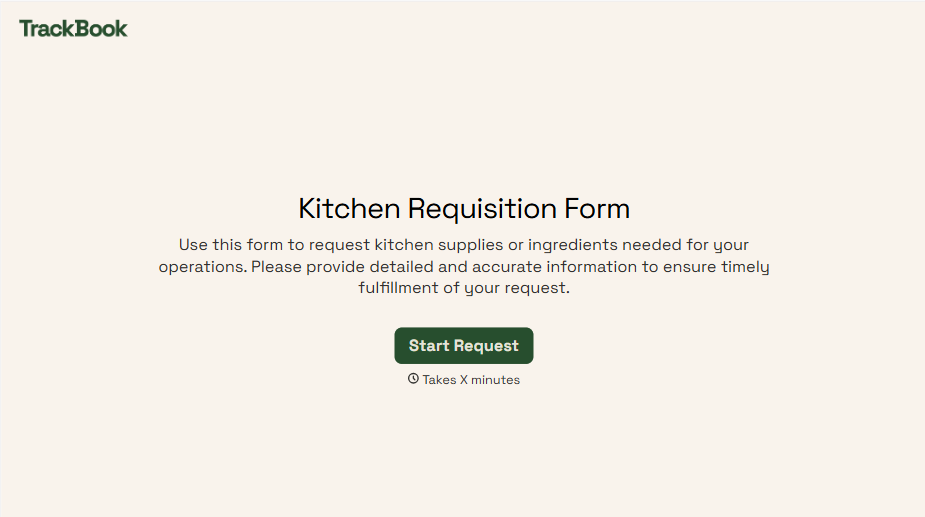
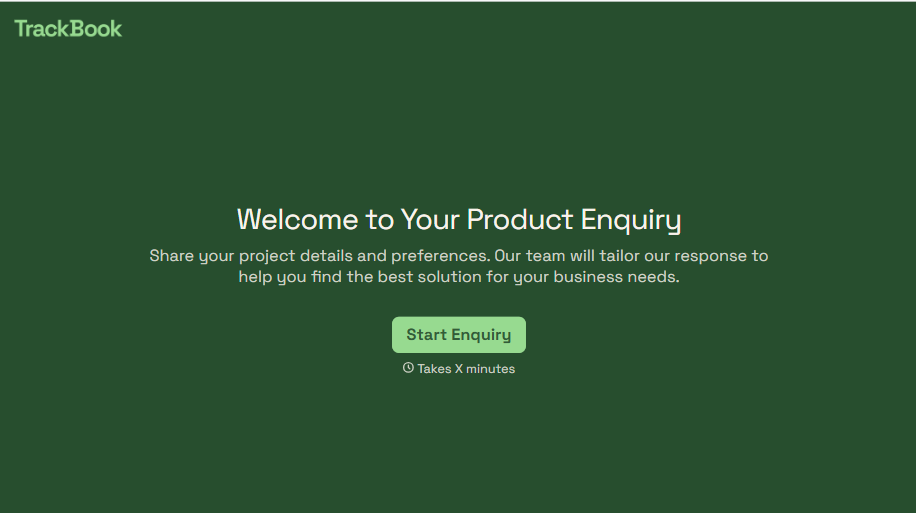
Product Enquiry Form
A generic "I'm interested in your product, can you tell me more?" email doesn't tell your sales team which product, what quantity, or what the customer's actually trying to do with it. Collect what your team actually needs, product interest, quantity, and use case, before you reply.
View template
With Typeform, you can customize everything
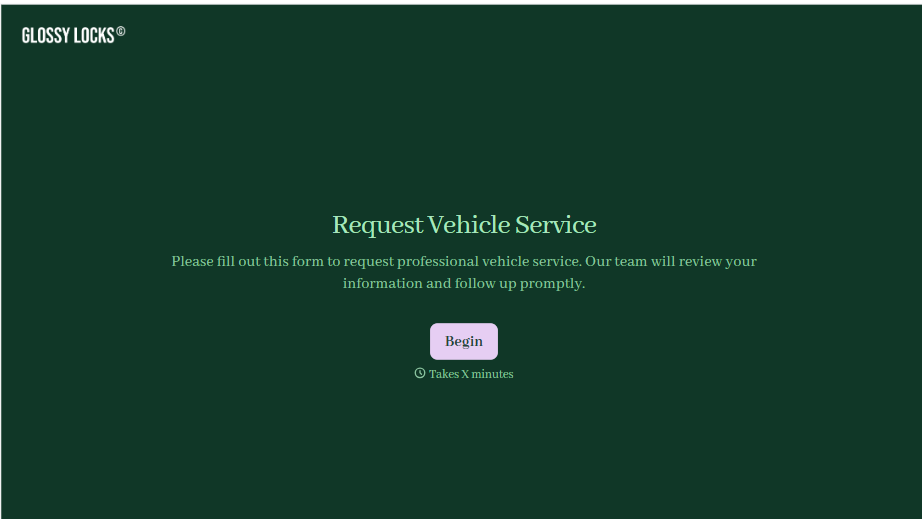
Change text, colors, and even logos to match the look and feel of your brand. Then embed forms smoothly onto web and email.
Make forms feel effortless to fill out. Pace questions, call people by their name, and adapt the flow based on the data they share.
Stay efficient by connecting forms to your workflow. Typeform integrates with 300+ tools including Slack, Zapier, and HubSpot.


