Generic Job Application Form Template
Collect consistent candidate information across all your open roles. This template gives hiring managers what they need while keeping the application experience straightforward.



Hiring is competitive, and a friction-heavy application form costs you candidates. Long, cluttered applications with redundant fields signal that the process ahead won't be any better. At the same time, applications that don't collect enough information waste time in the early screening stages.
A well-designed job application form strikes that balance. Typeform's one-question-at-a-time format keeps the experience clean for candidates, and conditional logic can route applicants to role-specific questions based on the position they're applying for. You collect what you need without burying candidates in fields that don't apply to them.
Customize the questions for your roles and hiring process, connect submissions to your ATS, and start reviewing stronger applications from the start.
A job application form is a standardized document that candidates complete to formally apply for a position. It collects professional background, contact information, relevant experience, and qualifications in a consistent format. The standardization makes screening and comparison more efficient than reviewing free-form resumes alone.
It creates consistency across your candidate pool. When every applicant answers the same questions, early-stage comparisons are faster and more objective. It also captures information that resumes often omit — availability, salary expectations, willingness to relocate — so you're not chasing down basics before deciding whether to schedule a screen.
A solid general application covers qualifications and logistics without becoming overwhelming. Consider including:
- Full name and contact information
- Position being applied for
- Work authorization status
- Relevant education and credentials
- Prior work experience and dates of employment
- Key skills or certifications
- Availability and earliest start date
- Salary expectations
- How they heard about the role
Typeform's format is built to work on mobile from the start. Still, keep the number of long-form text fields to a minimum — typing extended paragraphs on a phone is where candidates drop off. Reserve open-ended questions for later stages of the process and focus the initial application on structured fields that are fast to complete.
Keep it under 10 minutes. Show a progress indicator so candidates know how far along they are. Don't ask for information that's already on their resume unless it's essential for screening. Make file uploads optional rather than required when possible. Test the form on mobile — a surprising number of candidates apply from their phones, and a form that's clunky on mobile will lose them.
Get inspired by relevant templates and categories
3200+ Templates, 300+ Integrations
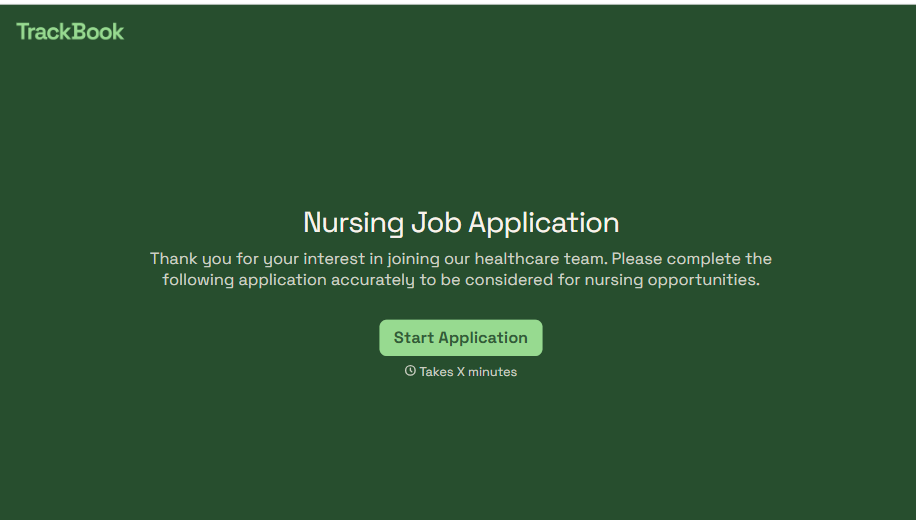
Nursing Job Application Form
A generic job application that doesn't ask for a license number isn't a nursing application, it's a formality a recruiter has to follow up on before they can even screen the candidate. Collect license and certification details, specialty experience, and availability before the resume gets reviewed, so recruiters aren't chasing down credentials mid-process.
View template
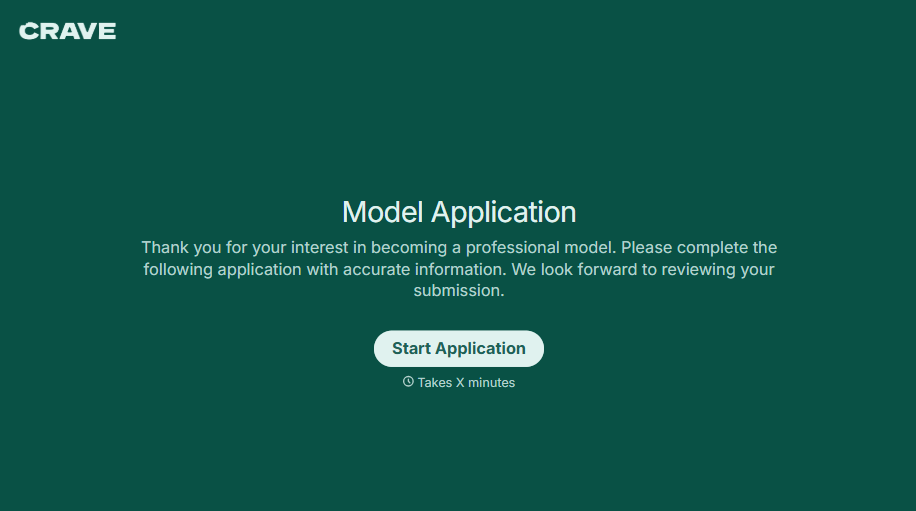
Female Model Application Form
A portfolio submitted through a DM slide doesn't give a casting team enough to actually evaluate someone, and it doesn't give the applicant much confidence about who's actually on the other end of it either. Collect what your agency actually needs, measurements, photos, and experience, through a process both sides can trust.
View template
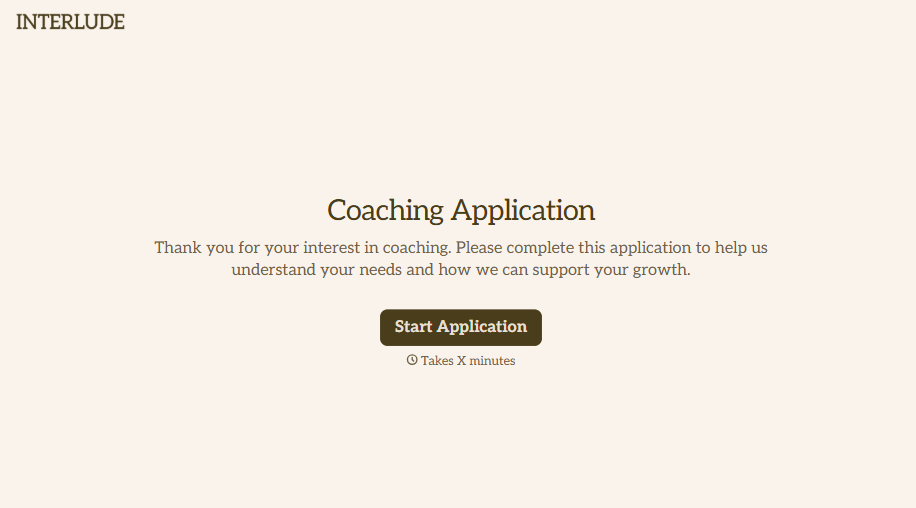
Coaching Application Form
Almost anyone can put "certified life coach" on a resume, because almost nowhere requires a license to use that title. A resume and a cover letter won't tell you whether the person you're about to hire actually has a credential behind that claim, or years of client results, or neither. Ask for the specifics upfront, not after they've already started with clients.
View template
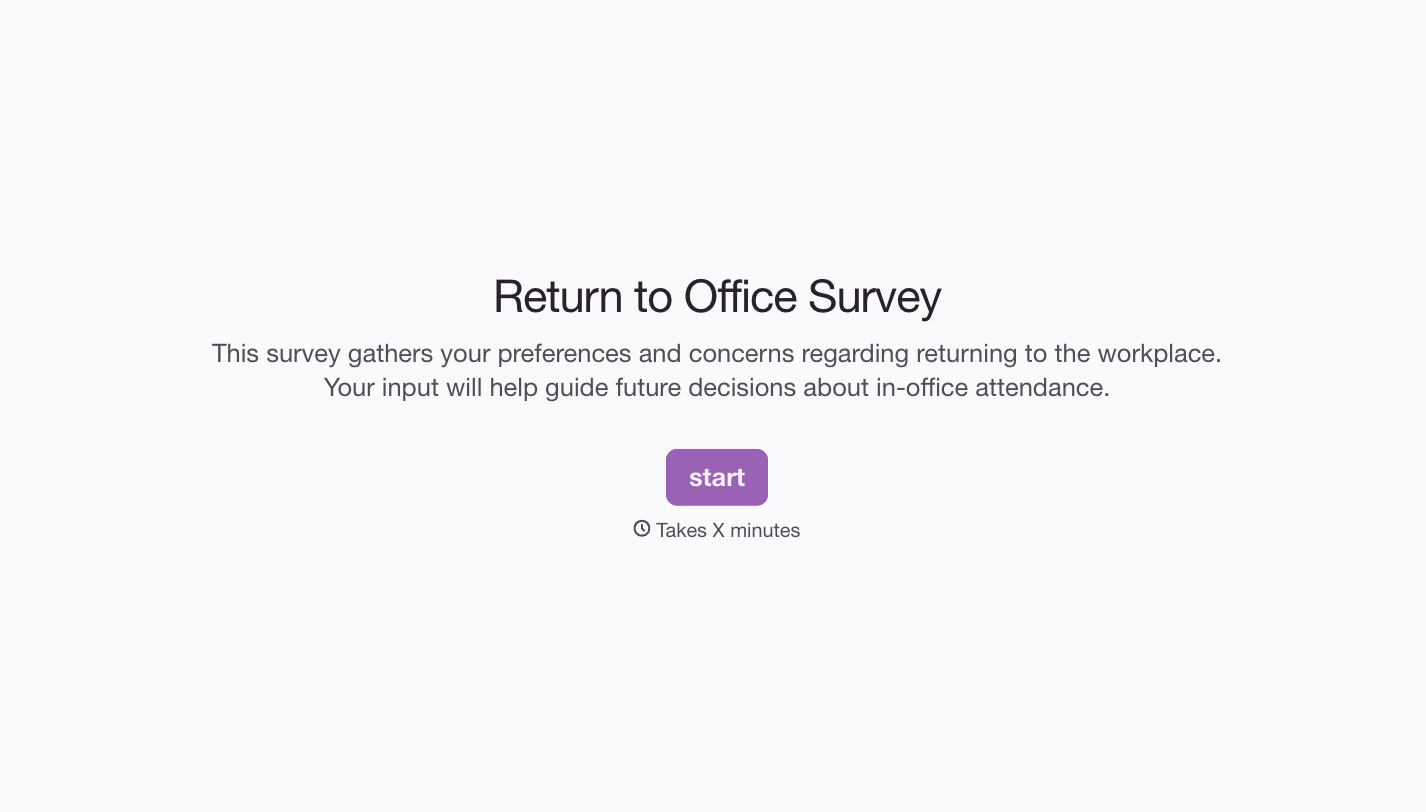

With Typeform, you can customize everything
Change text, colors, and even logos to match the look and feel of your brand. Then embed forms smoothly onto web and email.
Make forms feel effortless to fill out. Pace questions, call people by their name, and adapt the flow based on the data they share.
Stay efficient by connecting forms to your workflow. Typeform integrates with 300+ tools including Slack, Zapier, and HubSpot.


