Leave Application Form Template
Stop chasing managers down hallways. Give your team a clean, professional way to request time off.


Requesting leave shouldn't feel like filing a legal brief. But too many organizations still rely on email threads, paper forms, or awkward Slack DMs that get buried and forgotten. The result? Confusion about who's off when, delayed approvals, and employees who feel like asking for a day off is harder than it should be.
This leave application form template puts structure around the process without making it rigid. Employees select their leave type, enter dates, and provide any context through a one-question-at-a-time flow that takes under 2 minutes. Conditional logic shows the right follow-up questions based on leave type, so someone requesting medical leave sees different prompts than someone booking a vacation.
Connect your form to Google Sheets or your HR platform via Zapier, and every request lands exactly where your team needs it. No copy-pasting, no lost emails, no "I thought I submitted that" conversations. You can customize every question, add your company branding, and start collecting requests in minutes.
A leave application form is a standardized document employees fill out when they need time away from work. It captures key details (leave type, dates, reason, and any supporting documentation) so managers have everything they need to make an approval decision. It replaces informal requests with a trackable, consistent process.
Paper forms get lost. Emails get buried. An online form creates a single, reliable channel for leave requests that's accessible from any device. You get instant notifications when someone submits a request, automatic record-keeping for compliance, and a better experience for employees who can submit requests in under 2 minutes from their phone.
- Employee name and department
- Type of leave (vacation, sick, personal, bereavement, parental)
- Start and end dates of the requested leave
- Total number of days requested
- Reason for leave (with appropriate privacy options for medical leave)
- Emergency contact information during the leave period
Question branching makes this seamless. When an employee selects their leave type at the start of the form, conditional logic adjusts the remaining questions. Medical leave might trigger a request for a doctor's note upload, while vacation requests might ask about project handover plans. One form, multiple paths, no confusion.
Yes. Connect your form to Slack or email through Typeform's integrations, and managers receive instant notifications the moment a request comes in. You can also route responses to Google Sheets to maintain a running log of all leave requests, making it easy to spot scheduling conflicts before they become problems.
Get inspired by relevant templates and categories
3200+ Templates, 300+ Integrations
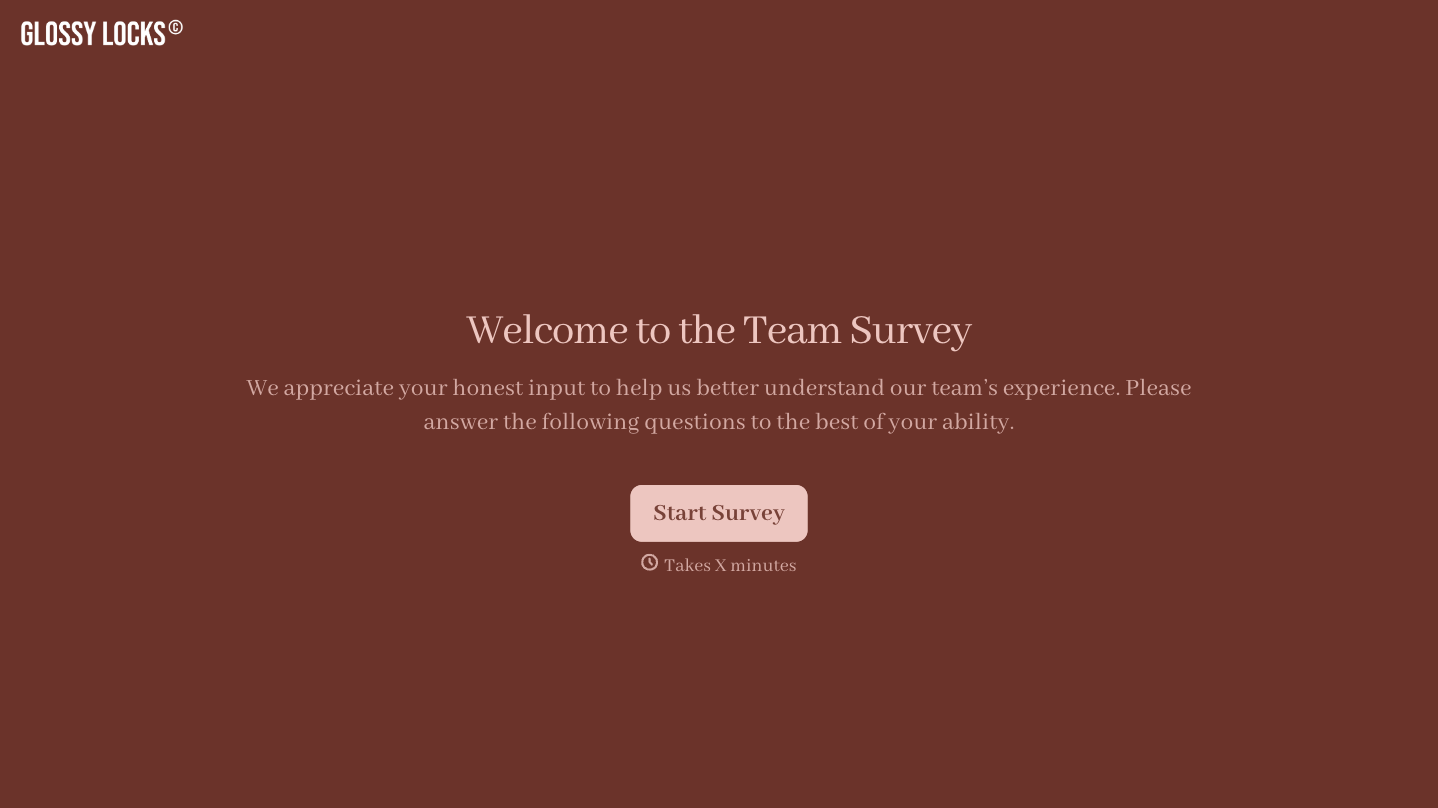
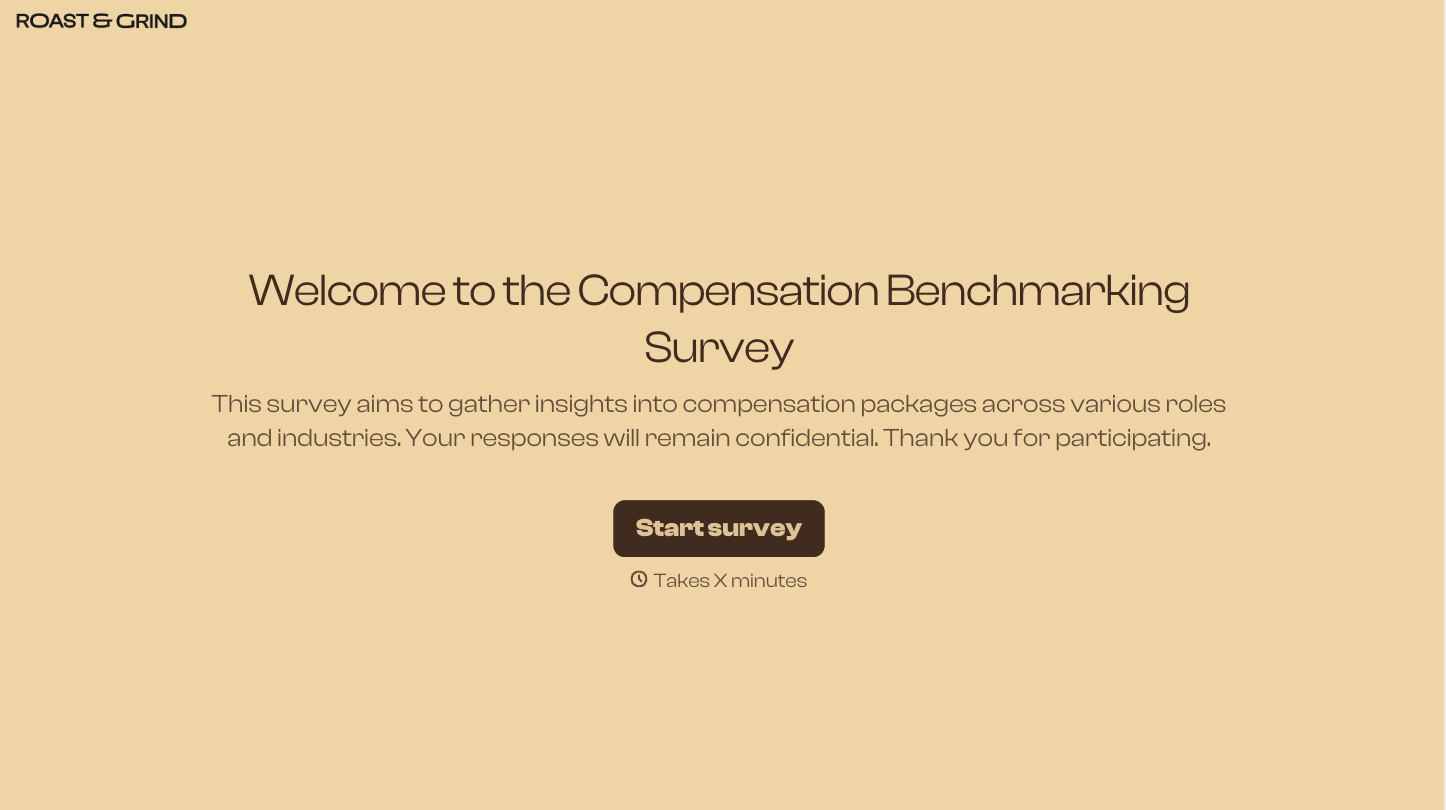


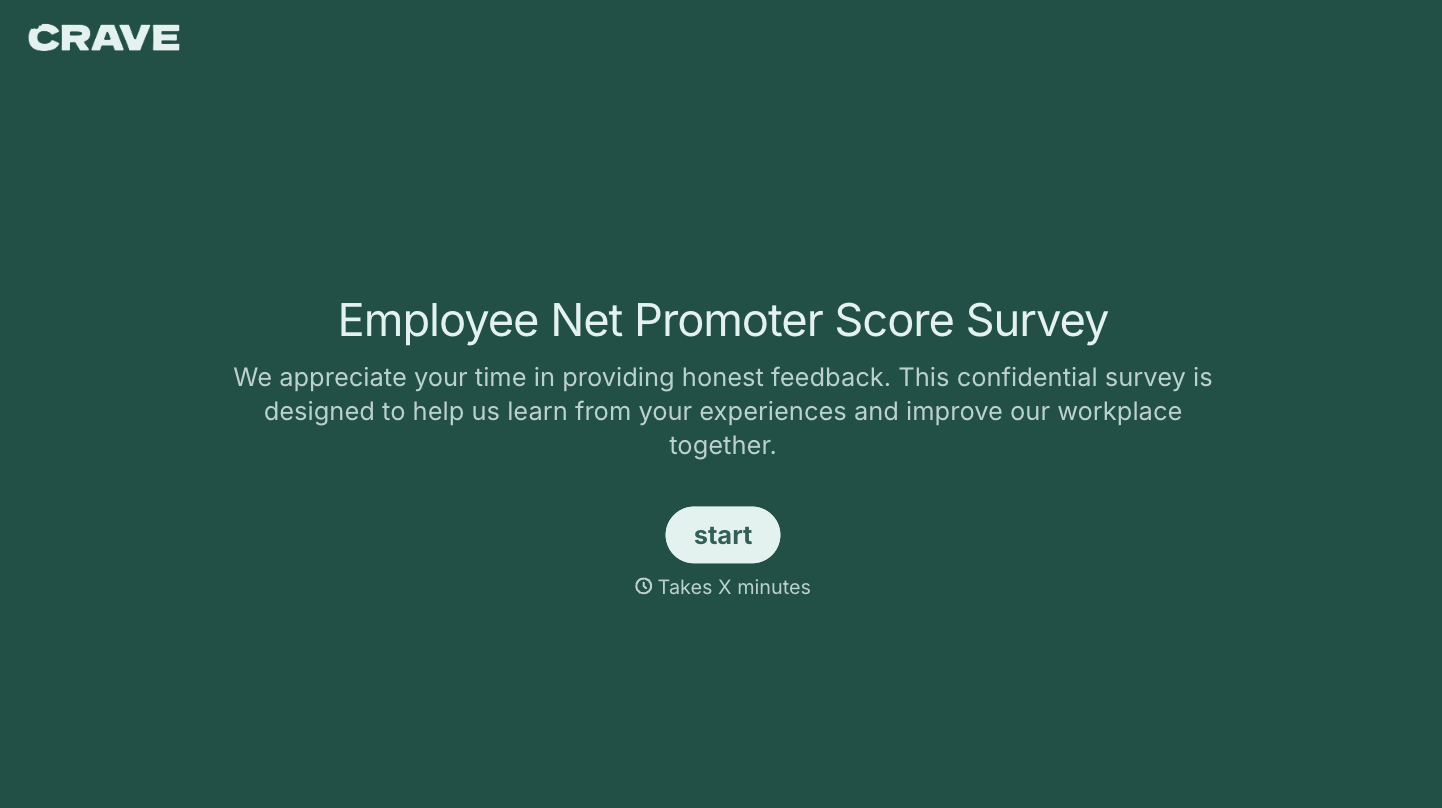
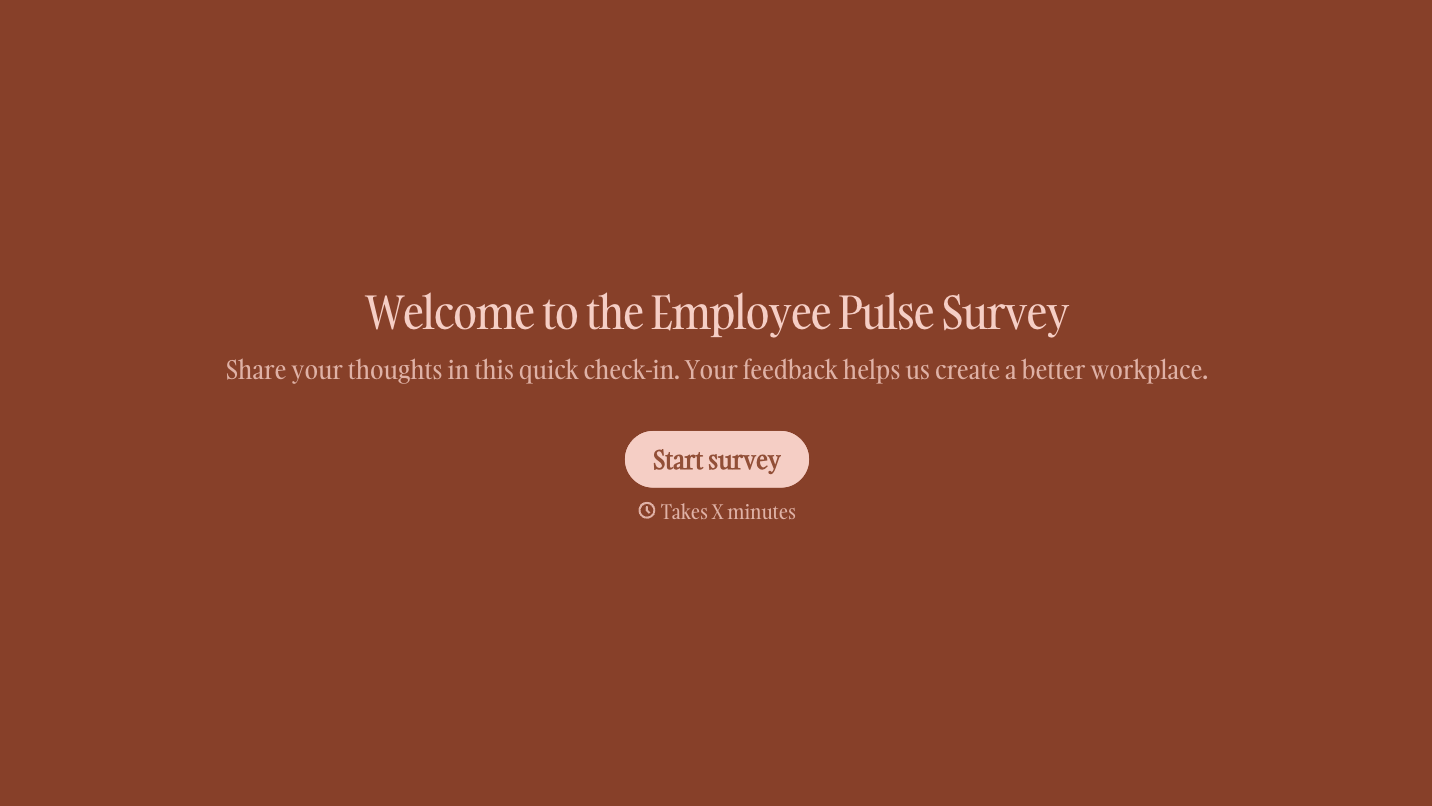
With Typeform, you can customize everything
Change text, colors, and even logos to match the look and feel of your brand. Then embed forms smoothly onto web and email.
Make forms feel effortless to fill out. Pace questions, call people by their name, and adapt the flow based on the data they share.
Stay efficient by connecting forms to your workflow. Typeform integrates with 300+ tools including Slack, Zapier, and HubSpot.


